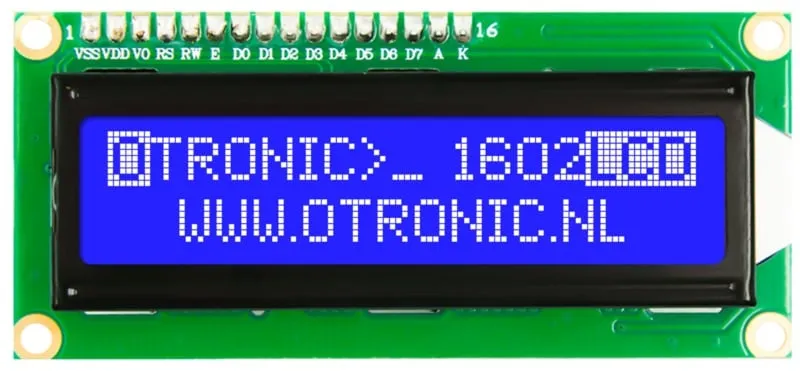
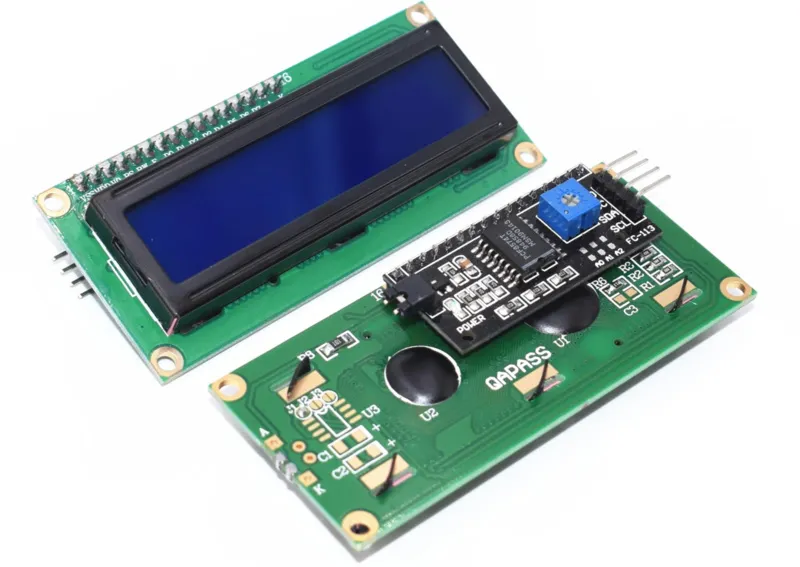
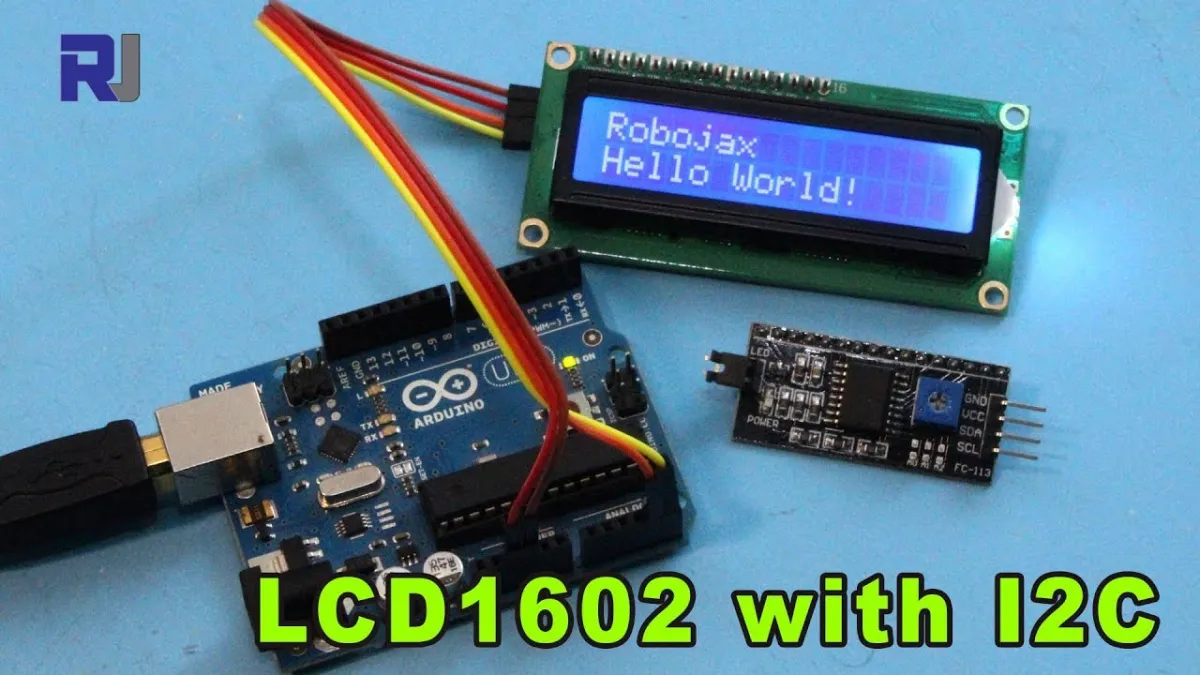
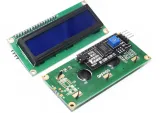
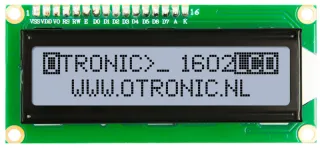
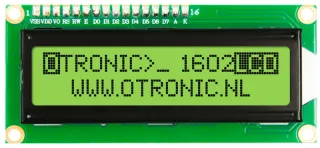
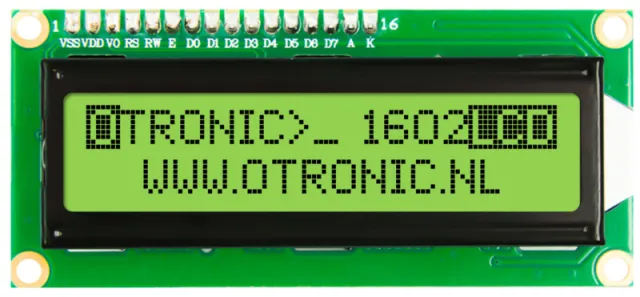
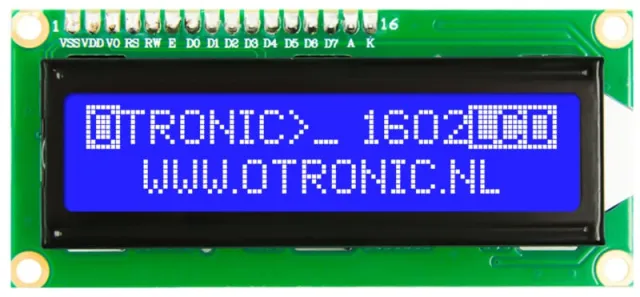
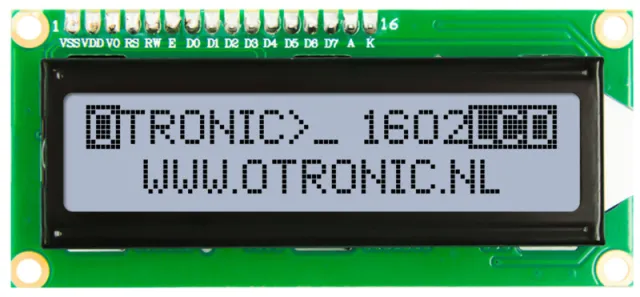
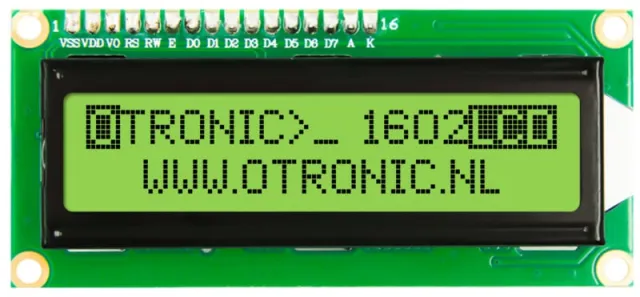
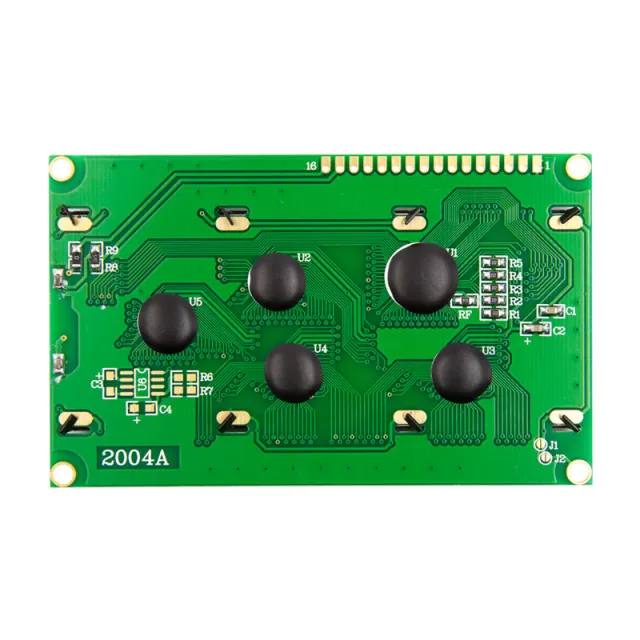
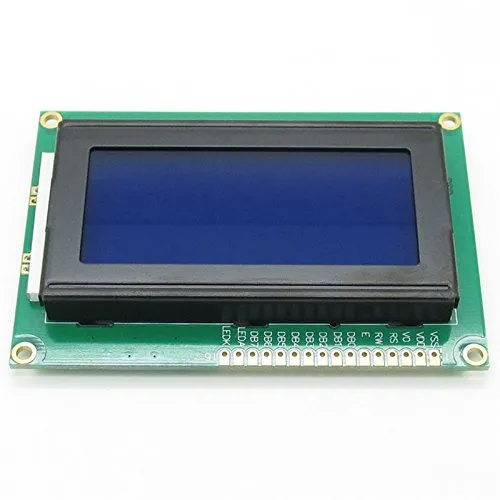
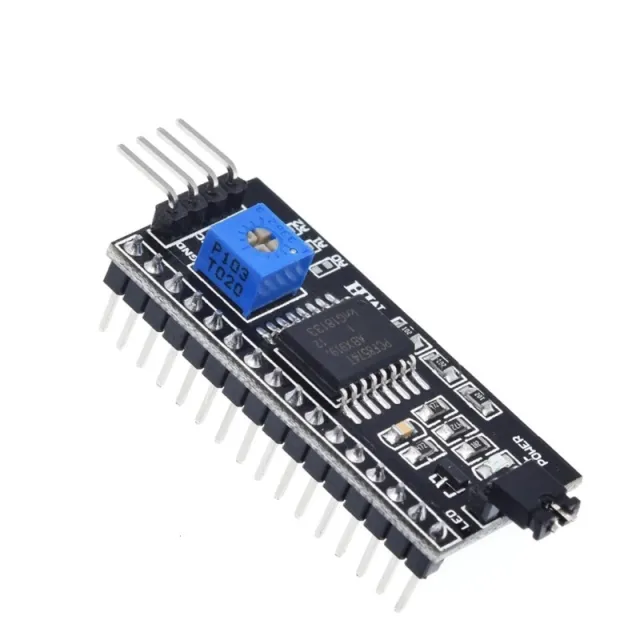
1602 LCD-display met I2C voor Arduino, ESP32, ESP8266 en Raspberry Pi projecten.
SKU: OT850-C36 Artikelnummer: AA013 EAN: 8720589817180 Locatie: C03.06
Alternatief
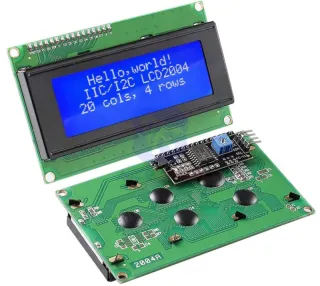
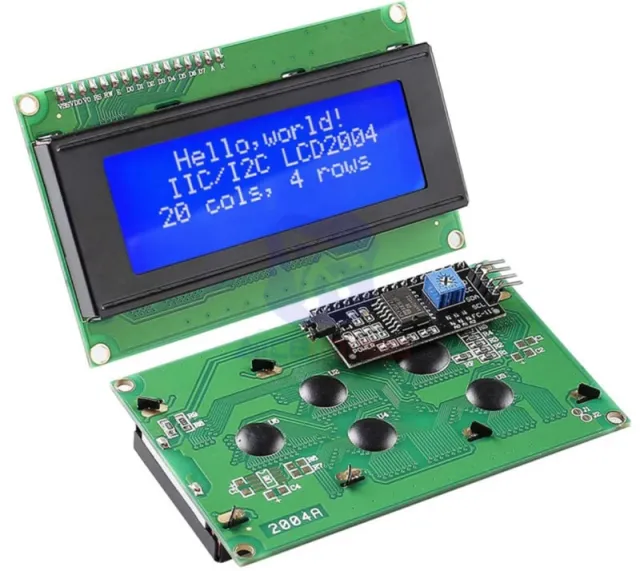
2004 LCD blauw backlight 20x4 met I2C voorgesoldeerd
€ 6,70
Bekijk dit alternatief
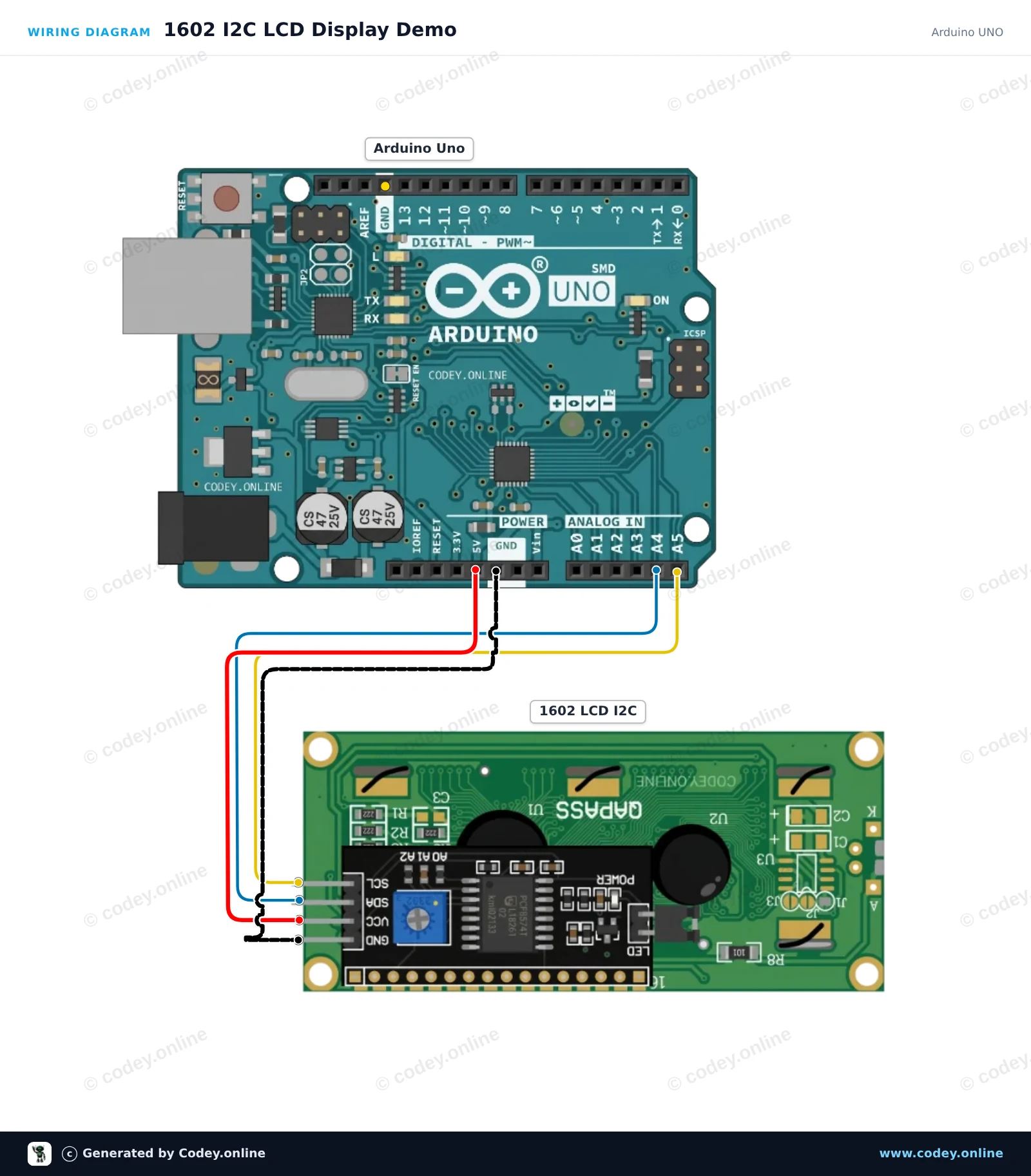
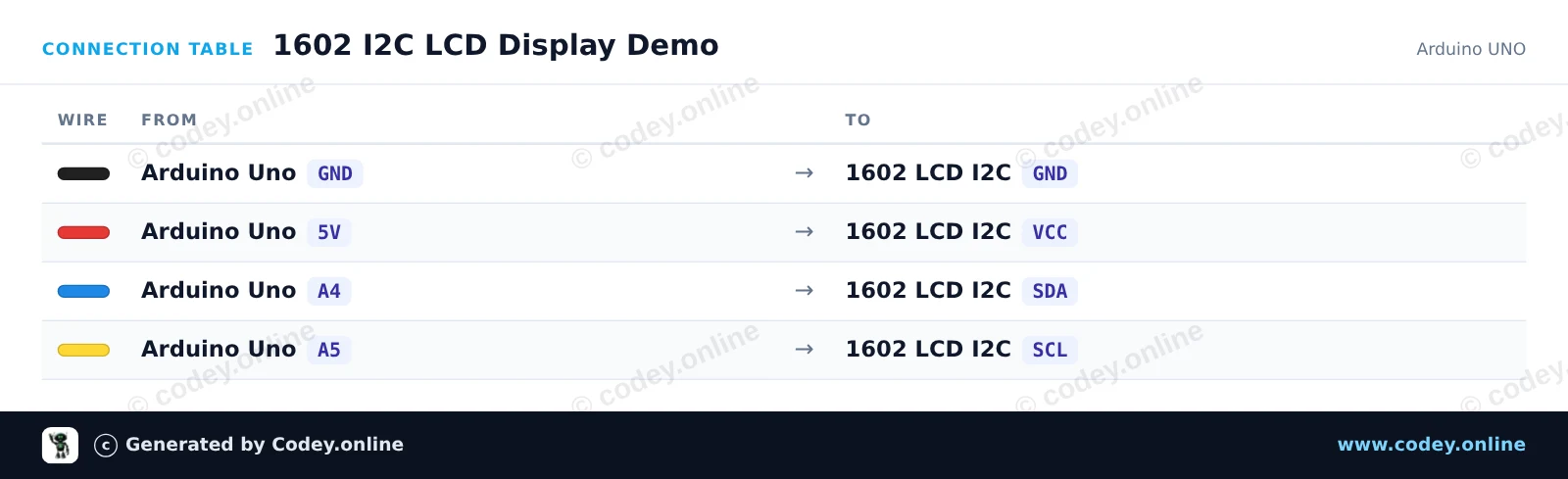
Zo sluit je de 1602 LCD blauw backlight met I2C voorgesoldeerd aan op een Arduino UNO of ESP32, met een voorbeeldsketch die je direct kunt uploaden.
Sluit het 1602 I2C LCD-display aan op de Arduino Uno met slechts vier draden. De sketch initialiseert het display, schakelt de achtergrondverlichting in en toont een begroeting samen met een live uptime-teller die elke seconde wordt bijgewerkt. Stel de kleine potentiometer aan de achterkant van de module bij als de tekst te vaag of te donker lijkt.
/*
* ==================================================================
* Generated by Codey.online — https://www.codey.online
* ==================================================================
* Project : 1602 I2C LCD Display Demo
* Board : Arduino UNO (arduino:avr:uno)
* Parts : 1602 LCD I2C DISPLAY
* Libraries : LiquidCrystal I2C 1.1.2
*
* Codey Online is an AI-powered browser IDE for Arduino and ESP32.
* Describe your project and Codey writes the code, draws the wiring
* diagram and uploads it to your board, straight from the browser.
* This code is free to use, modify and share, without warranty.
* ==================================================================
*/
#include <Wire.h>
#include <LiquidCrystal_I2C.h>
// Set the LCD address to 0x27 for a 16 chars and 2 line display
// (If your display stays blank, try address 0x3F)
LiquidCrystal_I2C lcd(0x27, 16, 2);
void setup() {
Serial.begin(115200);
Serial.println(F("Starting 1602 I2C LCD demo..."));
lcd.init();
lcd.backlight();
lcd.setCursor(0, 0);
lcd.print(F("Hello, World!"));
}
void loop() {
// Display the running uptime in seconds on the second line
unsigned long seconds = millis() / 1000;
lcd.setCursor(0, 1);
lcd.print(F("Uptime: "));
lcd.print(seconds);
lcd.print(F("s "));
Serial.print(F("Uptime: "));
Serial.print(seconds);
Serial.println(F(" s"));
delay(1000);
}
Benodigde bibliotheken: LiquidCrystal I2C 1.1.2
Wiring diagram and example code generated by Codey.online — https://www.codey.online
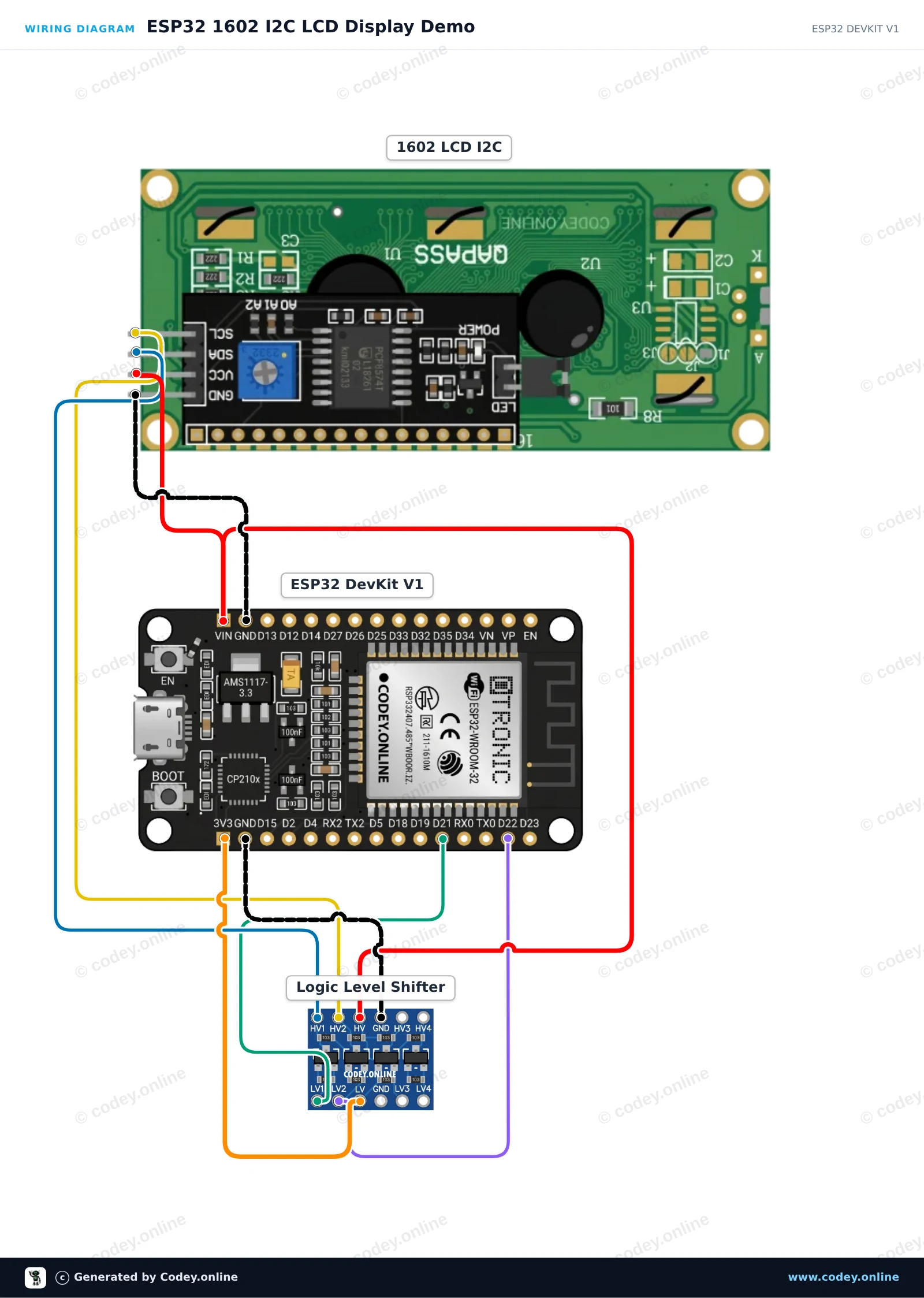
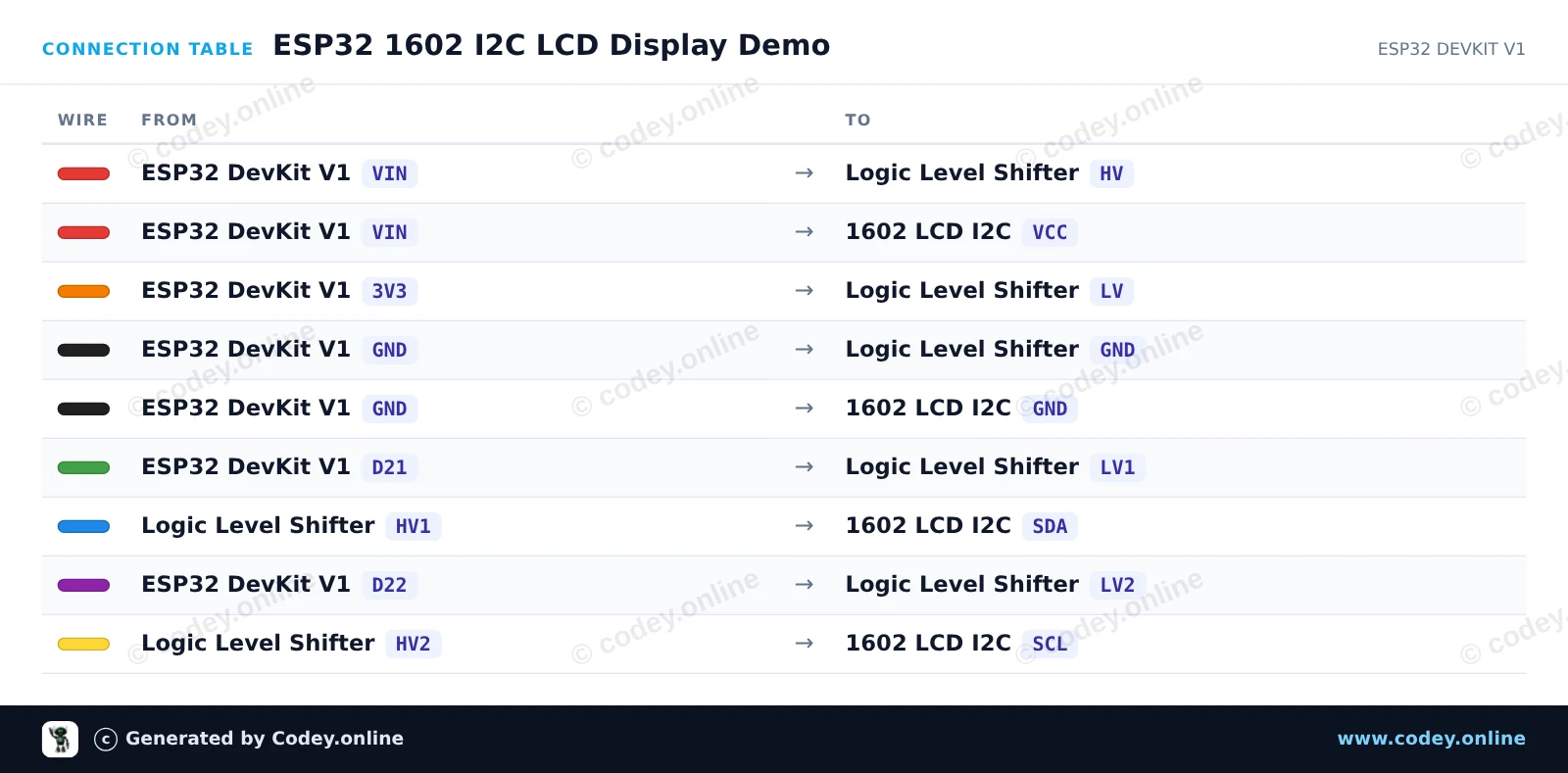
Dit project laat zien hoe je een 5V 1602 I2C LCD-display aansluit op een ESP32 met een logic level shifter voor veilige bidirectionele communicatie. Het display initialiseert, schakelt de achtergrondverlichting in en toont een welkomstbericht samen met een oplopende uptime-teller.
/*
* ==================================================================
* Generated by Codey.online — https://www.codey.online
* ==================================================================
* Project : ESP32 1602 I2C LCD Display Demo
* Board : ESP32 DEVKIT V1 (esp32:esp32:esp32doit-devkit-v1)
* Parts : 1602 LCD I2C DISPLAY
* Libraries : LiquidCrystal I2C 1.1.2
*
* Codey Online is an AI-powered browser IDE for Arduino and ESP32.
* Describe your project and Codey writes the code, draws the wiring
* diagram and uploads it to your board, straight from the browser.
* This code is free to use, modify and share, without warranty.
* ==================================================================
*/
#include <Wire.h>
#include <LiquidCrystal_I2C.h>
// Set LCD I2C address (commonly 0x27 or 0x3F) and dimensions (16 columns, 2 rows)
LiquidCrystal_I2C lcd(0x27, 16, 2);
void setup() {
// Initialize I2C with ESP32 default pins: SDA (GPIO 21), SCL (GPIO 22)
Wire.begin(21, 22);
lcd.init();
lcd.backlight();
lcd.setCursor(0, 0);
lcd.print("ESP32 LCD Demo");
lcd.setCursor(0, 1);
lcd.print("Uptime: ");
}
void loop() {
// Update uptime counter in seconds
lcd.setCursor(8, 1);
lcd.print(millis() / 1000);
lcd.print("s ");
delay(500);
}
Benodigde bibliotheken: LiquidCrystal I2C 1.1.2
Wiring diagram and example code generated by Codey.online — https://www.codey.online
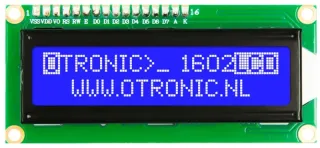
1602 LCD met I2C module voorgesoldeerd. Direct te gebruiken in je Arduino, ESP32, ESP8266 of Raspberry Pi project. Veel makkelijker dan zonder deze module. Nu slechts 4 draden nodig om dit LCD display aan te sturen.
LCD met blauw backlight en witte karakters. 2 regels, 20 karakters per regel. Contrast is (softwarematig) instelbaar.
– Werkt op: 5V
– Afmetingen: 98mm x 60mm x 15mm.
Inclusief I2C module!
Snel aan de slag met deze OTRONIC 1602 LCD display met I2C module Download de OTRONIC 1602 LCD SNELSTART GIDS voor een aansluitschema en voorbeeldcode voor de Arduino IDE software.
Afmetingen
Lengte: 8cm
Breedte: 2,6cm
Hoogte: 1,1cm
| Afmetingen | 98 x 60 x 15 mm |
|---|---|
| Kleur | blauw |
| Aansluiting | I2C |
| Werkspanning | 5V |
| Regels | 2 |
| Karakters per regel | 20 |
Conforme à ma commande
doet precies wat het moet doen
Niet tevreden? Je hebt 30 dagen bedenktijd na ontvangst om het product terug te sturen.
Alles over retourneren
1602 LCD blauw backlight met I2C voorgesoldeerd