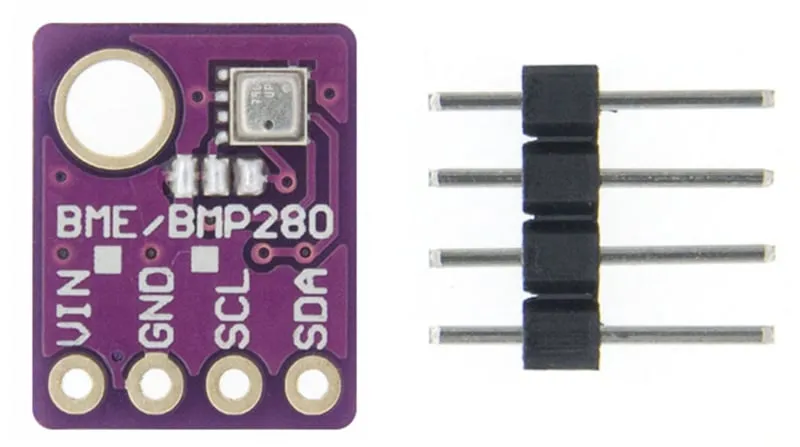
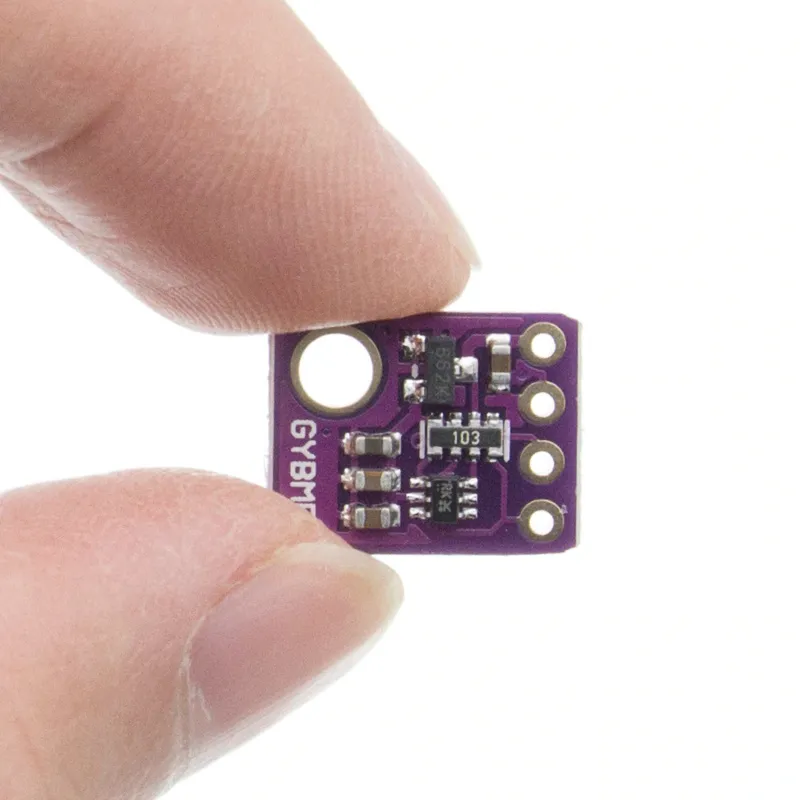
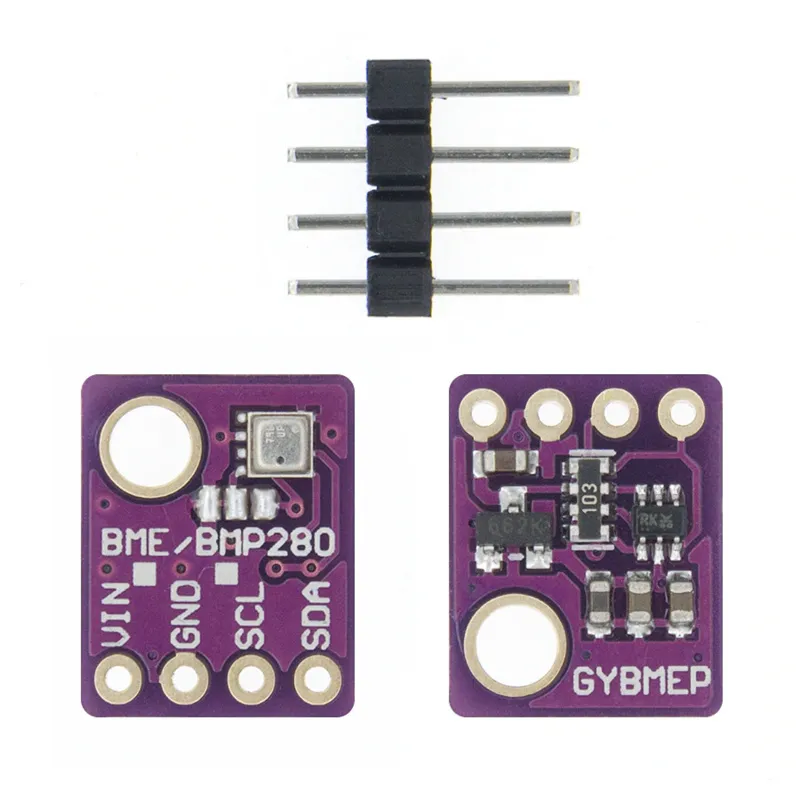
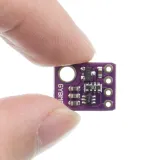
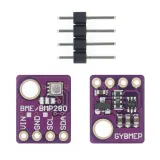
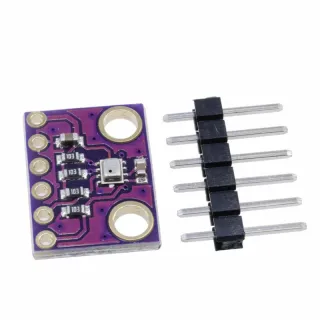
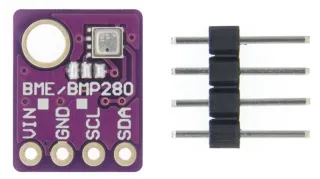
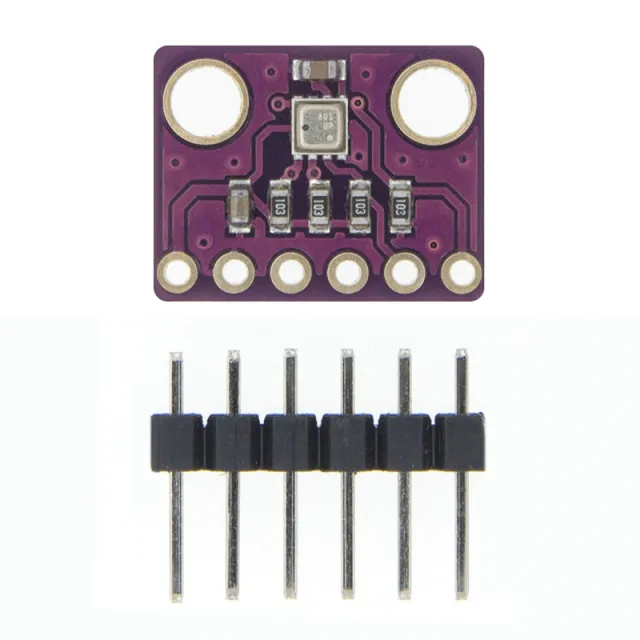
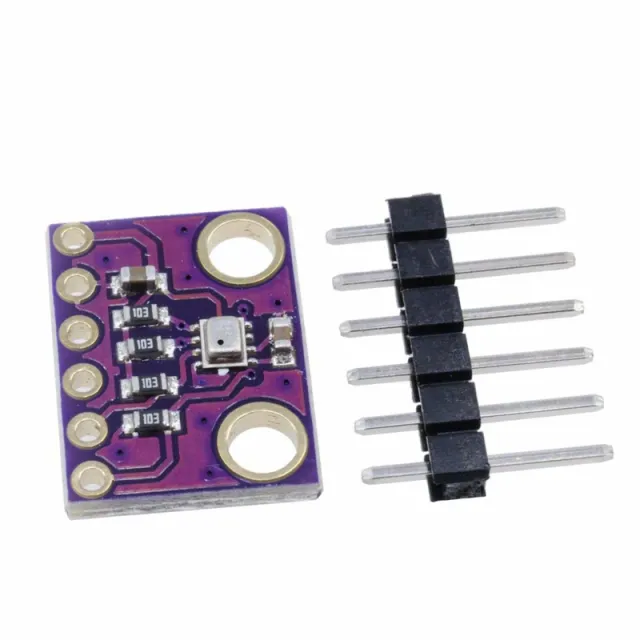
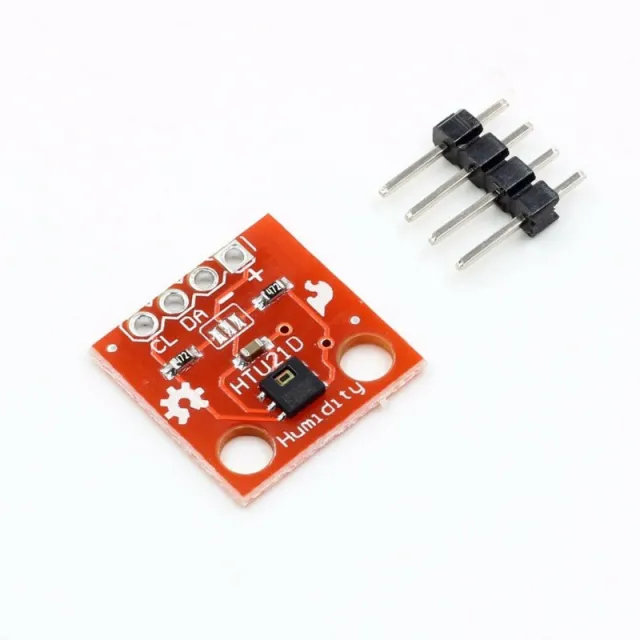
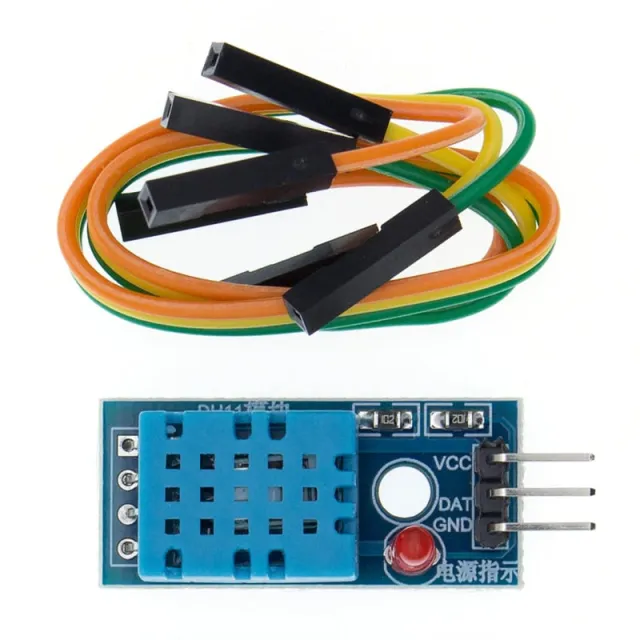
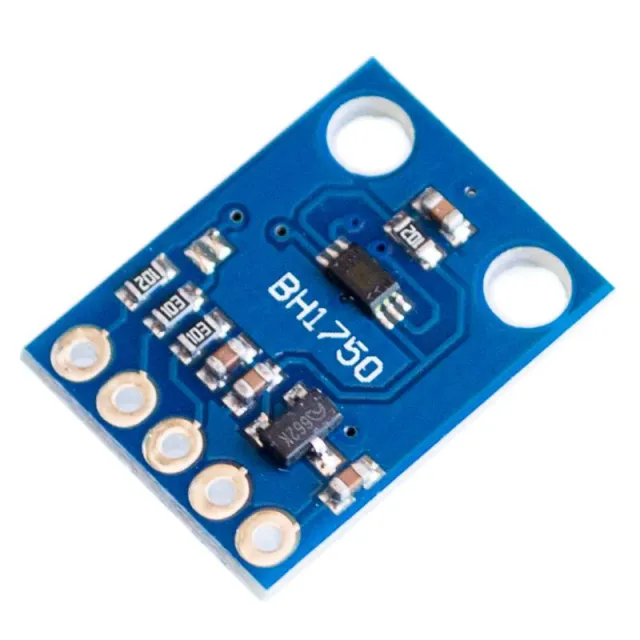
3-in-1 breakout board voor Arduino die temperatuur, luchtvochtigheid en luchtdruk meet.
SKU: OT712-D65 Artikelnummer: NB115 EAN: 8944452371856 Locatie: D06.05
Alternatief
Digitale Barometer Druk Sensor Module BMP280
€ 1,40
Bekijk dit alternatief
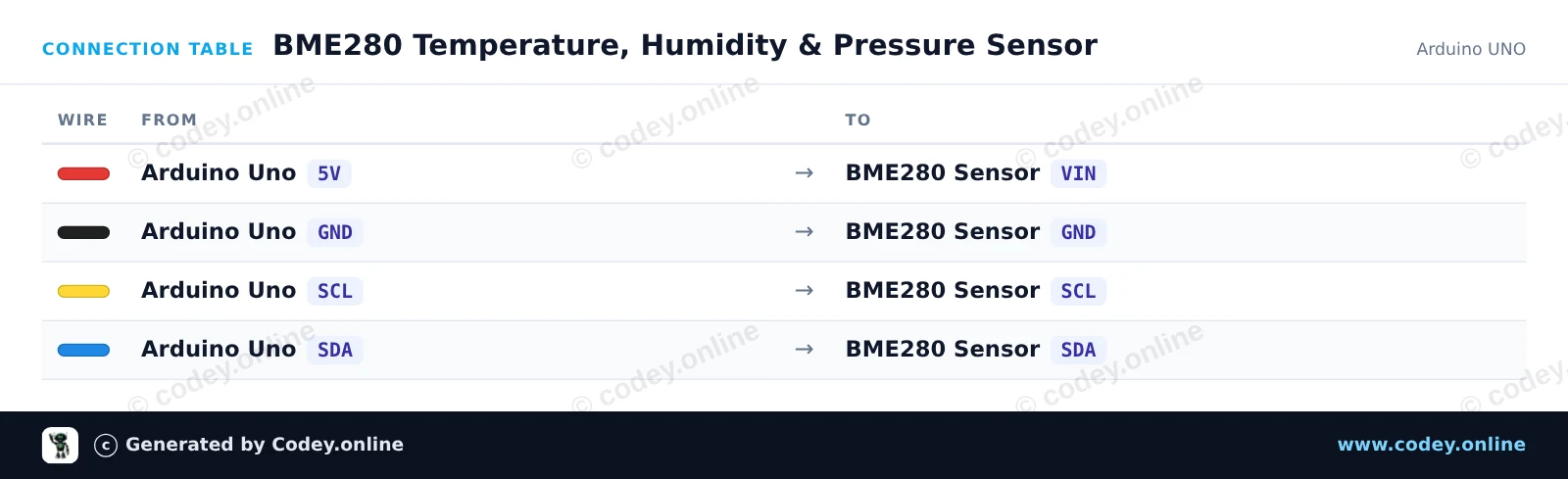
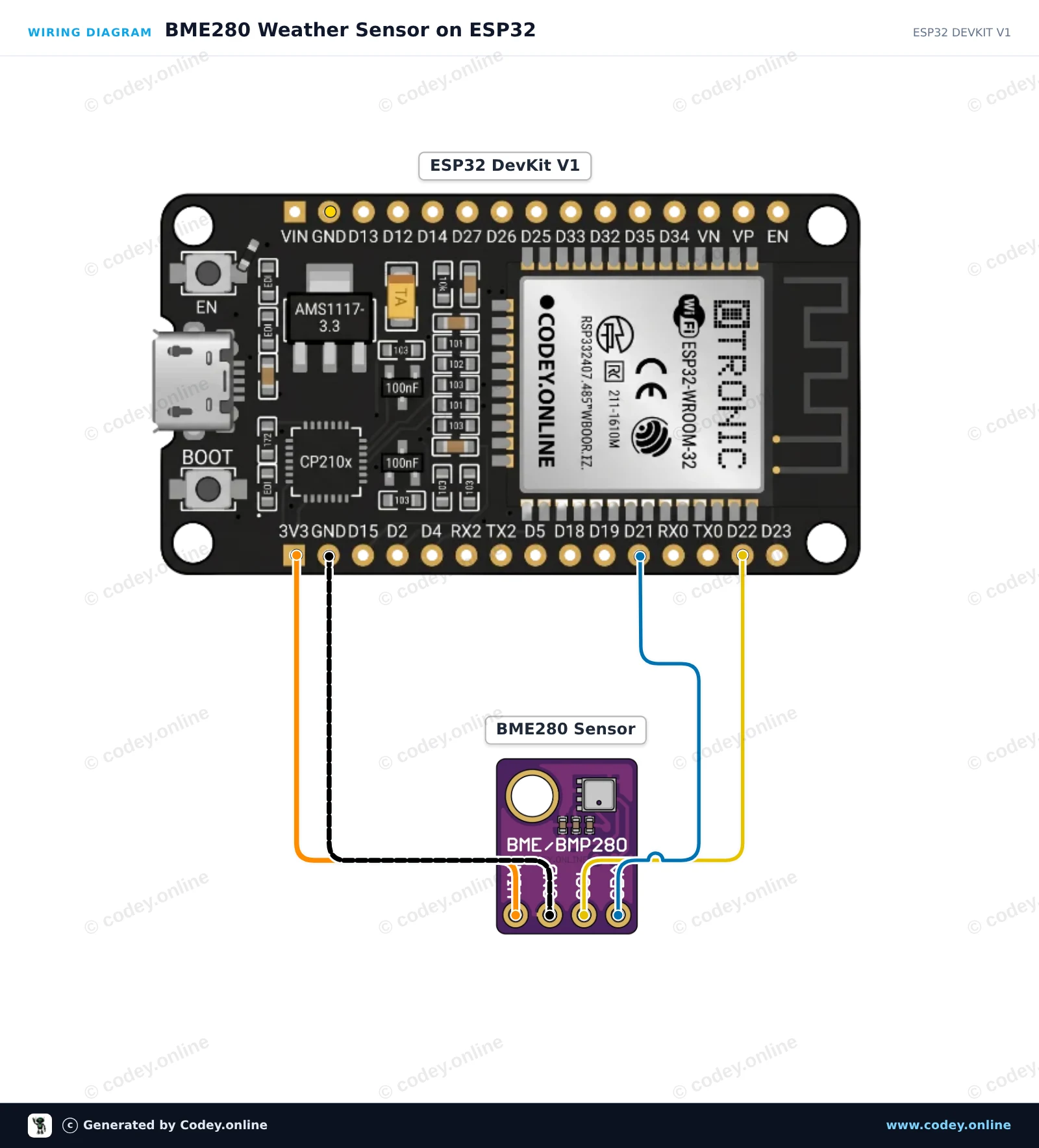
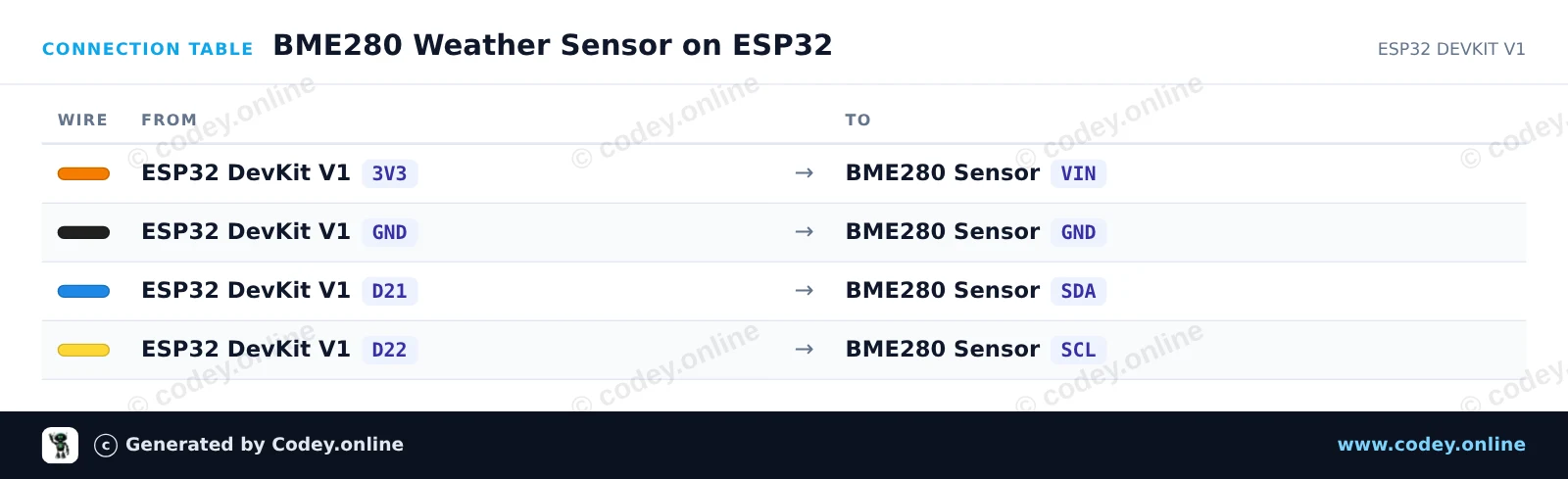
Zo sluit je de 3-in-1 sensor Temperatuur Luchtvochtigheid en Luchtdruk | 5V | I2C | Bosch BME280 aan op een Arduino UNO of ESP32, met een voorbeeldsketch die je direct kunt uploaden.
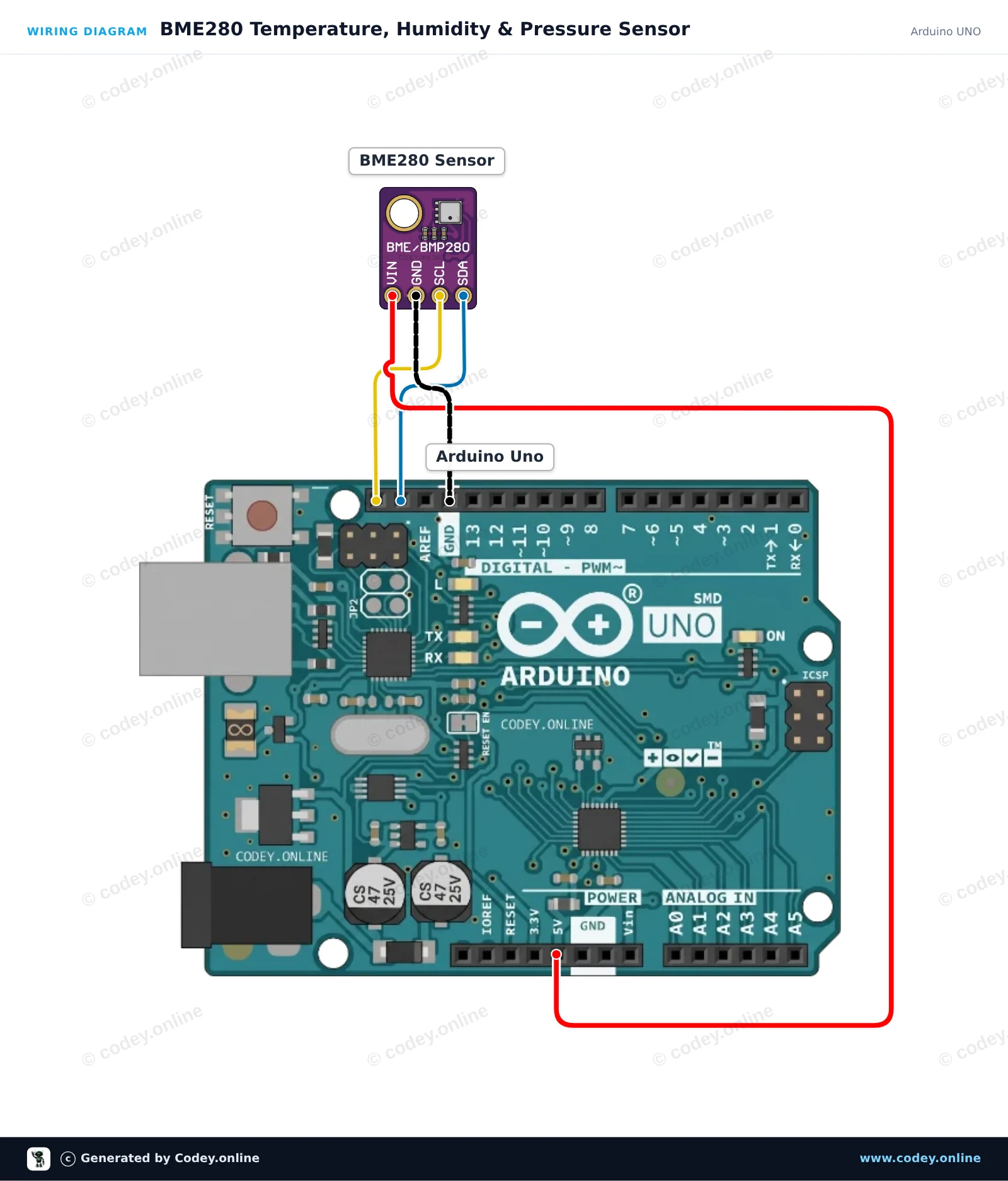
Dit project leest temperatuur, relatieve luchtvochtigheid en barometrische druk met de BME280-sensor via I2C. De omgevingswaarden worden elke twee seconden weergegeven in de Serial Monitor. Sluit de sensor gewoon rechtstreeks aan op de Arduino Uno 5V, GND en I2C-pinnen.
/*
* ==================================================================
* Generated by Codey.online — https://www.codey.online
* ==================================================================
* Project : BME280 Temperature, Humidity & Pressure Sensor
* Board : Arduino UNO (arduino:avr:uno)
* Parts : Bosch BME280 5V 3-in-1 sensor Temperature Humidity and Air Pressure
* Libraries : Adafruit BME280 Library 2.3.0, Adafruit Unified Sensor 1.1.15
*
* Codey Online is an AI-powered browser IDE for Arduino and ESP32.
* Describe your project and Codey writes the code, draws the wiring
* diagram and uploads it to your board, straight from the browser.
* This code is free to use, modify and share, without warranty.
* ==================================================================
*/
#include <Wire.h>
#include <Adafruit_Sensor.h>
#include <Adafruit_BME280.h>
Adafruit_BME280 bme;
void setup() {
Serial.begin(115200);
while (!Serial) {
delay(10);
}
Serial.println(F("--- BME280 Sensor Test ---"));
// Try I2C address 0x76 first, fallback to 0x77 if needed
if (!bme.begin(0x76) && !bme.begin(0x77)) {
Serial.println(F("Could not find a valid BME280 sensor! Check wiring."));
while (1) {
delay(100);
}
}
Serial.println(F("BME280 sensor initialized successfully."));
}
void loop() {
float temperature = bme.readTemperature();
float humidity = bme.readHumidity();
float pressure = bme.readPressure() / 100.0F; // Convert Pa to hPa
Serial.print(F("Temperature: "));
Serial.print(temperature, 2);
Serial.println(F(" °C"));
Serial.print(F("Humidity: "));
Serial.print(humidity, 2);
Serial.println(F(" %"));
Serial.print(F("Pressure: "));
Serial.print(pressure, 2);
Serial.println(F(" hPa"));
Serial.println(F("---------------------------"));
delay(2000);
}
Benodigde bibliotheken: Adafruit BME280 Library 2.3.0, Adafruit Unified Sensor 1.1.15
Wiring diagram and example code generated by Codey.online — https://www.codey.online
Leest de omgevings ताप?
/*
* ==================================================================
* Generated by Codey.online — https://www.codey.online
* ==================================================================
* Project : BME280 Weather Sensor on ESP32
* Board : ESP32 DEVKIT V1 (esp32:esp32:esp32doit-devkit-v1)
* Parts : Bosch BME280 5V 3-in-1 sensor Temperature Humidity and Air Pressure
* Libraries : Adafruit BME280 Library 2.3.0, Adafruit Unified Sensor 1.1.15
*
* Codey Online is an AI-powered browser IDE for Arduino and ESP32.
* Describe your project and Codey writes the code, draws the wiring
* diagram and uploads it to your board, straight from the browser.
* This code is free to use, modify and share, without warranty.
* ==================================================================
*/
#include <Wire.h>
#include <Adafruit_Sensor.h>
#include <Adafruit_BME280.h>
Adafruit_BME280 bme;
void setup() {
Serial.begin(115200);
while (!Serial) delay(10);
Serial.println("BME280 Sensor Test");
// Default I2C address is 0x76 or 0x77
if (!bme.begin(0x76) && !bme.begin(0x77)) {
Serial.println("Could not find a valid BME280 sensor, check wiring!");
while (1) delay(10);
}
Serial.println("BME280 sensor initialized successfully.");
}
void loop() {
float temperature = bme.readTemperature();
float humidity = bme.readHumidity();
float pressure = bme.readPressure() / 100.0F; // hPa
Serial.print("Temperature: ");
Serial.print(temperature, 1);
Serial.print(" °C | Humidity: ");
Serial.print(humidity, 1);
Serial.print(" % | Pressure: ");
Serial.print(pressure, 1);
Serial.println(" hPa");
delay(2000);
}
Benodigde bibliotheken: Adafruit BME280 Library 2.3.0, Adafruit Unified Sensor 1.1.15
Wiring diagram and example code generated by Codey.online — https://www.codey.online
LET OP 5V versie. Geschikt voor Arduino UNO, Arduino NANO, Arduino MEGA en andere Arduino boards of microcontrollers die op 5V werken.
GY-BME280 is een Breakout Board met een Bosch Sensortec ME280 Temperatuur-, Luchtvochtigheid- en Lichtdruksensor.
- I2C pull-up weerstanden
- Inclusief 4 pin header 2.54mm
BME280 Kenmerken
- Merk sensor: Bosch
- Sensor formaat 2.5mm x 2.5mm x 0.93mm metalen deksel LGA
- Digitale interface I2C (tot 3.4 MHz) en SPI (3 en 4 draad, tot 10 MHz)
- Voedingsspanning: 5V
- Stroomverbruik 1.8 uA @ 1Hz vochtigheid en temperatuur, 2.8 uA @ 1Hz druk en temperatuur. 3.6 uA @ 1Hz vochtigheid, druk en temperatuur en 0.1 uA in slaapstand
- Bereik temperatuursensor -40 / +85 C,
- Bereik luchtvochtigheid; 0 - 100% rel. Luchtvochtigheid
- Bereik luchtdruk: 300- 1100 hPa
- I2C

| Pinafstand | 2,54 mm |
|---|---|
| Geschikt voor | Arduino UNO, Arduino NANO, Arduino MEGA en andere 5V Arduino boards of microcont |
| Temperatuurbereik | -40 / +85 C |
| Voedingsspanning | 5V |
| Stroomverbruik | 1.8 uA @ 1Hz |
| Max. luchtvochtigheid | 0 - 100% rel. Luchtvochtigheid |
| Sensor formaat | 2.5mm x 2.5mm x 0.93mm |
| I2C frequentie | tot 3.4 MHz |
| SPI frequentie | tot 10 MHz |
| SPI draad | 3 en 4 draad |
| Luchtdruk | 300- 1100 hPa |
| Stroomverbruik slaapstand | 0.1 uA |
prima en op tijd
Ik heb er meerdere en heb ze aan wemos esp en raspberry pi. Heel leuk om hier iets mee te maken.
Niet tevreden? Je hebt 30 dagen bedenktijd na ontvangst om het product terug te sturen.
Alles over retourneren
3-in-1 sensor Temperatuur Luchtvochtigheid en Luchtdruk | 5V | I2C | Bosch BME280