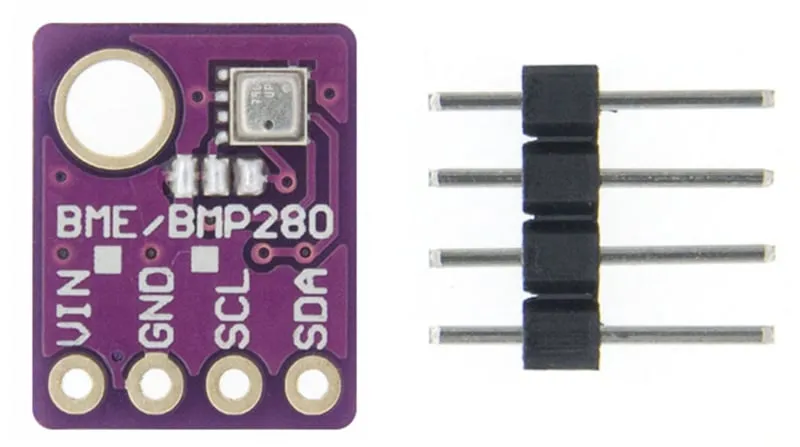
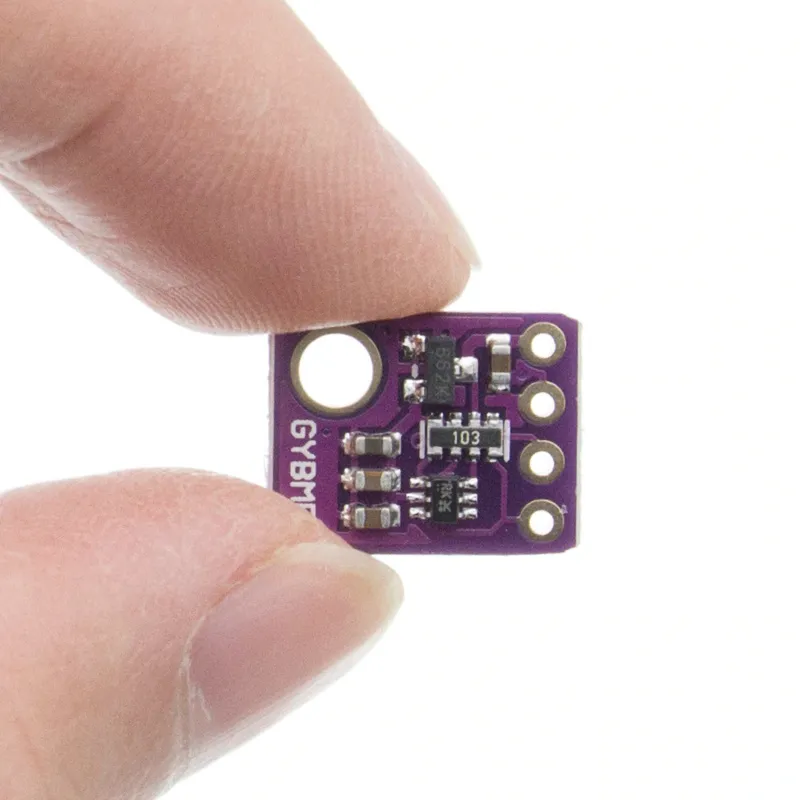
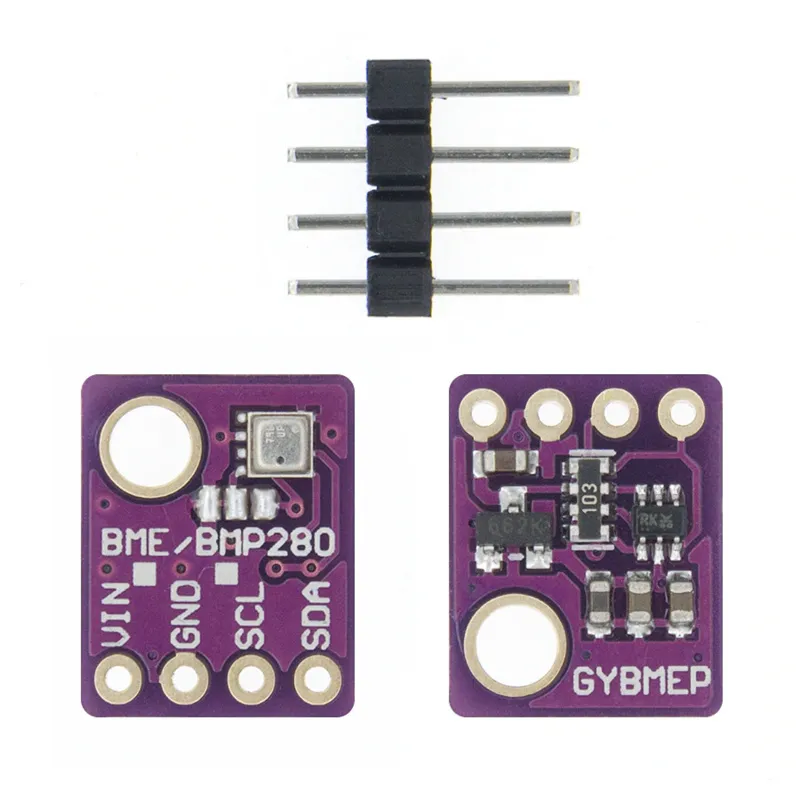
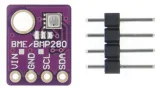
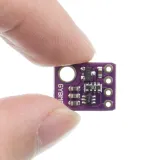
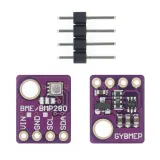
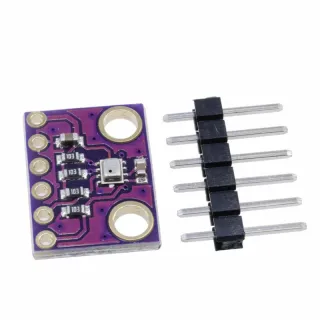
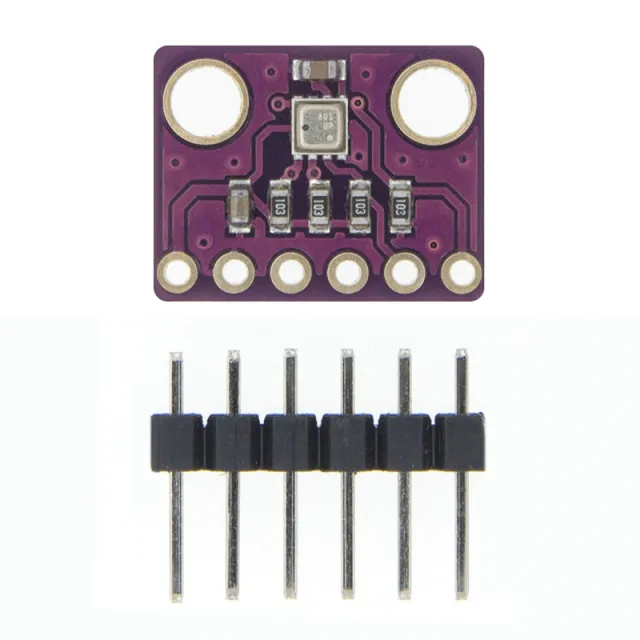
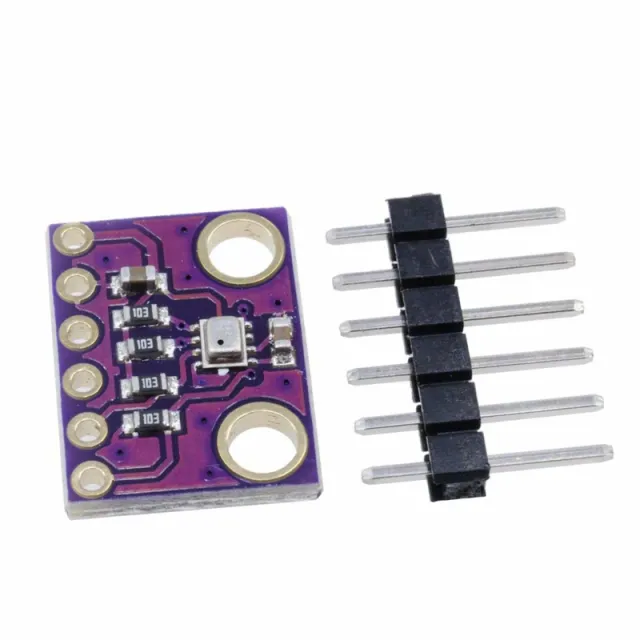
3-in-1 breakout board for Arduino that measures temperature, humidity, and air pressure.
SKU: OT712-D65 Article number: NB115 EAN: 8944452371856 Location: D06.05
Alternative
Digital Barometer Pressure Sensor Module BMP280
€ 1,40
View this alternative
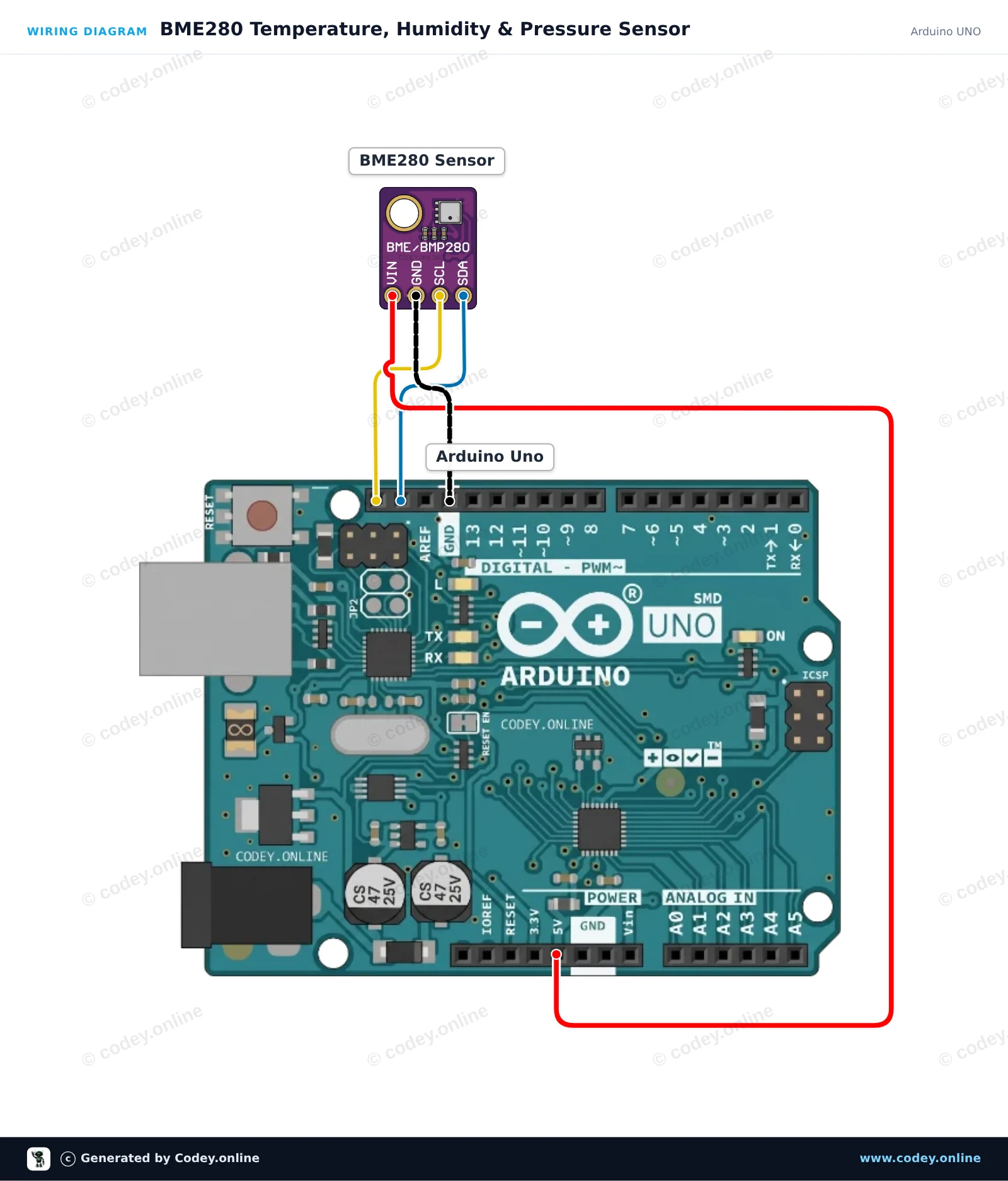
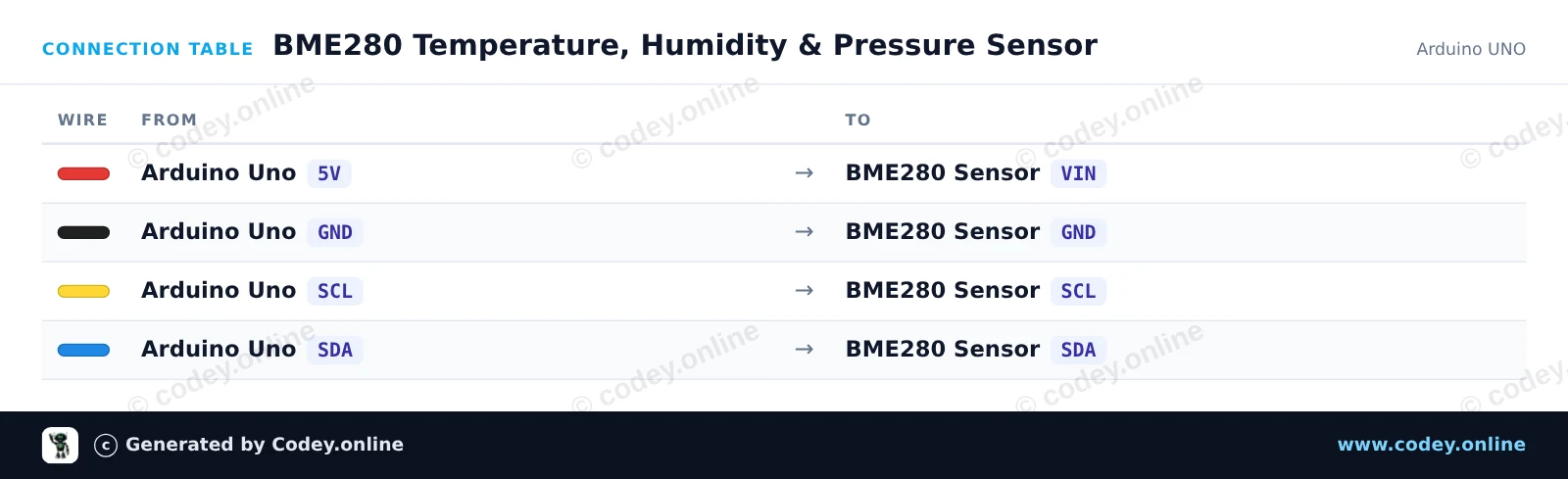
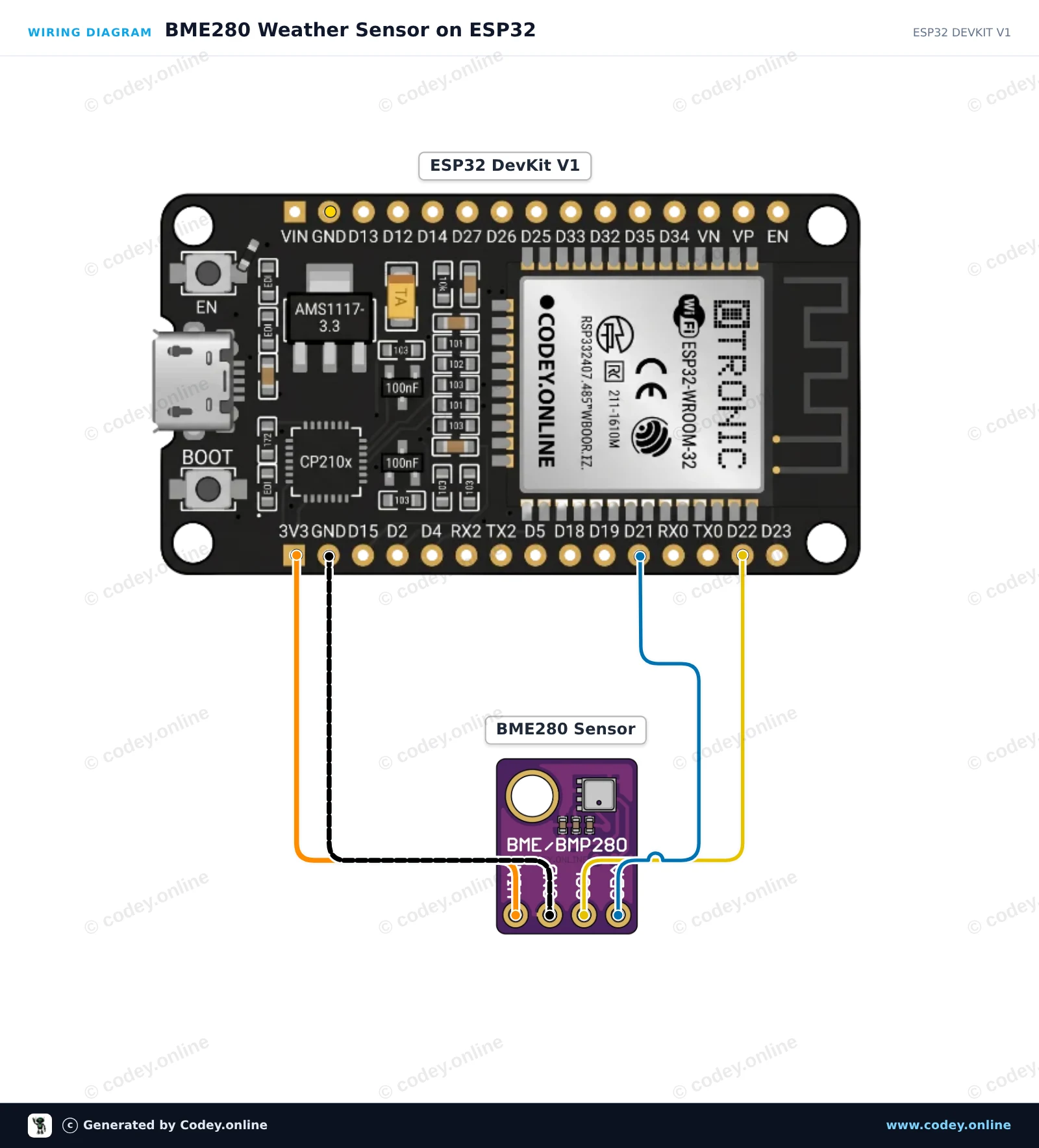
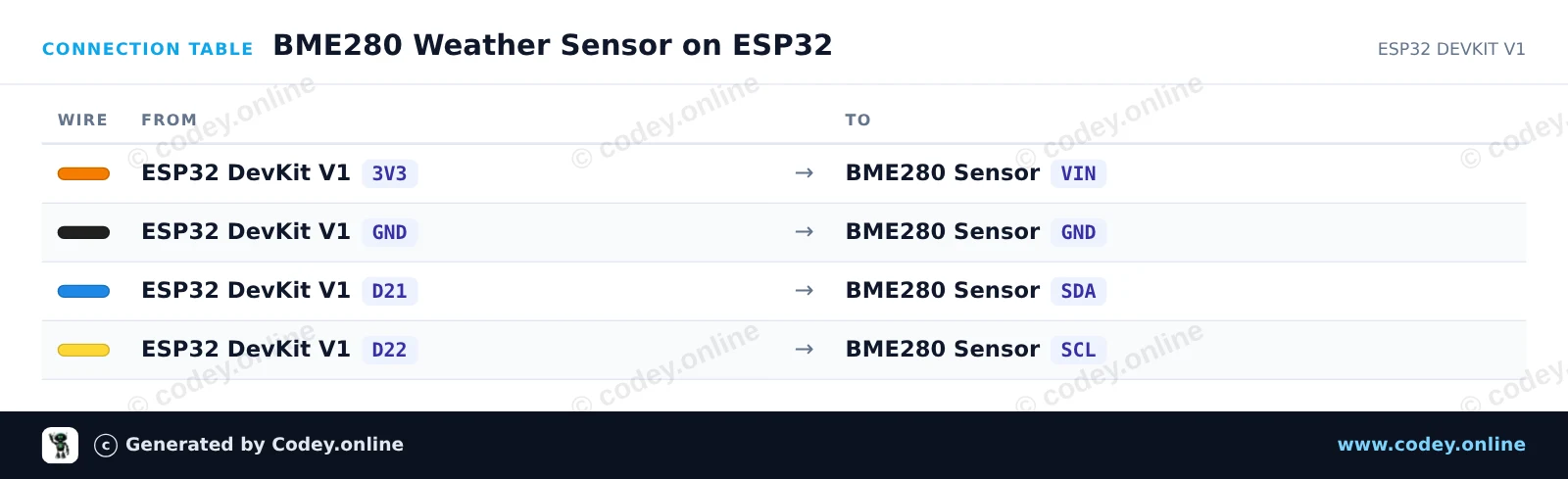
How to connect the 3-in-1 sensor Temperature Humidity and Air Pressure | 5V | I2C | Bosch BME280 to an Arduino UNO or ESP32, with an example sketch you can upload straight away.
This project reads temperature, relative humidity, and barometric pressure using the BME280 sensor over I2C. The environmental readings are printed to the Serial Monitor every two seconds. Simply connect the sensor directly to the Arduino Uno 5V, GND, and I2C pins.
/*
* ==================================================================
* Generated by Codey.online — https://www.codey.online
* ==================================================================
* Project : BME280 Temperature, Humidity & Pressure Sensor
* Board : Arduino UNO (arduino:avr:uno)
* Parts : Bosch BME280 5V 3-in-1 sensor Temperature Humidity and Air Pressure
* Libraries : Adafruit BME280 Library 2.3.0, Adafruit Unified Sensor 1.1.15
*
* Codey Online is an AI-powered browser IDE for Arduino and ESP32.
* Describe your project and Codey writes the code, draws the wiring
* diagram and uploads it to your board, straight from the browser.
* This code is free to use, modify and share, without warranty.
* ==================================================================
*/
#include <Wire.h>
#include <Adafruit_Sensor.h>
#include <Adafruit_BME280.h>
Adafruit_BME280 bme;
void setup() {
Serial.begin(115200);
while (!Serial) {
delay(10);
}
Serial.println(F("--- BME280 Sensor Test ---"));
// Try I2C address 0x76 first, fallback to 0x77 if needed
if (!bme.begin(0x76) && !bme.begin(0x77)) {
Serial.println(F("Could not find a valid BME280 sensor! Check wiring."));
while (1) {
delay(100);
}
}
Serial.println(F("BME280 sensor initialized successfully."));
}
void loop() {
float temperature = bme.readTemperature();
float humidity = bme.readHumidity();
float pressure = bme.readPressure() / 100.0F; // Convert Pa to hPa
Serial.print(F("Temperature: "));
Serial.print(temperature, 2);
Serial.println(F(" °C"));
Serial.print(F("Humidity: "));
Serial.print(humidity, 2);
Serial.println(F(" %"));
Serial.print(F("Pressure: "));
Serial.print(pressure, 2);
Serial.println(F(" hPa"));
Serial.println(F("---------------------------"));
delay(2000);
}
Required libraries: Adafruit BME280 Library 2.3.0, Adafruit Unified Sensor 1.1.15
Wiring diagram and example code generated by Codey.online — https://www.codey.online
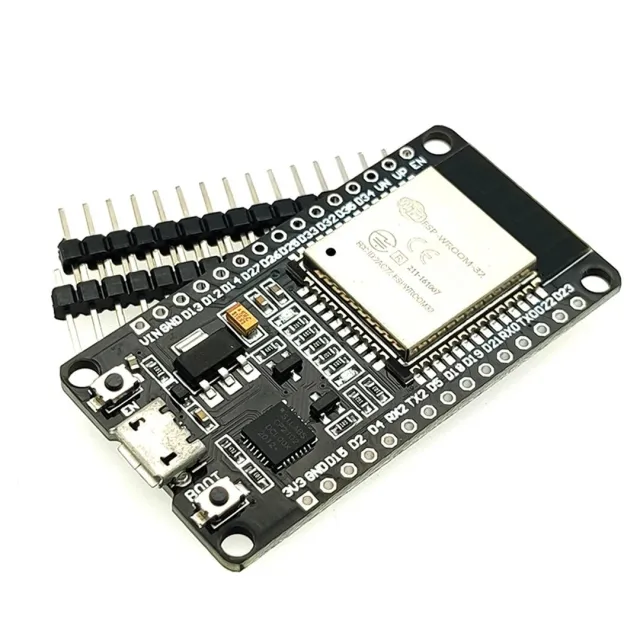
Reads ambient temperature, relative humidity, and barometric pressure from the Bosch BME280 sensor via I2C. The readings are output to the Serial Monitor every two seconds. Powered directly from the ESP32 3.3V pin to ensure safe I2C voltage levels.
/*
* ==================================================================
* Generated by Codey.online — https://www.codey.online
* ==================================================================
* Project : BME280 Weather Sensor on ESP32
* Board : ESP32 DEVKIT V1 (esp32:esp32:esp32doit-devkit-v1)
* Parts : Bosch BME280 5V 3-in-1 sensor Temperature Humidity and Air Pressure
* Libraries : Adafruit BME280 Library 2.3.0, Adafruit Unified Sensor 1.1.15
*
* Codey Online is an AI-powered browser IDE for Arduino and ESP32.
* Describe your project and Codey writes the code, draws the wiring
* diagram and uploads it to your board, straight from the browser.
* This code is free to use, modify and share, without warranty.
* ==================================================================
*/
#include <Wire.h>
#include <Adafruit_Sensor.h>
#include <Adafruit_BME280.h>
Adafruit_BME280 bme;
void setup() {
Serial.begin(115200);
while (!Serial) delay(10);
Serial.println("BME280 Sensor Test");
// Default I2C address is 0x76 or 0x77
if (!bme.begin(0x76) && !bme.begin(0x77)) {
Serial.println("Could not find a valid BME280 sensor, check wiring!");
while (1) delay(10);
}
Serial.println("BME280 sensor initialized successfully.");
}
void loop() {
float temperature = bme.readTemperature();
float humidity = bme.readHumidity();
float pressure = bme.readPressure() / 100.0F; // hPa
Serial.print("Temperature: ");
Serial.print(temperature, 1);
Serial.print(" °C | Humidity: ");
Serial.print(humidity, 1);
Serial.print(" % | Pressure: ");
Serial.print(pressure, 1);
Serial.println(" hPa");
delay(2000);
}
Required libraries: Adafruit BME280 Library 2.3.0, Adafruit Unified Sensor 1.1.15
Wiring diagram and example code generated by Codey.online — https://www.codey.online
NOTE 5V version. Suitable for Arduino UNO, Arduino NANO, Arduino MEGA and other Arduino boards or microcontrollers that run on 5V.
GY-BME280 is a Breakout Board with a Bosch Sensortec ME280 Temperature, Humidity and Light Pressure sensor.
- I2C pull-up resistors
- Includes 4 pin header 2.54mm
BME280 Features
- Sensor brand: Bosch
- Sensor size 2.5mm x 2.5mm x 0.93mm metal cover LGA
- Digital interface I2C (up to 3.4 MHz) and SPI (3 and 4 wire, up to 10 MHz)
- Supply voltage: 5V
- Current consumption 1.8 uA @ 1Hz humidity and temperature, 2.8 uA @ 1Hz pressure and temperature. 3.6 uA @ 1Hz humidity, pressure and temperature and 0.1 uA in sleep mode
- Temperature sensor range -40 / +85 C,
- Humidity range; 0 - 100% rel. Humidity
- Air pressure range: 300- 1100 hPa
- I2C

| Pin spacing | 2,54 mm |
|---|---|
| Suitable for | Arduino UNO, Arduino NANO, Arduino MEGA and other 5V Arduino boards or microcont |
| Temperature range | -40 / +85 C |
| Supply voltage | 5V |
| Power consumption | 1.8 uA @ 1Hz |
| Max. humidity | 0 - 100% rel. humidity |
| Sensor size | 2.5mm x 2.5mm x 0.93mm |
| I2C frequency | up to 3.4 MHz |
| SPI frequency | up to 10 MHz |
| SPI wire | 3 and 4 wire |
| Air pressure | 300- 1100 hPa |
| Sleep mode current consumption | 0.1 uA |
fine and on time
I have several of them and use them with wemos esp and raspberry pi. Very fun to make something with these.
3-in-1 sensor Temperature Humidity and Air Pressure | 5V | I2C | Bosch BME280