Ordered on weekdays before 14:00 = shipped the same day and delivered the next day in 98% of cases. Free returns 30-day reflection period 1-year warranty

Wiring diagram and code example

How to connect the Temperature and humidity sensor in 1 | DHT11 module for Arduino to an Arduino UNO or ESP32, with an example sketch you can upload straight away.

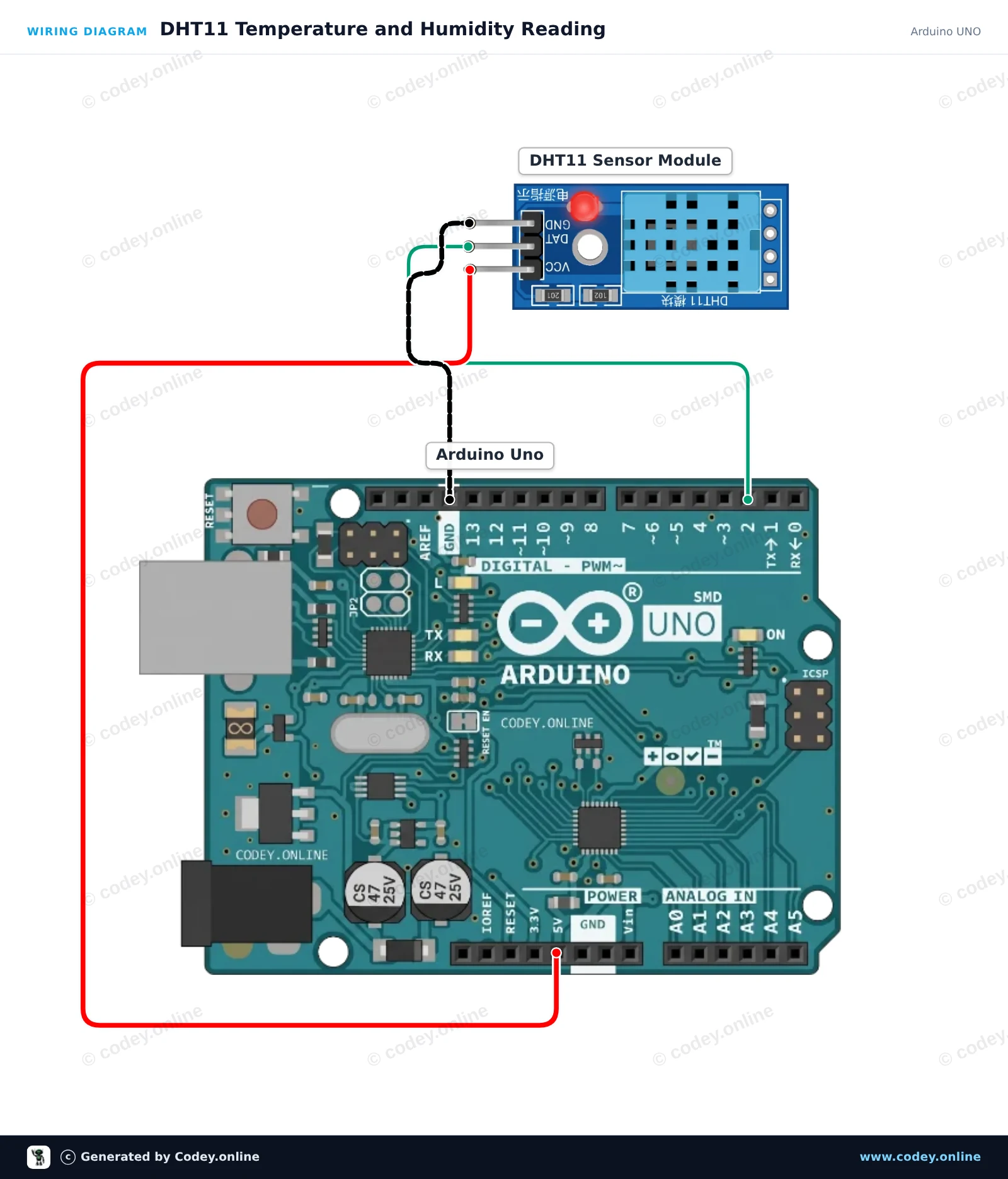
DHT11 Temperature and Humidity Reading

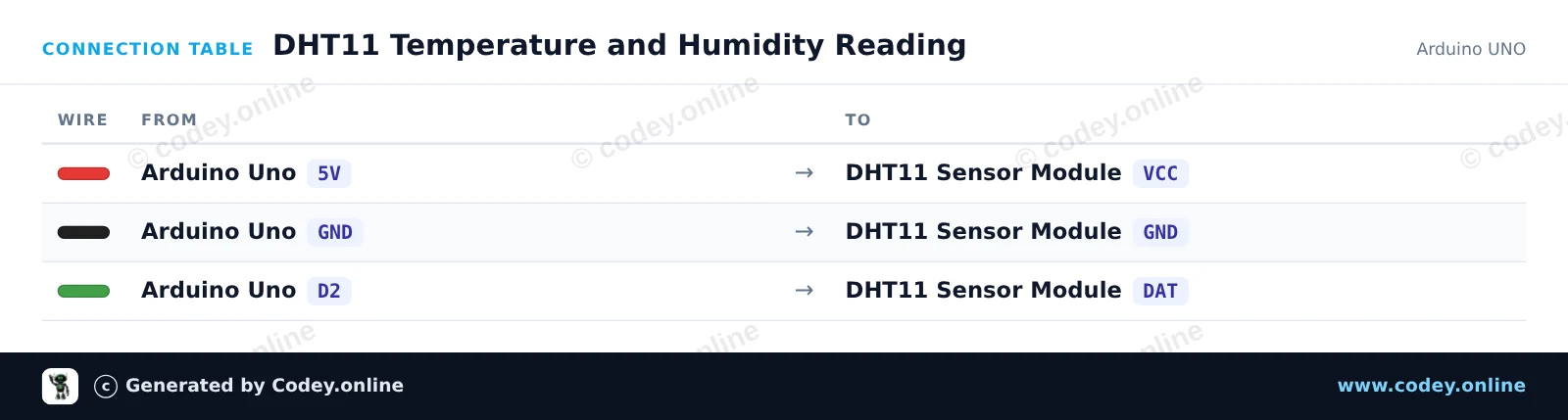
This project reads temperature and humidity data from the DHT11 sensor module and prints the measurements to the Serial Monitor every two seconds. Simply wire the module directly to the 5V, GND, and digital pin 2 of your Arduino Uno.

Wiring diagram: Temperature and humidity sensor in 1 | DHT11 module for Arduino on an Arduino UNO
Wiring diagram · Click to enlarge
Connection table: Temperature and humidity sensor in 1 | DHT11 module for Arduino on an Arduino UNO
Connection table · Click to enlarge
DHT11_Temperature_and_Humidity_Reading.ino · compiled and verified
/*
 * ==================================================================
 *  Generated by Codey.online  —  https://www.codey.online
 * ==================================================================
 *  Project   : DHT11 Temperature and Humidity Reading
 *  Board     : Arduino UNO (arduino:avr:uno)
 *  Parts     : DHT11 Sensor Module
 *  Libraries : DHT sensor library 1.4.7
 *
 *  Codey Online is an AI-powered browser IDE for Arduino and ESP32.
 *  Describe your project and Codey writes the code, draws the wiring
 *  diagram and uploads it to your board, straight from the browser.
 *  This code is free to use, modify and share, without warranty.
 * ==================================================================
 */

#include <DHT.h>

#define DHTPIN 2
#define DHTTYPE DHT11

DHT dht(DHTPIN, DHTTYPE);

void setup() {
  Serial.begin(115200);
  while (!Serial);
  Serial.println(F("DHT11 Sensor Demo"));
  dht.begin();
}

void loop() {
  // DHT11 sample rate is up to 1 reading every 2 seconds
  delay(2000);

  float humidity = dht.readHumidity();
  float temperature = dht.readTemperature();

  if (isnan(humidity) || isnan(temperature)) {
    Serial.println(F("Failed to read from DHT11 sensor!"));
    return;
  }

  Serial.print(F("Humidity: "));
  Serial.print(humidity, 1);
  Serial.print(F("%  |  Temperature: "));
  Serial.print(temperature, 1);
  Serial.println(F("°C"));
}

Required libraries: DHT sensor library 1.4.7

Wiring diagram and example code generated by Codey.online — https://www.codey.online

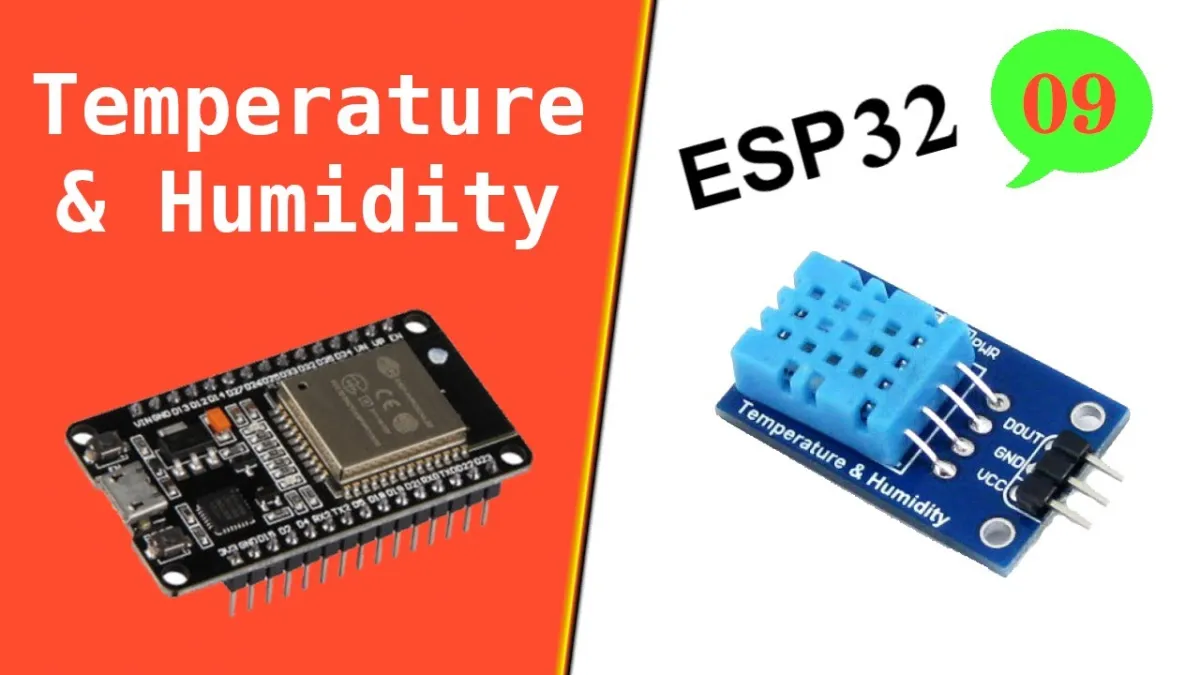
ESP32 DHT11 Temperature & Humidity Sensor

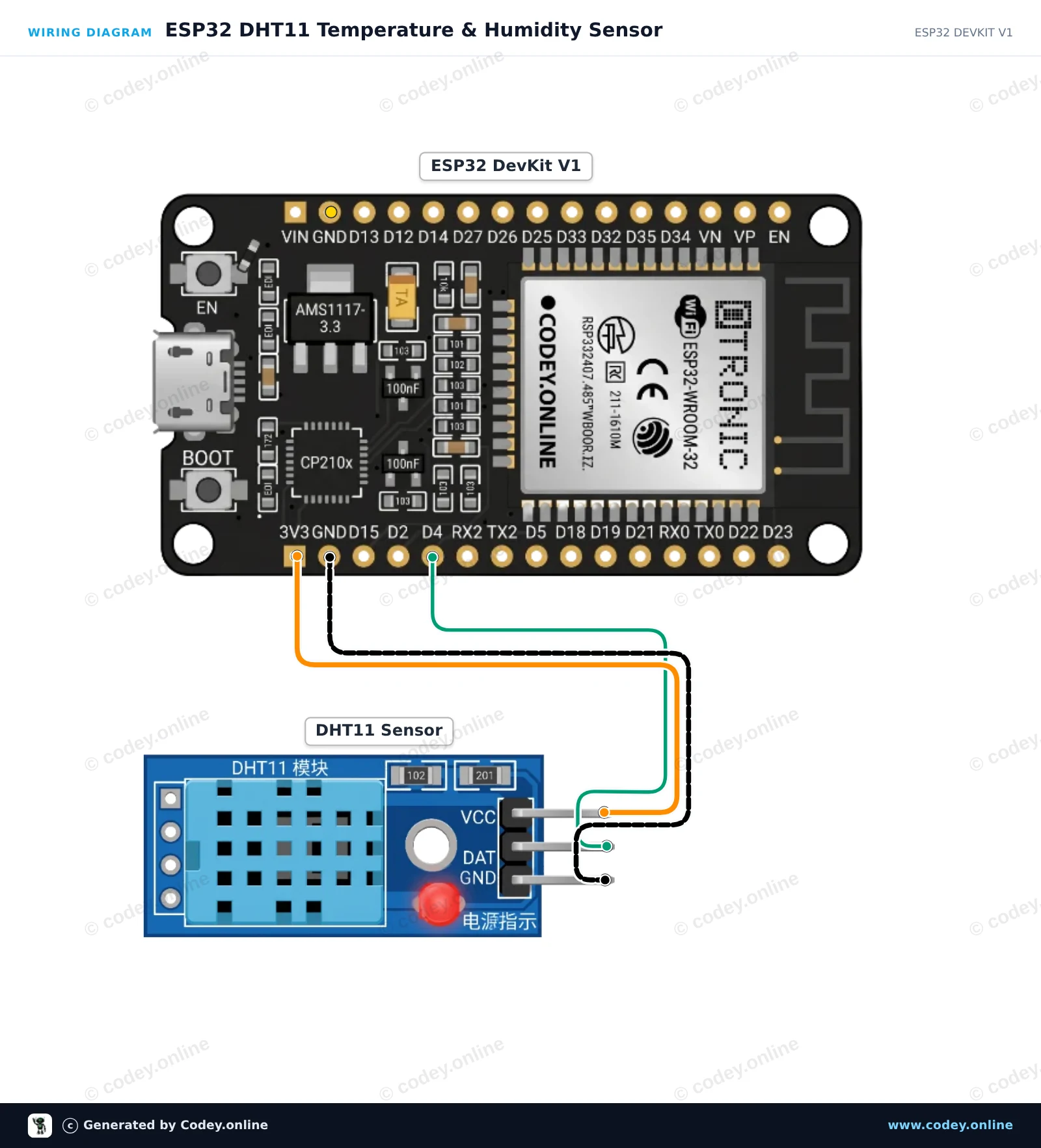
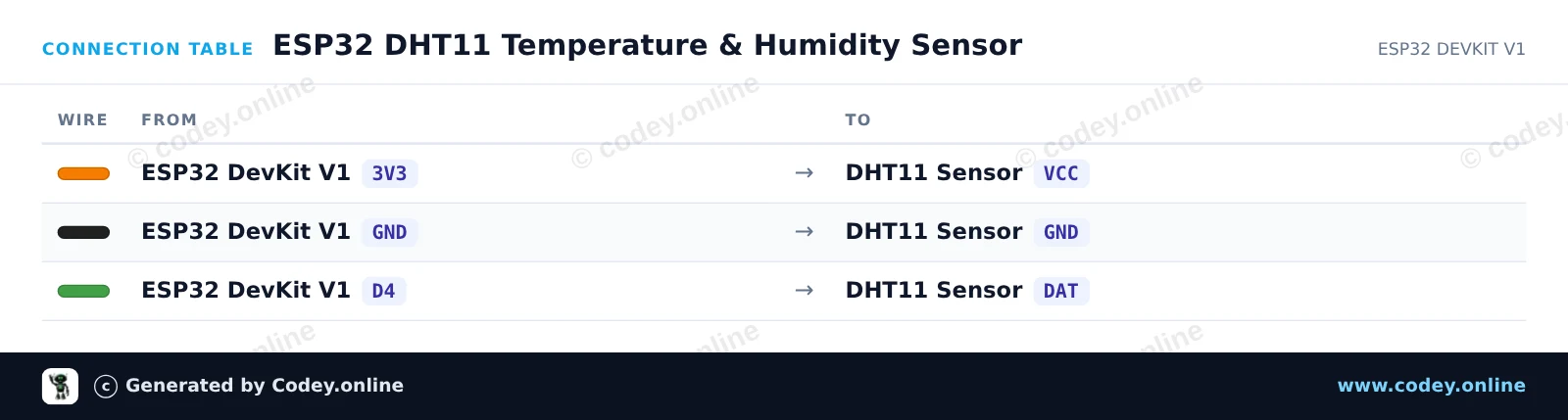
This project reads ambient temperature and relative humidity using the DHT11 sensor module connected to an ESP32. Sensor values are sampled every 2 seconds and printed directly to the Serial Monitor at 115200 baud. It is an easy way to verify your DHT11 sensor is working properly.

Wiring diagram: Temperature and humidity sensor in 1 | DHT11 module for Arduino on an ESP32 DevKit V1
Wiring diagram · Click to enlarge
Connection table: Temperature and humidity sensor in 1 | DHT11 module for Arduino on an ESP32 DevKit V1
Connection table · Click to enlarge
ESP32_DHT11_Temperature_Humidity_Sensor.ino · compiled and verified
/*
 * ==================================================================
 *  Generated by Codey.online  —  https://www.codey.online
 * ==================================================================
 *  Project   : ESP32 DHT11 Temperature & Humidity Sensor
 *  Board     : ESP32 DEVKIT V1 (esp32:esp32:esp32doit-devkit-v1)
 *  Parts     : DHT11 Sensor Module
 *  Libraries : DHT sensor library 1.4.7
 *
 *  Codey Online is an AI-powered browser IDE for Arduino and ESP32.
 *  Describe your project and Codey writes the code, draws the wiring
 *  diagram and uploads it to your board, straight from the browser.
 *  This code is free to use, modify and share, without warranty.
 * ==================================================================
 */

#include "DHT.h"

#define DHTPIN 4
#define DHTTYPE DHT11

DHT dht(DHTPIN, DHTTYPE);

void setup() {
  Serial.begin(115200);
  Serial.println("DHT11 Sensor Demo");
  
  dht.begin();
}

void loop() {
  delay(2000);

  float humidity = dht.readHumidity();
  float temperature = dht.readTemperature();

  if (isnan(humidity) || isnan(temperature)) {
    Serial.println("Failed to read from DHT sensor!");
    return;
  }

  Serial.print("Humidity: ");
  Serial.print(humidity);
  Serial.print(" %  |  Temperature: ");
  Serial.print(temperature);
  Serial.println(" °C");
}

Required libraries: DHT sensor library 1.4.7

Wiring diagram and example code generated by Codey.online — https://www.codey.online

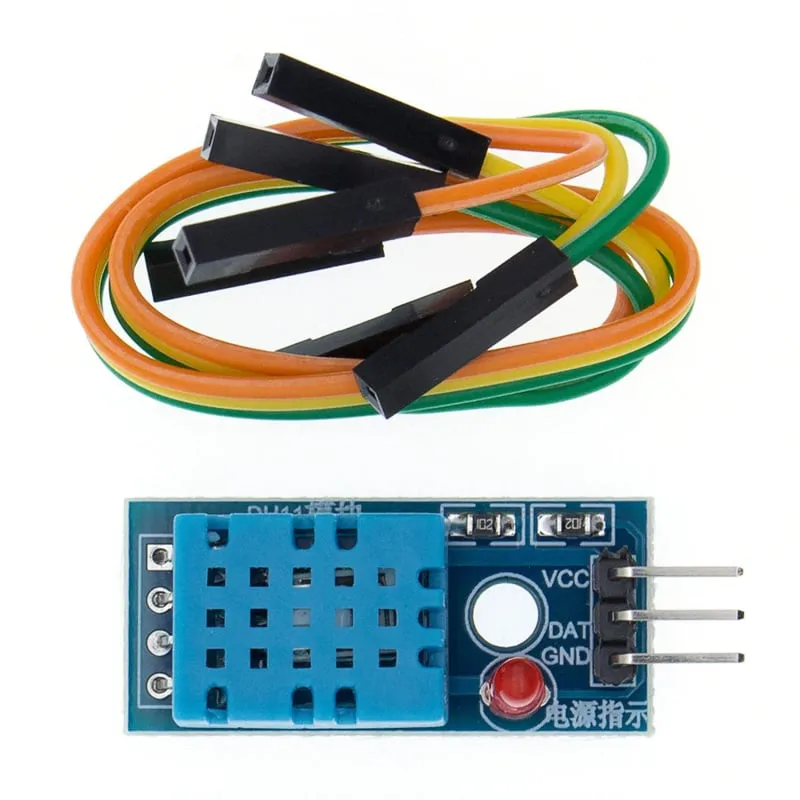
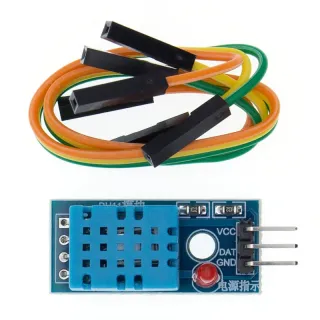
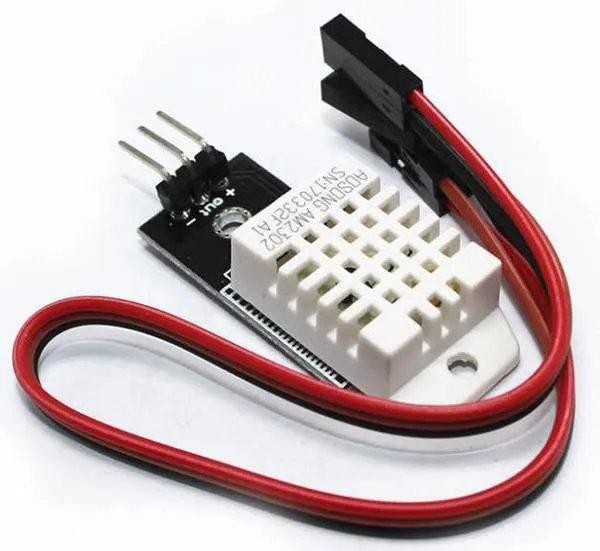
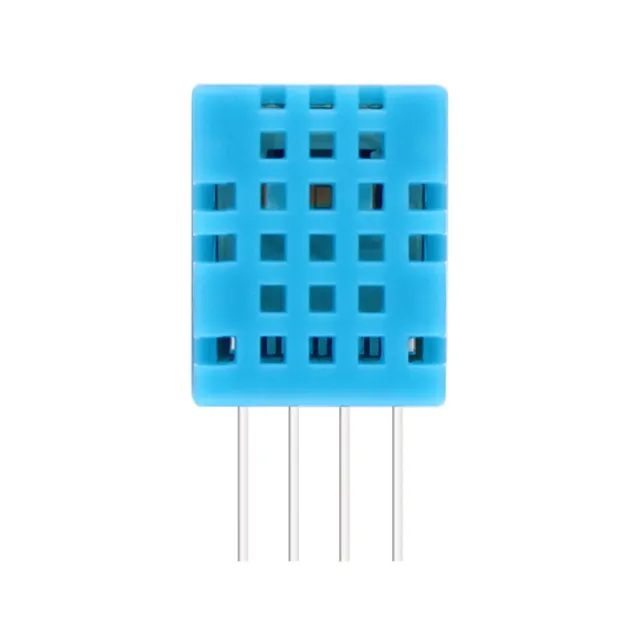
Temperature and humidity sensor in 1 | DHT11 module for Arduino

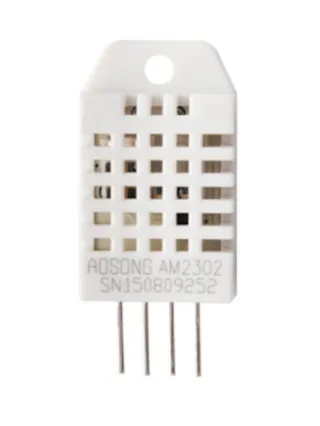
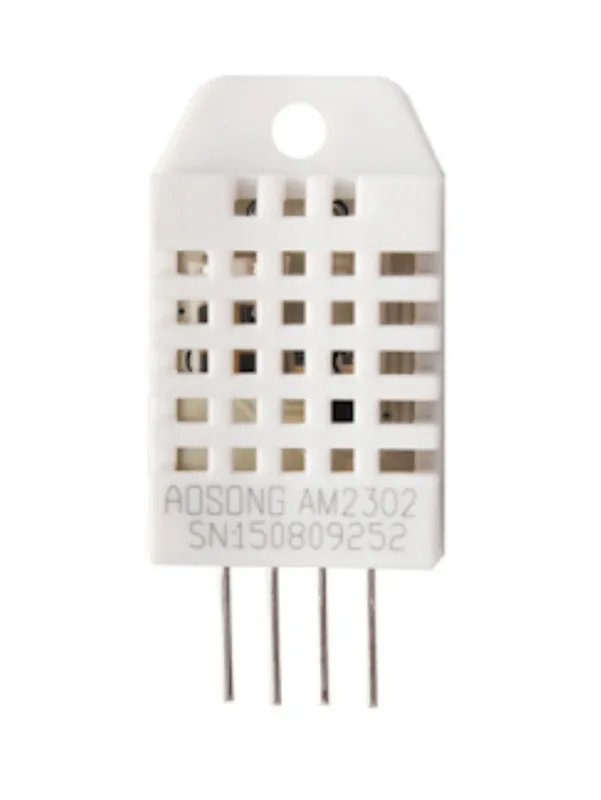
This is the smaller and slightly less accurate version of the DHT22. The sensor measures both temperature and humidity.

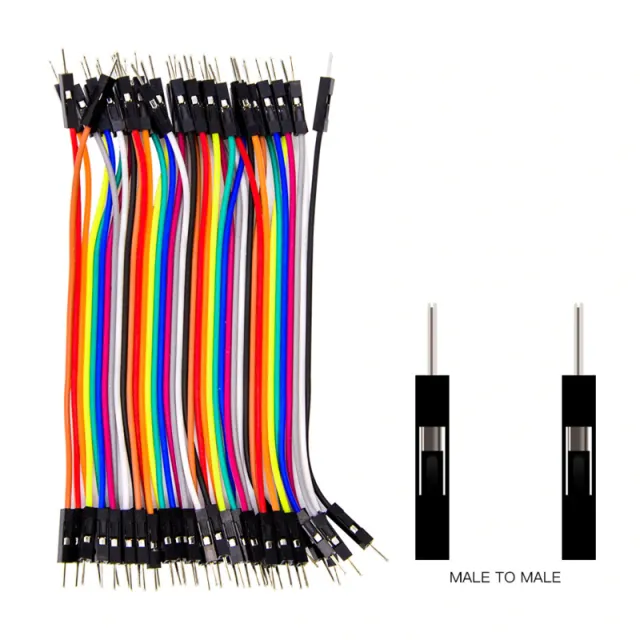
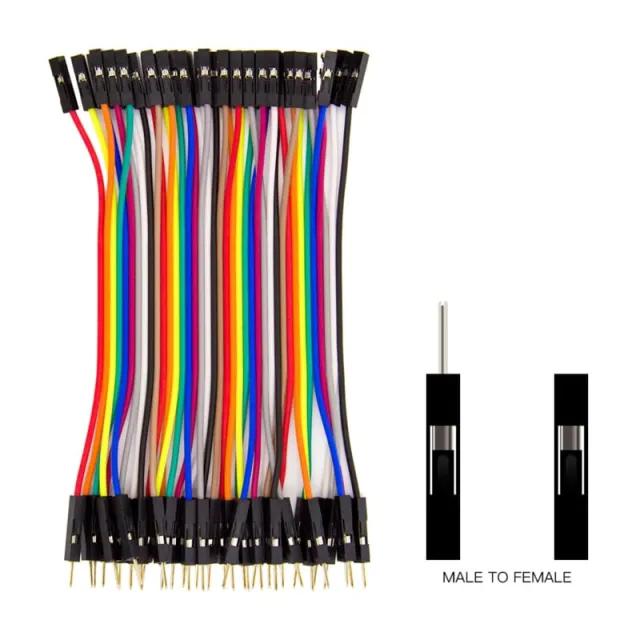
Module suitable for breadboard and Dupont cables (included)

Temperature measurement range is 0 to 50 degrees Celsius.

Accuracy of +/- 2 degrees

Power: 3.3v to 6v

Incl. Dupont cables

LED indicator

Dimensions
Length: 3.1cm
Width: 1.44cm
Height: 0.75cm

  • Temperature measurement
  • Humidity
  • 3,1 x 1,44 x 0,75 cm
  • Including Dupont cables
Playing loads the video from YouTube.

Why choose this product?

  • Meet twee waarden – Meet temperatuur en luchtvochtigheid.
  • Geschikt voor breadboard – Direct te gebruiken op breadboard.
  • Dupontkabels meegeleverd – Inclusief dupont kabeltjes.
  • LED-indicator aanwezig – Voor visuele statusweergave.
  • Temperatuurbereik 0-50°C – Meet tussen 0 en 50 graden Celsius.
  • Voeding 3,3-6V – Werkt binnen 3.3v tot 6v.
Specifications
Power supply3.3V to 6V
Width1,44 cm
Suitable forbreadboard
Temperature range0 to 50 °C
Length3.1 cm
Height0.75 cm
Accuracy+/- 2 degrees

In the package

  • DHT11 module
  • Dupont cables

Frequently bought together

Total: € 6,94

Reviews

★★★★★ 4,0/5 1 review
  • ★★★★★roan thieleVerified purchase

    very good, measures temperature accurately

Write a review
Your rating

Shipping & returns

Shipping

  • Parcel with track & trace€ 7,70Within 24 hours
  • Pick up at PostNL location€ 7,40Within 24 hours
  • Letterbox parcel€ 3,70Within 2 business days
  • Letterbox parcel 24 hours€ 4,55Within 24 hours
  • Pick up in storeFree
All about shipping

Returns

Not satisfied? You have 30 days after delivery to return the product.

All about returns

Recently viewed