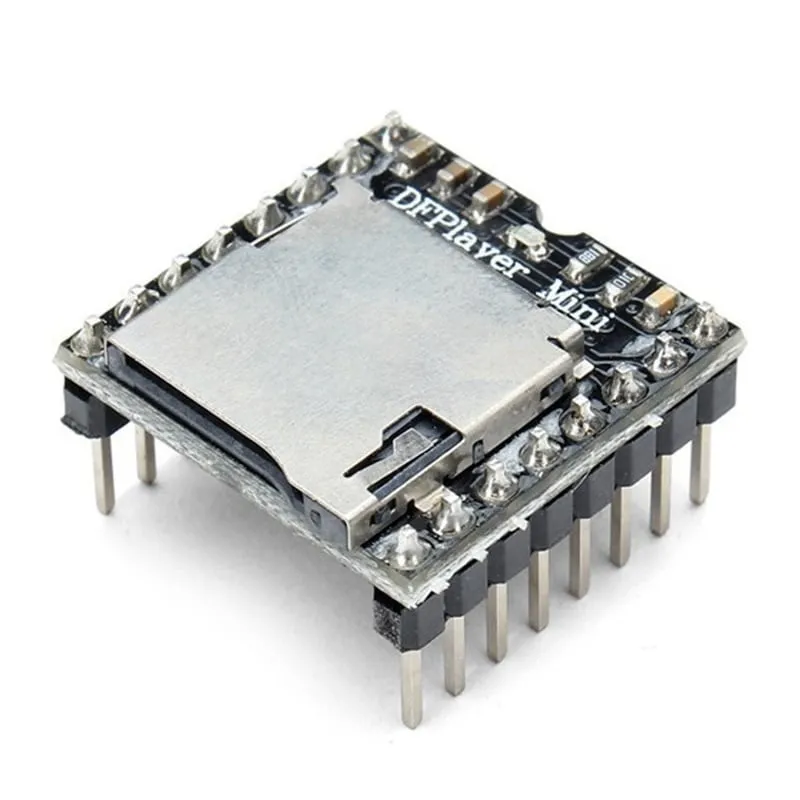
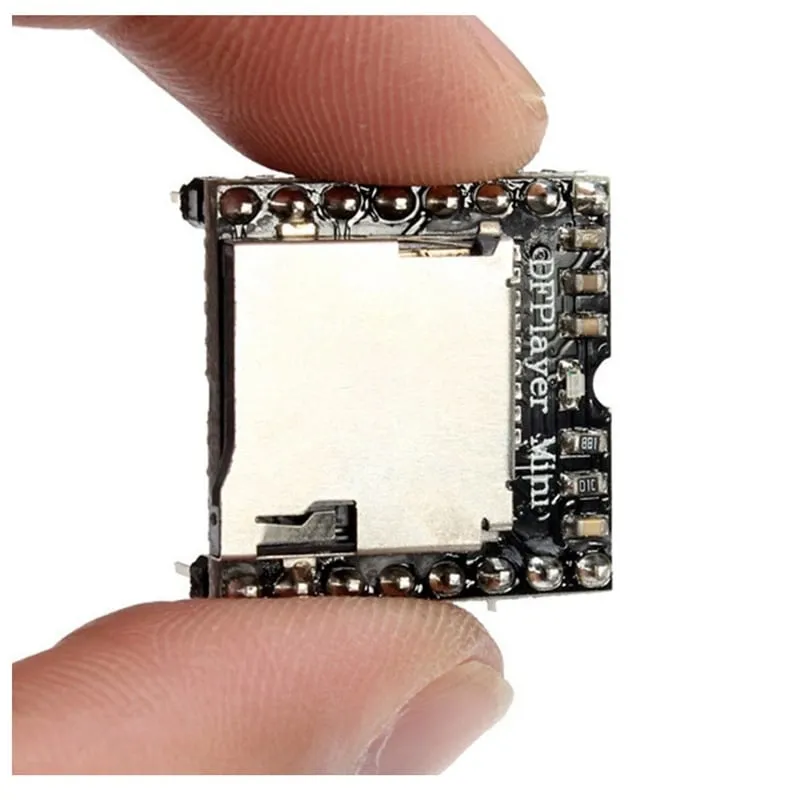
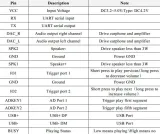
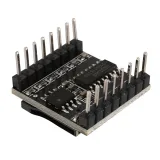
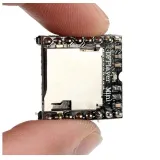
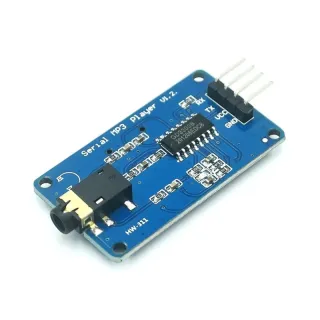
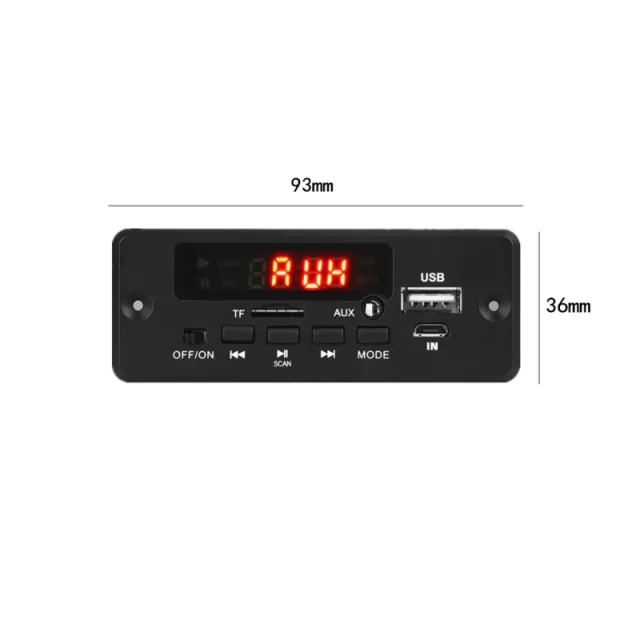
Compact MP3 player module for Arduino and other microcontrollers, with microSD slot and USB flash drive support.
SKU: OT4011 Article number: NA087 EAN: 8720618827739 Location: AD01.07
Alternative
UART TTL Serial MP3 module with Micro SD slot (YX5300 alternative)
€ 5,80
View this alternative
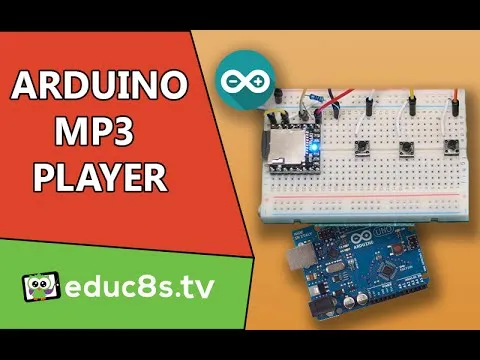
How to connect the DFPlayer Mini (clone) MP3 module with MicroSD card slot to an Arduino UNO or ESP32, with an example sketch you can upload straight away.
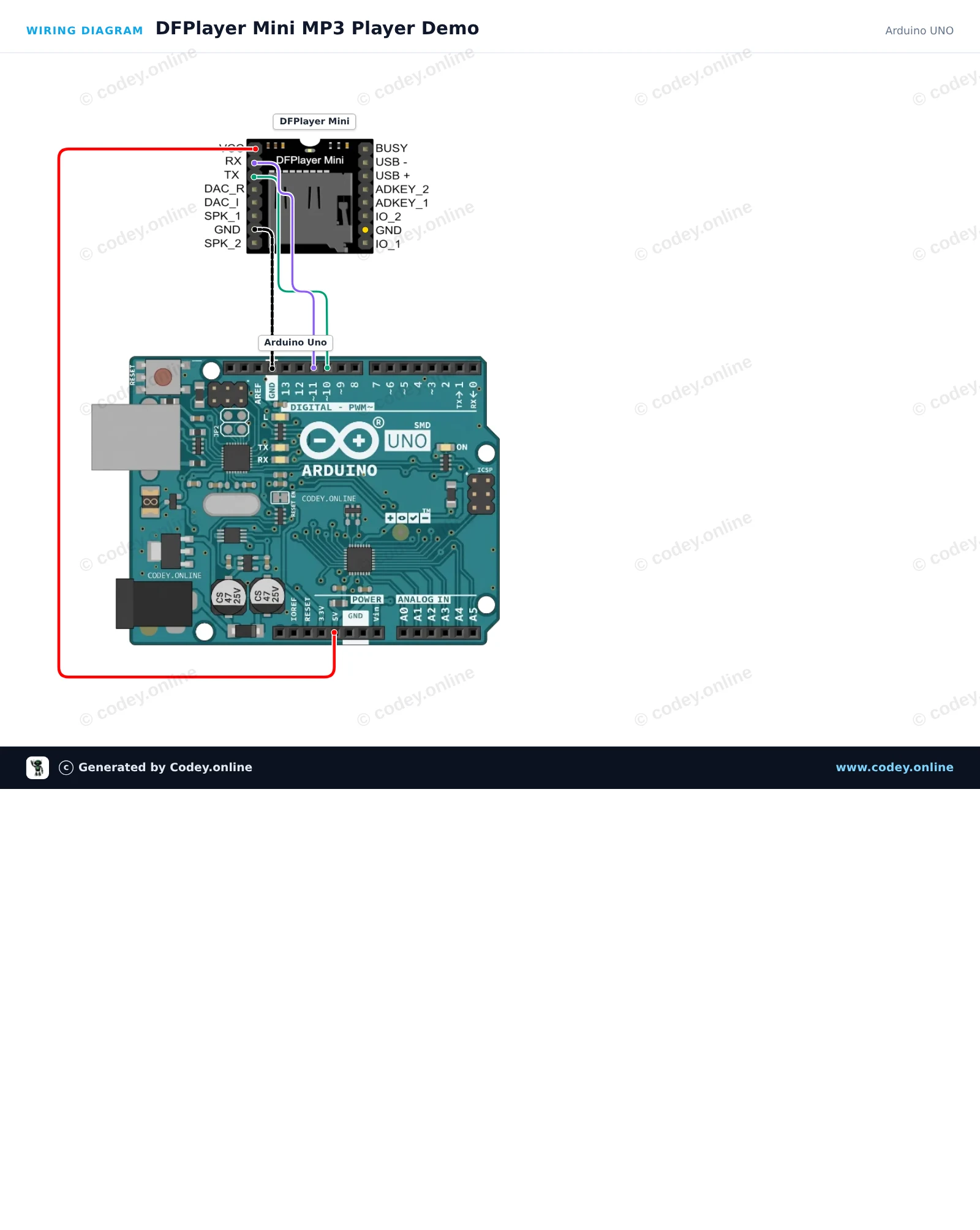
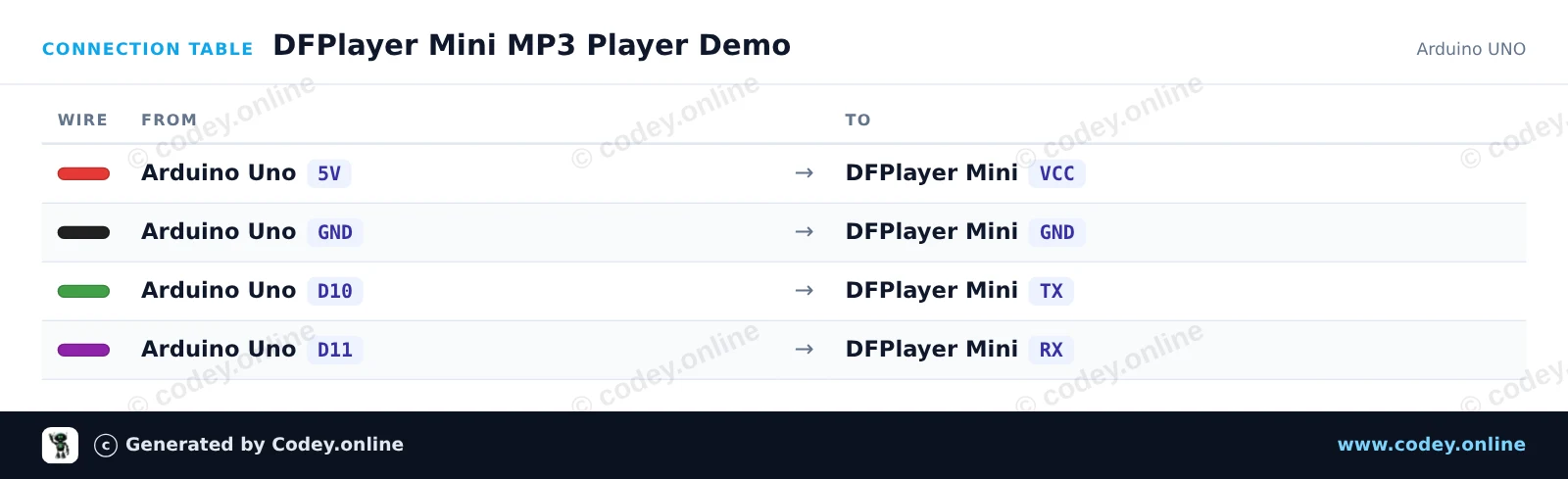
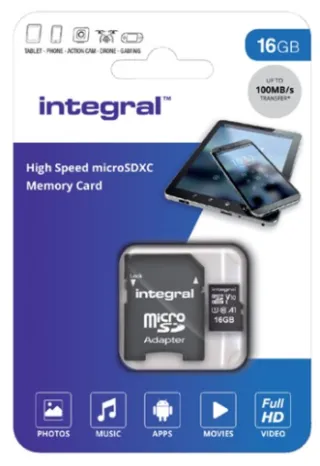
This project demonstrates how to play MP3 audio files using the DFPlayer Mini module and Arduino Uno. Ensure your microSD card is formatted in FAT32 with an MP3 file placed in an 'mp3' folder (or root named 0001.mp3). When powered, the Arduino initializes the player, sets the playback volume, and starts playing the first audio track.
/*
* ==================================================================
* Generated by Codey.online — https://www.codey.online
* ==================================================================
* Project : DFPlayer Mini MP3 Player Demo
* Board : Arduino UNO (arduino:avr:uno)
* Parts : DF Player Mini
* Libraries : DFRobotDFPlayerMini 1.0.6
*
* Codey Online is an AI-powered browser IDE for Arduino and ESP32.
* Describe your project and Codey writes the code, draws the wiring
* diagram and uploads it to your board, straight from the browser.
* This code is free to use, modify and share, without warranty.
* ==================================================================
*/
#include <SoftwareSerial.h>
#include <DFRobotDFPlayerMini.h>
// Arduino pin 10 connects to DFPlayer TX, pin 11 connects to DFPlayer RX
SoftwareSerial dfSerial(10, 11);
DFRobotDFPlayerMini myDFPlayer;
void setup() {
Serial.begin(115200);
dfSerial.begin(9600);
Serial.println(F("Initializing DFPlayer Mini..."));
if (!myDFPlayer.begin(dfSerial)) {
Serial.println(F("Unable to begin DFPlayer Mini:"));
Serial.println(F("1. Recheck wiring"));
Serial.println(F("2. Insert formatted micro SD card with MP3 files"));
while (true) {
delay(100);
}
}
Serial.println(F("DFPlayer Mini online."));
// Set volume (0 to 30)
myDFPlayer.volume(20);
// Play the first MP3 file on the micro SD card
myDFPlayer.play(1);
Serial.println(F("Playing track 1..."));
}
void loop() {
// Print status messages if received from the player
if (myDFPlayer.available()) {
uint8_t type = myDFPlayer.readType();
int value = myDFPlayer.read();
if (type == DFPlayerPlayFinished) {
Serial.print(F("Track finished: "));
Serial.println(value);
}
}
}
Required libraries: DFRobotDFPlayerMini 1.0.6
Wiring diagram and example code generated by Codey.online — https://www.codey.online
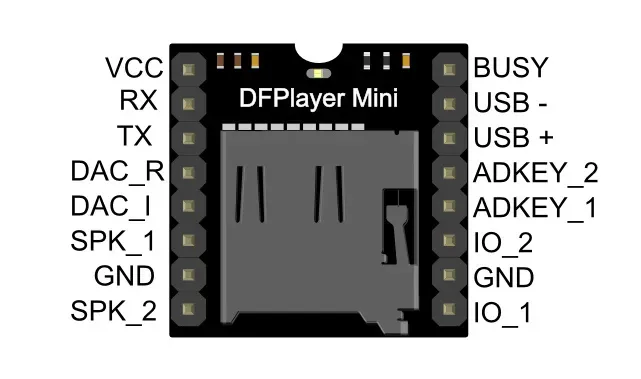
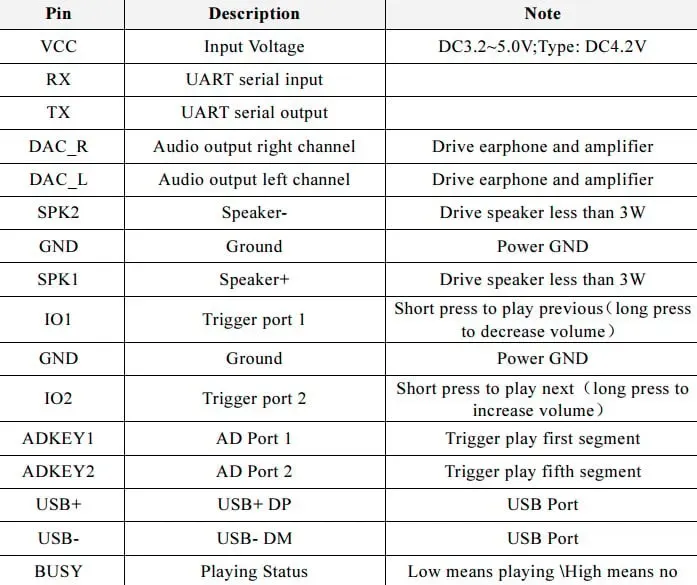
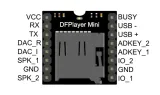
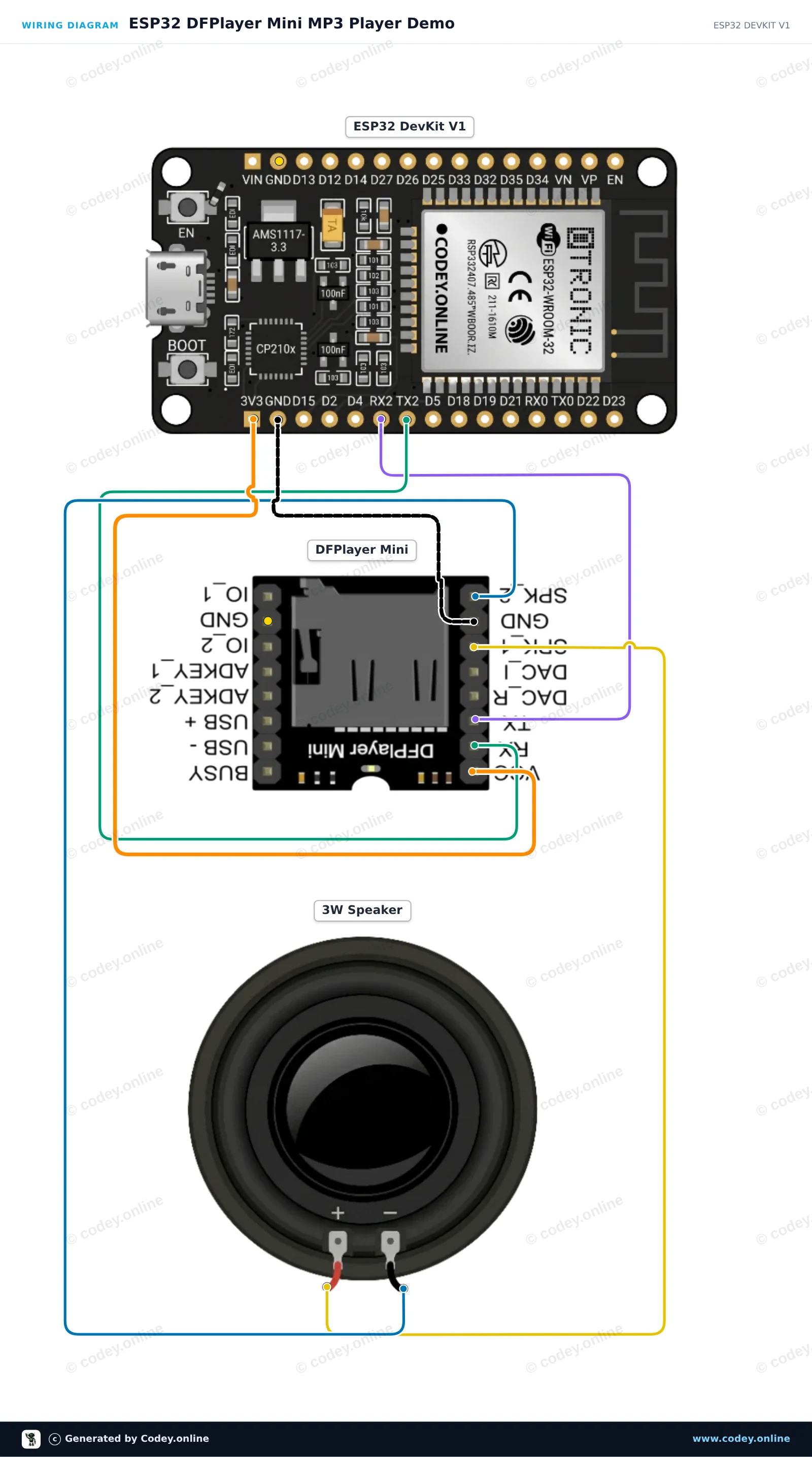
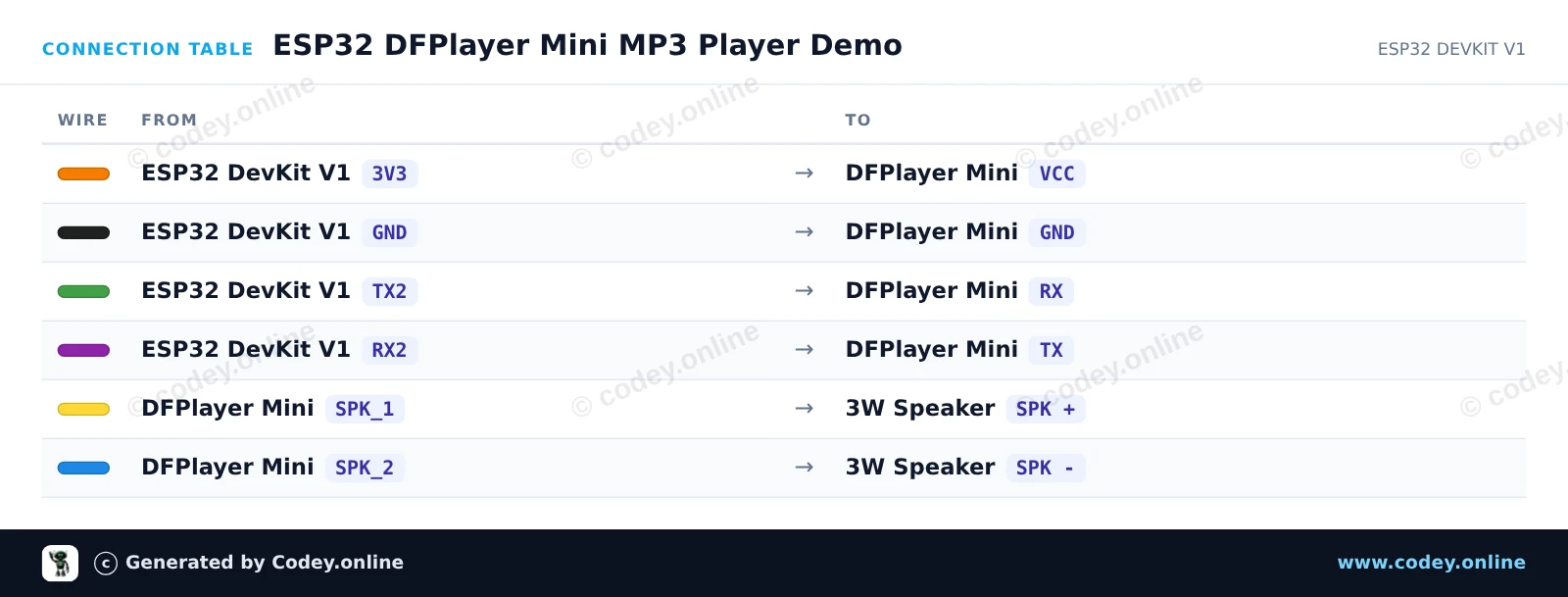
This project connects an ESP32 to a DFPlayer Mini MP3 module to play audio tracks from a micro SD card through a connected speaker. The DFPlayer Mini is powered from 3.3V, and the ESP32 communicates with it using hardware Serial2 on GPIO 16 (RX2) and GPIO 17 (TX2). Format your micro SD card with FAT32 and place audio files in an 'mp3' folder (e.g. 0001.mp3) to begin playback.
/*
* ==================================================================
* Generated by Codey.online — https://www.codey.online
* ==================================================================
* Project : ESP32 DFPlayer Mini MP3 Player Demo
* Board : ESP32 DEVKIT V1 (esp32:esp32:esp32doit-devkit-v1)
* Parts : DF Player Mini
* Libraries : DFRobotDFPlayerMini 1.0.6
*
* Codey Online is an AI-powered browser IDE for Arduino and ESP32.
* Describe your project and Codey writes the code, draws the wiring
* diagram and uploads it to your board, straight from the browser.
* This code is free to use, modify and share, without warranty.
* ==================================================================
*/
#include <DFRobotDFPlayerMini.h>
DFRobotDFPlayerMini myDFPlayer;
void setup() {
Serial.begin(115200);
// Serial2: RX on GPIO 16, TX on GPIO 17
Serial2.begin(9600, SERIAL_8N1, 16, 17);
Serial.println(F("Initializing DFPlayer Mini..."));
if (!myDFPlayer.begin(Serial2)) {
Serial.println(F("Unable to begin. Check SD card and wiring!"));
while (true) {
delay(500);
}
}
Serial.println(F("DFPlayer Mini online."));
myDFPlayer.volume(20); // Set volume (0 to 30)
myDFPlayer.play(1); // Play track 0001.mp3
}
void loop() {
// Play next track every 10 seconds
delay(10000);
Serial.println(F("Playing next track..."));
myDFPlayer.next();
}
Required libraries: DFRobotDFPlayerMini 1.0.6
Wiring diagram and example code generated by Codey.online — https://www.codey.online
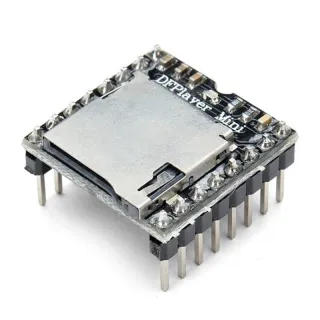
The DFPlayer Mini (clone) is a compact and powerful MP3 player module, ideal for audio applications in projects such as Arduino or other microcontrollers. This module can play MP3 files directly from a microSD card or USB stick, without requiring any additional hardware.
Key features:
The DFPlayer Mini is a versatile solution for all your audio-related projects, whether you want to add sound effects to your design or build a complete audio system!
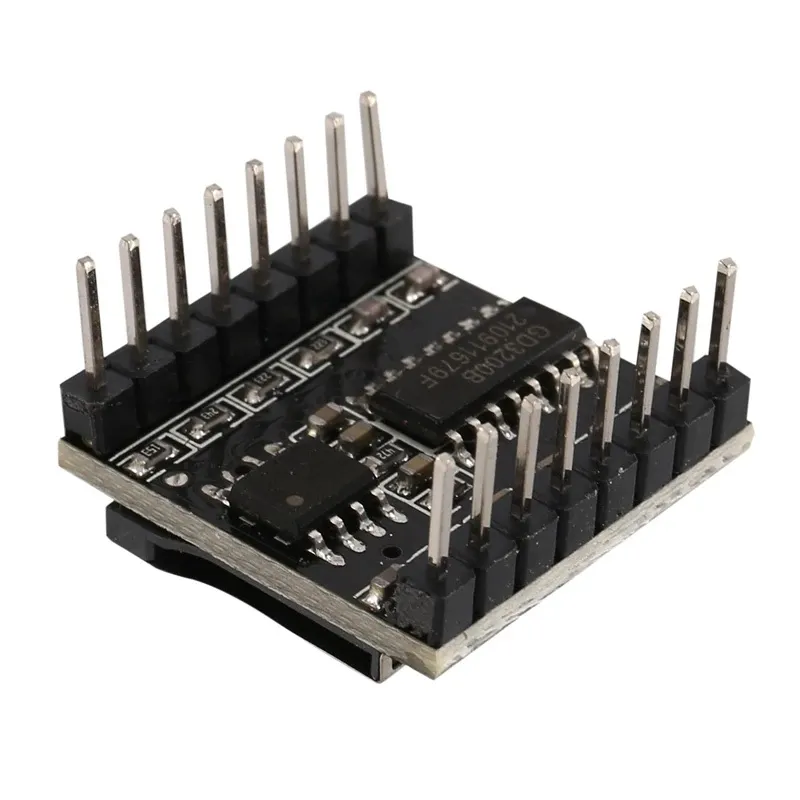
NOTE: This is not the original YX5200 chip. Existing code for the YX5200 chip may need to be adjusted for proper operation.
| Compact size | Fits easily in small enclosures thanks to the dimensions of 22mm x 30mm |
|---|---|
| Power supply | Operates on 3.2V to 5V, ideal for portable projects |
| Dimensions | 22mm x 30mm |
| Suitable for | Arduino and other microcontrollers |
| Simple operation | Controllable via serial communication, buttons, or a combination of both |
| Supports multiple formats | Plays MP3, WAV and WMA files |
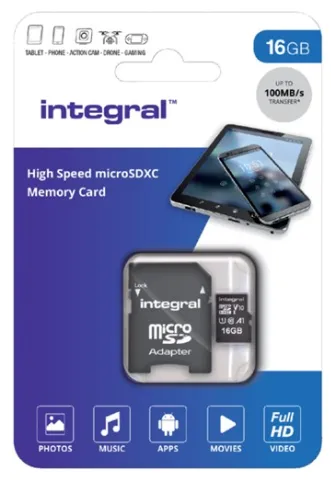
| Storage | Works with microSD cards up to 32 GB |
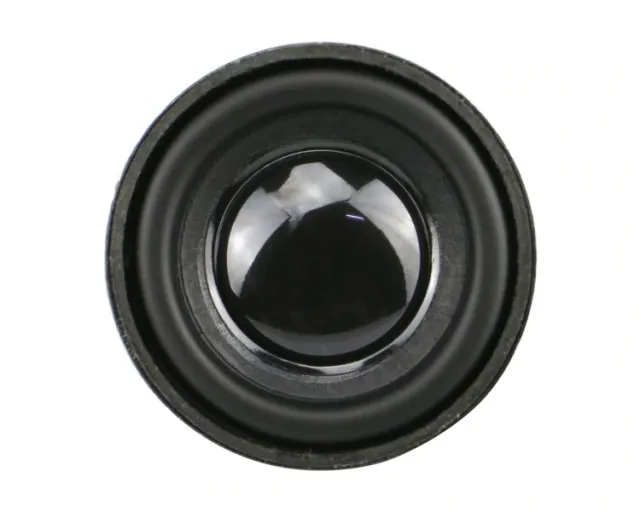
| Built-in amplifier | Connect a speaker directly for clear sound without extra amplifiers |
| MicroSD card | up to 32 GB |
Works fine. Does what it is supposed to do.
Works fine
Bought a few of these, works well
very good
DFPlayer Mini (clone) MP3 module with MicroSD card slot