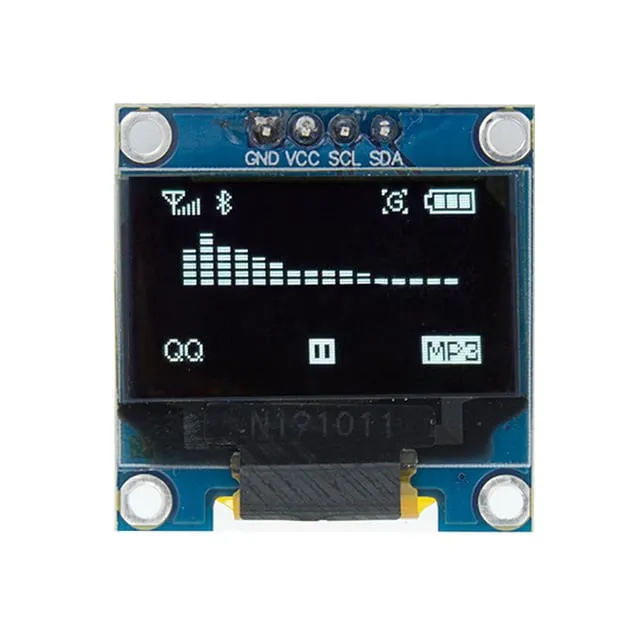
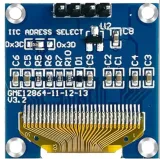
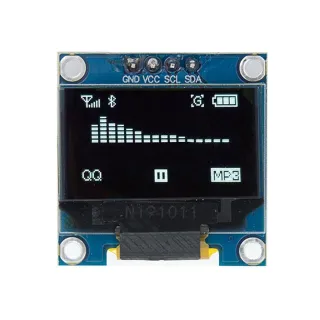
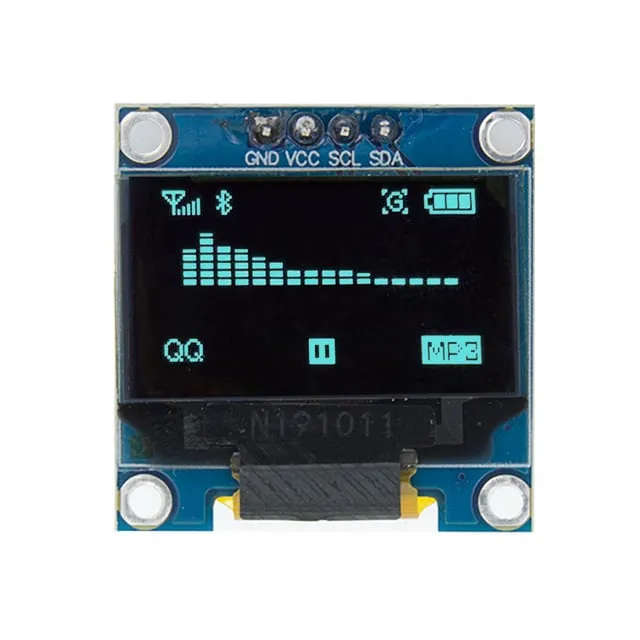
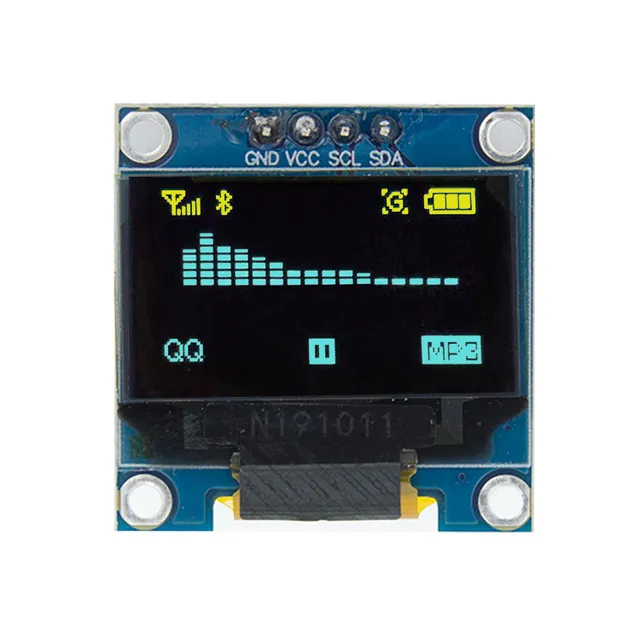
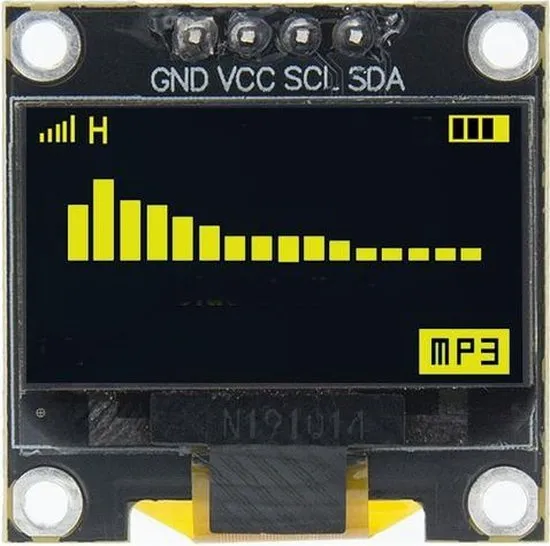
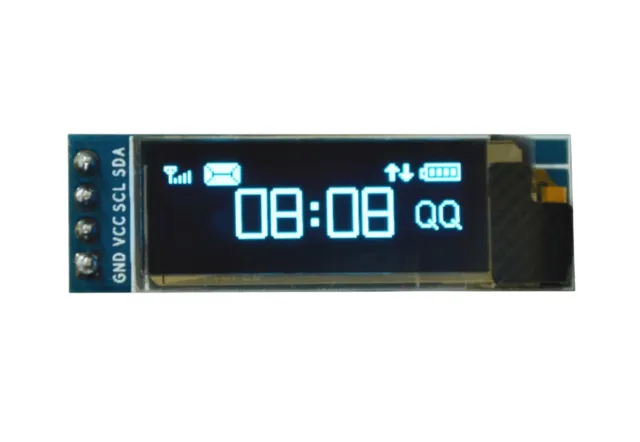
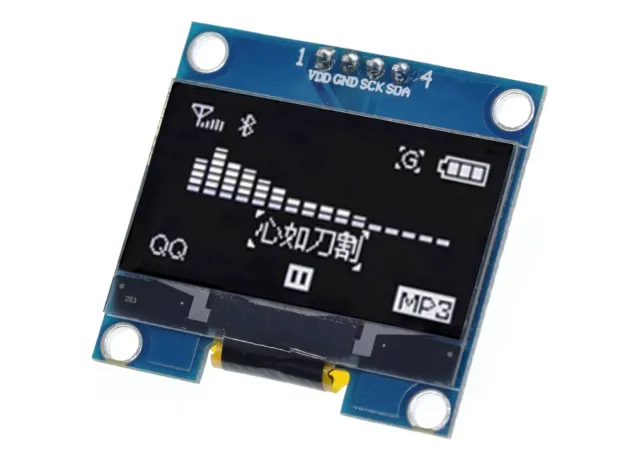
Mini OLED-näyttö Arduino- ja ESP32/ESP8266-projekteihin terävällä 128x64-kuvalla.
SKU: OT822-C66 Tuotenumero: AA413 EAN: 2268898153460 Sijainti: C06.06
Vaihtoehto
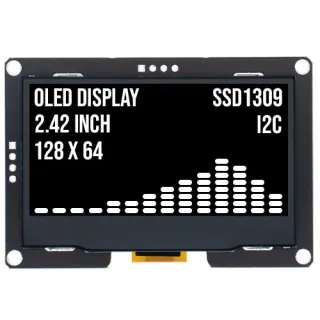
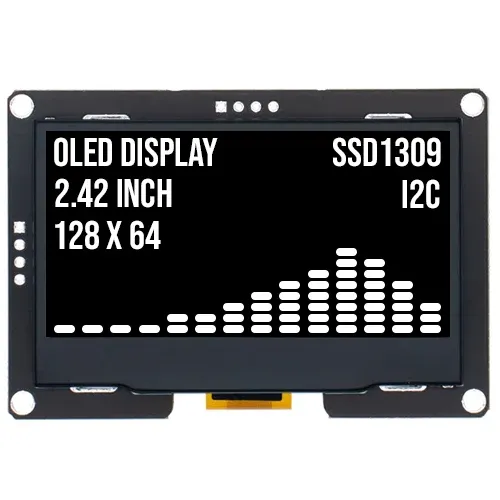
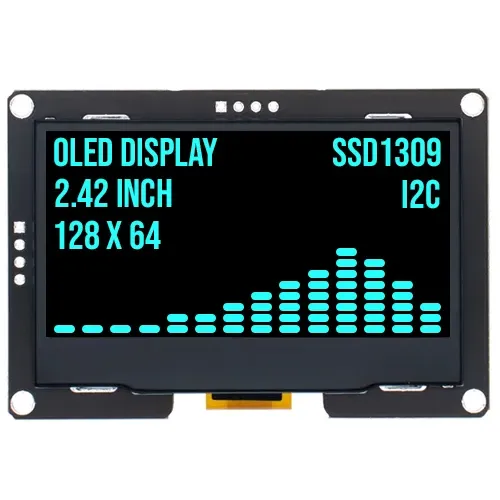
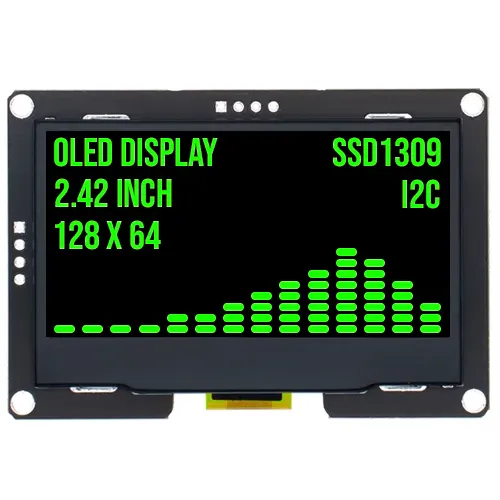
2.4 tuuman OLED-näyttö 128x64 Valkoinen I2C SSD1309 3.3V
€ 17,70
Katso tämä vaihtoehto
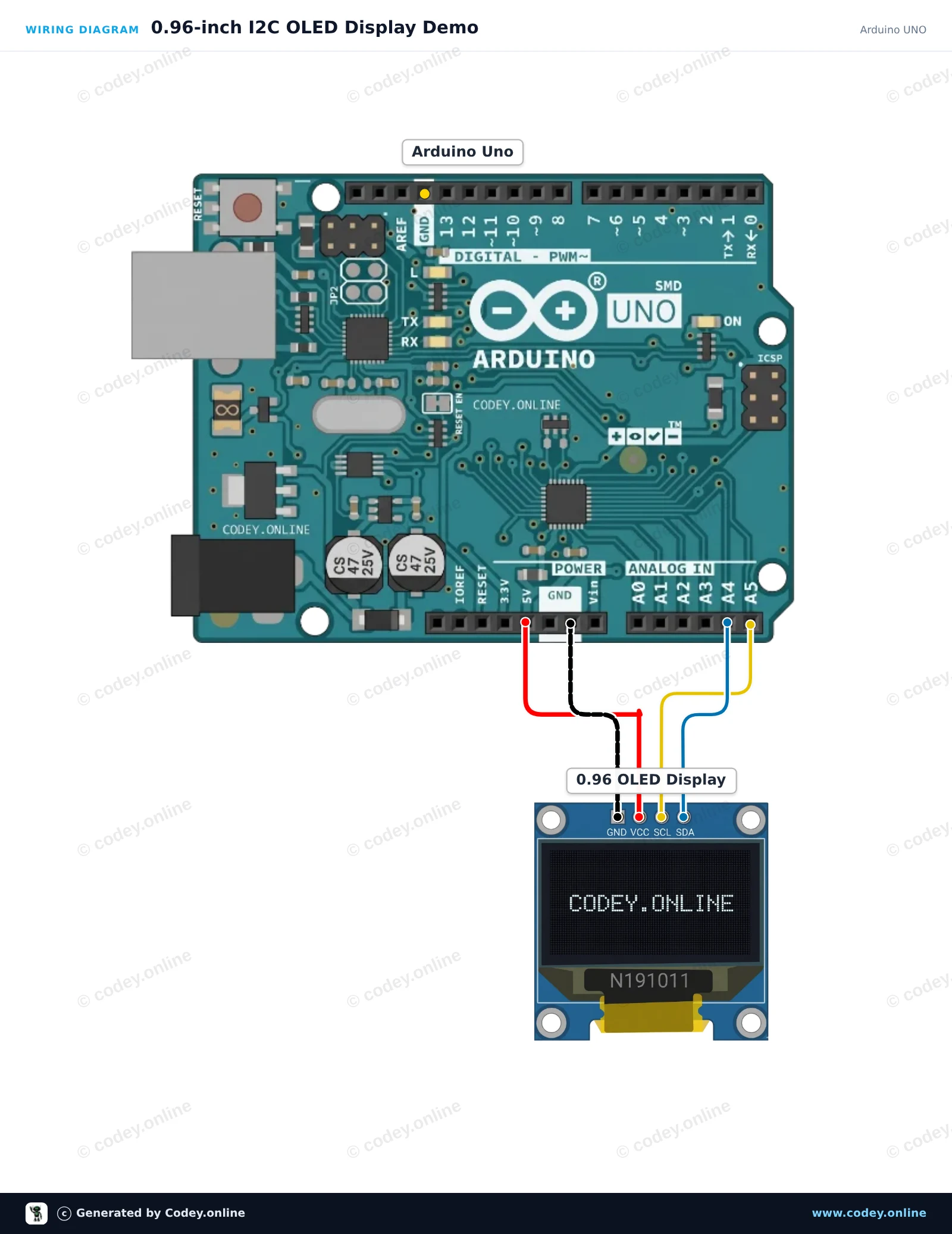
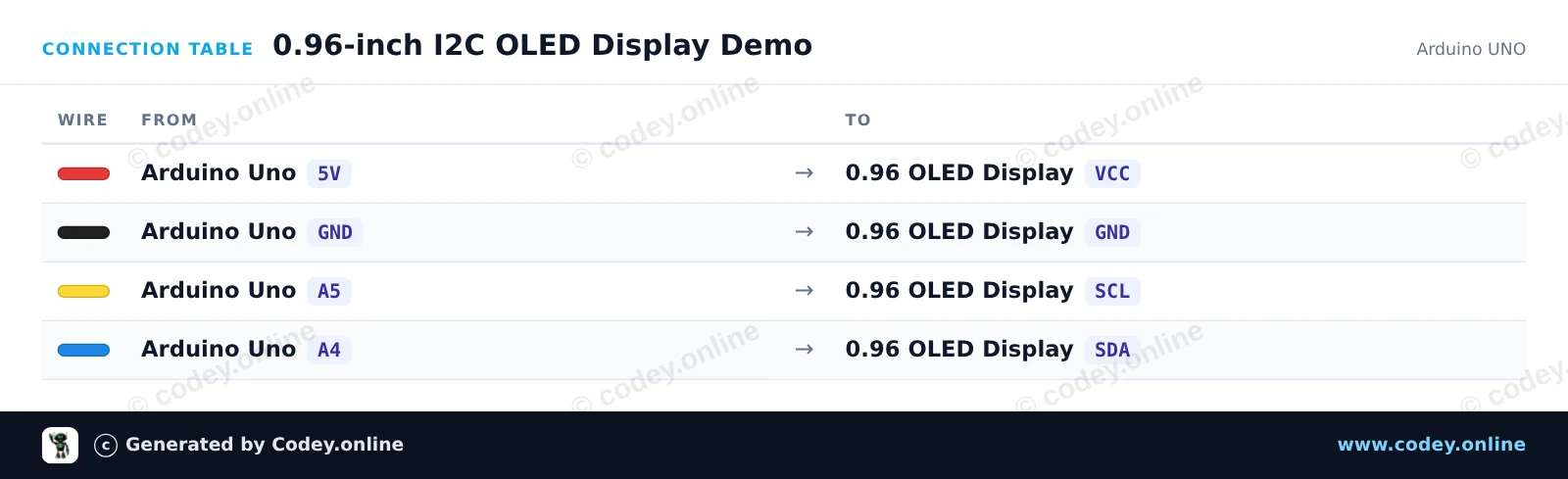
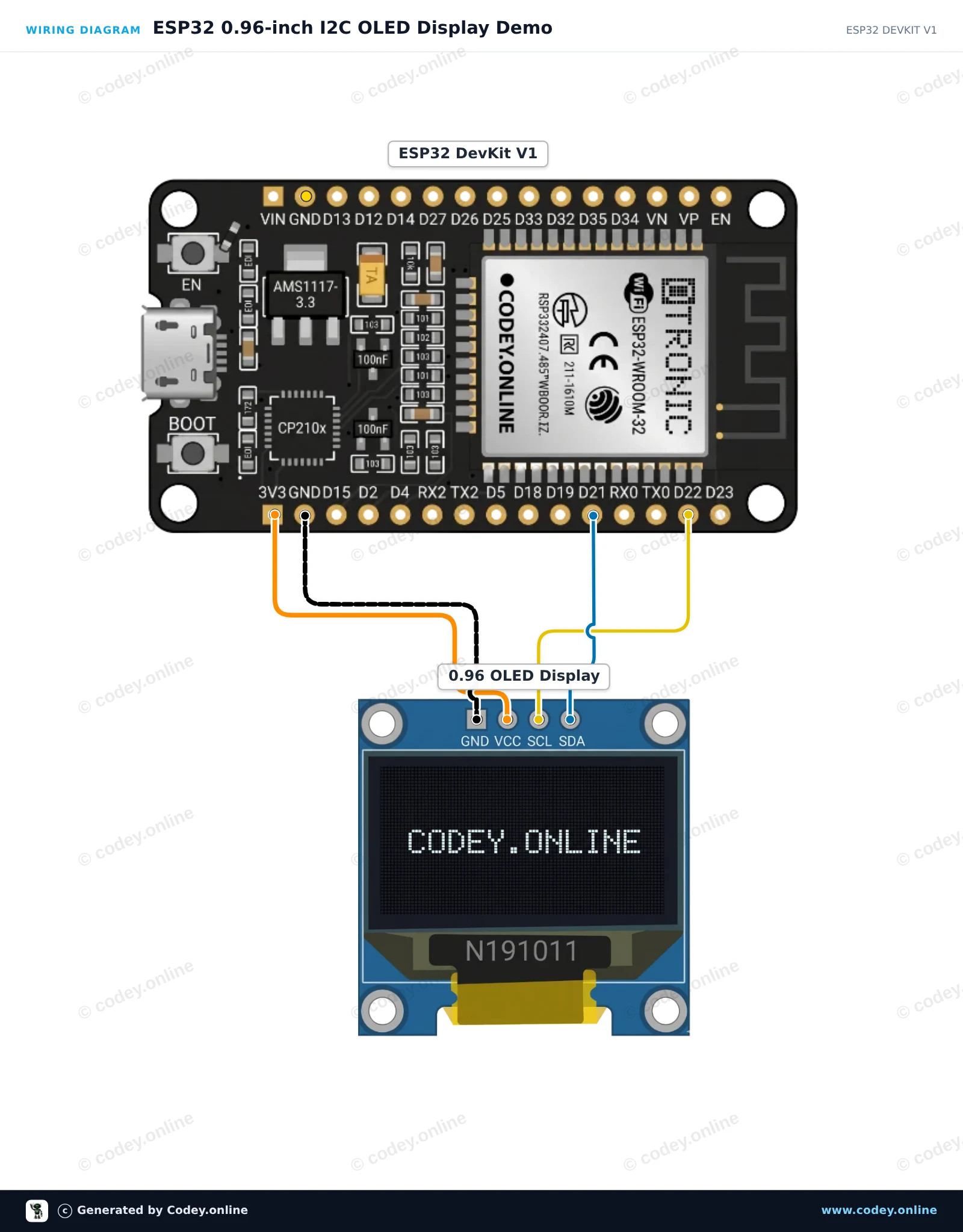
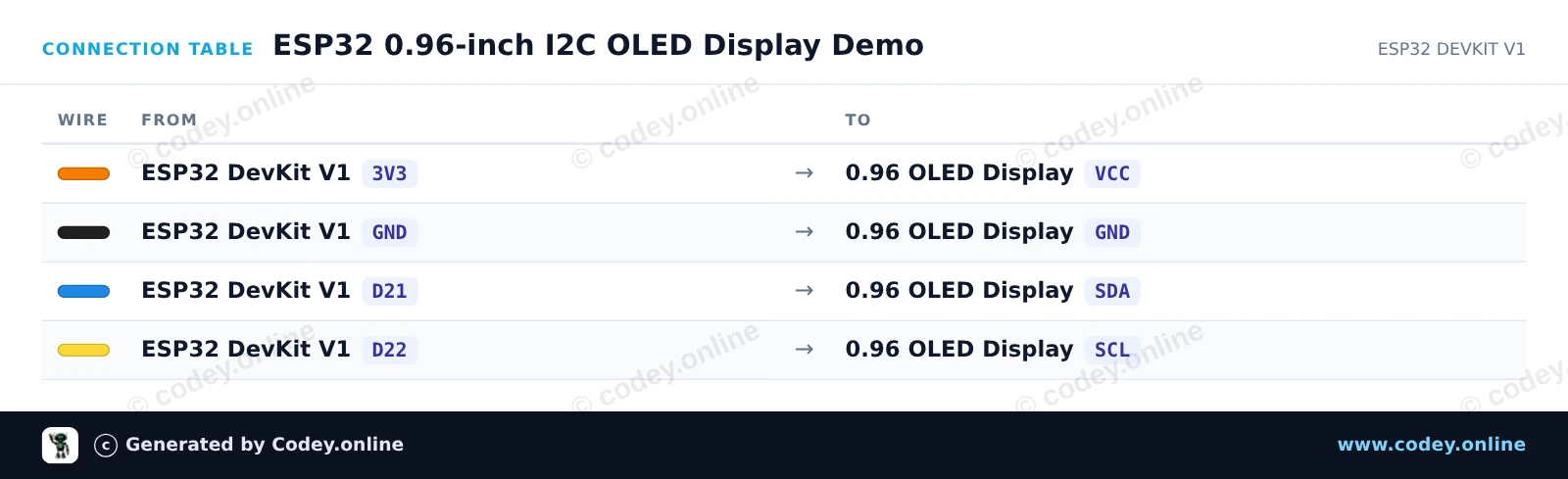
Näin kytket Mini OLED-näyttö valkoinen 0.96 inch 128x64 I2C:n Arduino UNOon tai ESP32:een, mukana esimerkkisketsi, jonka voit ladata heti.
Kytke 0,96 tuuman 128x64 I2C OLED -näyttö suoraan Arduino Uno -kortin I2C-pinneihin (A4 SDA:lle, A5 SCL:lle). Tämä sketch käyttää tavallisia I2C-komentoja SSD1306-ohjaimen alustamiseen ja näyttää reaaliaikaisen laskurin sekä tekstiä suoraan ilman ulkoisia grafiikkakirjastoja.
/*
* ==================================================================
* Generated by Codey.online — https://www.codey.online
* ==================================================================
* Project : 0.96-inch I2C OLED Display Demo
* Board : Arduino UNO (arduino:avr:uno)
* Parts : OLED Display 0.96 inch
* Libraries : none (built-in)
*
* Codey Online is an AI-powered browser IDE for Arduino and ESP32.
* Describe your project and Codey writes the code, draws the wiring
* diagram and uploads it to your board, straight from the browser.
* This code is free to use, modify and share, without warranty.
* ==================================================================
*/
#include <Wire.h>
const uint8_t OLED_ADDR = 0x3C;
const uint8_t OLED_WIDTH = 128;
const uint8_t OLED_HEIGHT = 64;
uint8_t buffer[1024];
int counter = 0;
const uint8_t font5x7[][5] = {
{0x00, 0x00, 0x00, 0x00, 0x00}, // space
{0x7E, 0x11, 0x11, 0x11, 0x7E}, // A
{0x7F, 0x49, 0x49, 0x49, 0x36}, // B
{0x3E, 0x41, 0x41, 0x41, 0x22}, // C
{0x7F, 0x41, 0x41, 0x22, 0x1C}, // D
{0x7F, 0x49, 0x49, 0x49, 0x41}, // E
{0x7F, 0x09, 0x09, 0x09, 0x01}, // F
{0x3E, 0x41, 0x49, 0x49, 0x7A}, // G
{0x7F, 0x08, 0x08, 0x08, 0x7F}, // H
{0x00, 0x41, 0x7F, 0x41, 0x00}, // I
{0x7F, 0x40, 0x40, 0x40, 0x40}, // L
{0x7F, 0x02, 0x0C, 0x02, 0x7F}, // M
{0x7F, 0x04, 0x08, 0x10, 0x7F}, // N
{0x3E, 0x41, 0x41, 0x41, 0x3E}, // O
{0x7F, 0x09, 0x09, 0x09, 0x06}, // P
{0x7F, 0x09, 0x19, 0x29, 0x46}, // R
{0x46, 0x49, 0x49, 0x49, 0x31}, // S
{0x01, 0x01, 0x7F, 0x01, 0x01}, // T
{0x3F, 0x40, 0x40, 0x40, 0x3F}, // U
{0x3E, 0x51, 0x49, 0x45, 0x3E}, // 0
{0x00, 0x42, 0x7F, 0x40, 0x00}, // 1
{0x42, 0x61, 0x51, 0x49, 0x46}, // 2
{0x21, 0x41, 0x45, 0x4B, 0x31}, // 3
{0x18, 0x14, 0x12, 0x7F, 0x10}, // 4
{0x27, 0x45, 0x45, 0x45, 0x39}, // 5
{0x3C, 0x4A, 0x49, 0x49, 0x30}, // 6
{0x01, 0x71, 0x09, 0x05, 0x03}, // 7
{0x36, 0x49, 0x49, 0x49, 0x36}, // 8
{0x06, 0x49, 0x49, 0x29, 0x1E}, // 9
{0x00, 0x36, 0x36, 0x00, 0x00}, // :
{0x00, 0x60, 0x60, 0x00, 0x00} // .
};
int charIndex(char c) {
if (c >= 'a' && c <= 'z') c -= 32;
if (c == ' ') return 0;
if (c == 'A') return 1; if (c == 'B') return 2; if (c == 'C') return 3;
if (c == 'D') return 4; if (c == 'E') return 5; if (c == 'F') return 6;
if (c == 'G') return 7; if (c == 'H') return 8; if (c == 'I') return 9;
if (c == 'L') return 10; if (c == 'M') return 11; if (c == 'N') return 12;
if (c == 'O') return 13; if (c == 'P') return 14; if (c == 'R') return 15;
if (c == 'S') return 16; if (c == 'T') return 17; if (c == 'U') return 18;
if (c >= '0' && c <= '9') return 19 + (c - '0');
if (c == ':') return 29;
if (c == '.') return 30;
return 0;
}
void sendCmd(uint8_t cmd) {
Wire.beginTransmission(OLED_ADDR);
Wire.write(0x00);
Wire.write(cmd);
Wire.endTransmission();
}
void sendCmd2(uint8_t cmd, uint8_t val) {
Wire.beginTransmission(OLED_ADDR);
Wire.write(0x00);
Wire.write(cmd);
Wire.write(val);
Wire.endTransmission();
}
void clearDisplay() {
memset(buffer, 0, sizeof(buffer));
}
void setPixel(int x, int y, bool state) {
if (x < 0 || x >= OLED_WIDTH || y < 0 || y >= OLED_HEIGHT) return;
int idx = x + (y / 8) * OLED_WIDTH;
if (state) buffer[idx] |= (1 << (y % 8));
else buffer[idx] &= ~(1 << (y % 8));
}
void printText(int x, int y, const char* str) {
while (*str) {
int idx = charIndex(*str++);
for (int col = 0; col < 5; col++) {
uint8_t line = font5x7[idx][col];
for (int row = 0; row < 7; row++) {
setPixel(x + col, y + row, (line >> row) & 1);
}
}
x += 6;
}
}
void updateDisplay() {
sendCmd(0x20); sendCmd(0x00);
sendCmd2(0x21, 0x00); sendCmd(0x7F);
sendCmd2(0x22, 0x00); sendCmd(0x07);
for (uint16_t i = 0; i < 1024; i += 16) {
Wire.beginTransmission(OLED_ADDR);
Wire.write(0x40);
for (uint8_t j = 0; j < 16; j++) {
Wire.write(buffer[i + j]);
}
Wire.endTransmission();
}
}
void setup() {
Serial.begin(115200);
Wire.begin();
delay(50);
sendCmd(0xAE); sendCmd2(0xD5, 0x80); sendCmd2(0xA8, 0x3F);
sendCmd2(0xD3, 0x00); sendCmd(0x40); sendCmd2(0x8D, 0x14);
sendCmd(0xA1); sendCmd(0xC8); sendCmd2(0xDA, 0x12);
sendCmd2(0x81, 0xCF); sendCmd2(0xD9, 0xF1); sendCmd2(0xDB, 0x40);
sendCmd(0xA4); sendCmd(0xA6); sendCmd(0xAF);
Serial.println(F("OLED Initialized"));
}
void loop() {
clearDisplay();
printText(0, 0, "OLED 0.96 INCH");
printText(0, 16, "ARDUINO UNO");
char buf[16];
itoa(counter, buf, 10);
printText(0, 32, "COUNT: ");
printText(42, 32, buf);
int barWidth = (counter % 120);
for (int x = 0; x <= barWidth; x++) {
for (int y = 48; y < 58; y++) {
setPixel(x, y, true);
}
}
updateDisplay();
counter++;
delay(100);
}
Wiring diagram and example code generated by Codey.online — https://www.codey.online
Tämä projekti näyttää, miten tekstiä ja numeroita kytketään ja näytetään 0.96-inch I2C OLED-näytöllä ESP32:n avulla. Sketch alustaa näytön ja päivittää reaaliaikaisen laskurin joka sekunti. Varmista, että Adafruit SSD1306- ja Adafruit GFX -kirjastot on asennettu ennen lataamista.
/*
* ==================================================================
* Generated by Codey.online — https://www.codey.online
* ==================================================================
* Project : ESP32 0.96-inch I2C OLED Display Demo
* Board : ESP32 DEVKIT V1 (esp32:esp32:esp32doit-devkit-v1)
* Parts : OLED Display 0.96 inch
* Libraries : Adafruit SSD1306 2.5.16, Adafruit GFX Library 1.12.6
*
* Codey Online is an AI-powered browser IDE for Arduino and ESP32.
* Describe your project and Codey writes the code, draws the wiring
* diagram and uploads it to your board, straight from the browser.
* This code is free to use, modify and share, without warranty.
* ==================================================================
*/
#include <Wire.h>
#include <Adafruit_GFX.h>
#include <Adafruit_SSD1306.h>
#define SCREEN_WIDTH 128
#define SCREEN_HEIGHT 64
#define OLED_RESET -1
#define SCREEN_ADDRESS 0x3C
Adafruit_SSD1306 display(SCREEN_WIDTH, SCREEN_HEIGHT, &Wire, OLED_RESET);
int counter = 0;
void setup() {
Serial.begin(115200);
// Initialize I2C on ESP32 default pins (SDA: 21, SCL: 22)
Wire.begin(21, 22);
if (!display.begin(SSD1306_SWITCHCAPVCC, SCREEN_ADDRESS)) {
Serial.println(F("SSD1306 allocation failed"));
while (true); // Freeze
}
display.clearDisplay();
display.setTextColor(SSD1306_WHITE);
display.setTextSize(1);
display.setCursor(0, 0);
display.println("ESP32 OLED Test");
display.display();
delay(1500);
}
void loop() {
display.clearDisplay();
// Header text
display.setTextSize(1);
display.setCursor(0, 0);
display.println("ESP32 + SSD1306");
// Separator line
display.drawLine(0, 12, 127, 12, SSD1306_WHITE);
// Counter display
display.setCursor(0, 20);
display.println("Counter value:");
display.setTextSize(2);
display.setCursor(0, 36);
display.print(counter);
display.display();
counter++;
delay(1000);
}
Tarvittavat kirjastot: Adafruit SSD1306 2.5.16, Adafruit GFX Library 1.12.6
Wiring diagram and example code generated by Codey.online — https://www.codey.online
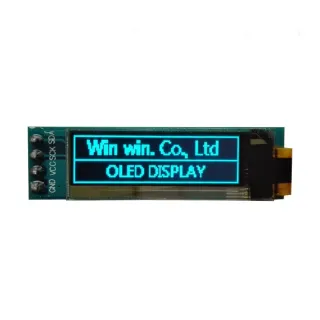
0,96 inch mini OLED -näyttö. Terävä kuva 128x64 pikselin resoluutiolla.
Toimii 3v-5v virtalähteellä. Ihanteellinen Arduino- tai ESP32 / ESP8266 -projekteihin.
Tämän boardin mitat ovat vain 26,1 x 26,1 x 3,2mm.
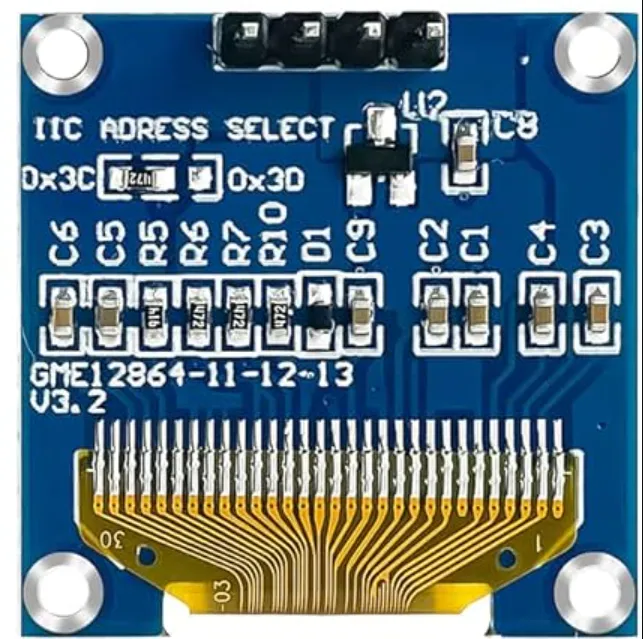
Valittavissa on 2 i2c-osoitetta muuttamalla takana olevaa vastusta.
Saatavilla olevat osoitteet ovat: 0x3C (default) ja x3D
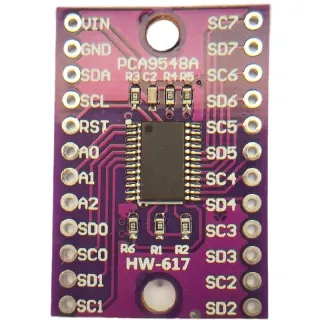
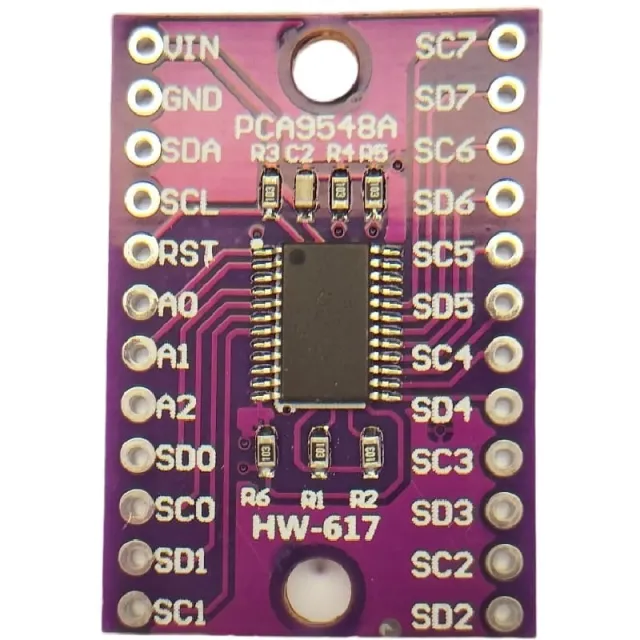
Jos haluat ohjata useita OLED-näyttöjä tai et halua juottaa SMD-komponenttia, voit i2c mutliplexer -laitteen avulla ohjata jopa 8x i2C -näyttöä samalla osoitteella.
katso täältä Kytkentäkaavio ja esimerkkikoodi >>>
Mitat
Pituus: 2,61cm
Leveys: 2,61cm
Korkeus: 0,32cm
| Virtalähde | 3v-5v |
|---|---|
| Mitat | 26,1 x 26,1 x 3,2 mm |
| Leveys | 2,61 cm |
| Resoluutio | 128 x 64 pikseliä |
| Liitäntä | I2C |
| Sopii | Arduino |
| Pituus | 2,61 cm |
| Korkeus | 0,32 cm |
| I2C-osoite | 0x3C |
...........
Se oli ihan hyvä
Hyvä näyttö!
Suoraan ESP32-C6:een ilman pull-up-vastuksia.
Hyvä resoluutio ja kirkkaus.
Ei testattu
Toimii erinomaisesti
Erinomainen laatu ja superhauska pr
Toimii erinomaisesti ja on erittäin kätevä mittatietojen näyttämiseen.
Hyvä tuote. Selkeä näyttö ja näkyy hyvin jopa auringossa
0,96 tuuman näyttö, näyttää hyvältä. mutta on kyllä pieni.
Etkö ole tyytyväinen? Sinulla on 30 päivää aikaa vastaanotosta palauttaa tuote.
Kaikki palautuksista
Mini OLED-näyttö valkoinen 0.96 inch 128x64 I2C