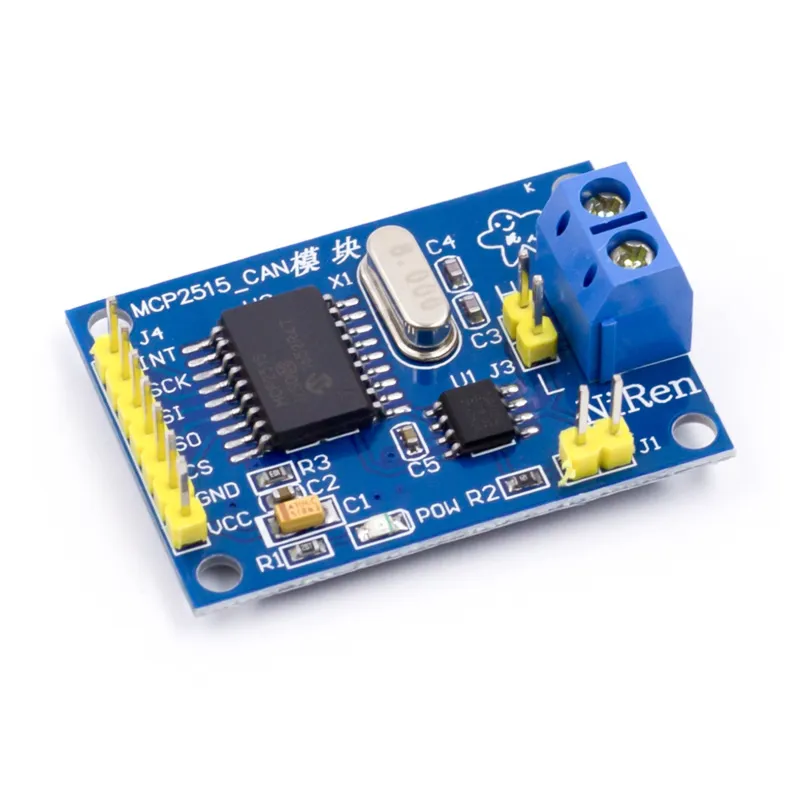
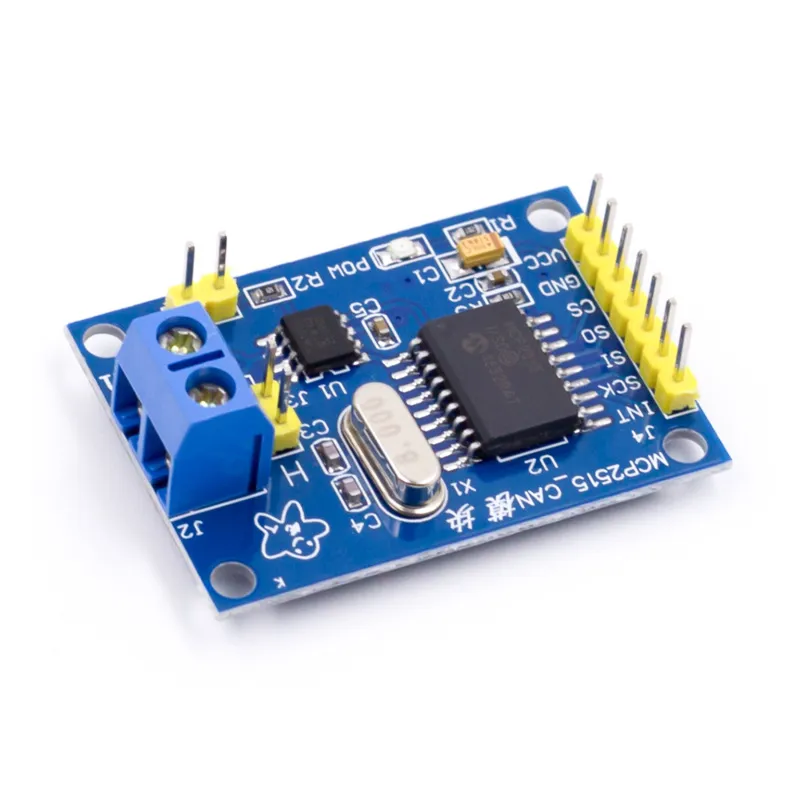
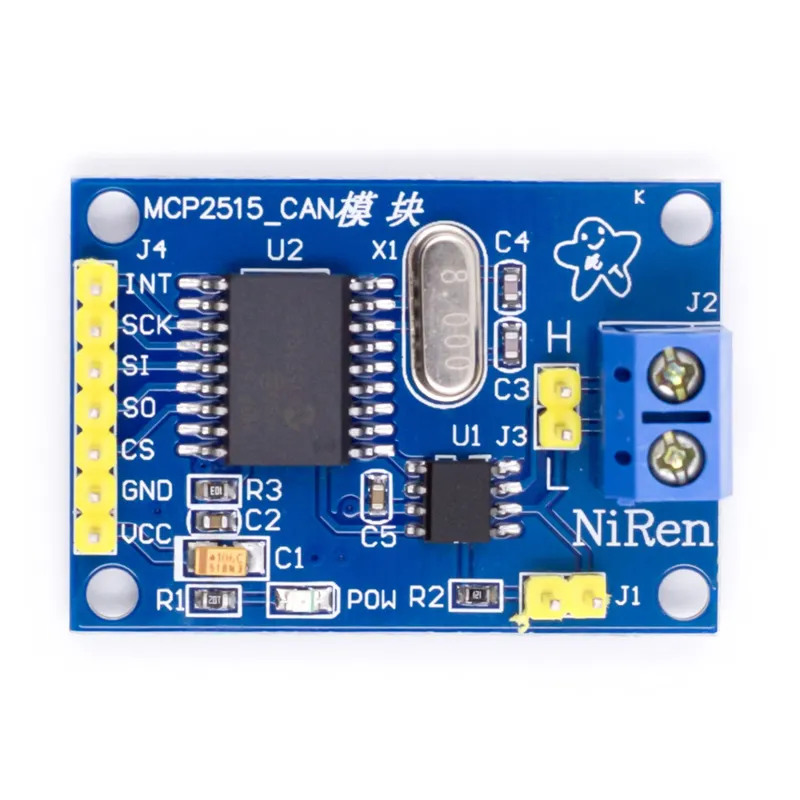
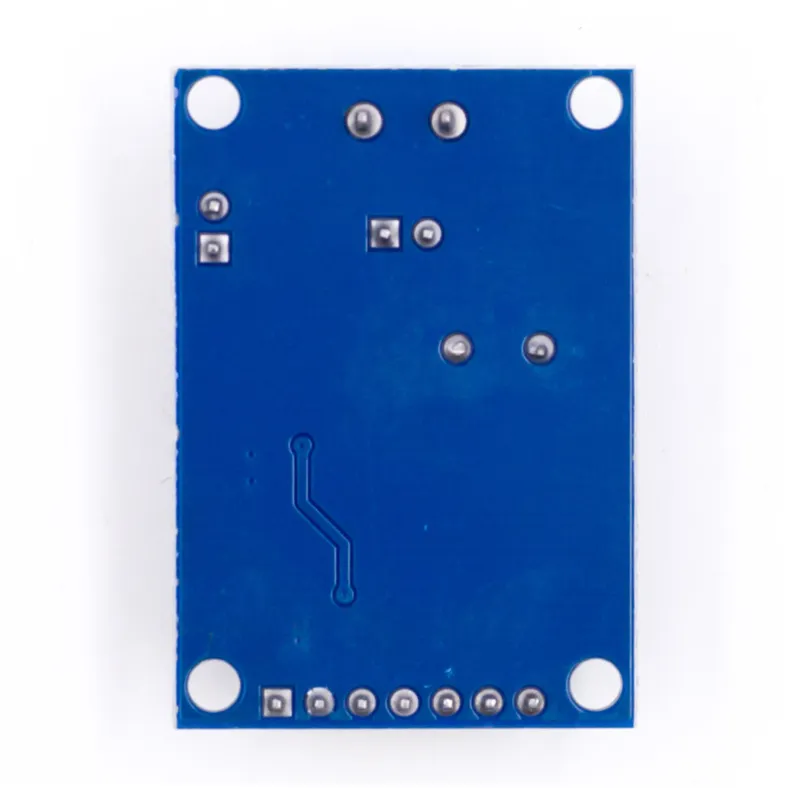
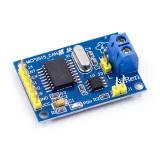
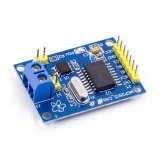
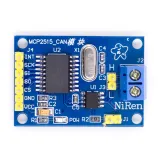
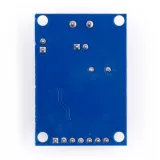
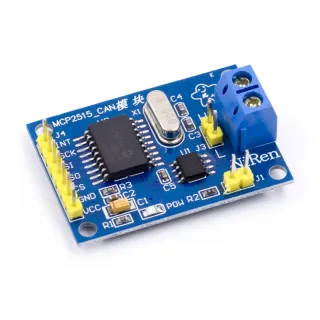
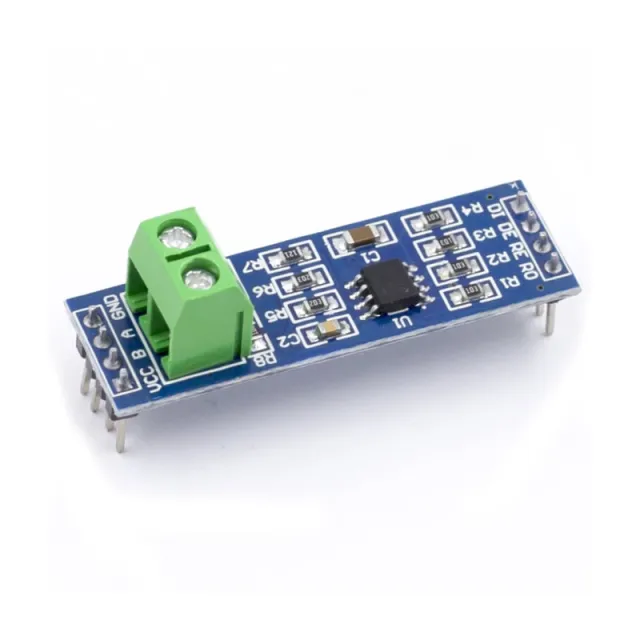
CAN-bus module voor Arduino en andere microcontrollerprojecten die via SPI met een CAN-bussysteem communiceren.
SKU: OT2083-D99 Artikelnummer: AA204 EAN: 4374044390615 Locatie: D09.09
Alternatief
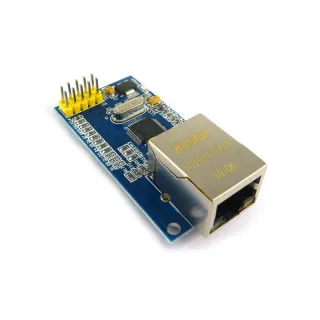
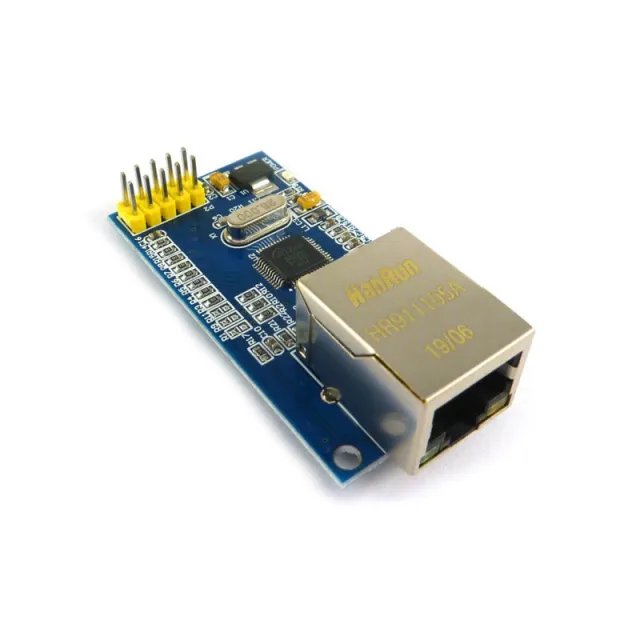
SPI Ethernet module W5500
€ 7,65
Bekijk dit alternatief
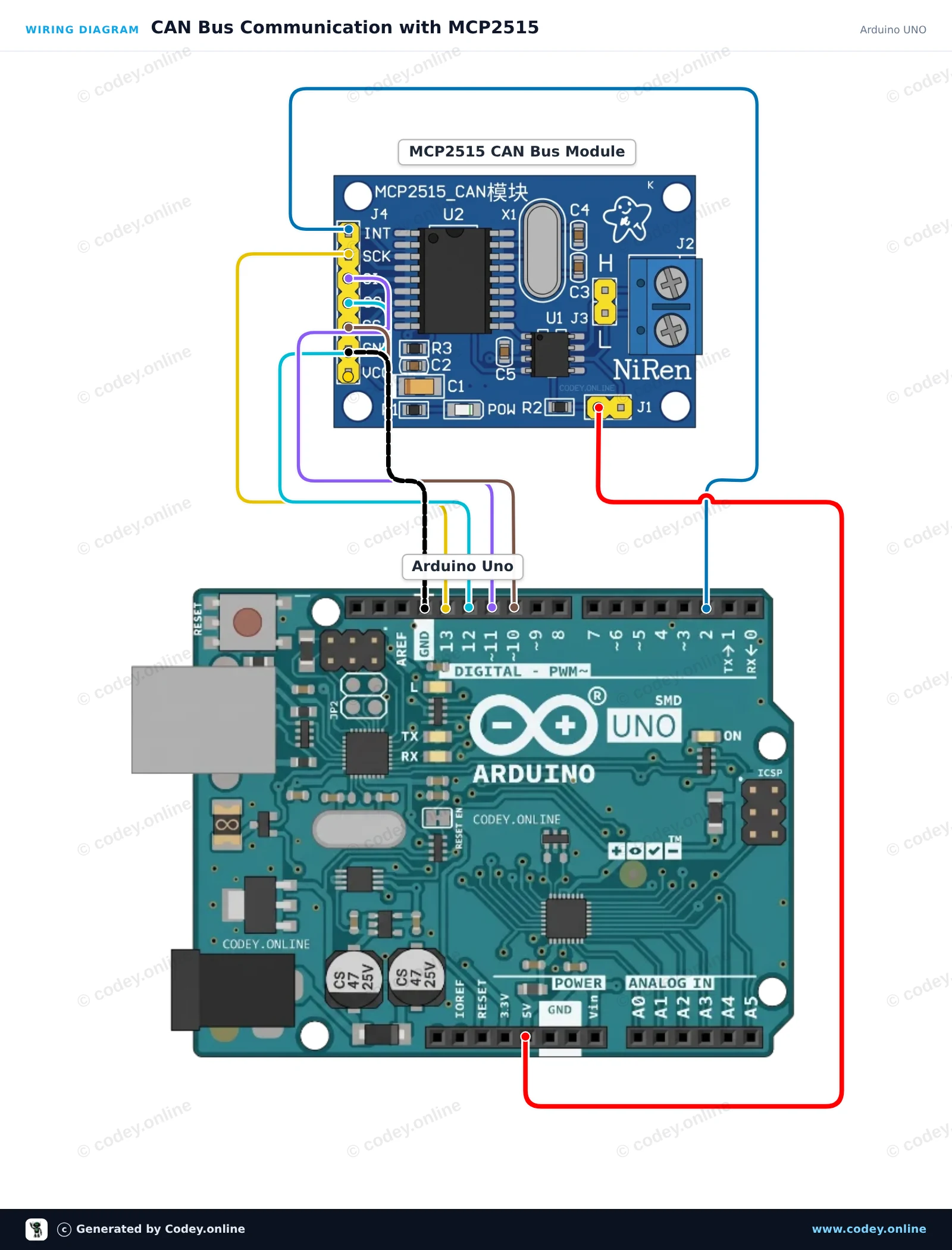
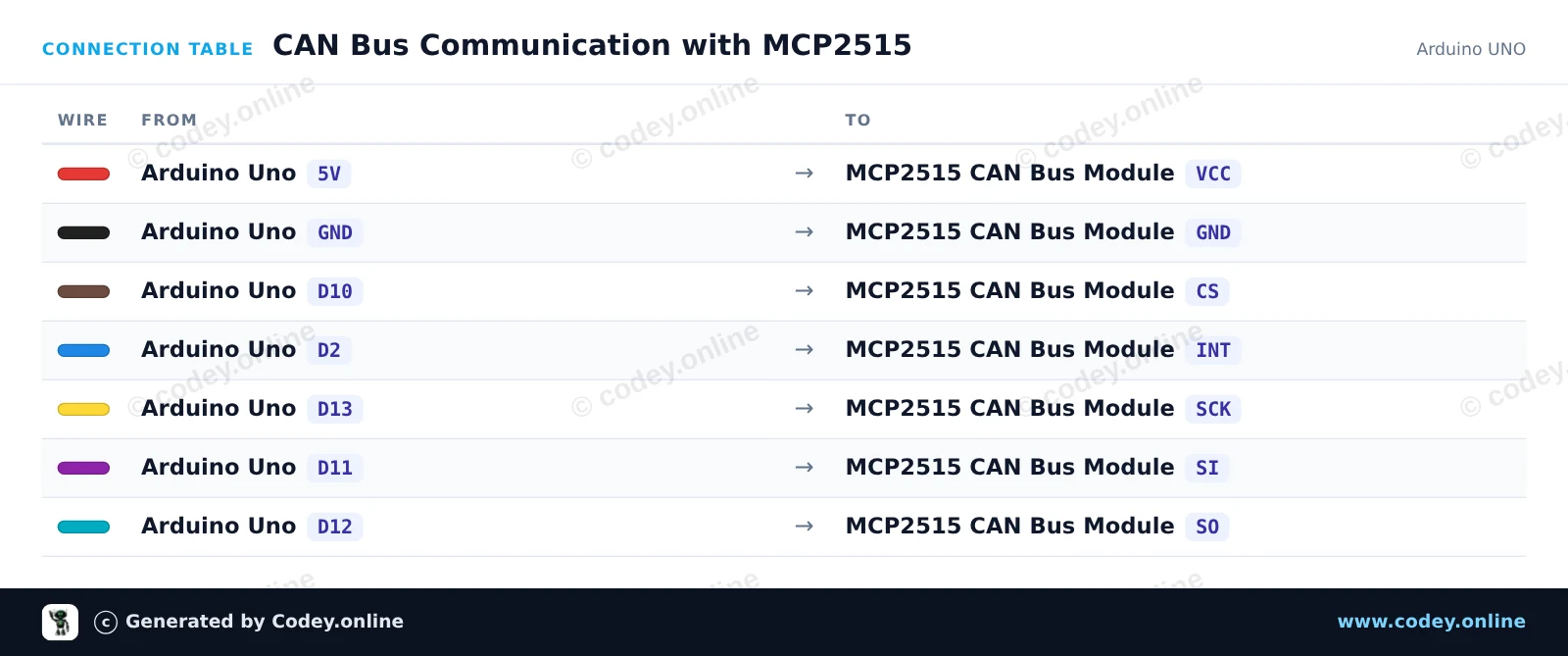
Zo sluit je de CAN-bus module MCP2515 SPI 5V aan op een Arduino UNO of ESP32, met een voorbeeldsketch die je direct kunt uploaden.
Verbindt een MCP2515 CAN-busmodule met een Arduino Uno via hardware SPI. De sketch initialiseert de CAN-controller op 500 kbps, verstuurt elke 2 seconden een test-CAN-bericht en print alle ontvangen frames naar de Serial Monitor.
/*
* ==================================================================
* Generated by Codey.online — https://www.codey.online
* ==================================================================
* Project : CAN Bus Communication with MCP2515
* Board : Arduino UNO (arduino:avr:uno)
* Parts : CAN-bus module MCP2515 SPI 5V
* Libraries : mcp_can 1.5.1
*
* Codey Online is an AI-powered browser IDE for Arduino and ESP32.
* Describe your project and Codey writes the code, draws the wiring
* diagram and uploads it to your board, straight from the browser.
* This code is free to use, modify and share, without warranty.
* ==================================================================
*/
#include <SPI.h>
#include <mcp_can.h>
const byte CAN_CS_PIN = 10;
const byte CAN_INT_PIN = 2;
MCP_CAN CAN(CAN_CS_PIN);
unsigned long lastSend = 0;
void setup() {
Serial.begin(115200);
pinMode(CAN_INT_PIN, INPUT);
// Initialize MCP2515 with standard 8MHz crystal at 500 kbps
if (CAN.begin(MCP_ANY, CAN_500KBPS, MCP_8MHZ) == CAN_OK) {
Serial.println(F("MCP2515 initialized successfully!"));
} else {
Serial.println(F("MCP2515 initialization failed!"));
while (1);
}
CAN.setMode(MCP_NORMAL);
Serial.println(F("CAN controller ready in normal mode."));
}
void loop() {
// Check for received CAN messages
if (CAN.checkReceive() == CAN_MSGAVAIL) {
unsigned long rxId;
byte len = 0;
byte rxBuf[8];
CAN.readMsgBuf(&rxId, &len, rxBuf);
Serial.print(F("RX -> ID: 0x"));
Serial.print(rxId, HEX);
Serial.print(F(" DLC: "));
Serial.print(len);
Serial.print(F(" Data: "));
for (byte i = 0; i < len; i++) {
if (rxBuf[i] < 0x10) Serial.print('0');
Serial.print(rxBuf[i], HEX);
Serial.print(' ');
}
Serial.println();
}
// Send a test packet every 2 seconds
if (millis() - lastSend >= 2000) {
lastSend = millis();
byte txData[4] = {0xDE, 0xAD, 0xBE, 0xEF};
byte sndStat = CAN.sendMsgBuf(0x100, 0, 4, txData);
if (sndStat == CAN_OK) {
Serial.println(F("TX -> Sent frame (ID: 0x100, Data: DE AD BE EF)"));
} else {
Serial.println(F("TX -> Error sending message"));
}
}
}
Benodigde bibliotheken: mcp_can 1.5.1
Wiring diagram and example code generated by Codey.online — https://www.codey.online
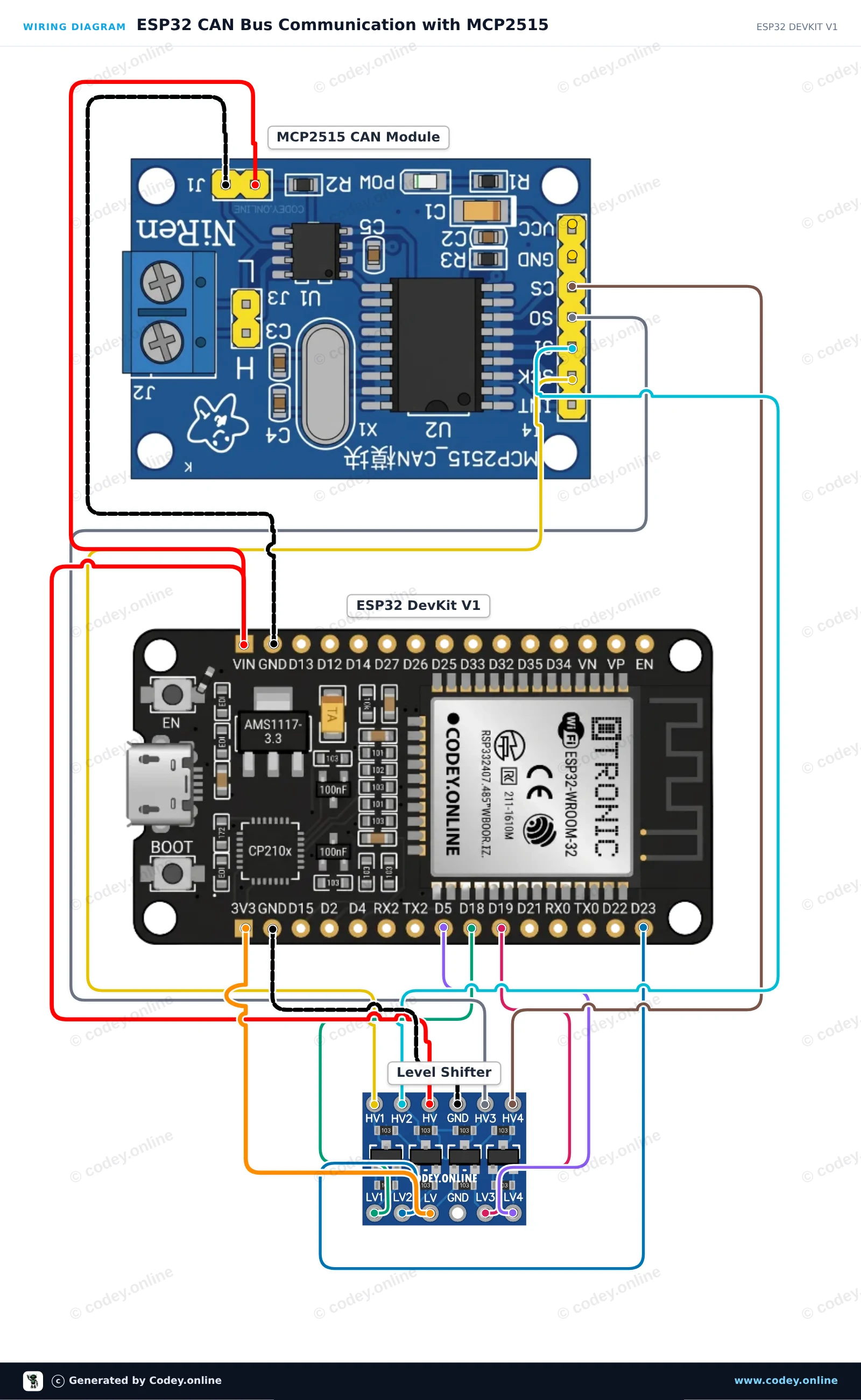
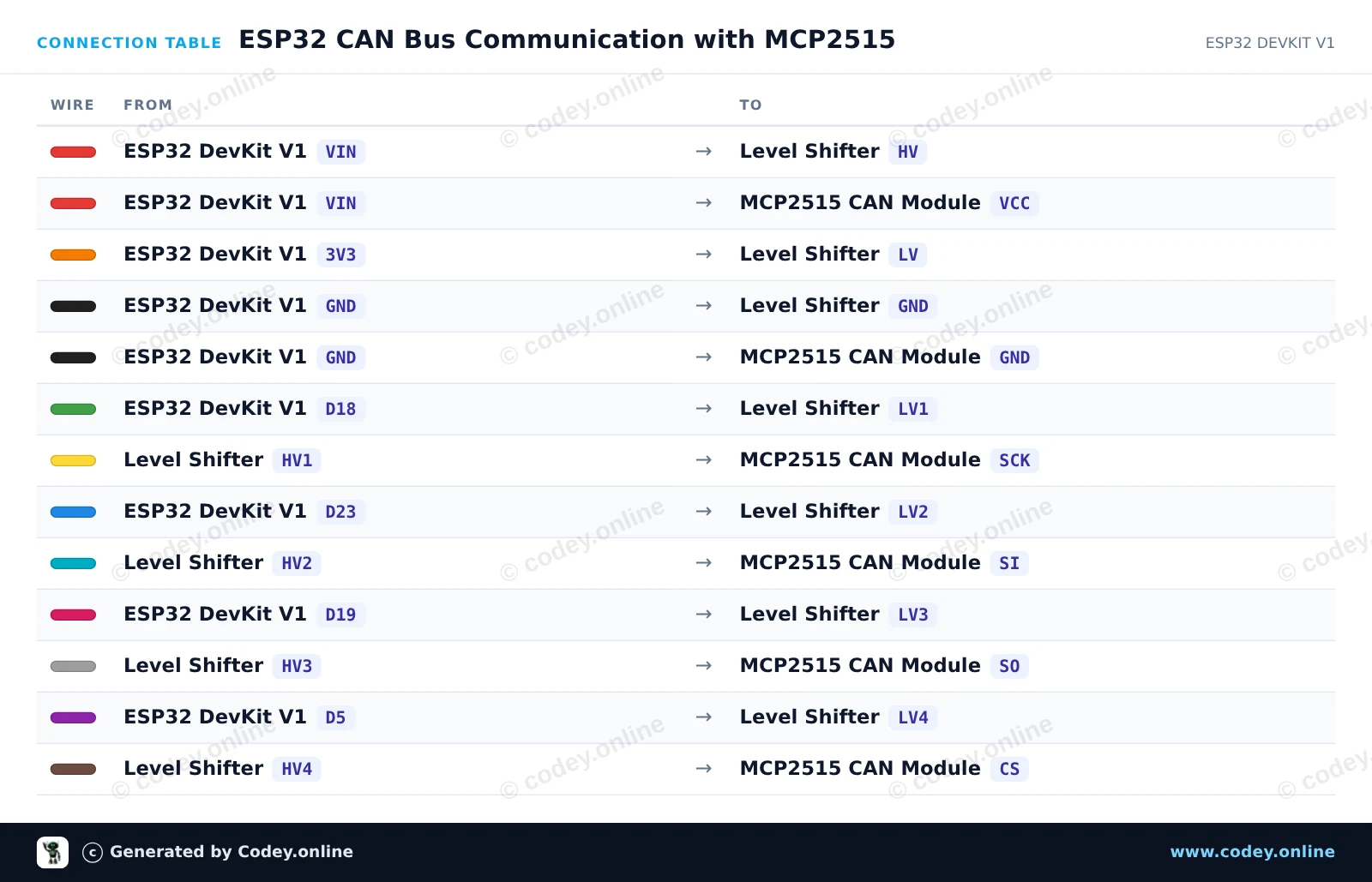
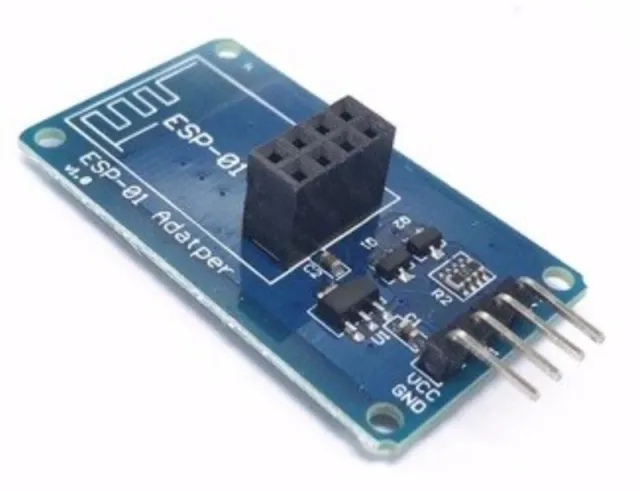
Dit circuit verbindt een ESP32 met een MCP2515 CAN-busmodule via SPI, met een 4-kanaals bidirectionele level shifter om de 3.3V-logica van de ESP32 te beschermen tegen de 5V-module. De sketch initialiseert de CAN-controller op 500 kbps, verstuurt elke twee seconden een test-CAN-datapakket en toont alle ontvangen CAN-busberichten in de Serial Monitor.
/*
* ==================================================================
* Generated by Codey.online — https://www.codey.online
* ==================================================================
* Project : ESP32 CAN Bus Communication with MCP2515
* Board : ESP32 DEVKIT V1 (esp32:esp32:esp32doit-devkit-v1)
* Parts : CAN-bus module MCP2515 SPI 5V
* Libraries : mcp_can 1.5.1
*
* Codey Online is an AI-powered browser IDE for Arduino and ESP32.
* Describe your project and Codey writes the code, draws the wiring
* diagram and uploads it to your board, straight from the browser.
* This code is free to use, modify and share, without warranty.
* ==================================================================
*/
#include <SPI.h>
#include <mcp_can.h>
const int CAN_CS_PIN = 5;
MCP_CAN CAN0(CAN_CS_PIN);
void setup() {
Serial.begin(115200);
while (!Serial);
// Initialize MCP2515 running at 8MHz clock and 500kbps CAN baud rate
if (CAN0.begin(MCP_ANY, CAN_500KBPS, MCP_8MHZ) == CAN_OK) {
Serial.println("MCP2515 Initialized Successfully!");
} else {
Serial.println("Error Initializing MCP2515...");
}
CAN0.setMode(MCP_NORMAL);
}
void loop() {
// Prepare sample data payload (8 bytes)
byte data[8] = {0x11, 0x22, 0x33, 0x44, 0x55, 0x66, 0x77, 0x88};
// Send CAN message with standard ID 0x100
byte sndStat = CAN0.sendMsgBuf(0x100, 0, 8, data);
if (sndStat == CAN_OK) {
Serial.println("CAN Message Sent Successfully!");
} else {
Serial.println("Error Sending CAN Message...");
}
// Check for incoming CAN messages
if (CAN0.checkReceive() == CAN_MSGAVAIL) {
long unsigned int rxId;
unsigned char len = 0;
unsigned char rxBuf[8];
CAN0.readMsgBuf(&rxId, &len, rxBuf);
Serial.print("Received ID: 0x");
Serial.print(rxId, HEX);
Serial.print(" Data: ");
for (byte i = 0; i < len; i++) {
Serial.print("0x");
if (rxBuf[i] < 0x10) Serial.print("0");
Serial.print(rxBuf[i], HEX);
Serial.print(" ");
}
Serial.println();
}
delay(2000);
}
Benodigde bibliotheken: mcp_can 1.5.1
Wiring diagram and example code generated by Codey.online — https://www.codey.online
De MCP2515 CAN-bus module is geschikt voor Arduino en andere microcontrollerprojecten waarbij u met een CAN-bussysteem wilt communiceren middels het SPI-protocol.
Ondersteunt CAN V2.0B met een communicatiesnelheid van 1 Mb/s.
Voedingsspanning: 5V
Interface: bestuurbaar met SPI
Afmetingen: circa 2,8 x 4,8 cm
Afmetingen
Lengte: 4cm
Breedte: 2,8cm
Hoogte: 1,2cm

| Breedte | 2,8 cm |
|---|---|
| Lengte | 4 cm |
| Voedingsspanning | 5V |
| Hoogte | 1,2 cm |
| CAN-versie | V2.0B |
| Communicatiesnelheid | 1 Mb/s |
Nog geen beoordelingen.
Niet tevreden? Je hebt 30 dagen bedenktijd na ontvangst om het product terug te sturen.
Alles over retourneren
CAN-bus module MCP2515 SPI 5V