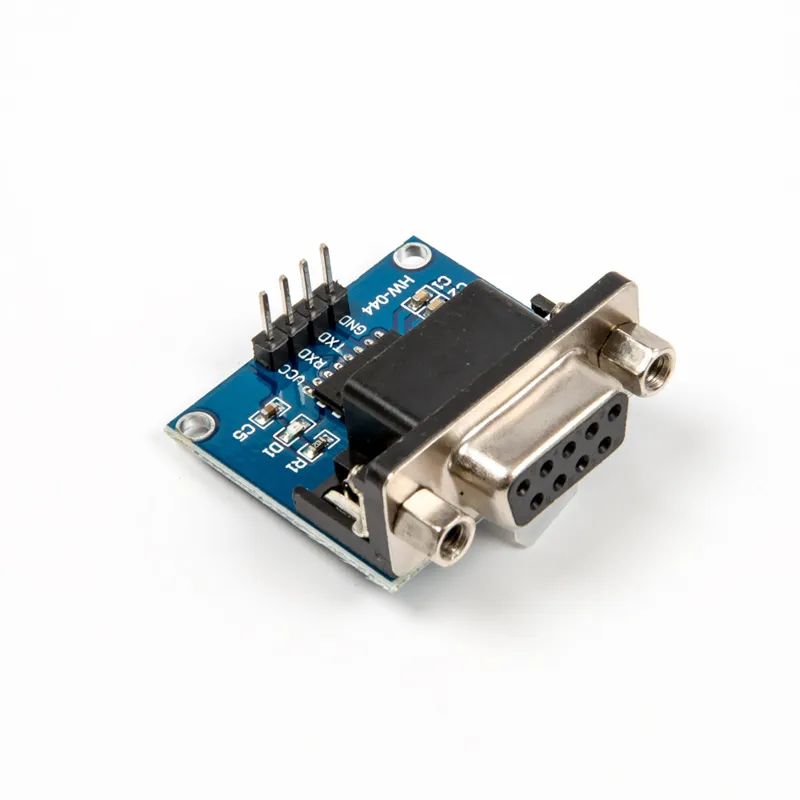
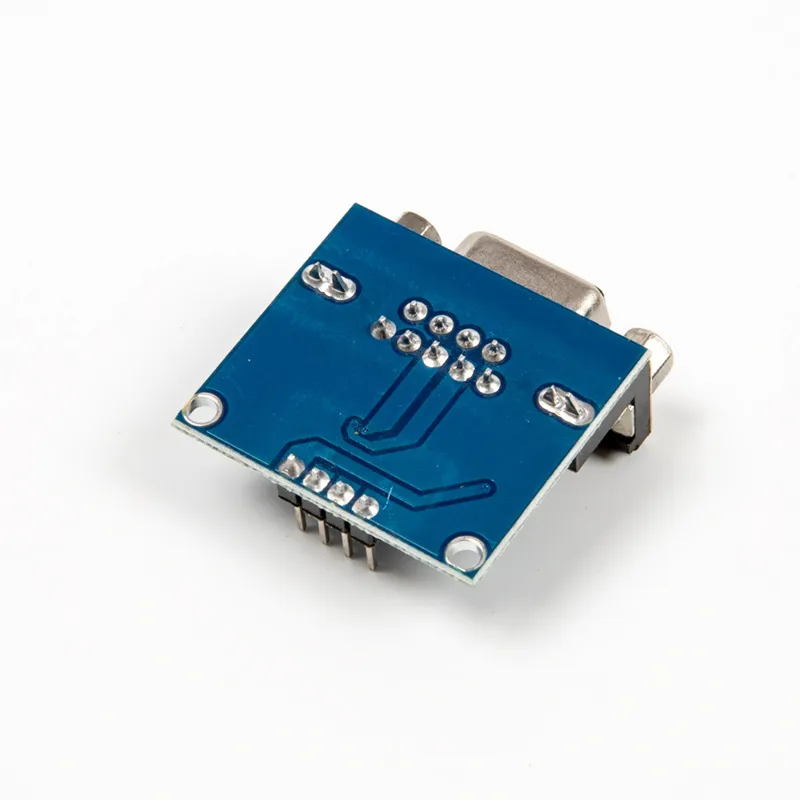
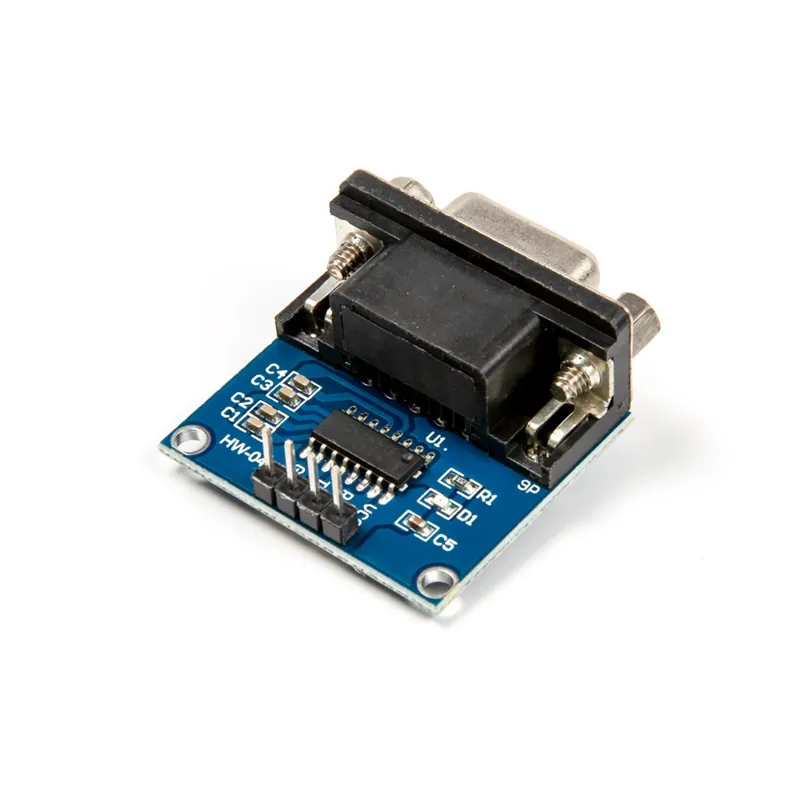
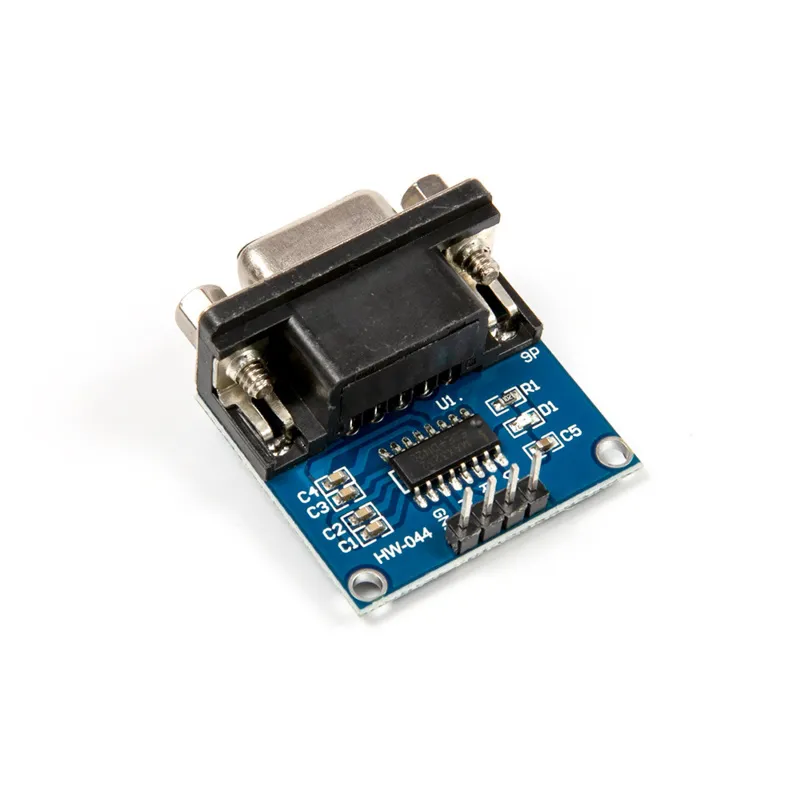
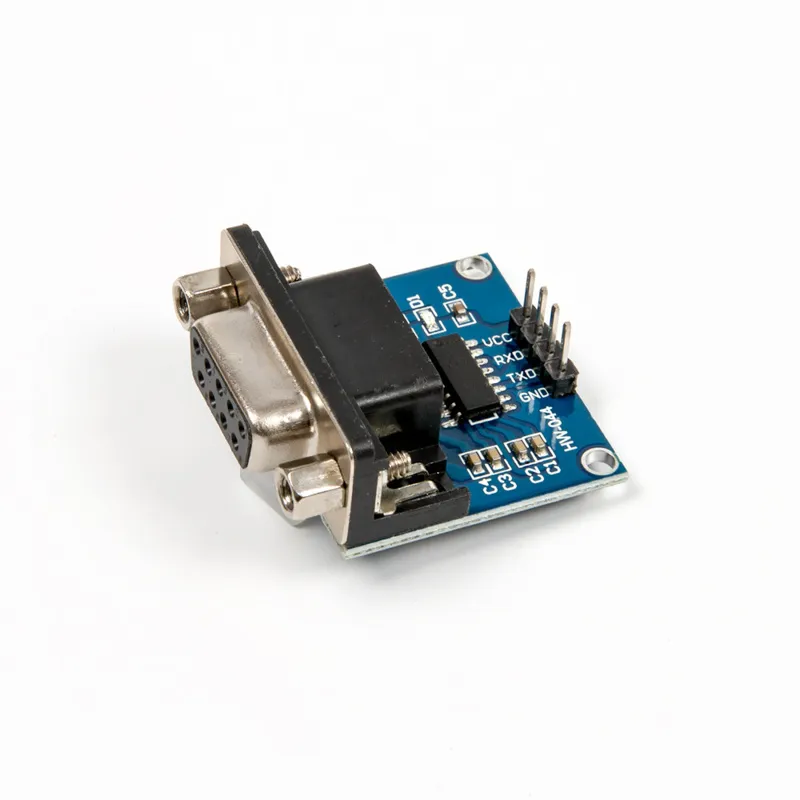
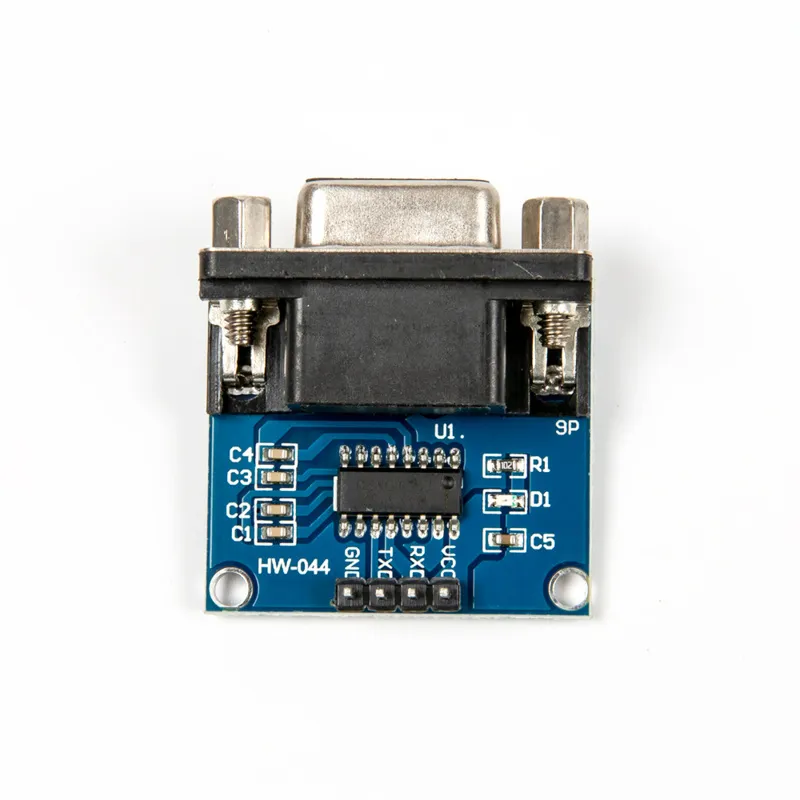
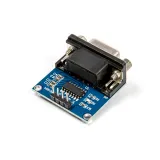
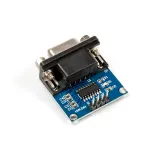
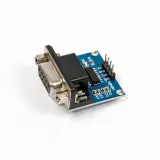
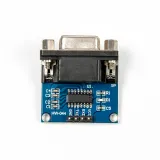
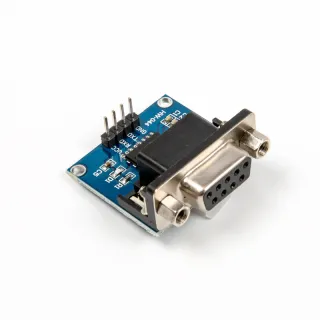
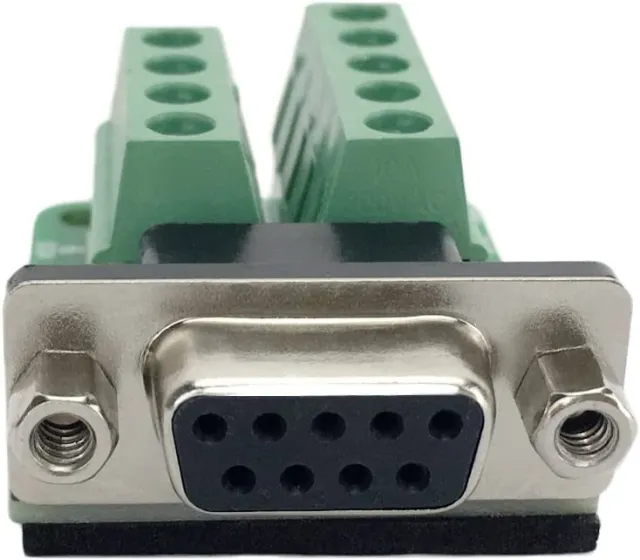
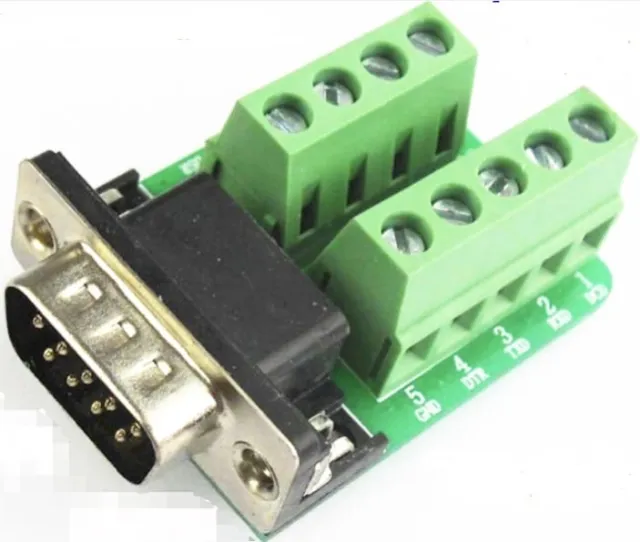
Seriële omzettermodule voor wie RS232 met TTL-signalen wil koppelen.
SKU: OT3678 Artikelnummer: NA652 EAN: 8720618690371 Locatie: G09.01
Alternatief
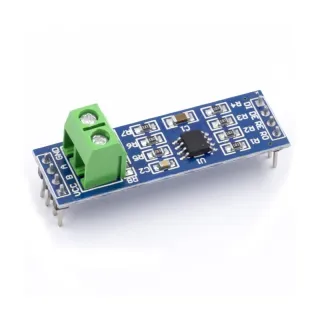
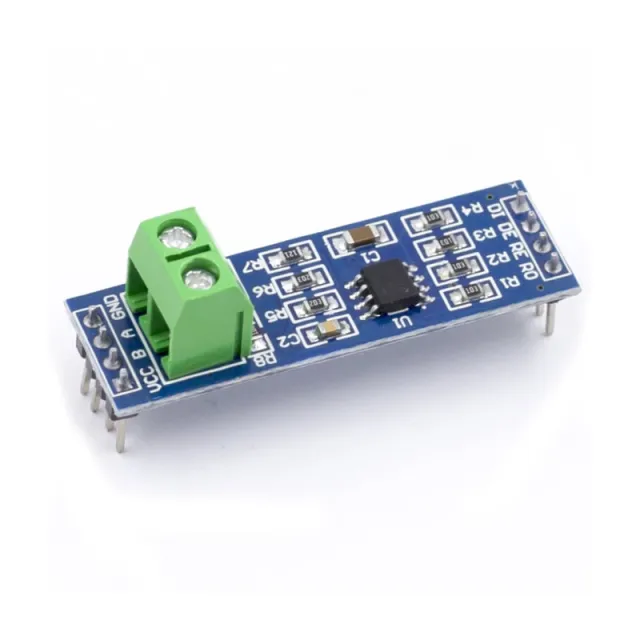
MAX485 TTL to RS485 Converter Module
€ 1,15
Bekijk dit alternatief
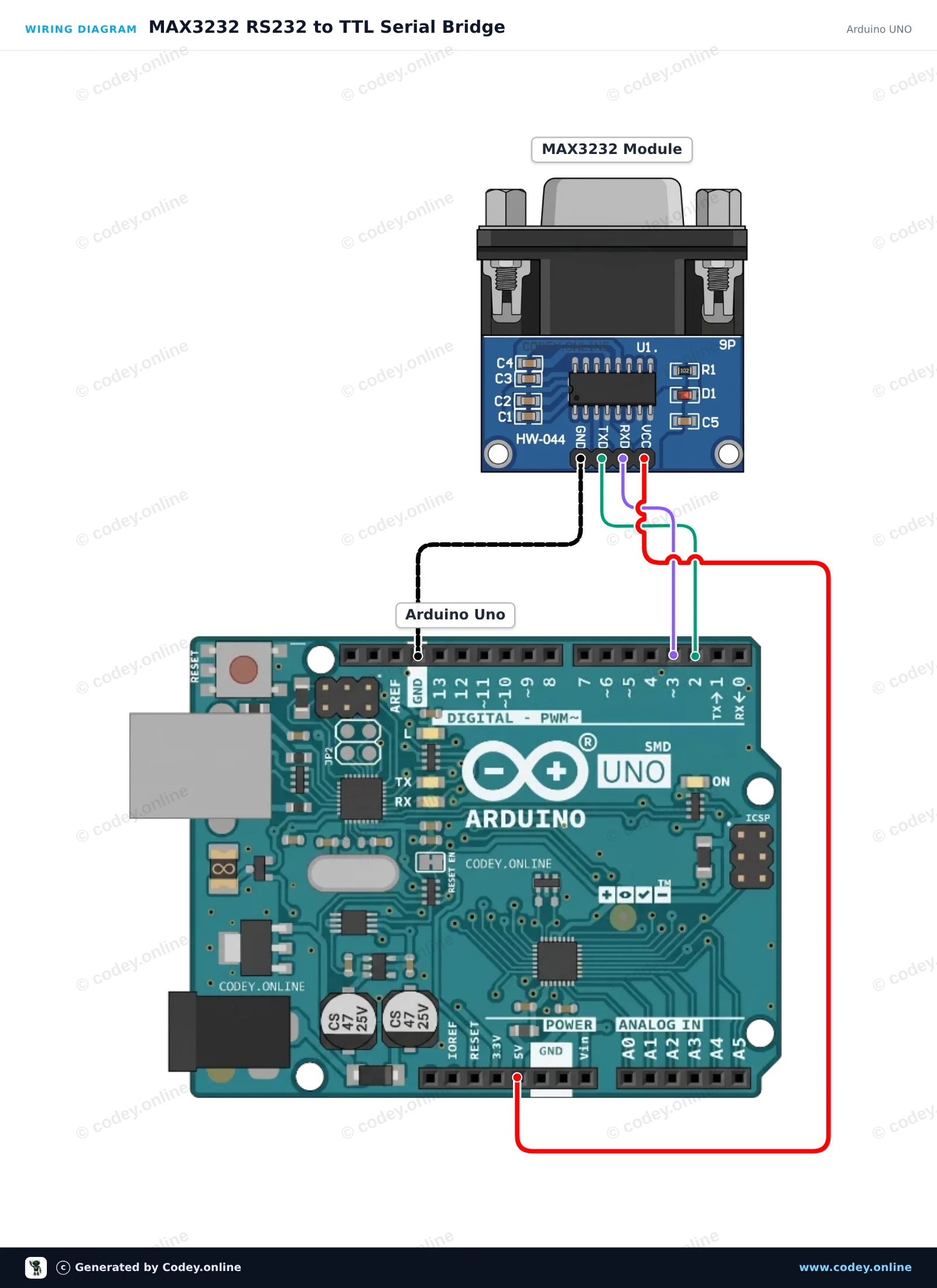
Zo sluit je de MAX3232 RS232 naar TTL seriële module aan op een Arduino UNO of ESP32, met een voorbeeldsketch die je direct kunt uploaden.
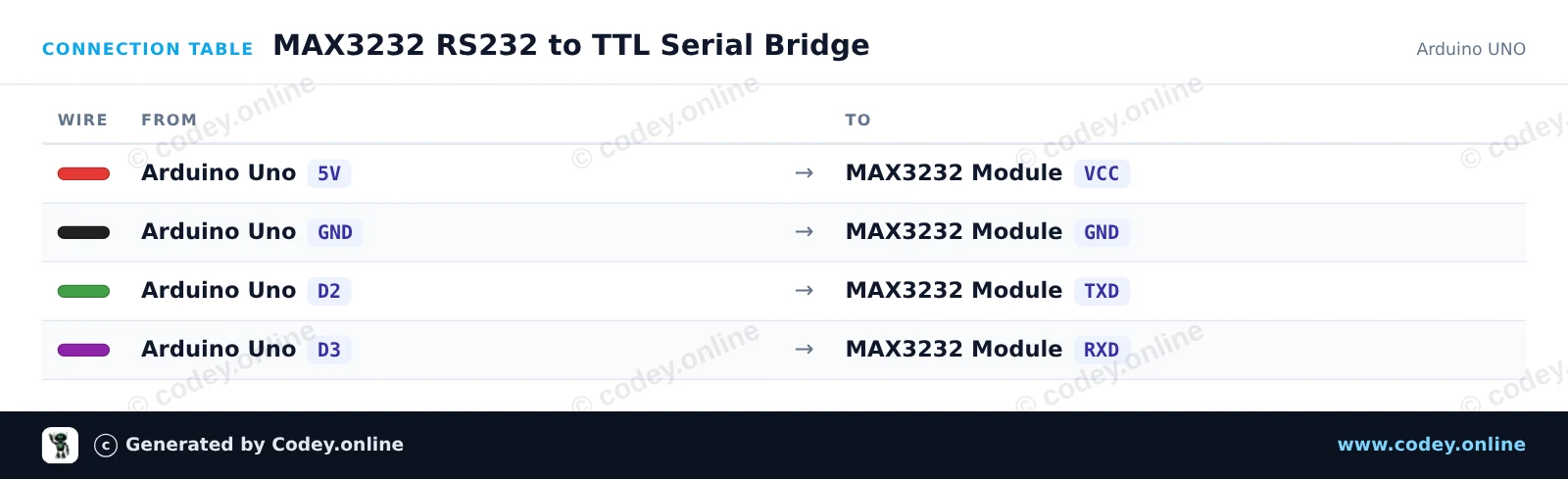
Dit project zet een transparante seriële brug op tussen de Arduino USB Serial Monitor en een RS232-apparaat via de MAX3232-module. SoftwareSerial verzorgt de communicatie op pinnen D2 en D3 met 9600 baud, terwijl hardware Serial vrij blijft voor de computermonitor. Elk teken dat in de Serial Monitor wordt getypt, wordt via RS232 verzonden, en alle inkomende RS232-bytes worden naar de monitor geprint.
/*
* ==================================================================
* Generated by Codey.online — https://www.codey.online
* ==================================================================
* Project : MAX3232 RS232 to TTL Serial Bridge
* Board : Arduino UNO (arduino:avr:uno)
* Parts : MAX3232 RS232 to TTL Serial Converter Module
* Libraries : none (built-in)
*
* Codey Online is an AI-powered browser IDE for Arduino and ESP32.
* Describe your project and Codey writes the code, draws the wiring
* diagram and uploads it to your board, straight from the browser.
* This code is free to use, modify and share, without warranty.
* ==================================================================
*/
#include <SoftwareSerial.h>
const uint8_t RX_PIN = 2; // Connect to MAX3232 TXD
const uint8_t TX_PIN = 3; // Connect to MAX3232 RXD
SoftwareSerial rs232Serial(RX_PIN, TX_PIN);
void setup() {
Serial.begin(115200);
rs232Serial.begin(9600);
Serial.println(F("--- MAX3232 RS232 Bridge Ready ---"));
Serial.println(F("Type in the Serial Monitor (115200 baud) to send over RS232 (9600 baud)."));
Serial.println(F("Any response from the RS232 device will appear here."));
}
void loop() {
// Forward characters from the USB Serial Monitor to the RS232 module
while (Serial.available() > 0) {
char c = Serial.read();
rs232Serial.write(c);
}
// Forward characters from the RS232 module to the USB Serial Monitor
while (rs232Serial.available() > 0) {
char c = rs232Serial.read();
Serial.write(c);
}
}
Wiring diagram and example code generated by Codey.online — https://www.codey.online
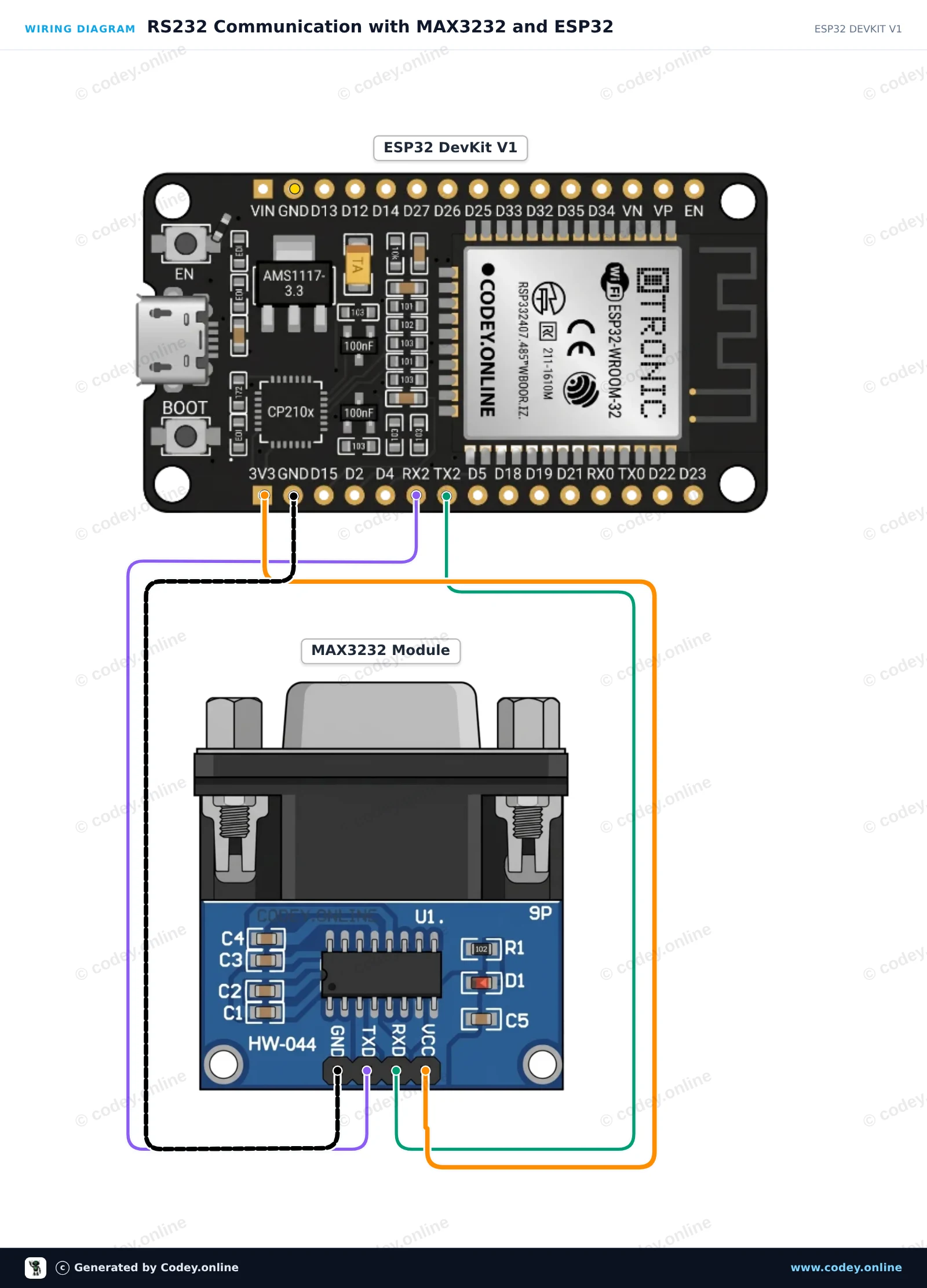
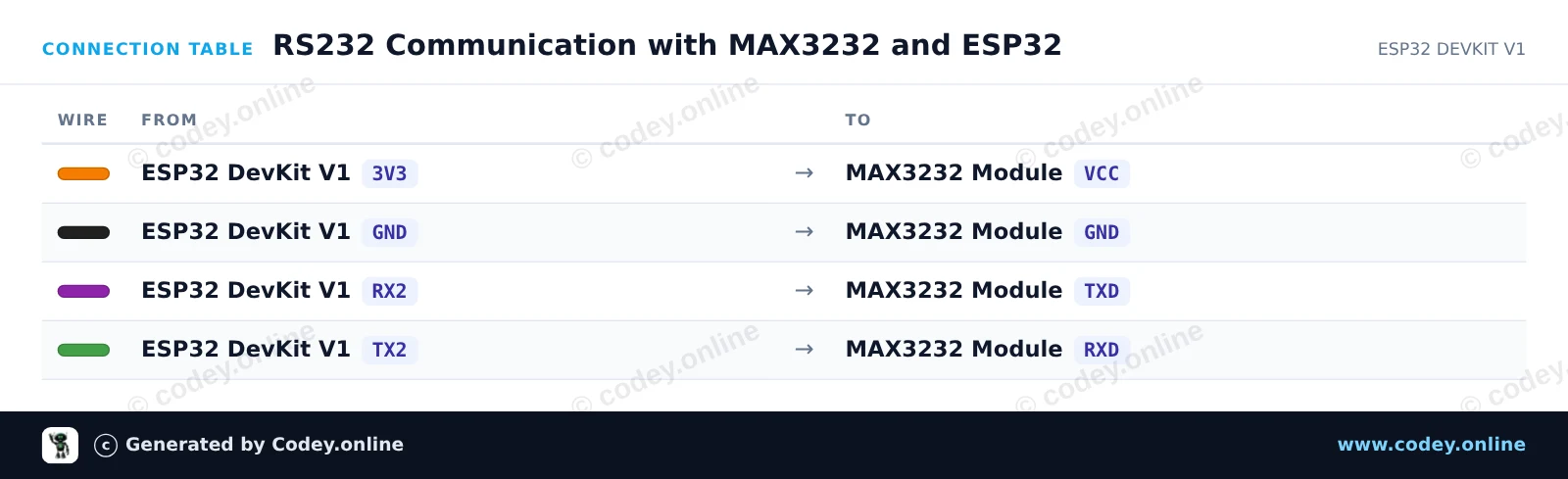
Dit project verbindt een ESP32 met een MAX3232-module om RS232-serialcommunicatie mogelijk te maken. De ESP32 gebruikt Hardware Serial2 om RS232-signalen te verzenden en te ontvangen op 3.3V logicaniveaus. Om de werking binnen enkele minuten te controleren, verbind je pinnen 2 en 3 (RX en TX) op de DB9-connector van de module voor een loopbacktest die uitgaande berichten terug laat komen in de Serial Monitor.
/*
* ==================================================================
* Generated by Codey.online — https://www.codey.online
* ==================================================================
* Project : RS232 Communication with MAX3232 and ESP32
* Board : ESP32 DEVKIT V1 (esp32:esp32:esp32doit-devkit-v1)
* Parts : MAX3232 RS232 to TTL Serial Converter Module
* Libraries : none (built-in)
*
* Codey Online is an AI-powered browser IDE for Arduino and ESP32.
* Describe your project and Codey writes the code, draws the wiring
* diagram and uploads it to your board, straight from the browser.
* This code is free to use, modify and share, without warranty.
* ==================================================================
*/
// MAX3232 RS232 Demo for ESP32 DEVKIT V1
// Uses Hardware Serial2: GPIO 16 (RX2) and GPIO 17 (TX2)
const int RX_PIN = 16;
const int TX_PIN = 17;
unsigned long lastSendTime = 0;
const unsigned long sendInterval = 2000; // Send a test string every 2 seconds
int messageCounter = 0;
void setup() {
// USB Serial Monitor
Serial.begin(115200);
while (!Serial && millis() < 2000);
// RS232 Port on Serial2 (9600 baud, 8N1)
Serial2.begin(9600, SERIAL_8N1, RX_PIN, TX_PIN);
Serial.println("--- MAX3232 RS232 Bridge Initialized ---");
Serial.println("Tip: Short DB9 pins 2 & 3 for an automatic loopback test.");
}
void loop() {
// Periodically send a message out via RS232
if (millis() - lastSendTime >= sendInterval) {
lastSendTime = millis();
messageCounter++;
String msg = "RS232 Test Message #" + String(messageCounter);
Serial2.println(msg);
Serial.print("[RS232 TX] ");
Serial.println(msg);
}
// Print any incoming data from the RS232 interface
if (Serial2.available()) {
Serial.print("[RS232 RX] ");
while (Serial2.available()) {
char inChar = (char)Serial2.read();
Serial.print(inChar);
}
}
// Forward any user input from Serial Monitor to RS232
if (Serial.available()) {
char outChar = (char)Serial.read();
Serial2.write(outChar);
}
}
Wiring diagram and example code generated by Codey.online — https://www.codey.online
MAX3232 RS232 naar TTL seriële poortconvertermodule DB9-connector
De belangrijkste parameters:
Controle-chip: MAX3232
Werkspanning: 3.3V-5V DC
Werkstroom: 6mA
Voeding: extern
Interface: TXD, RXD, GND, VCC
Totale afmetingen: 33 mm x 32 mm x 16 mm

| Afmetingen | 33 mm x 32 mm x 16 mm |
|---|---|
| Aansluiting | DB9-connector |
| Model | MAX3232 |
| Stroom | 6mA |
Voldoet prima aan de verwachtingen.
Werkt goed aangesloten op de Esp32 voor connectie met een hybrid inverter
Nog niet getest.
Ik heb de Rs232 module gekoppeld aan een Arduino Uno, voor een Rs232 data verbinding met een Anenji Hybrid inverter om daarvan de actuele data uit te lezen. Het werkt uitstekend, en ben er blij mee.
prima producten !
Niet tevreden? Je hebt 30 dagen bedenktijd na ontvangst om het product terug te sturen.
Alles over retourneren
MAX3232 RS232 naar TTL seriële module