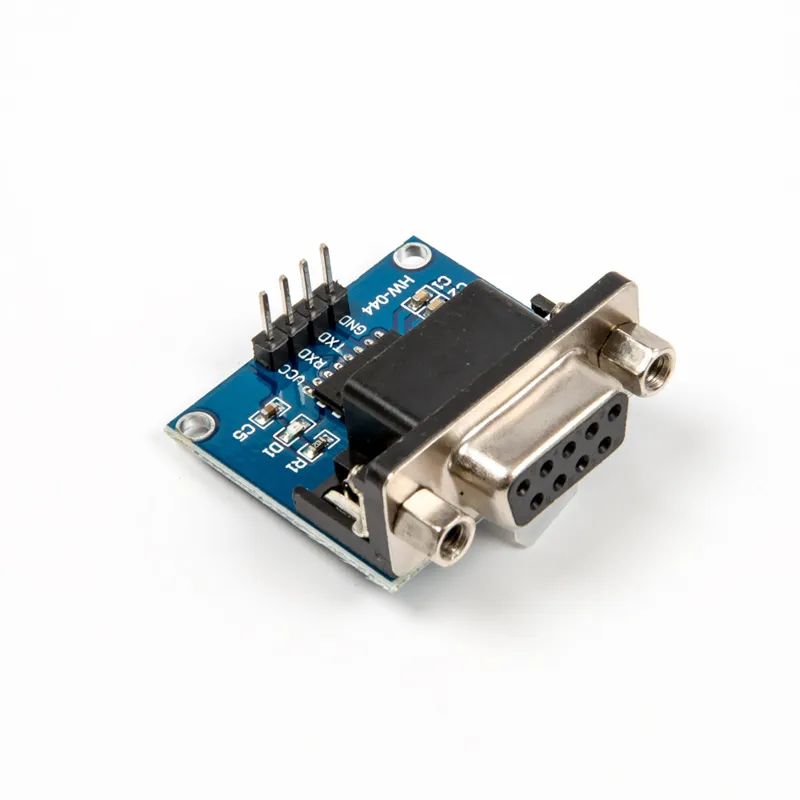
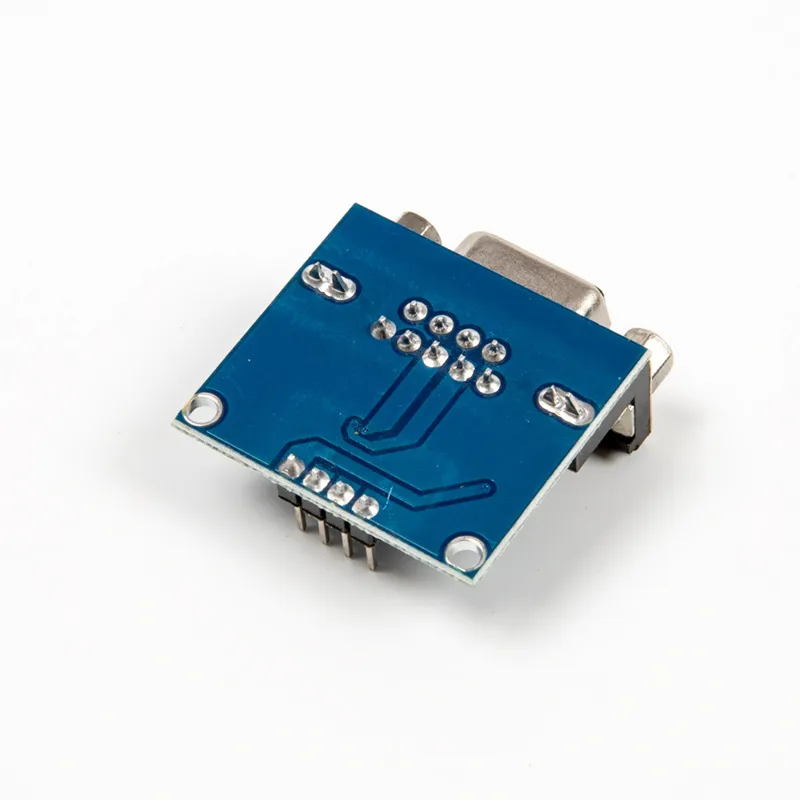
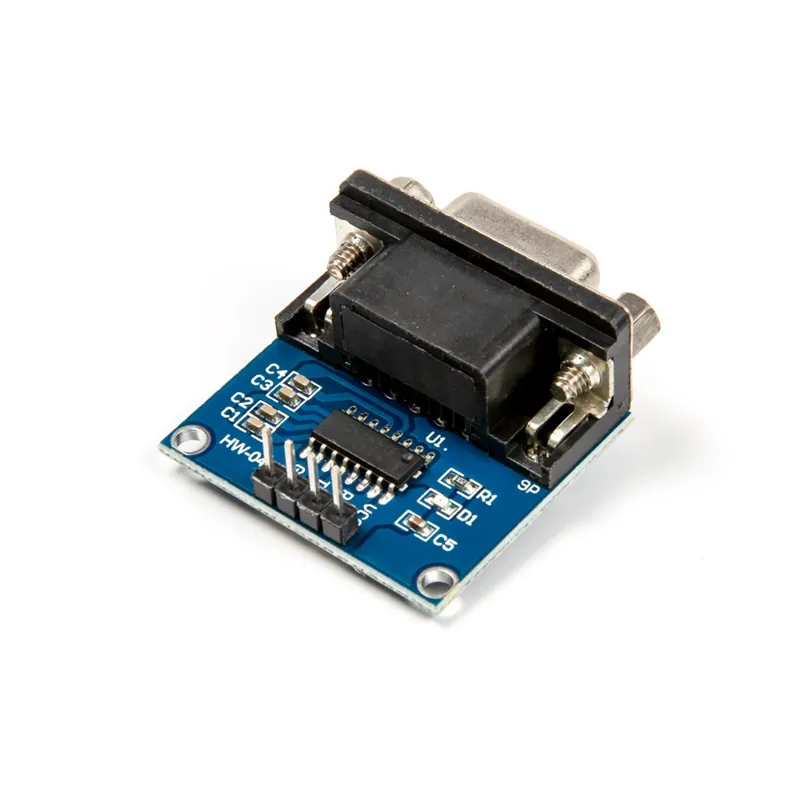
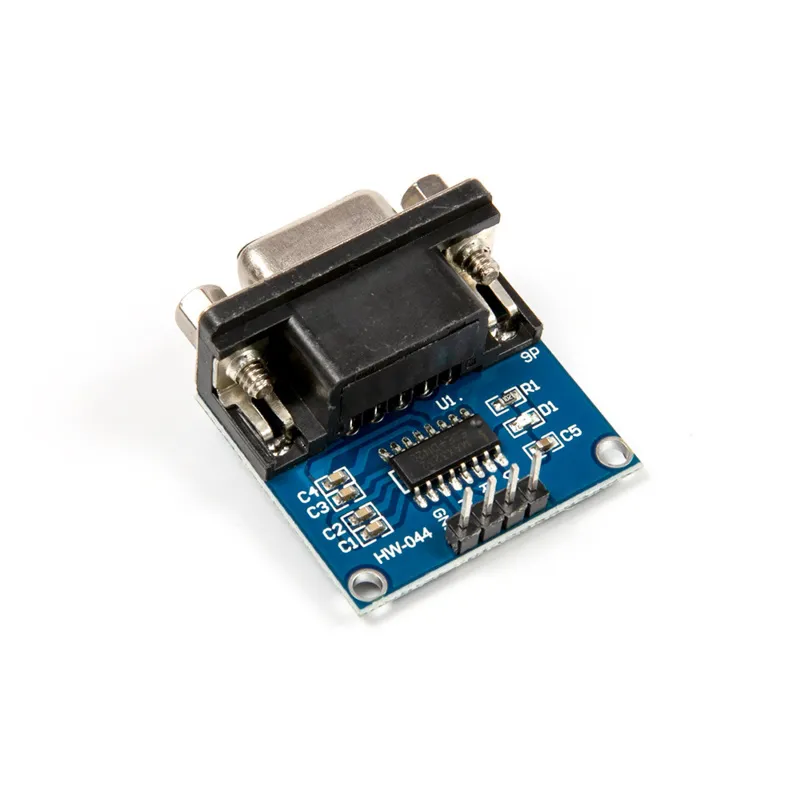
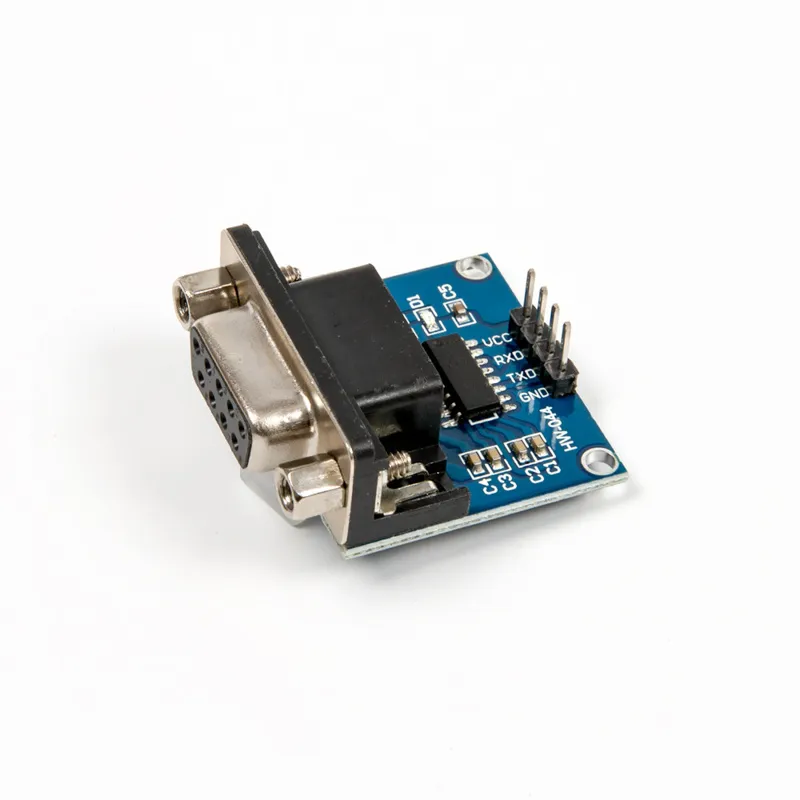
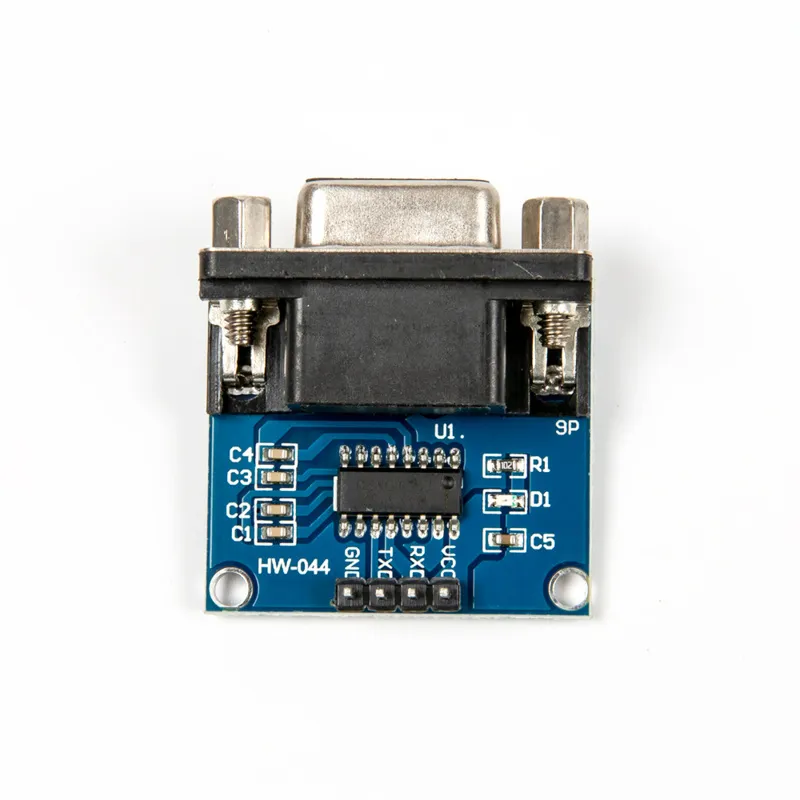
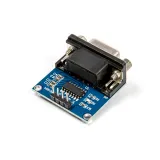
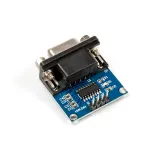
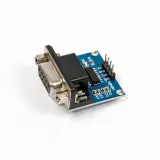
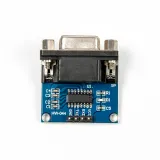
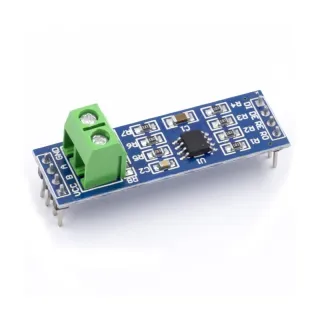
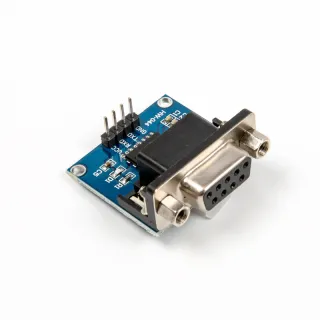
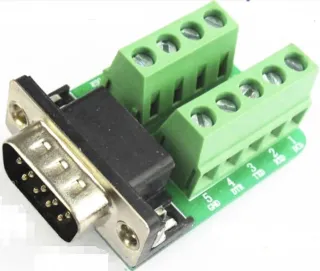
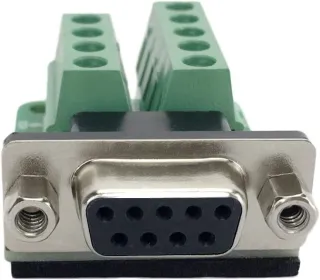
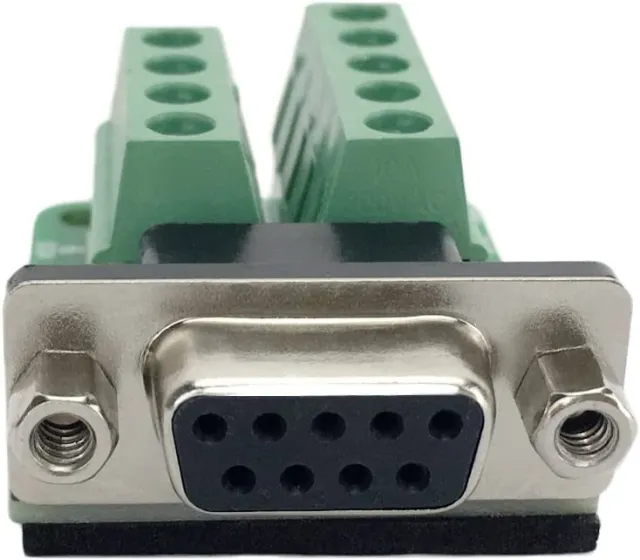
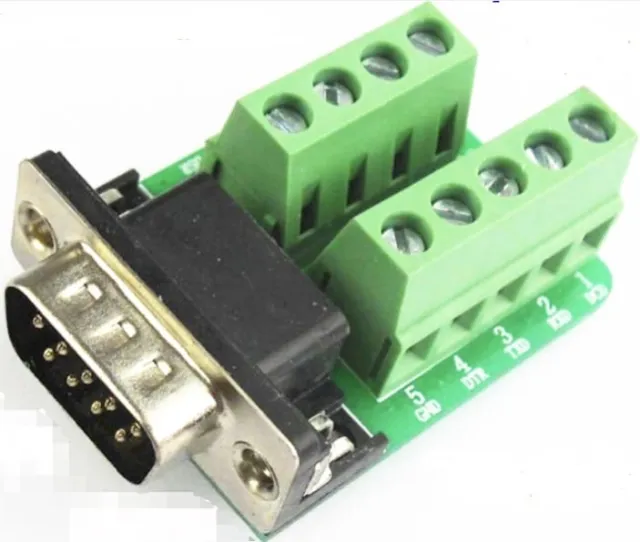
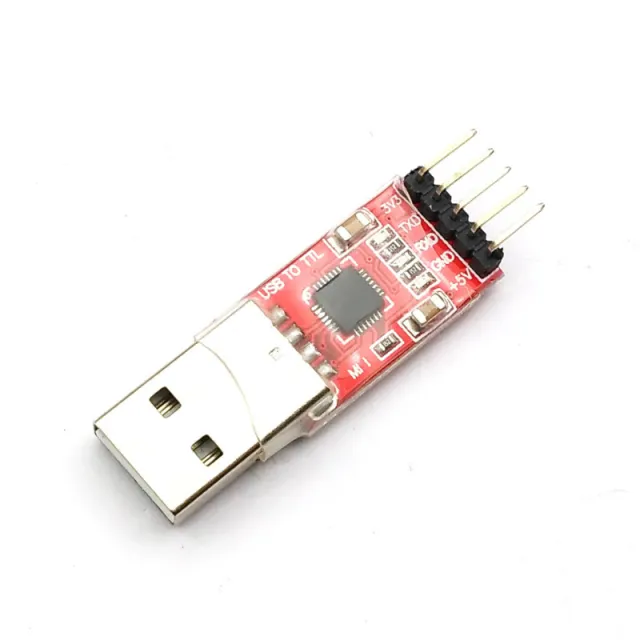
Serial converter module for connecting RS232 with TTL signals.
SKU: OT3678 Article number: NA652 EAN: 8720618690371 Location: G09.01
Alternative
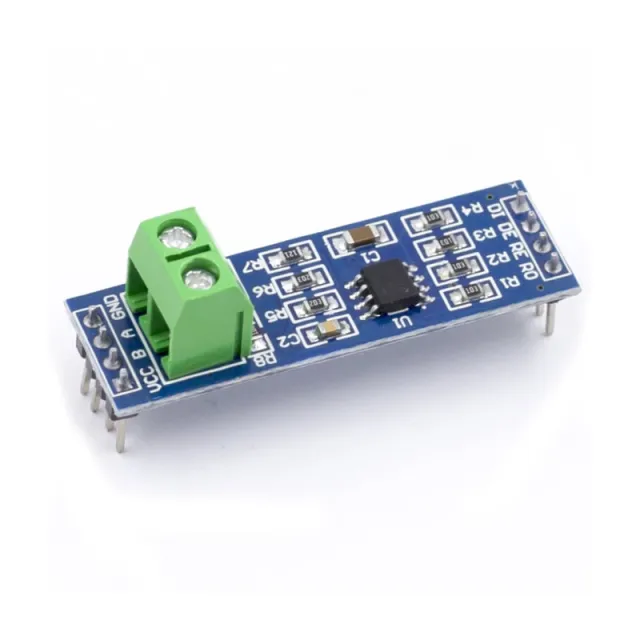
MAX485 TTL to RS485 Converter Module
€ 1,15
View this alternative
How to connect the MAX3232 RS232 to TTL serial module to an Arduino UNO or ESP32, with an example sketch you can upload straight away.
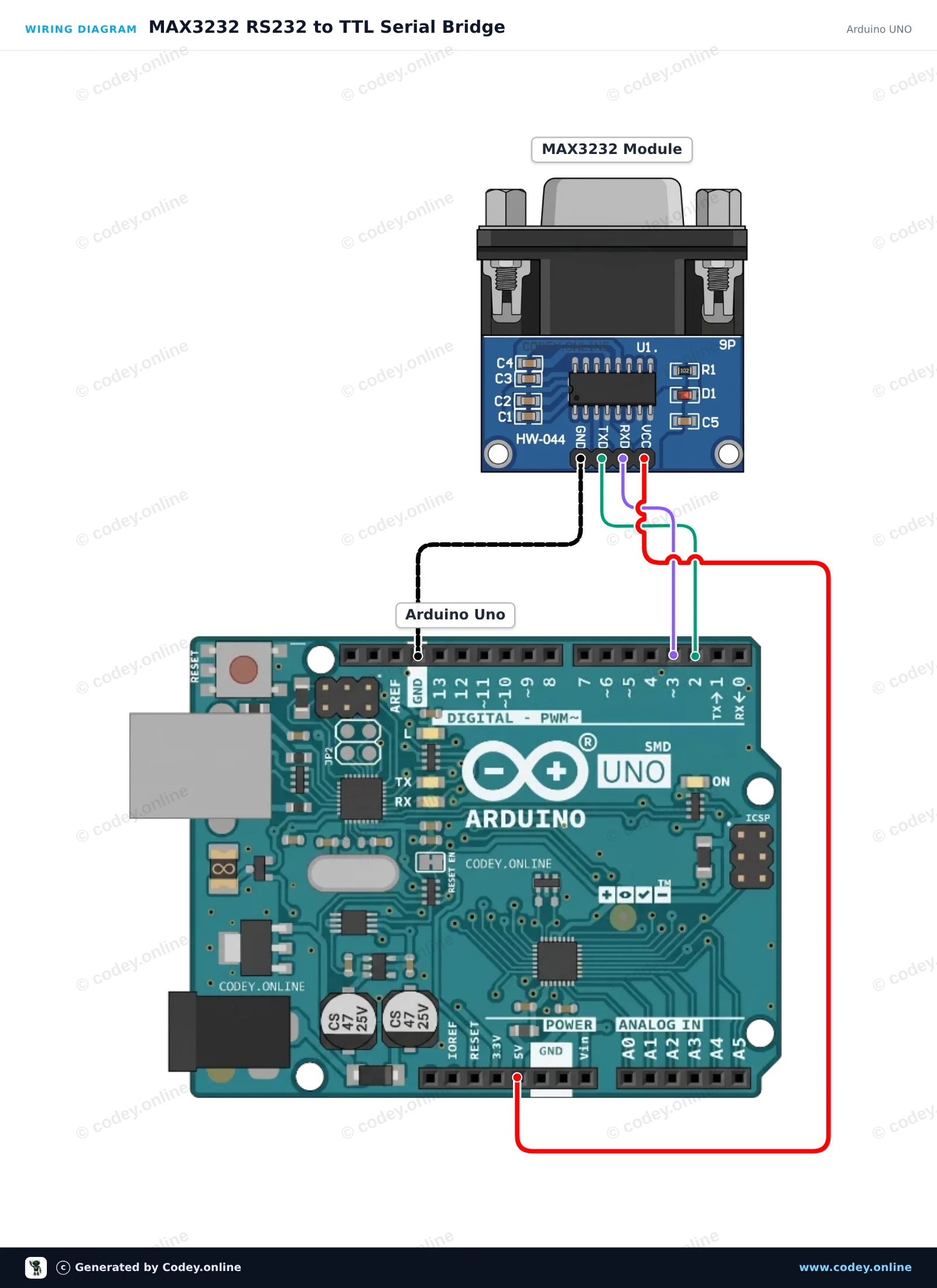
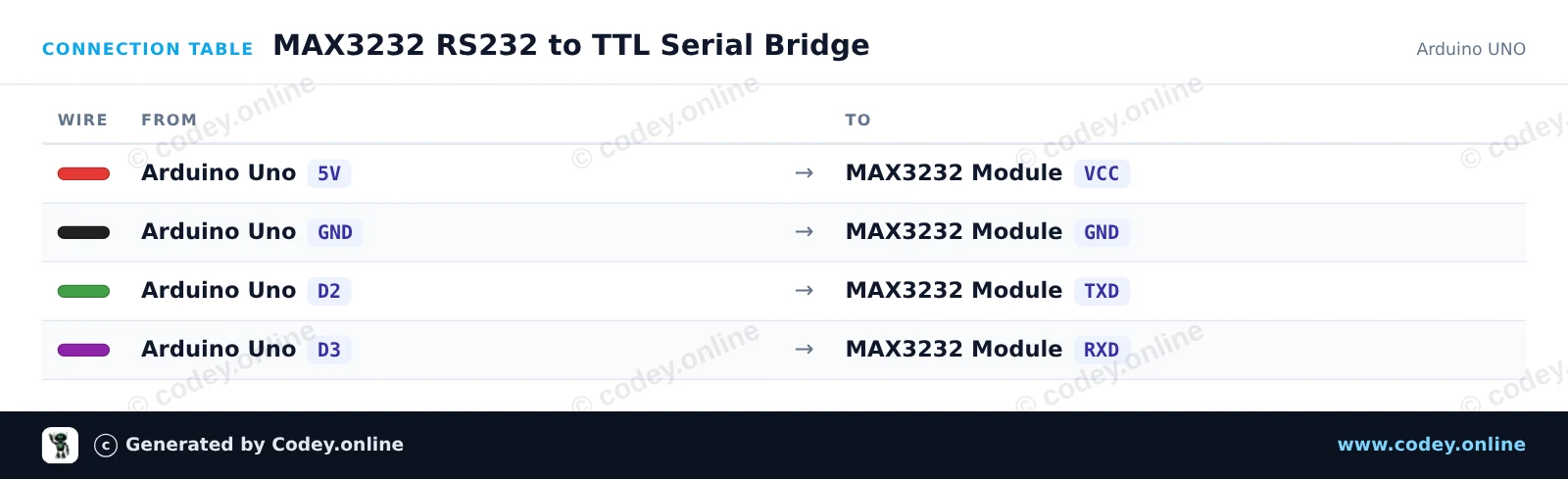
This project sets up a transparent serial bridge between the Arduino USB serial monitor and an RS232 device via the MAX3232 module. SoftwareSerial handles communication on pins D2 and D3 at 9600 baud while keeping hardware Serial free for the computer monitor. Any character typed in the Serial Monitor is transmitted over RS232, and any incoming RS232 bytes are printed to the monitor.
/*
* ==================================================================
* Generated by Codey.online — https://www.codey.online
* ==================================================================
* Project : MAX3232 RS232 to TTL Serial Bridge
* Board : Arduino UNO (arduino:avr:uno)
* Parts : MAX3232 RS232 to TTL Serial Converter Module
* Libraries : none (built-in)
*
* Codey Online is an AI-powered browser IDE for Arduino and ESP32.
* Describe your project and Codey writes the code, draws the wiring
* diagram and uploads it to your board, straight from the browser.
* This code is free to use, modify and share, without warranty.
* ==================================================================
*/
#include <SoftwareSerial.h>
const uint8_t RX_PIN = 2; // Connect to MAX3232 TXD
const uint8_t TX_PIN = 3; // Connect to MAX3232 RXD
SoftwareSerial rs232Serial(RX_PIN, TX_PIN);
void setup() {
Serial.begin(115200);
rs232Serial.begin(9600);
Serial.println(F("--- MAX3232 RS232 Bridge Ready ---"));
Serial.println(F("Type in the Serial Monitor (115200 baud) to send over RS232 (9600 baud)."));
Serial.println(F("Any response from the RS232 device will appear here."));
}
void loop() {
// Forward characters from the USB Serial Monitor to the RS232 module
while (Serial.available() > 0) {
char c = Serial.read();
rs232Serial.write(c);
}
// Forward characters from the RS232 module to the USB Serial Monitor
while (rs232Serial.available() > 0) {
char c = rs232Serial.read();
Serial.write(c);
}
}
Wiring diagram and example code generated by Codey.online — https://www.codey.online
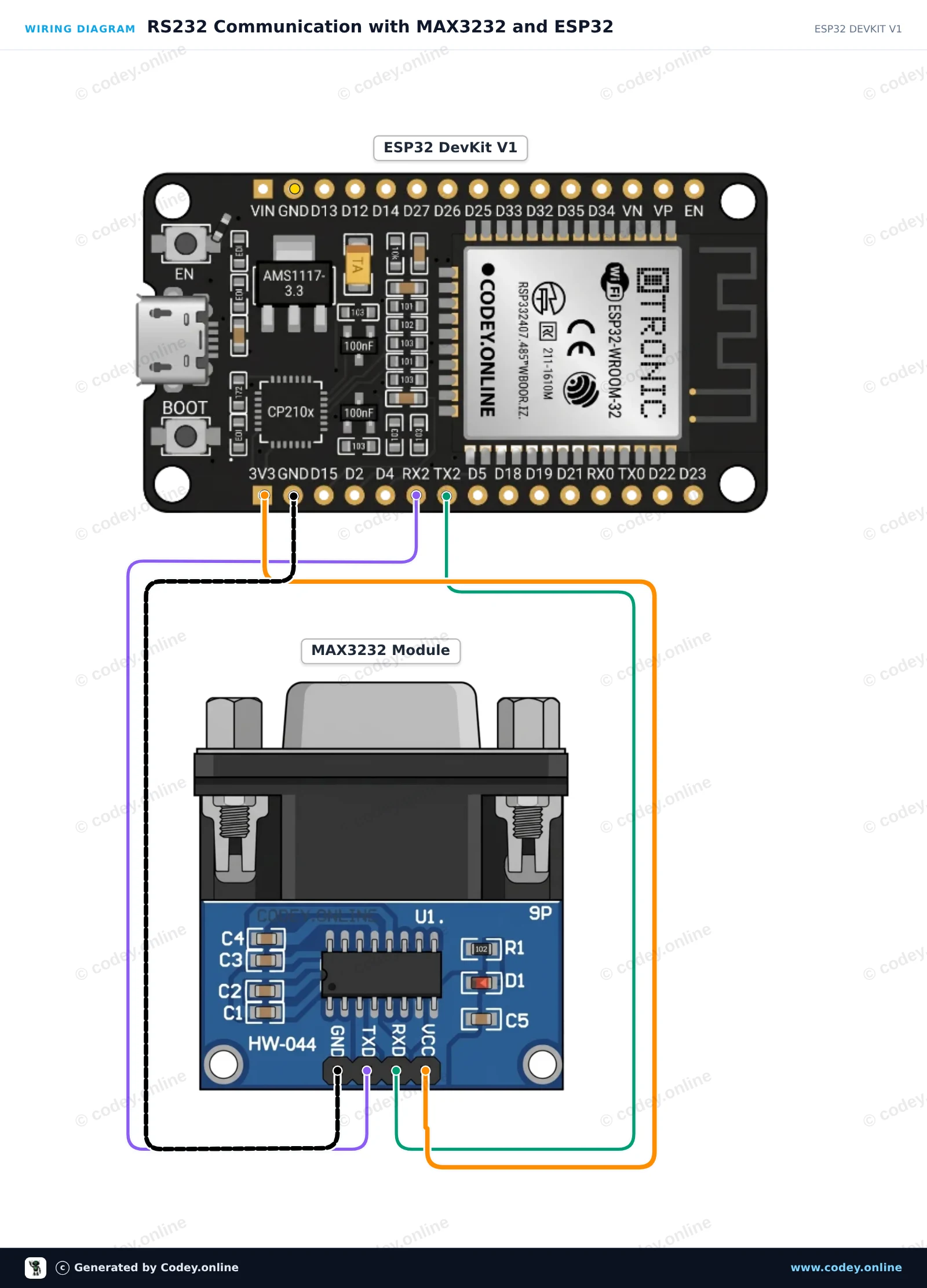
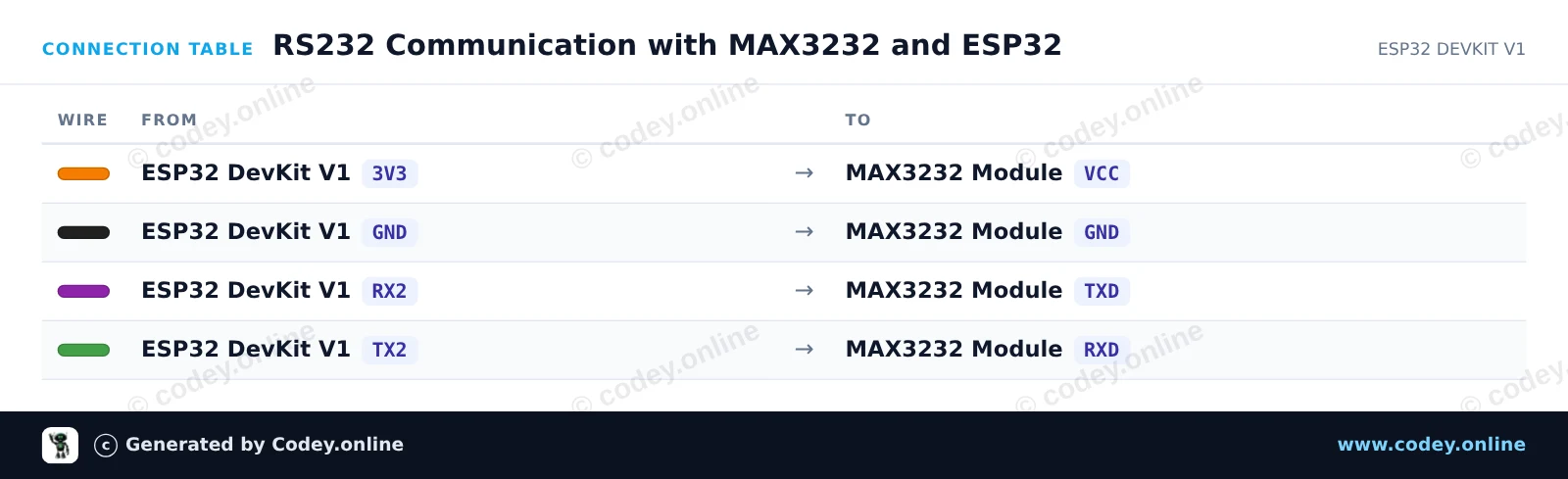
This project connects an ESP32 to a MAX3232 module to enable RS232 serial communication. The ESP32 uses Hardware Serial2 to send and receive RS232 signals at 3.3V logic levels. To verify operation within minutes, bridge pins 2 and 3 (RX and TX) on the module's DB9 connector for a loopback test that echoes outgoing messages back to the Serial Monitor.
/*
* ==================================================================
* Generated by Codey.online — https://www.codey.online
* ==================================================================
* Project : RS232 Communication with MAX3232 and ESP32
* Board : ESP32 DEVKIT V1 (esp32:esp32:esp32doit-devkit-v1)
* Parts : MAX3232 RS232 to TTL Serial Converter Module
* Libraries : none (built-in)
*
* Codey Online is an AI-powered browser IDE for Arduino and ESP32.
* Describe your project and Codey writes the code, draws the wiring
* diagram and uploads it to your board, straight from the browser.
* This code is free to use, modify and share, without warranty.
* ==================================================================
*/
// MAX3232 RS232 Demo for ESP32 DEVKIT V1
// Uses Hardware Serial2: GPIO 16 (RX2) and GPIO 17 (TX2)
const int RX_PIN = 16;
const int TX_PIN = 17;
unsigned long lastSendTime = 0;
const unsigned long sendInterval = 2000; // Send a test string every 2 seconds
int messageCounter = 0;
void setup() {
// USB Serial Monitor
Serial.begin(115200);
while (!Serial && millis() < 2000);
// RS232 Port on Serial2 (9600 baud, 8N1)
Serial2.begin(9600, SERIAL_8N1, RX_PIN, TX_PIN);
Serial.println("--- MAX3232 RS232 Bridge Initialized ---");
Serial.println("Tip: Short DB9 pins 2 & 3 for an automatic loopback test.");
}
void loop() {
// Periodically send a message out via RS232
if (millis() - lastSendTime >= sendInterval) {
lastSendTime = millis();
messageCounter++;
String msg = "RS232 Test Message #" + String(messageCounter);
Serial2.println(msg);
Serial.print("[RS232 TX] ");
Serial.println(msg);
}
// Print any incoming data from the RS232 interface
if (Serial2.available()) {
Serial.print("[RS232 RX] ");
while (Serial2.available()) {
char inChar = (char)Serial2.read();
Serial.print(inChar);
}
}
// Forward any user input from Serial Monitor to RS232
if (Serial.available()) {
char outChar = (char)Serial.read();
Serial2.write(outChar);
}
}
Wiring diagram and example code generated by Codey.online — https://www.codey.online
MAX3232 RS232 to TTL serial port converter module DB9 connector
Main parameters:
Control chip: MAX3232
Operating voltage: 3.3V-5V DC
Operating current: 6mA
Power supply: external
Interface: TXD, RXD, GND, VCC
Overall dimensions: 33 mm x 32 mm x 16 mm

| Dimensions | 33 mm x 32 mm x 16 mm |
|---|---|
| Connection | DB9 connector |
| Model | MAX3232 |
| Power | 6mA |
Meets expectations perfectly.
Works well connected to the Esp32 for connection with a hybrid inverter
Not tested yet.
I connected the Rs232 module to an Arduino Uno, for an Rs232 data connection with an Anenji Hybrid inverter to read out the current data from it. It works excellently, and I'm happy with it.
Great products!
MAX3232 RS232 to TTL serial module