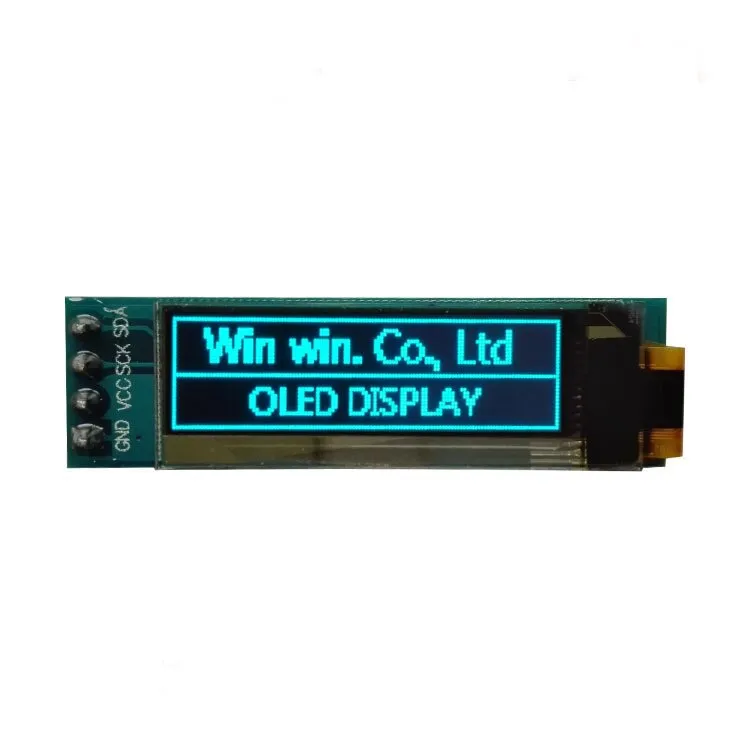
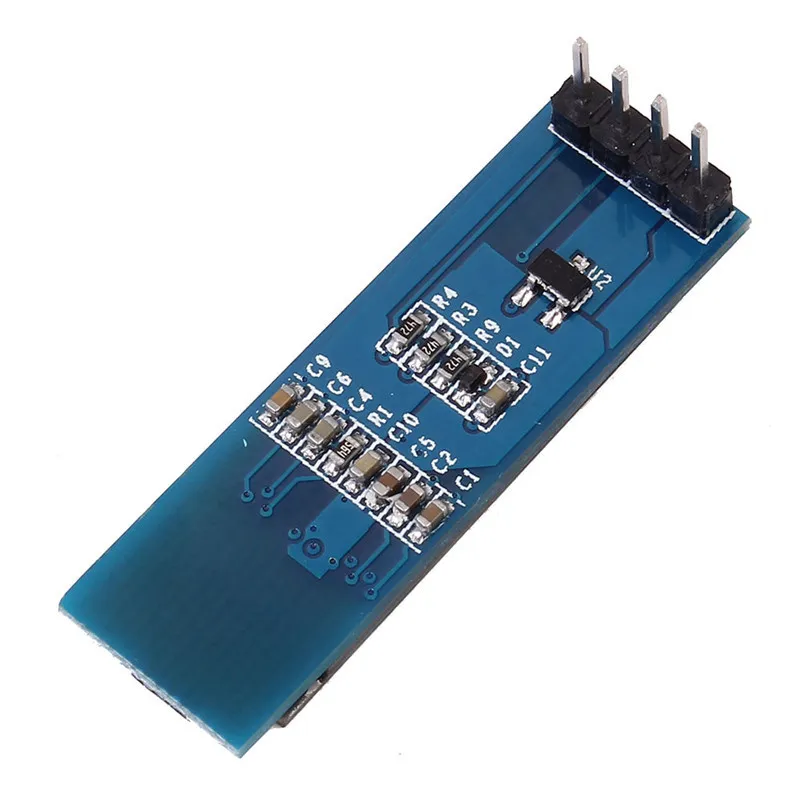
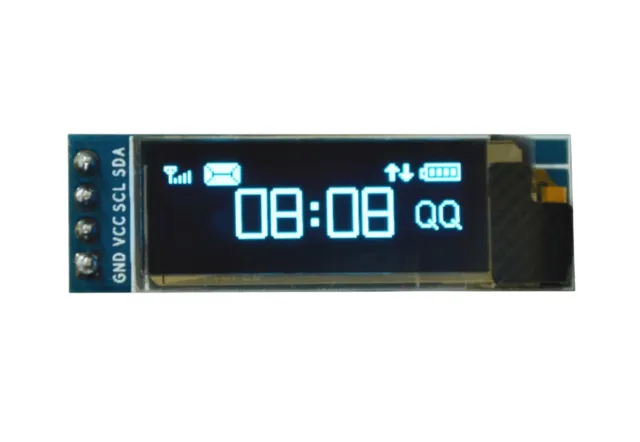
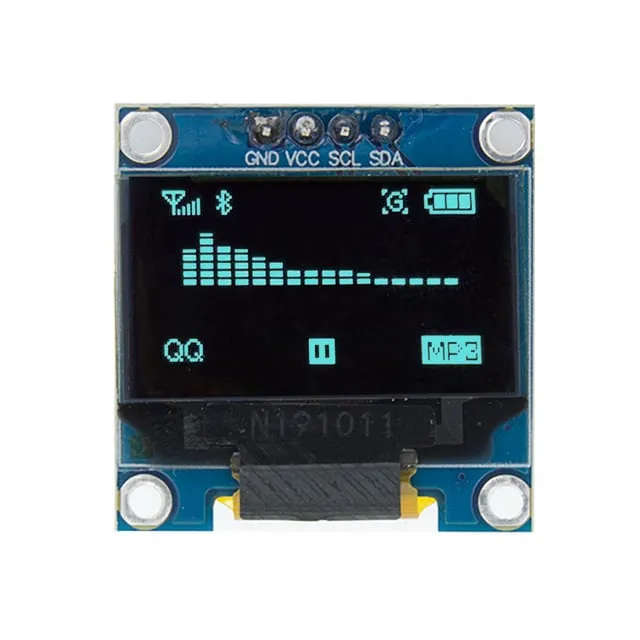
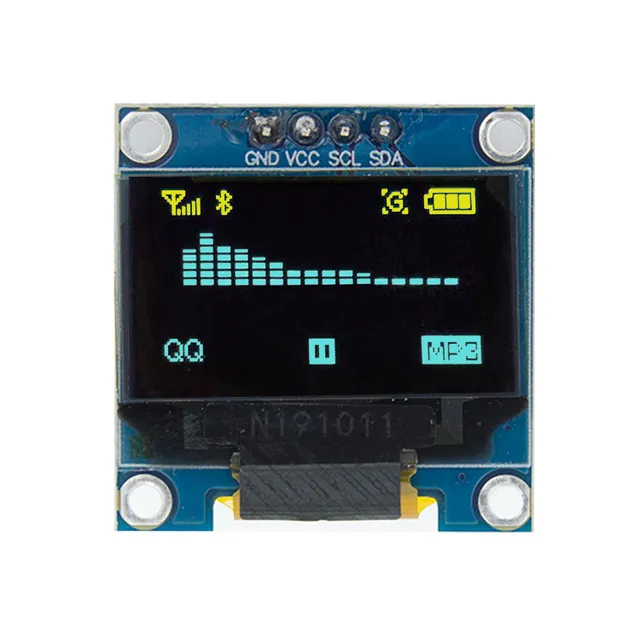
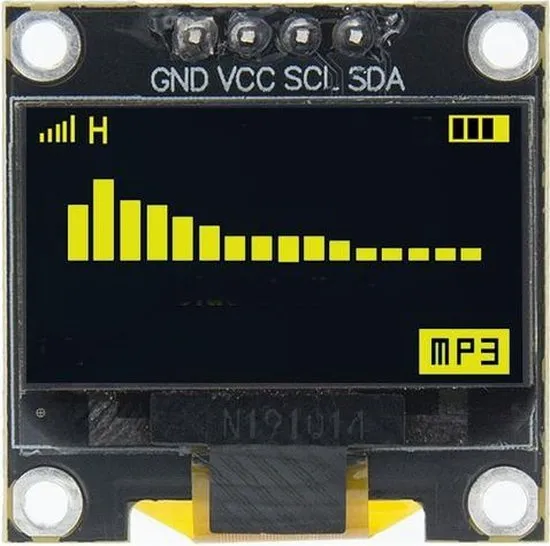
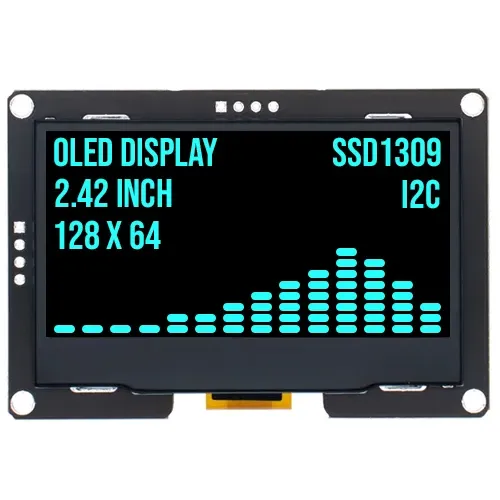
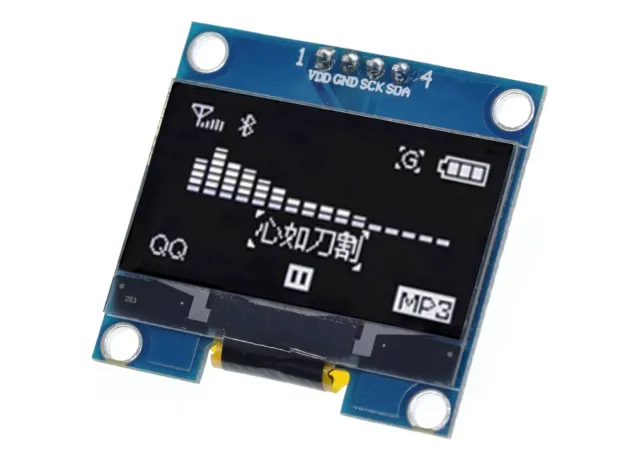
Mini OLED schermpje van 0,91 inch voor Arduino- en ESP32/ESP8266-projecten.
SKU: OT812-C62 Artikelnummer: AA321 EAN: 8720589817081 Locatie: C06.02
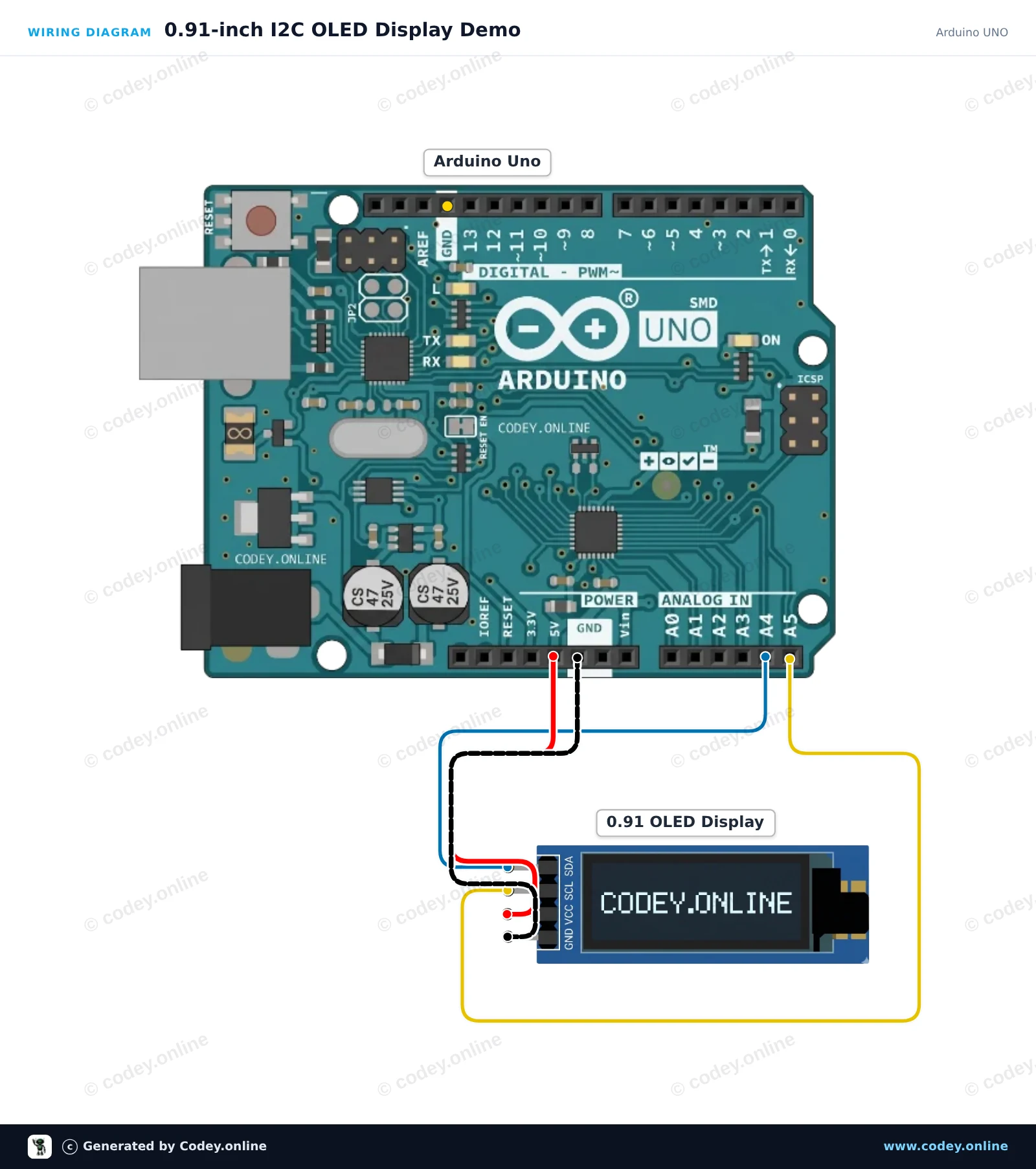
Zo sluit je de Mini OLED display blauw 0.91 inch 128x32 I2C aan op een Arduino UNO of ESP32, met een voorbeeldsketch die je direct kunt uploaden.
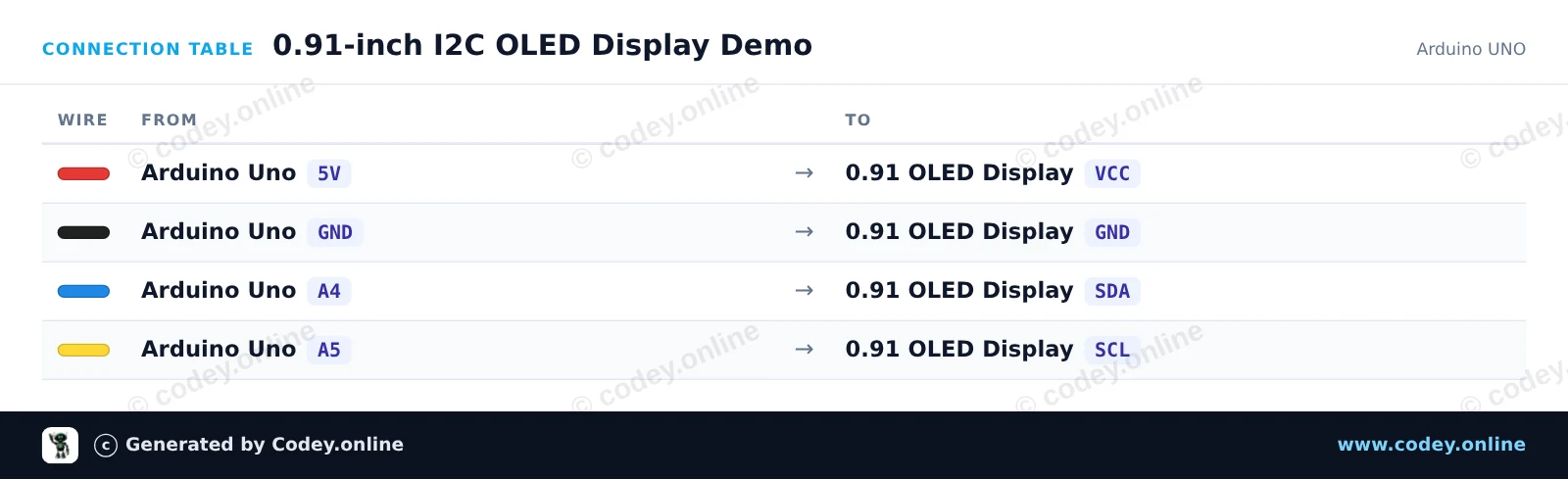
Dit project laat zien hoe je tekst en een actieve teller weergeeft op een 0,91-inch (128x32) I2C OLED-scherm. Het display wordt rechtstreeks aangesloten op de I2C-pinnen van de Arduino Uno (A4 voor SDA, A5 voor SCL). Zodra het is ingeschakeld, toont het display een titelbalk en wordt een lopende tellermeting in seconden bijgewerkt.
/*
* ==================================================================
* Generated by Codey.online — https://www.codey.online
* ==================================================================
* Project : 0.91-inch I2C OLED Display Demo
* Board : Arduino UNO (arduino:avr:uno)
* Parts : OLED Display 0.91 inch
* Libraries : U8g2 2.36.19
*
* Codey Online is an AI-powered browser IDE for Arduino and ESP32.
* Describe your project and Codey writes the code, draws the wiring
* diagram and uploads it to your board, straight from the browser.
* This code is free to use, modify and share, without warranty.
* ==================================================================
*/
#include <Wire.h>
#include <U8g2lib.h>
// 0.91" OLED display is a 128x32 SSD1306 I2C module
U8G2_SSD1306_128X32_UNIVISION_F_HW_I2C u8g2(U8G2_R0, /* reset=*/ U8X8_PIN_NONE);
unsigned long seconds = 0;
void setup() {
Wire.begin();
u8g2.begin();
}
void loop() {
u8g2.clearBuffer();
// Header text
u8g2.setFont(u8g2_font_6x10_tr);
u8g2.drawStr(0, 10, "0.91\" OLED Demo");
// Separator line
u8g2.drawHLine(0, 14, 128);
// Uptime counter
u8g2.drawStr(0, 28, "Uptime: ");
u8g2.setCursor(50, 28);
u8g2.print(seconds);
u8g2.print(" s");
u8g2.sendBuffer();
seconds++;
delay(1000);
}
Benodigde bibliotheken: U8g2 2.36.19
Wiring diagram and example code generated by Codey.online — https://www.codey.online
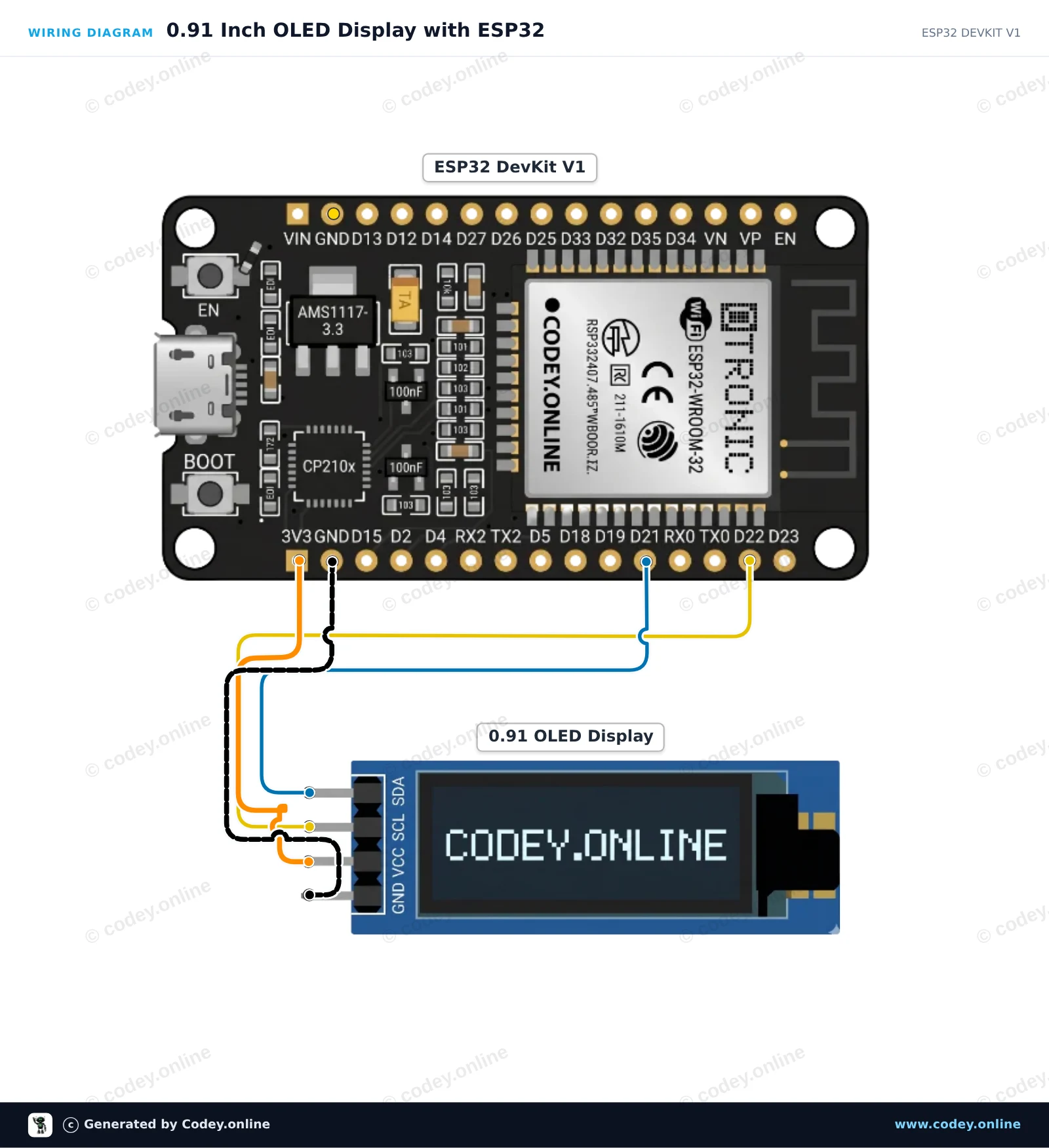
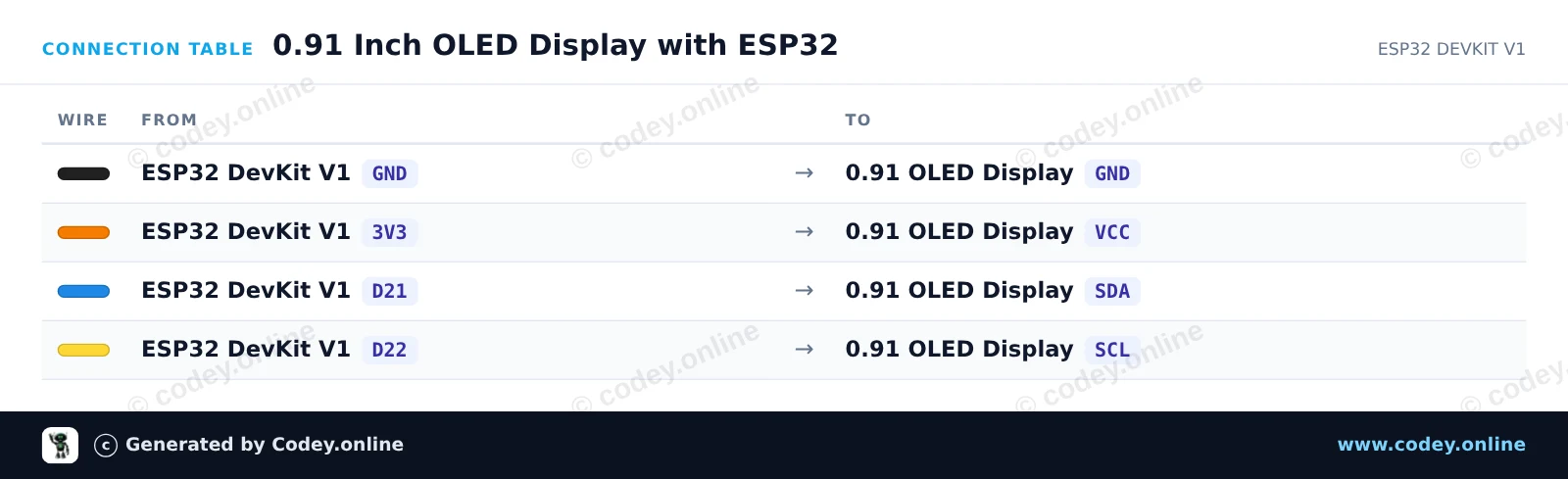
Dit voorbeeld verbindt een 0.91-inch 128x32 I2C OLED-display met de ESP32. De sketch initialiseert het display en toont een welkomstbericht samen met een bijgewerkte runtime-teller. Sluit het display aan op de standaard I2C-pinnen van de ESP32 (GPIO 21 voor SDA en GPIO 22 voor SCL), gevoed door 3.3V.
/*
* ==================================================================
* Generated by Codey.online — https://www.codey.online
* ==================================================================
* Project : 0.91 Inch OLED Display with ESP32
* Board : ESP32 DEVKIT V1 (esp32:esp32:esp32doit-devkit-v1)
* Parts : OLED Display 0.91 inch
* Libraries : Adafruit SSD1306 2.5.16, Adafruit GFX Library 1.12.6
*
* Codey Online is an AI-powered browser IDE for Arduino and ESP32.
* Describe your project and Codey writes the code, draws the wiring
* diagram and uploads it to your board, straight from the browser.
* This code is free to use, modify and share, without warranty.
* ==================================================================
*/
#include <Wire.h>
#include <Adafruit_GFX.h>
#include <Adafruit_SSD1306.h>
#define SCREEN_WIDTH 128
#define SCREEN_HEIGHT 32
#define OLED_RESET -1
#define SCREEN_ADDRESS 0x3C
Adafruit_SSD1306 display(SCREEN_WIDTH, SCREEN_HEIGHT, &Wire, OLED_RESET);
int counter = 0;
void setup() {
Serial.begin(115200);
// Initialize I2C on ESP32 default pins (SDA=21, SCL=22)
Wire.begin(21, 22);
if (!display.begin(SSD1306_SWITCHCAPVCC, SCREEN_ADDRESS)) {
Serial.println(F("SSD1306 allocation failed"));
for (;;); // Halt if OLED not found
}
display.clearDisplay();
display.setTextSize(1);
display.setTextColor(SSD1306_WHITE);
display.setCursor(0, 0);
display.println(F("ESP32 OLED Demo"));
display.display();
delay(1500);
}
void loop() {
display.clearDisplay();
display.setTextSize(1);
display.setTextColor(SSD1306_WHITE);
display.setCursor(0, 0);
display.println(F("ESP32 DevKit V1"));
display.setTextSize(2);
display.setCursor(0, 14);
display.print(F("Count: "));
display.println(counter);
display.display();
Serial.print(F("Current count: "));
Serial.println(counter);
counter++;
delay(1000);
}
Benodigde bibliotheken: Adafruit SSD1306 2.5.16, Adafruit GFX Library 1.12.6
Wiring diagram and example code generated by Codey.online — https://www.codey.online
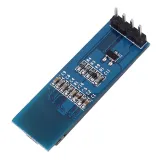
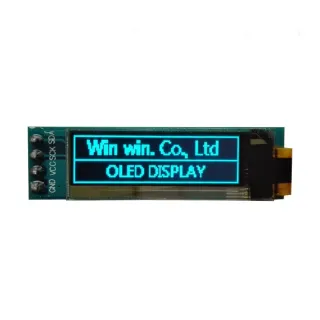
0,91 inch mini OLED schermpje. Haarscherp beeld met een resolutie van 128x32 pixels.
Werkt op een voedingsbron van 3v-5v. Ideaal voor Arduino of ESP32 / ESP8266 projecten.
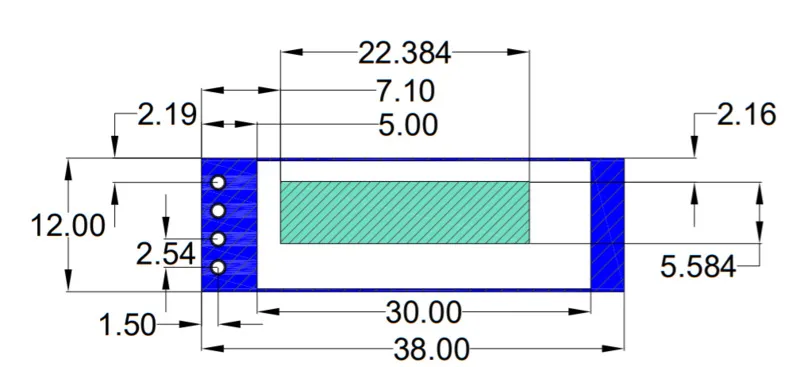
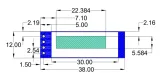
De afmetingen van dit board zijn slechts 38 x 12 x 3,3mm.
Afmetingen
Lengte: 3,8cm
Breedte: 1,2cm
Hoogte: 0,33cm

| Afmetingen | 38 x 12 x 3,3 mm |
|---|---|
| Breedte | 1,2 cm |
| Kleur | blauw |
| Resolutie | 128x32 pixels |
| Geschikt voor | Arduino of ESP32 / ESP8266 |
| Lengte | 3,8 cm |
| Voedingsspanning | 3v-5v |
| Hoogte | 0,33 cm |
| Formaat | 0,91 inch |
| Driver IC | SSD1306 |
Nog geen beoordelingen.
Niet tevreden? Je hebt 30 dagen bedenktijd na ontvangst om het product terug te sturen.
Alles over retourneren
Mini OLED display blauw 0.91 inch 128x32 I2C