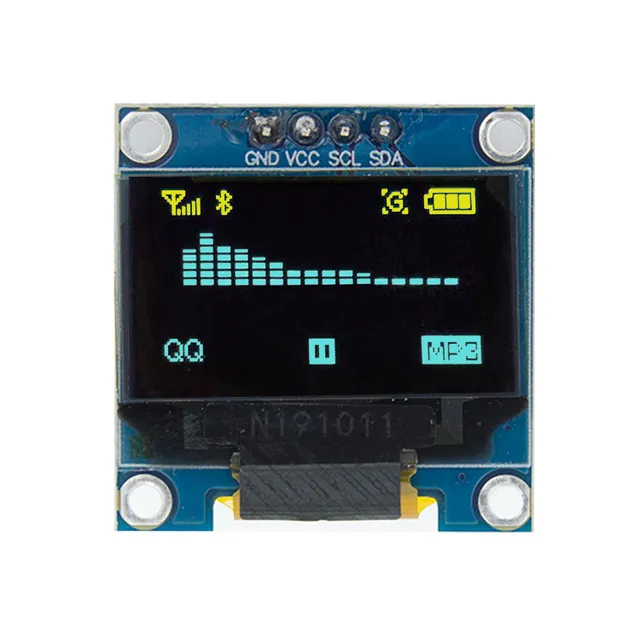
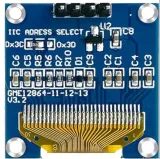
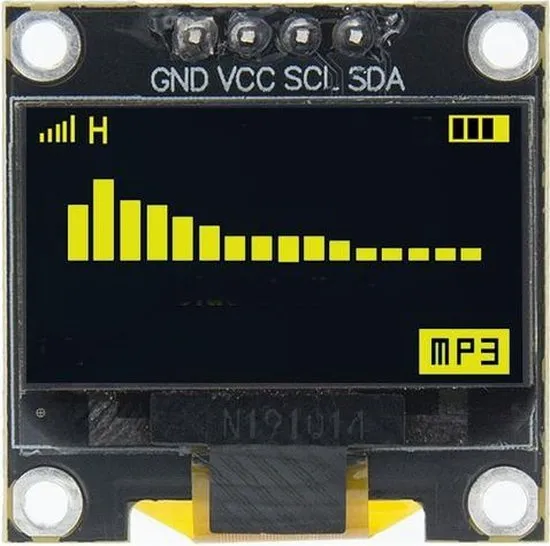
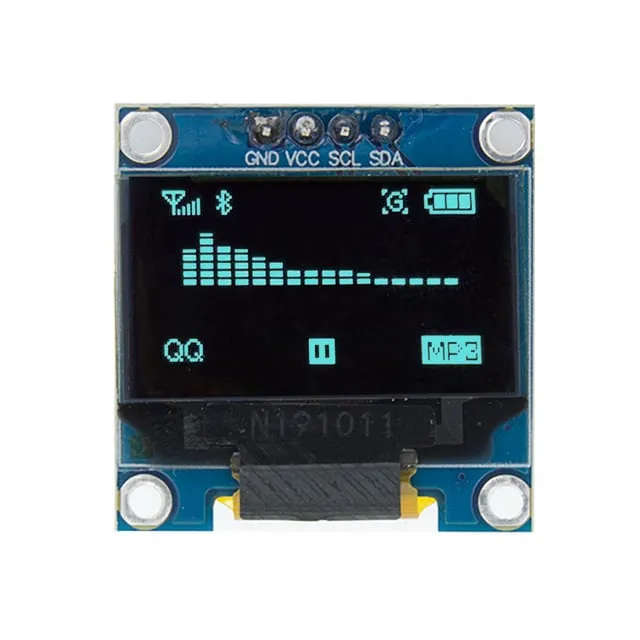
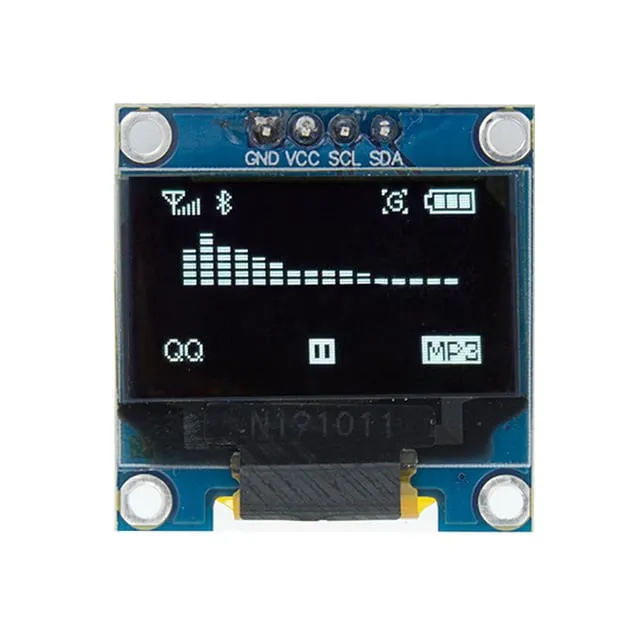
Compact 0,96 inch OLED schermpje met geel/blauwe weergave voor Arduino- en ESP32-projecten.
SKU: OT824-C65 Artikelnummer: XH143 EAN: 7420129383786 Locatie: C06.05
Alternatief
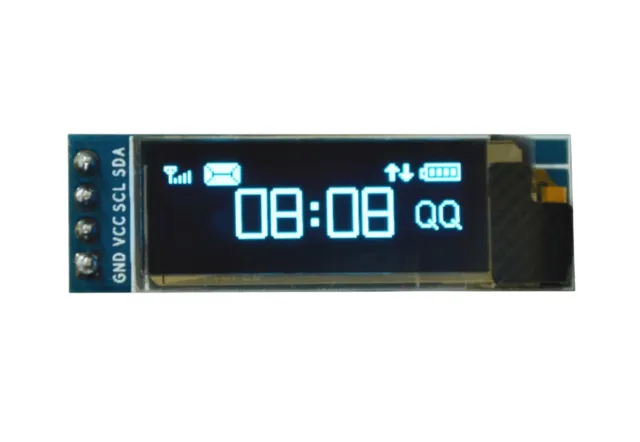
Mini OLED display wit 0.91 inch 128x32 I2C
€ 2,99
Bekijk dit alternatief
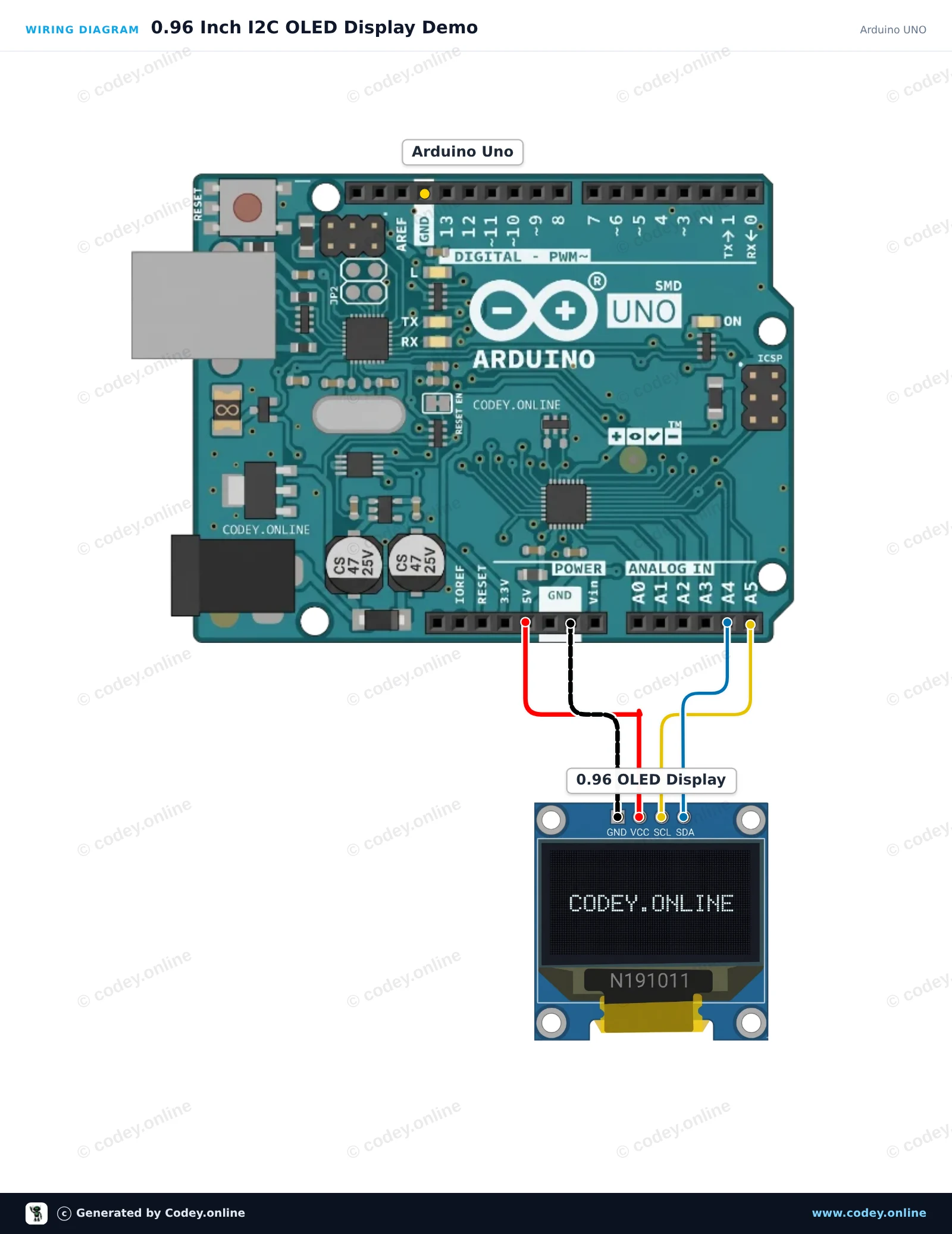
Zo sluit je de Mini OLED display geel/blauw 0.96 inch 128x64 I2C aan op een Arduino UNO of ESP32, met een voorbeeldsketch die je direct kunt uploaden.
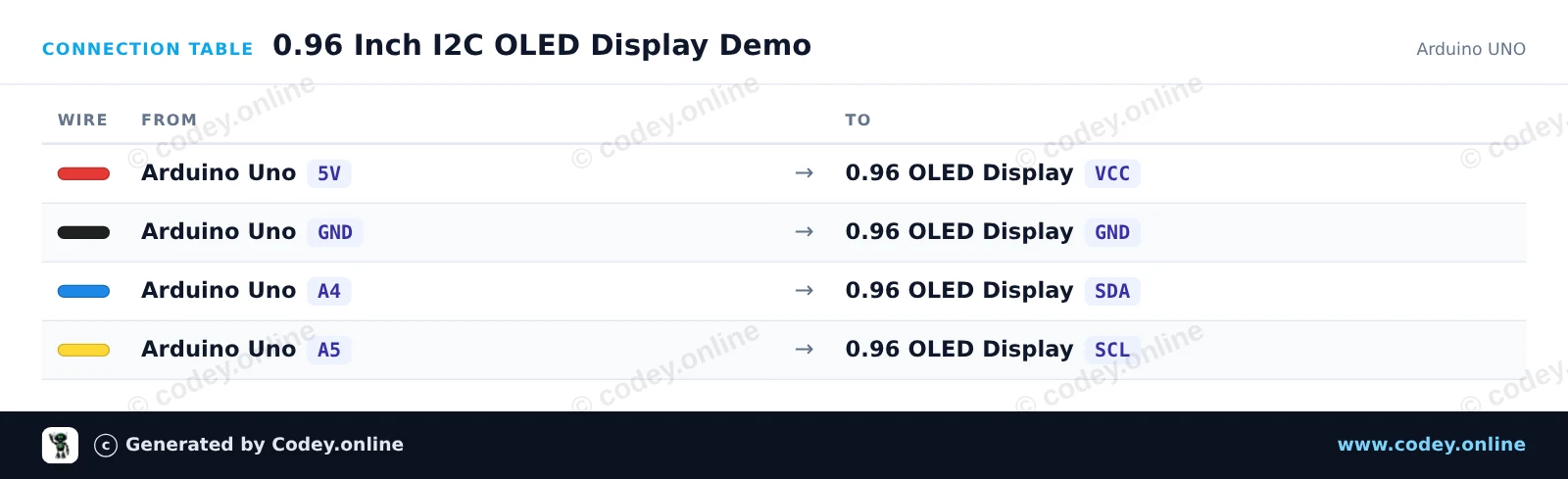
Dit project toont dynamische tekst, uptime en een geanimeerde voortgangsbalk op een 0.96-inch SSD1306 OLED-scherm met behulp van de lichtgewicht U8g2-bibliotheek. Sluit het display via I2C aan op de analoge pinnen A4 en A5 van de Arduino Uno en voed het met 5V om de teller en graphics soepel te zien bijwerken.
/*
* ==================================================================
* Generated by Codey.online — https://www.codey.online
* ==================================================================
* Project : 0.96 Inch I2C OLED Display Demo
* Board : Arduino UNO (arduino:avr:uno)
* Parts : OLED Display 0.96 inch
* Libraries : U8g2 2.36.19
*
* Codey Online is an AI-powered browser IDE for Arduino and ESP32.
* Describe your project and Codey writes the code, draws the wiring
* diagram and uploads it to your board, straight from the browser.
* This code is free to use, modify and share, without warranty.
* ==================================================================
*/
#include <Wire.h>
#include <U8g2lib.h>
// Initialize U8g2 in page-buffer mode for SSD1306 128x64 I2C display
U8G2_SSD1306_128X64_NONAME_1_HW_I2C u8g2(U8G2_R0, /* reset=*/ U8X8_PIN_NONE);
int counter = 0;
void setup() {
u8g2.begin();
}
void loop() {
u8g2.firstPage();
do {
// Title Header
u8g2.setFont(u8g2_font_ncenB08_tr);
u8g2.drawStr(0, 10, "0.96\" OLED Demo");
u8g2.drawHLine(0, 13, 128);
// Text info
u8g2.setFont(u8g2_font_6x10_tr);
u8g2.drawStr(0, 28, "Uptime:");
u8g2.setCursor(55, 28);
u8g2.print(millis() / 1000);
u8g2.print(" s");
u8g2.drawStr(0, 42, "Count:");
u8g2.setCursor(55, 42);
u8g2.print(counter);
// Animated progress bar
int barWidth = (counter % 124);
u8g2.drawFrame(0, 50, 128, 12);
u8g2.drawBox(2, 52, barWidth, 8);
} while (u8g2.nextPage());
counter++;
delay(100);
}
Benodigde bibliotheken: U8g2 2.36.19
Wiring diagram and example code generated by Codey.online — https://www.codey.online
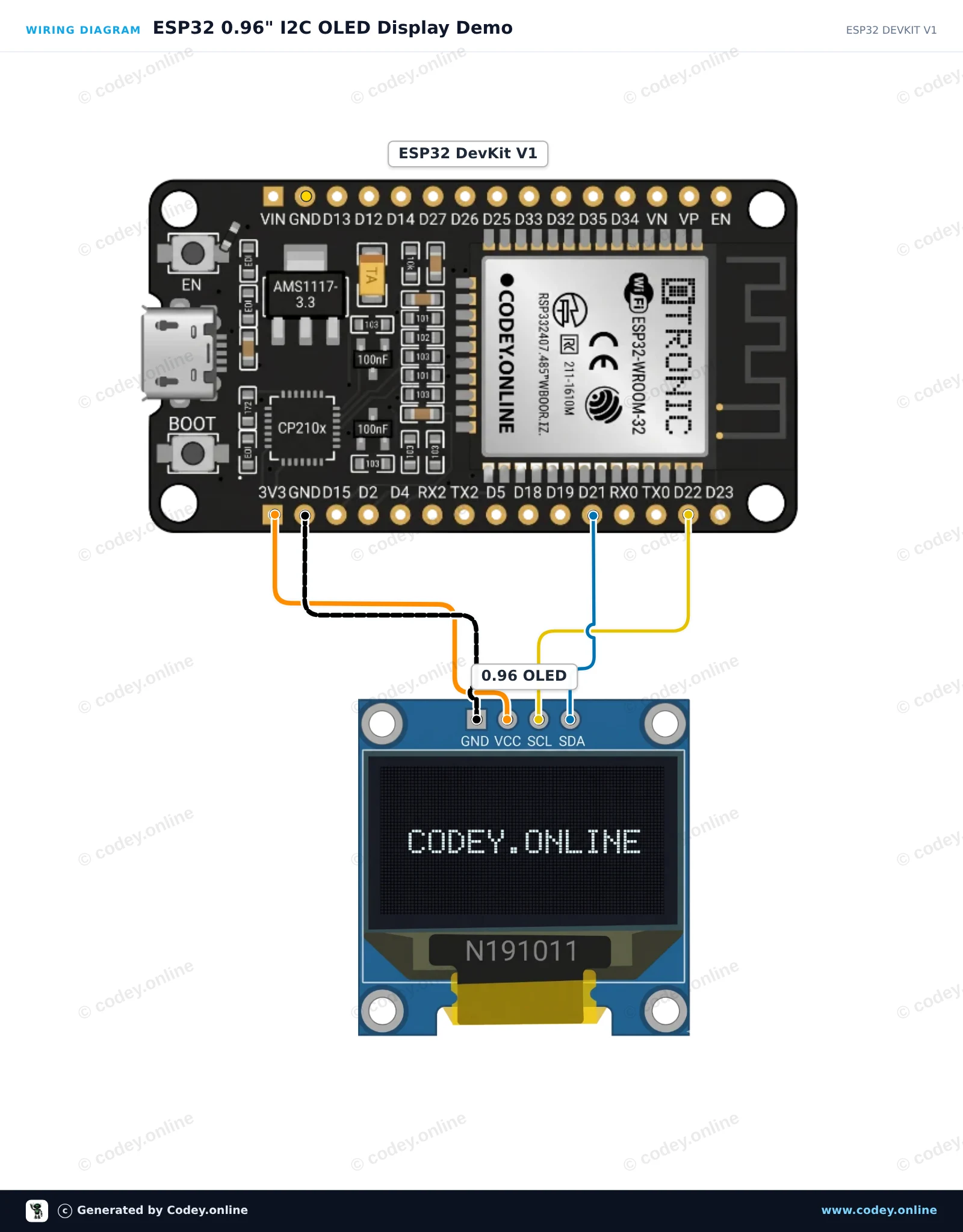
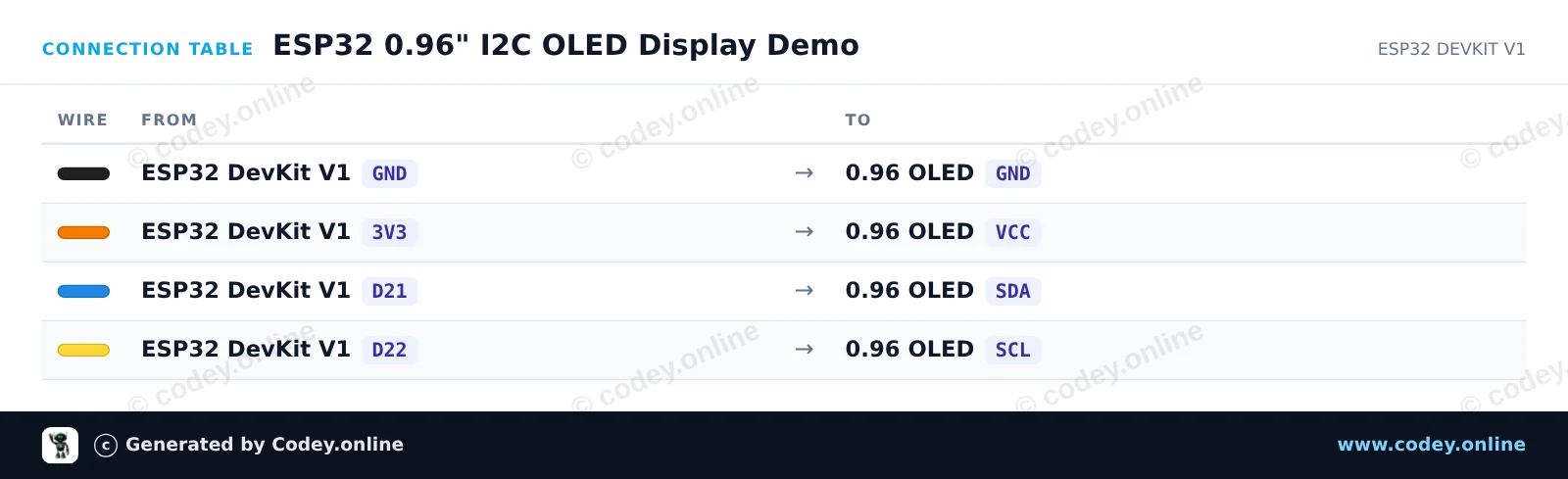
Dit project laat zien hoe je een 0,96-inch I2C OLED-display (SSD1306) aansluit op een ESP32-board. De sketch initialiseert het display en toont een teller die live wordt bijgewerkt, samen met voorbeeldtekst.
/*
* ==================================================================
* Generated by Codey.online — https://www.codey.online
* ==================================================================
* Project : ESP32 0.96" I2C OLED Display Demo
* Board : ESP32 DEVKIT V1 (esp32:esp32:esp32doit-devkit-v1)
* Parts : OLED Display 0.96 inch
* Libraries : Adafruit SSD1306 2.5.16, Adafruit GFX Library 1.12.6
*
* Codey Online is an AI-powered browser IDE for Arduino and ESP32.
* Describe your project and Codey writes the code, draws the wiring
* diagram and uploads it to your board, straight from the browser.
* This code is free to use, modify and share, without warranty.
* ==================================================================
*/
#include <Wire.h>
#include <Adafruit_GFX.h>
#include <Adafruit_SSD1306.h>
#define SCREEN_WIDTH 128
#define SCREEN_HEIGHT 64
#define OLED_RESET -1
#define SCREEN_ADDRESS 0x3C
Adafruit_SSD1306 display(SCREEN_WIDTH, SCREEN_HEIGHT, &Wire, OLED_RESET);
int counter = 0;
void setup() {
Serial.begin(115200);
// Initialize I2C and display
if (!display.begin(SSD1306_SWITCHCAPVCC, SCREEN_ADDRESS)) {
Serial.println("SSD1306 allocation failed");
for (;;); // Don't proceed, loop forever
}
display.clearDisplay();
display.setTextColor(SSD1306_WHITE);
display.setTextSize(1);
display.setCursor(0, 0);
display.println("ESP32 OLED Demo");
display.display();
delay(2000);
}
void loop() {
display.clearDisplay();
// Title
display.setTextSize(1);
display.setCursor(0, 0);
display.println("ESP32 + OLED 0.96\"");
display.drawLine(0, 12, 127, 12, SSD1306_WHITE);
// Counter display
display.setCursor(0, 20);
display.println("Uptime Seconds:");
display.setTextSize(2);
display.setCursor(0, 36);
display.print(counter);
display.display();
counter++;
delay(1000);
}
Benodigde bibliotheken: Adafruit SSD1306 2.5.16, Adafruit GFX Library 1.12.6
Wiring diagram and example code generated by Codey.online — https://www.codey.online
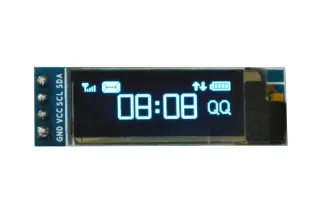
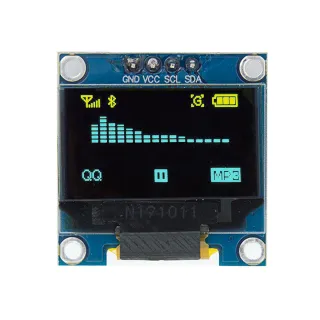
0,96 inch mini 2 kleuren (geel/blauw) OLED schermpje. Haarscherp beeld met een resolutie van 128x64 pixels.
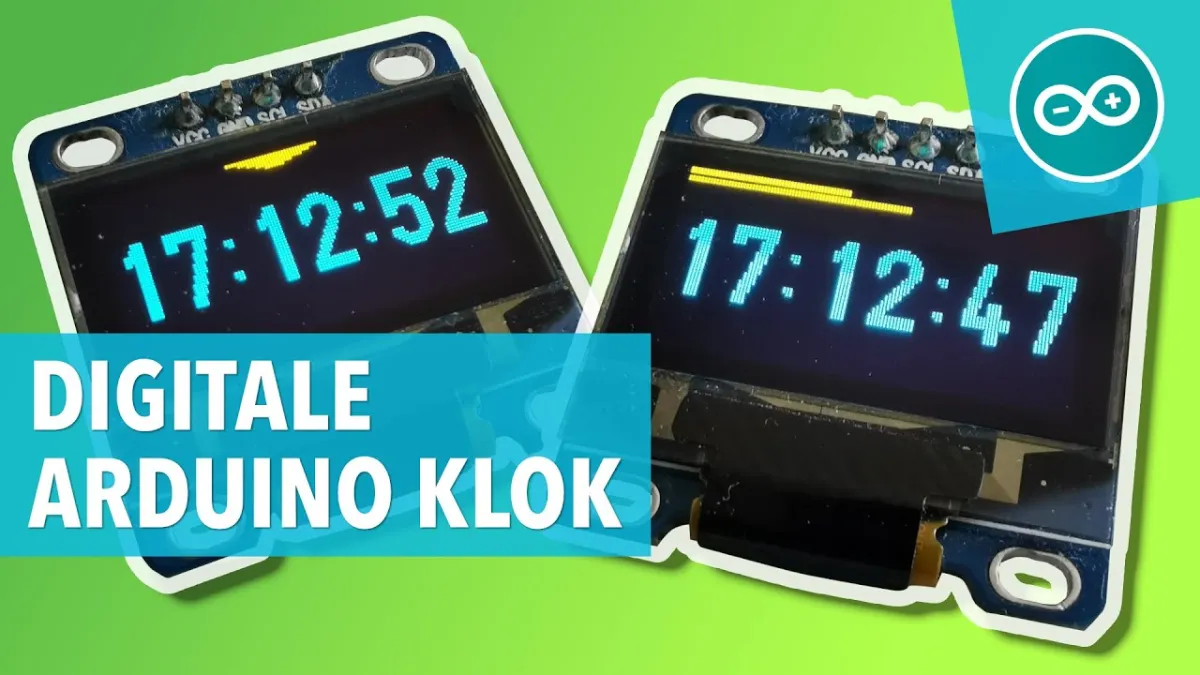
LET OP: Dit is GEEN full color OLED schermpje. Bovenste rand pixels is geel (16 pixels) en het onderste deel is blauw (48 pixels).
Werkt op een voedingsbron van 3v-5v. Ideaal voor Arduino of ESP32 / ESP8266 projecten.
De afmetingen van dit board zijn slechts 26,1 x 26,1 x 3,2mm.
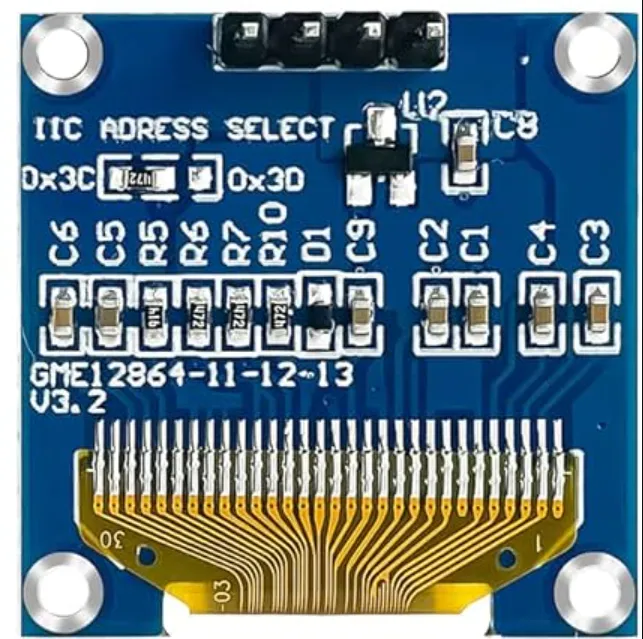
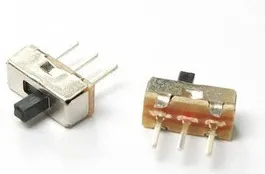
Er zijn 2 i2c adressen te selecteren middels het veranderen van de weerstand aan de achterkant.
Beschikbare adressen zijn: 0x3C (default) en x3D
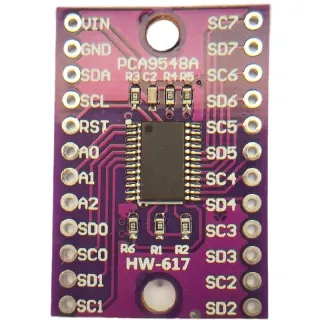
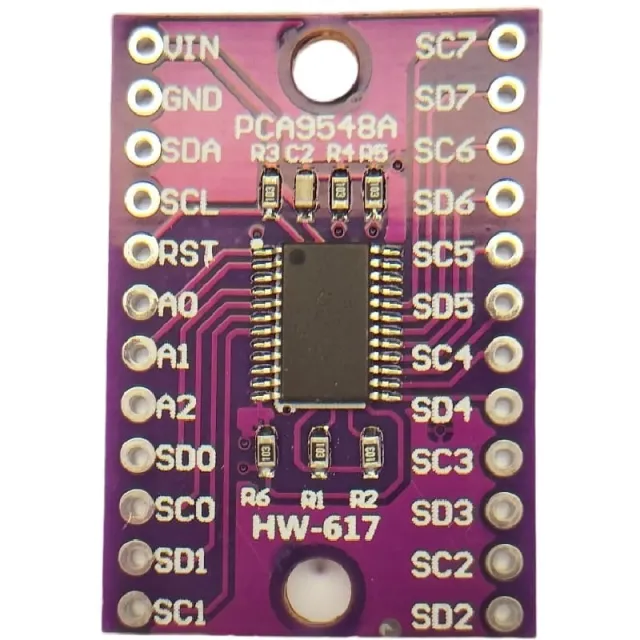
Wilt u meerdere OLED displays aansturen of wilt u niet de SMD solderen dan kunt u middels een i2c mutliplexer ook tot 8x i2C displays aansturen met hetzelfde adres.
Afmetingen
Lengte: 2,61cm
Breedte: 2,61cm
Hoogte: 0,32cm
| Voeding | 3V-5V |
|---|---|
| Afmetingen | 26,1 x 26,1 x 3,2 mm |
| Kleur | geel/blauw |
| Aansluiting | I2C |
| Resolutie | 128 x 64 pixels |
| Geschikt voor | Arduino, ESP32, ESP8266 |
| Formaat | 0,96 inch |
| I2C-adres | 0x3C, 0x3D |
Eenvoudig te programmeren en goedkoop
Niet tevreden? Je hebt 30 dagen bedenktijd na ontvangst om het product terug te sturen.
Alles over retourneren
Mini OLED display geel/blauw 0.96 inch 128x64 I2C