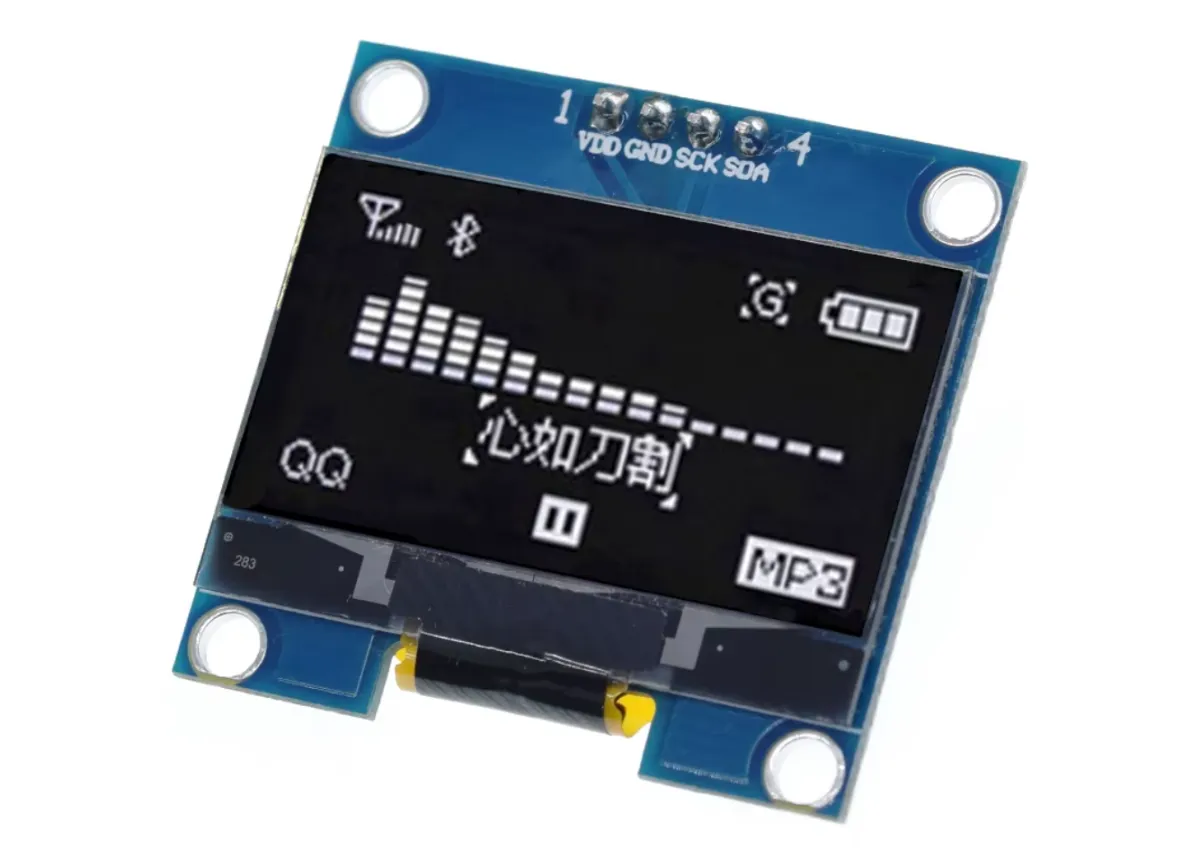
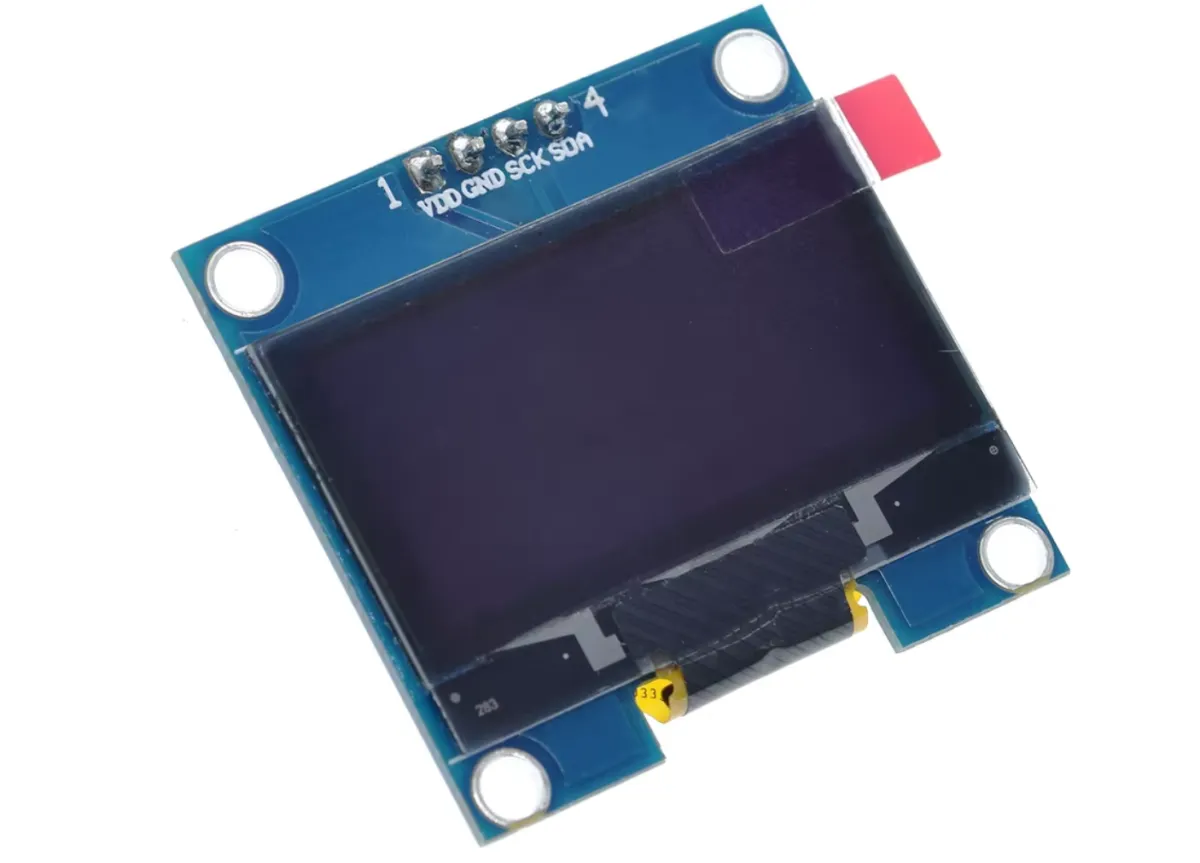
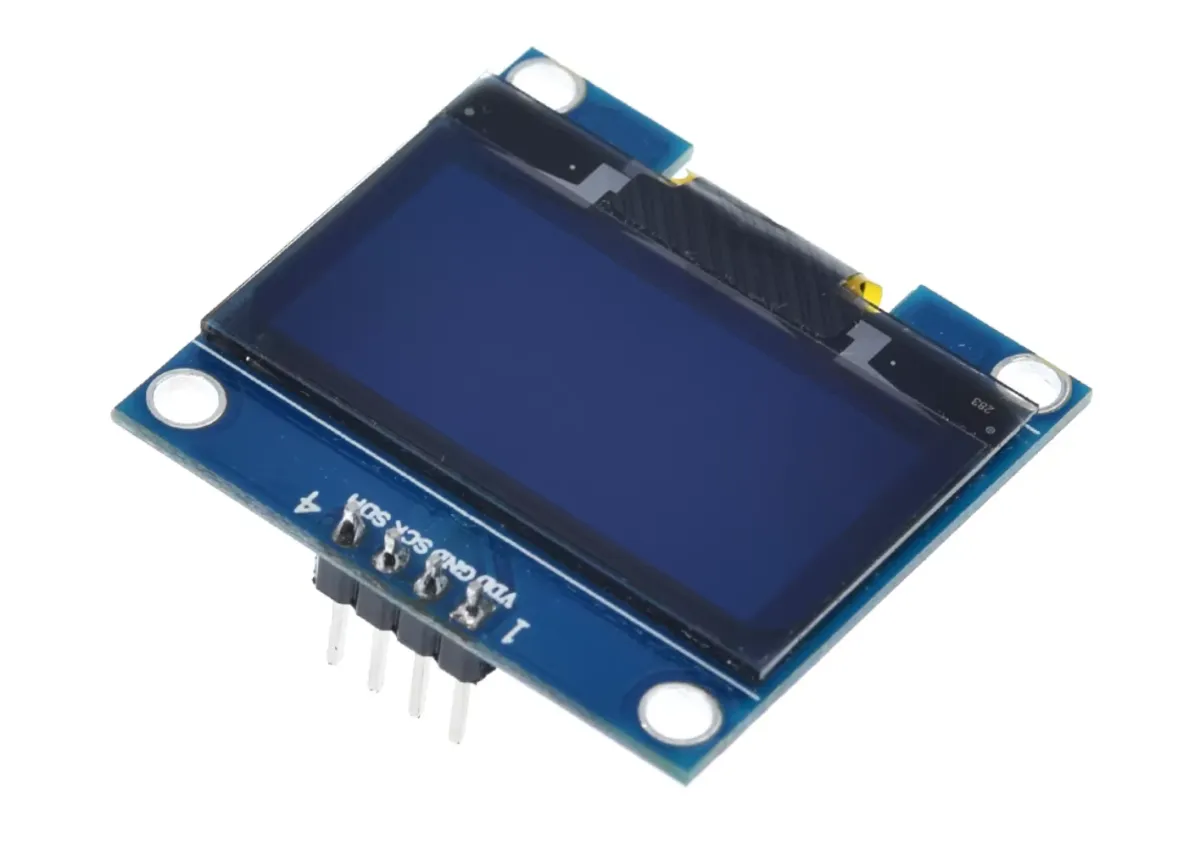
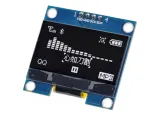
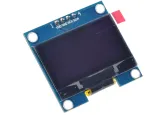
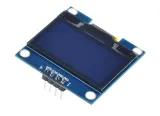
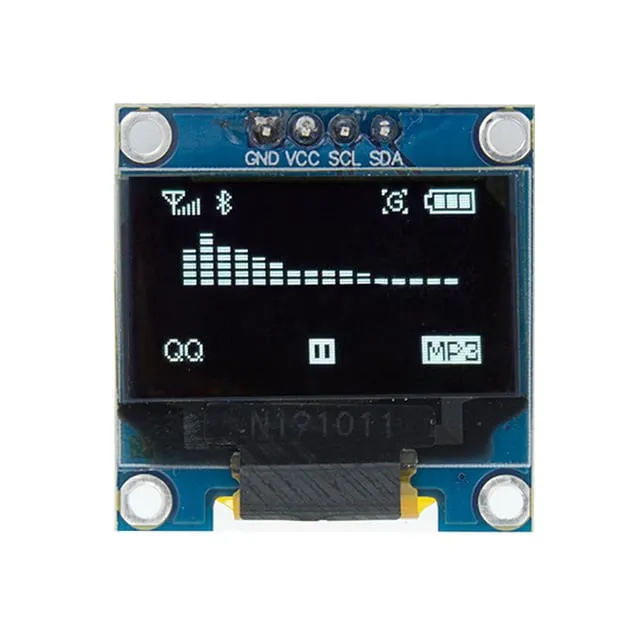
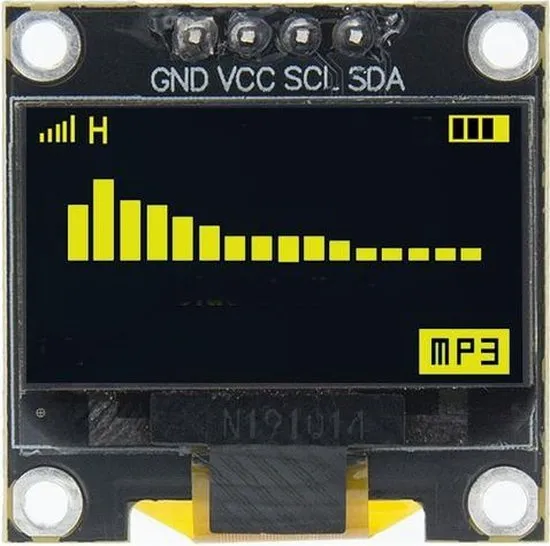
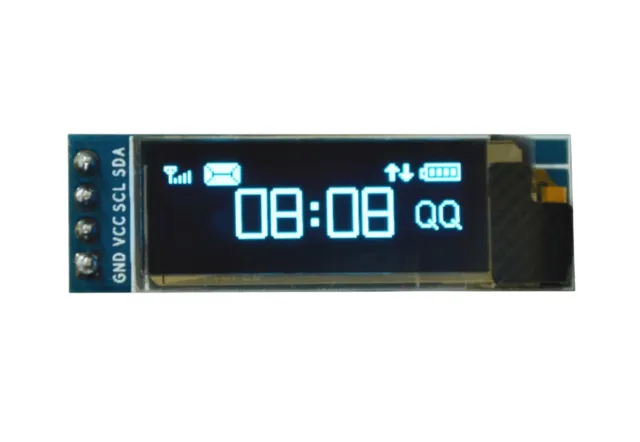
Compact OLED-display van 1,3 inch voor projecten met I2C-verbinding en goed leesbaar wit scherm.
SKU: OT8682 Artikelnummer: AA420 EAN: 8721244302898 Locatie: B06.07
Alternatief
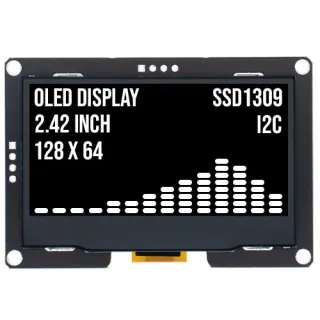
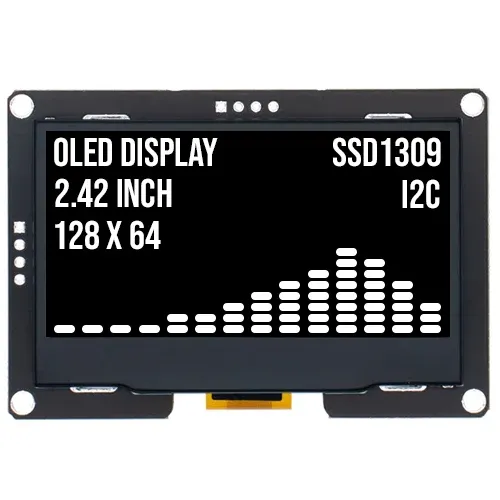
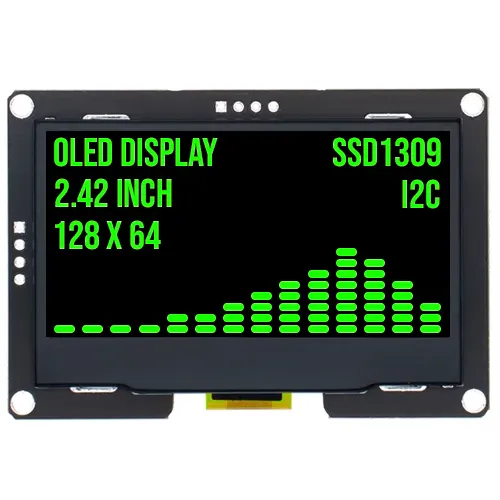
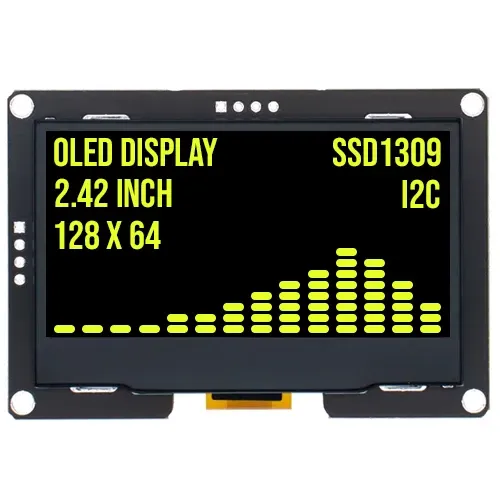
2.4 inch OLED display 128x64 Wit I2C SSD1309 3.3V
€ 17,70
Bekijk dit alternatief
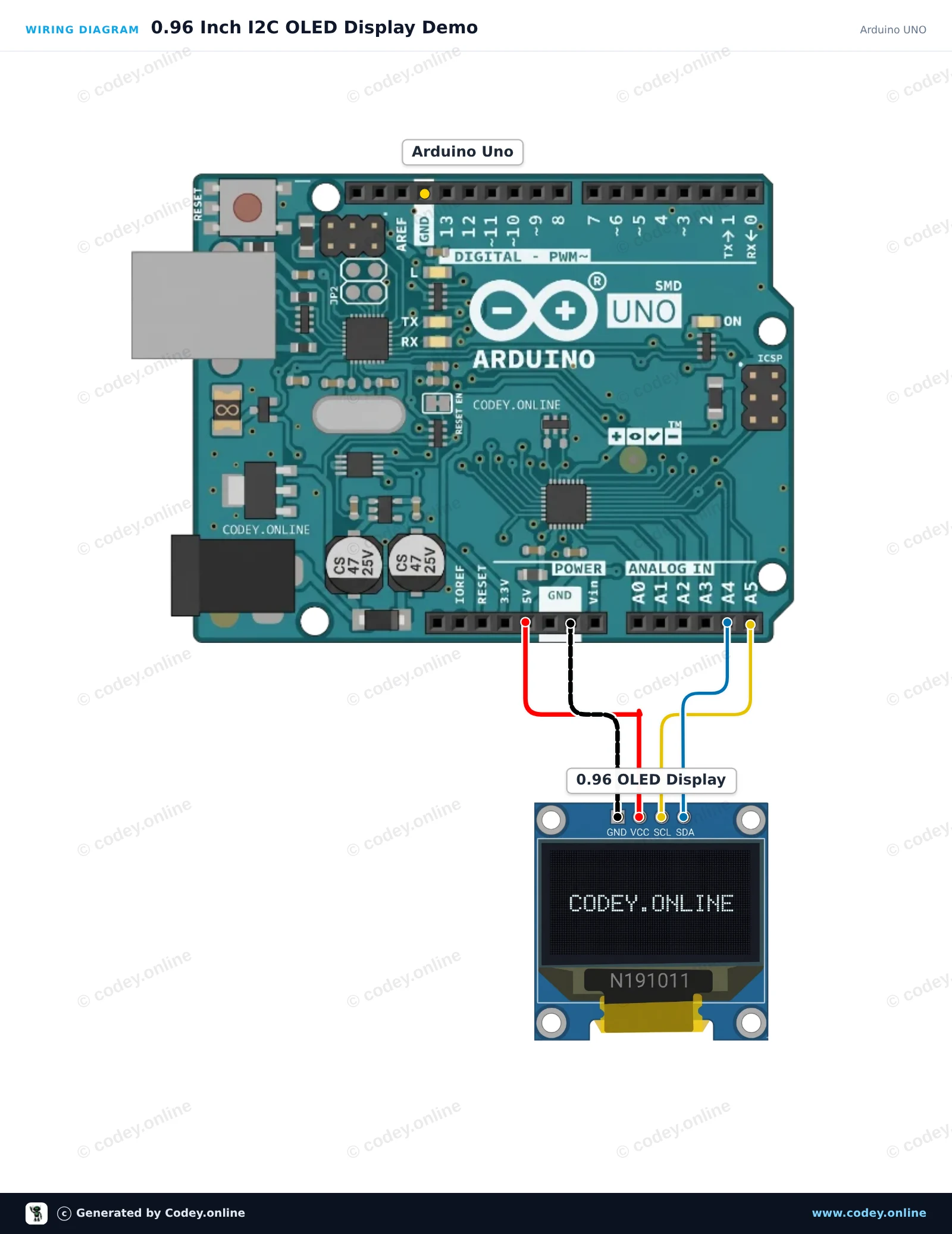
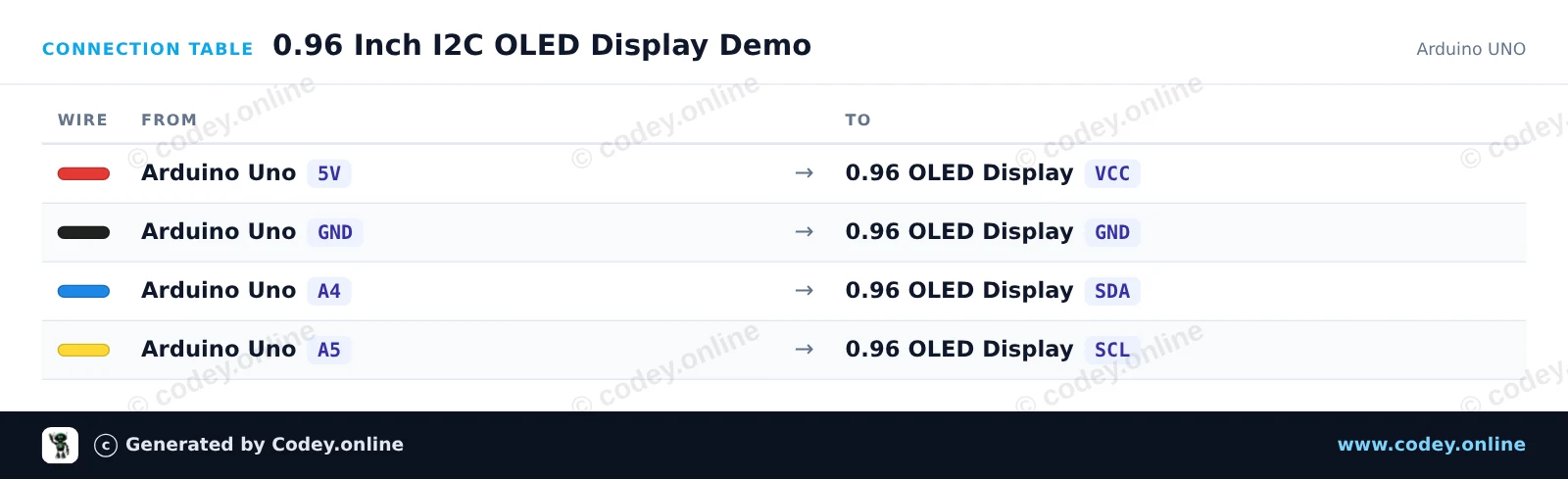
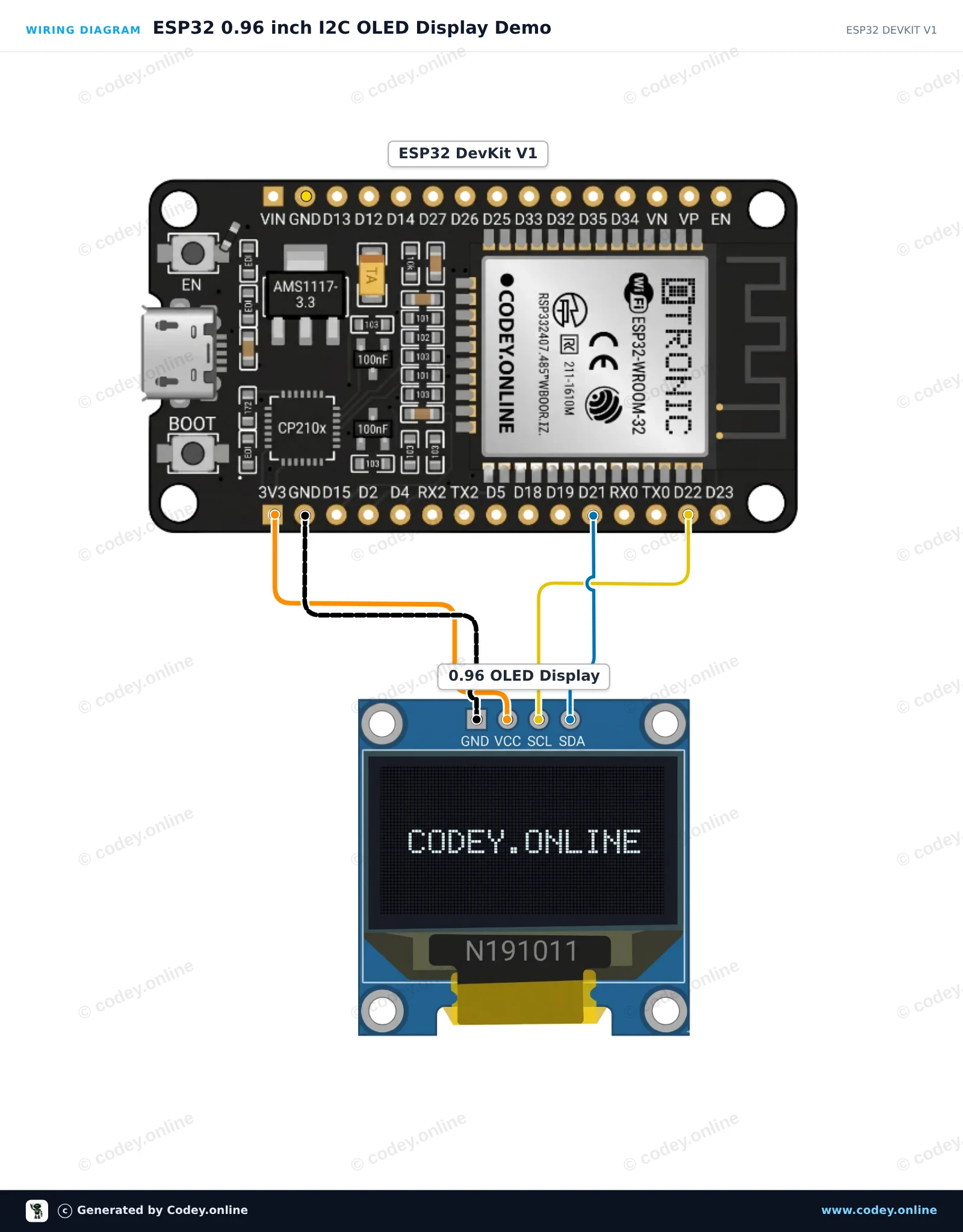
Zo sluit je de Mini OLED display wit 1.3 inch 128x64 I2C aan op een Arduino UNO of ESP32, met een voorbeeldsketch die je direct kunt uploaden.
Dit project laat zien hoe je tekst, graphics en een teller kunt aansluiten en weergeven op een 0.96-inch I2C OLED-display met een Arduino Uno. De sketch gebruikt de lichte U8g2-bibliotheek om een titel, scheidingslijn en oplopende teller weer te geven.
/*
* ==================================================================
* Generated by Codey.online — https://www.codey.online
* ==================================================================
* Project : 0.96 Inch I2C OLED Display Demo
* Board : Arduino UNO (arduino:avr:uno)
* Parts : OLED Display 0.96 inch
* Libraries : U8g2 2.36.19
*
* Codey Online is an AI-powered browser IDE for Arduino and ESP32.
* Describe your project and Codey writes the code, draws the wiring
* diagram and uploads it to your board, straight from the browser.
* This code is free to use, modify and share, without warranty.
* ==================================================================
*/
#include <Wire.h>
#include <U8g2lib.h>
// Initialize U8g2 for 128x64 SSD1306 OLED using hardware I2C
U8G2_SSD1306_128X64_NONAME_1_HW_I2C u8g2(U8G2_R0, /* reset=*/ U8X8_PIN_NONE);
int counter = 0;
void setup() {
Serial.begin(115200);
u8g2.begin();
Serial.println(F("OLED display initialized."));
}
void loop() {
u8g2.firstPage();
do {
// Header
u8g2.setFont(u8g2_font_ncenB08_tr);
u8g2.drawStr(0, 12, "Arduino Uno + OLED");
// Dividing line
u8g2.drawLine(0, 16, 127, 16);
// Counter value
u8g2.setFont(u8g2_font_ncenB12_tr);
u8g2.setCursor(0, 40);
u8g2.print(F("Count: "));
u8g2.print(counter);
// Footer / status
u8g2.setFont(u8g2_font_6x10_tr);
u8g2.drawStr(0, 58, "Status: Running");
} while (u8g2.nextPage());
counter++;
delay(1000);
}
Benodigde bibliotheken: U8g2 2.36.19
Wiring diagram and example code generated by Codey.online — https://www.codey.online
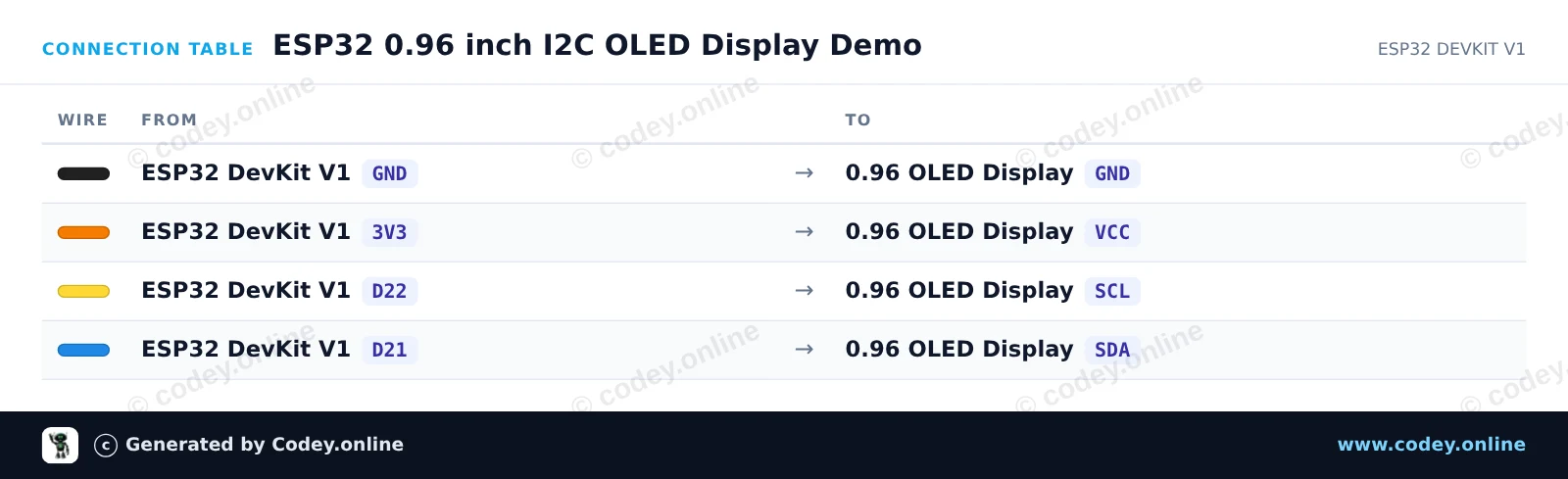
Dit project laat zien hoe je een 0.96-inch I2C OLED-display aansluit op een ESP32. Het display initialiseert met de standaard I2C-pinnen (GPIO 21 voor SDA, GPIO 22 voor SCL) en toont een begroetingsbericht samen met een live teller die wordt bijgewerkt.
/*
* ==================================================================
* Generated by Codey.online — https://www.codey.online
* ==================================================================
* Project : ESP32 0.96 inch I2C OLED Display Demo
* Board : ESP32 DEVKIT V1 (esp32:esp32:esp32doit-devkit-v1)
* Parts : OLED Display 0.96 inch
* Libraries : Adafruit SSD1306 2.5.16, Adafruit GFX Library 1.12.6
*
* Codey Online is an AI-powered browser IDE for Arduino and ESP32.
* Describe your project and Codey writes the code, draws the wiring
* diagram and uploads it to your board, straight from the browser.
* This code is free to use, modify and share, without warranty.
* ==================================================================
*/
#include <Wire.h>
#include <Adafruit_GFX.h>
#include <Adafruit_SSD1306.h>
#define SCREEN_WIDTH 128
#define SCREEN_HEIGHT 64
#define OLED_RESET -1
#define SCREEN_ADDRESS 0x3C
Adafruit_SSD1306 display(SCREEN_WIDTH, SCREEN_HEIGHT, &Wire, OLED_RESET);
int counter = 0;
void setup() {
Serial.begin(115200);
// Default ESP32 I2C pins: SDA = GPIO 21, SCL = GPIO 22
Wire.begin(21, 22);
if (!display.begin(SSD1306_SWITCHCAPVCC, SCREEN_ADDRESS)) {
Serial.println(F("SSD1306 allocation failed"));
while (true);
}
display.clearDisplay();
display.setTextColor(SSD1306_WHITE);
display.setTextSize(1);
display.setCursor(0, 0);
display.println(F("ESP32 OLED Demo"));
display.display();
delay(1500);
}
void loop() {
display.clearDisplay();
display.setTextSize(1);
display.setCursor(0, 0);
display.println(F("ESP32 + SSD1306"));
display.drawLine(0, 12, display.width(), 12, SSD1306_WHITE);
display.setCursor(0, 20);
display.print(F("Counter: "));
display.setTextSize(2);
display.setCursor(0, 36);
display.print(counter);
display.display();
counter++;
delay(1000);
}
Benodigde bibliotheken: Adafruit SSD1306 2.5.16, Adafruit GFX Library 1.12.6
Wiring diagram and example code generated by Codey.online — https://www.codey.online
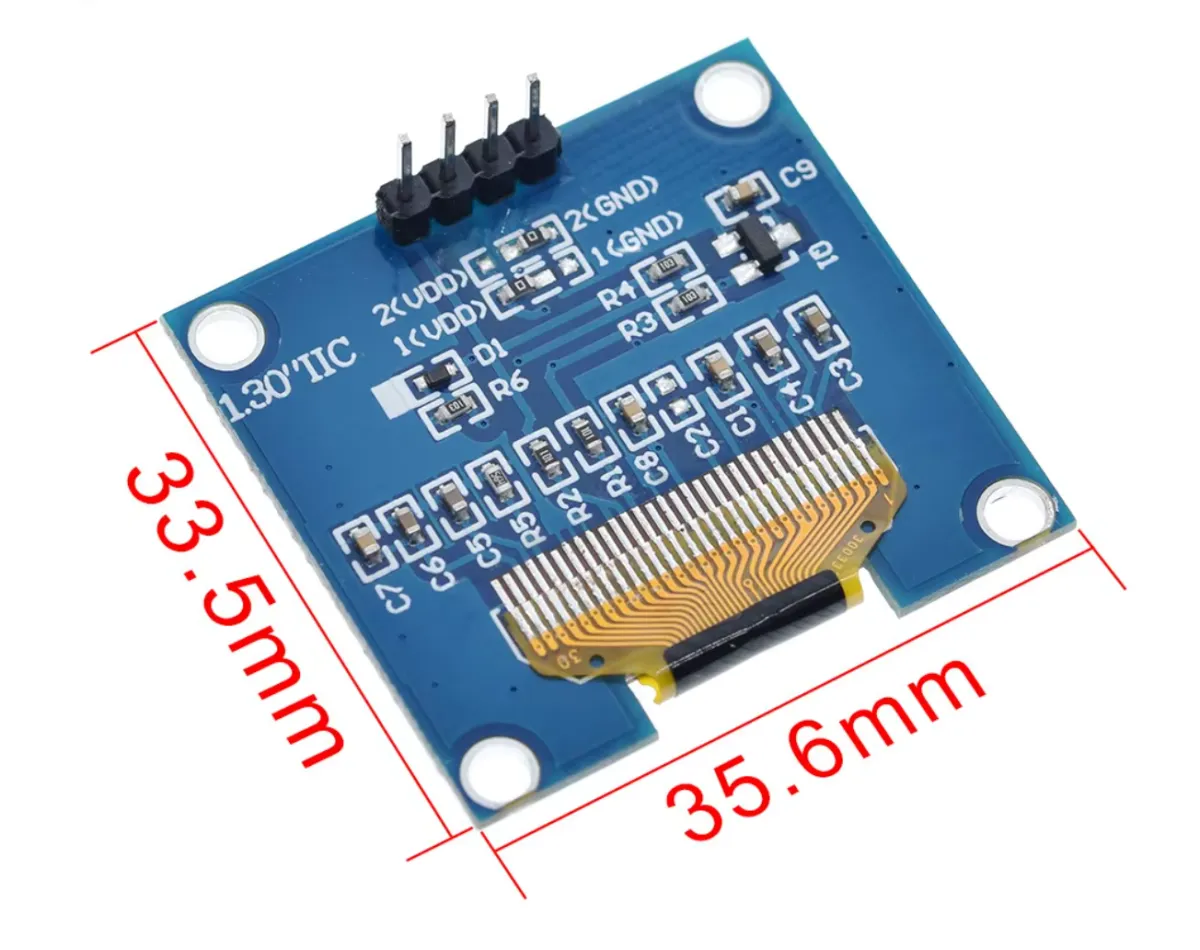
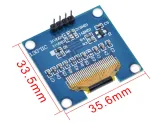
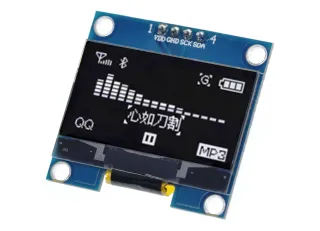
Dit compacte OLED display heeft een diagonaal van 1.3 inch en een resolutie van 128x64 pixels. Dankzij de witte weergave is het scherm goed leesbaar onder verschillende lichtomstandigheden.
Het display is ideaal voor projecten waar een helder en scherp beeldscherm nodig is met een eenvoudige I2C-verbinding. De brede voedingsspanning en robuuste temperatuurwerking maken het geschikt voor diverse toepassingen.

| Kleur | wit |
|---|---|
| Aansluiting | I2C interface |
| Resolutie | 128 x 64 pixels |
| Driver chip | SH1106 (compatibel met SSD1306) |
| Schermgrootte | 1.3 inch |
| Voedingsspanning | DC 3V tot 5V |
| Bedrijfstemperatuur | -30 tot 70 °C |
| Compatibel met | SSD1306 |
ok...................
Niet tevreden? Je hebt 30 dagen bedenktijd na ontvangst om het product terug te sturen.
Alles over retourneren
Mini OLED display wit 1.3 inch 128x64 I2C