Ordered on weekdays before 14:00 = shipped the same day and delivered the next day in 98% of cases. Free returns 30-day reflection period 1-year warranty

Wiring diagram and code example

How to connect the Mini OLED display white 1.3 inch 128x64 I2C to an Arduino UNO or ESP32, with an example sketch you can upload straight away.

0.96 Inch I2C OLED Display Demo

This project demonstrates how to connect and display text, graphics, and a counter on a 0.96-inch I2C OLED display with an Arduino Uno. The sketch uses the lightweight U8g2 library to render a title, separator line, and incrementing counter.

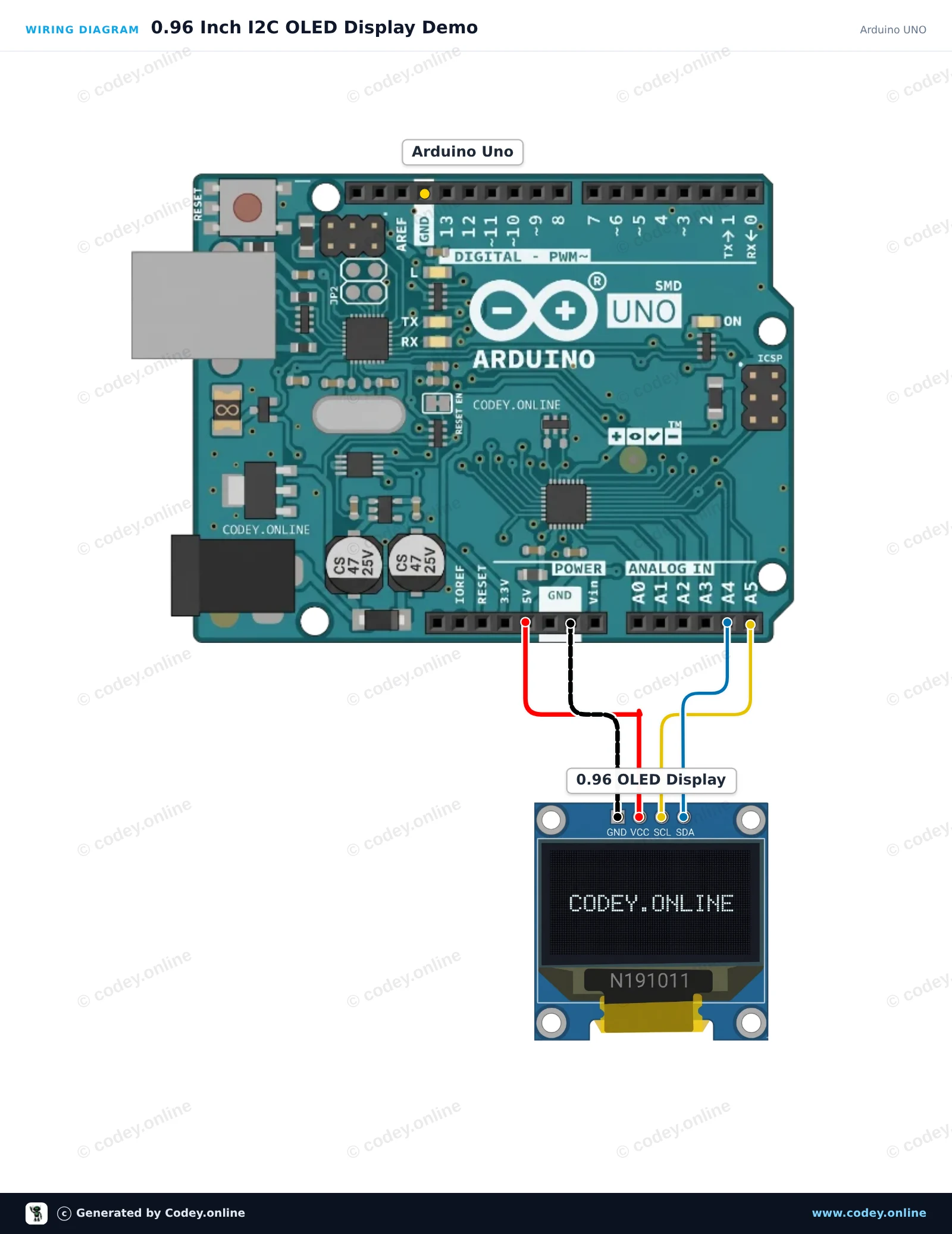
Wiring diagram: Mini OLED display white 1.3 inch 128x64 I2C on an Arduino UNO
Wiring diagram · Click to enlarge
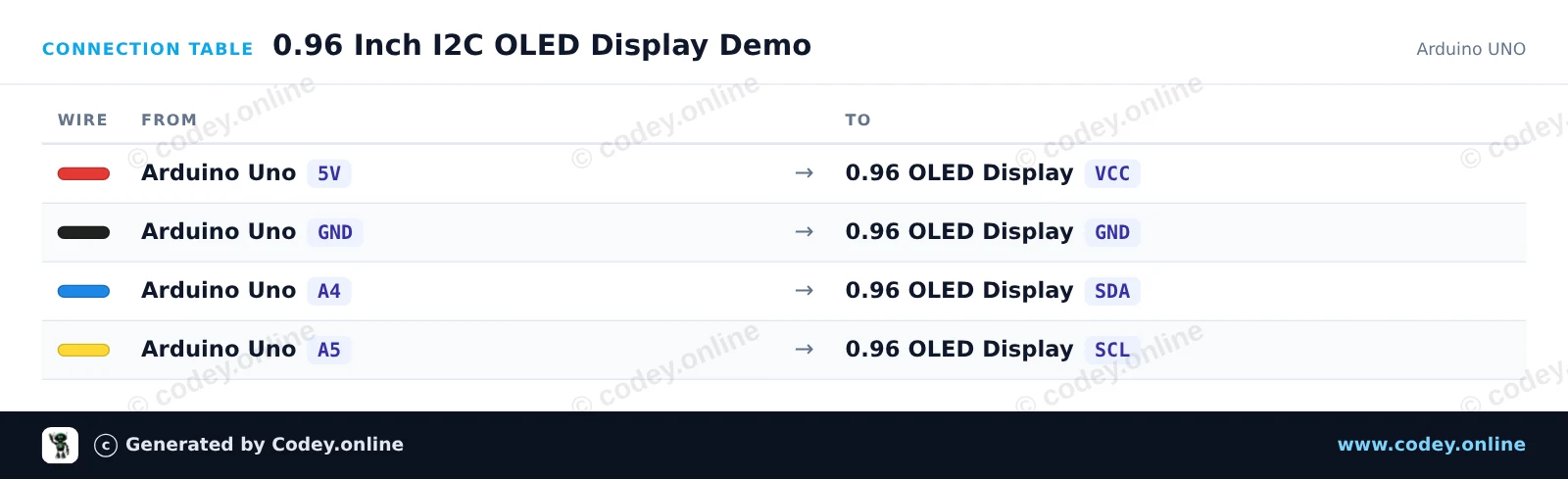
Connection table: Mini OLED display white 1.3 inch 128x64 I2C on an Arduino UNO
Connection table · Click to enlarge
0_96_Inch_I2C_OLED_Display_Demo.ino · compiled and verified
/*
 * ==================================================================
 *  Generated by Codey.online  —  https://www.codey.online
 * ==================================================================
 *  Project   : 0.96 Inch I2C OLED Display Demo
 *  Board     : Arduino UNO (arduino:avr:uno)
 *  Parts     : OLED Display 0.96 inch
 *  Libraries : U8g2 2.36.19
 *
 *  Codey Online is an AI-powered browser IDE for Arduino and ESP32.
 *  Describe your project and Codey writes the code, draws the wiring
 *  diagram and uploads it to your board, straight from the browser.
 *  This code is free to use, modify and share, without warranty.
 * ==================================================================
 */

#include <Wire.h>
#include <U8g2lib.h>

// Initialize U8g2 for 128x64 SSD1306 OLED using hardware I2C
U8G2_SSD1306_128X64_NONAME_1_HW_I2C u8g2(U8G2_R0, /* reset=*/ U8X8_PIN_NONE);

int counter = 0;

void setup() {
  Serial.begin(115200);
  u8g2.begin();
  Serial.println(F("OLED display initialized."));
}

void loop() {
  u8g2.firstPage();
  do {
    // Header
    u8g2.setFont(u8g2_font_ncenB08_tr);
    u8g2.drawStr(0, 12, "Arduino Uno + OLED");

    // Dividing line
    u8g2.drawLine(0, 16, 127, 16);

    // Counter value
    u8g2.setFont(u8g2_font_ncenB12_tr);
    u8g2.setCursor(0, 40);
    u8g2.print(F("Count: "));
    u8g2.print(counter);

    // Footer / status
    u8g2.setFont(u8g2_font_6x10_tr);
    u8g2.drawStr(0, 58, "Status: Running");
  } while (u8g2.nextPage());

  counter++;
  delay(1000);
}

Required libraries: U8g2 2.36.19

Wiring diagram and example code generated by Codey.online — https://www.codey.online

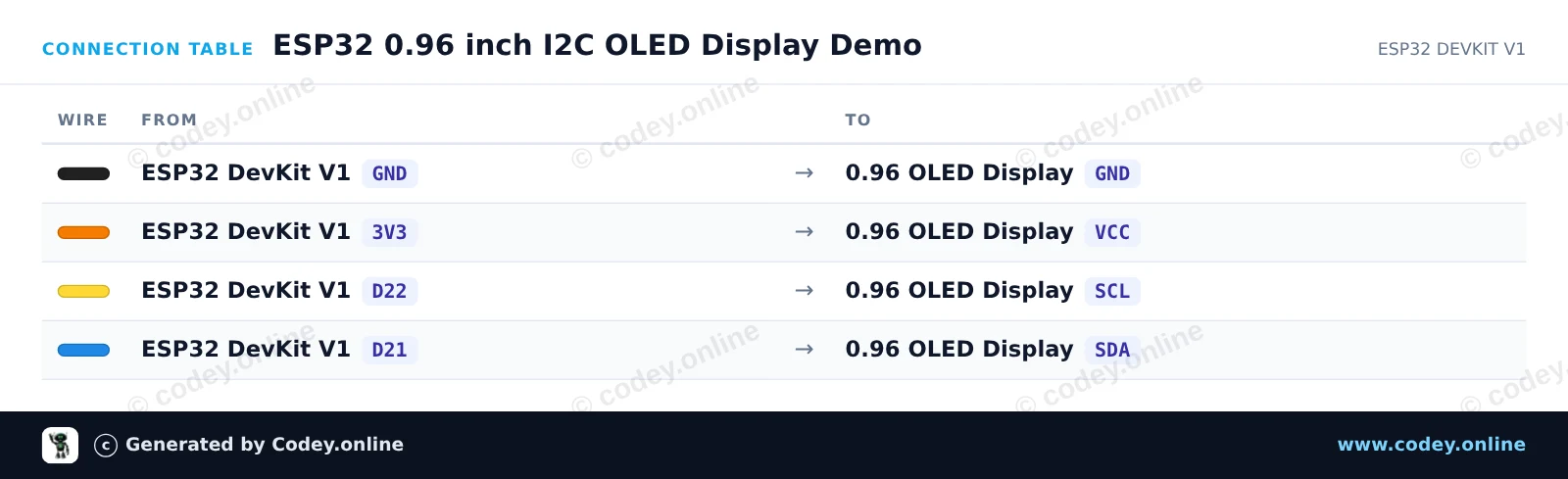
ESP32 0.96 inch I2C OLED Display Demo

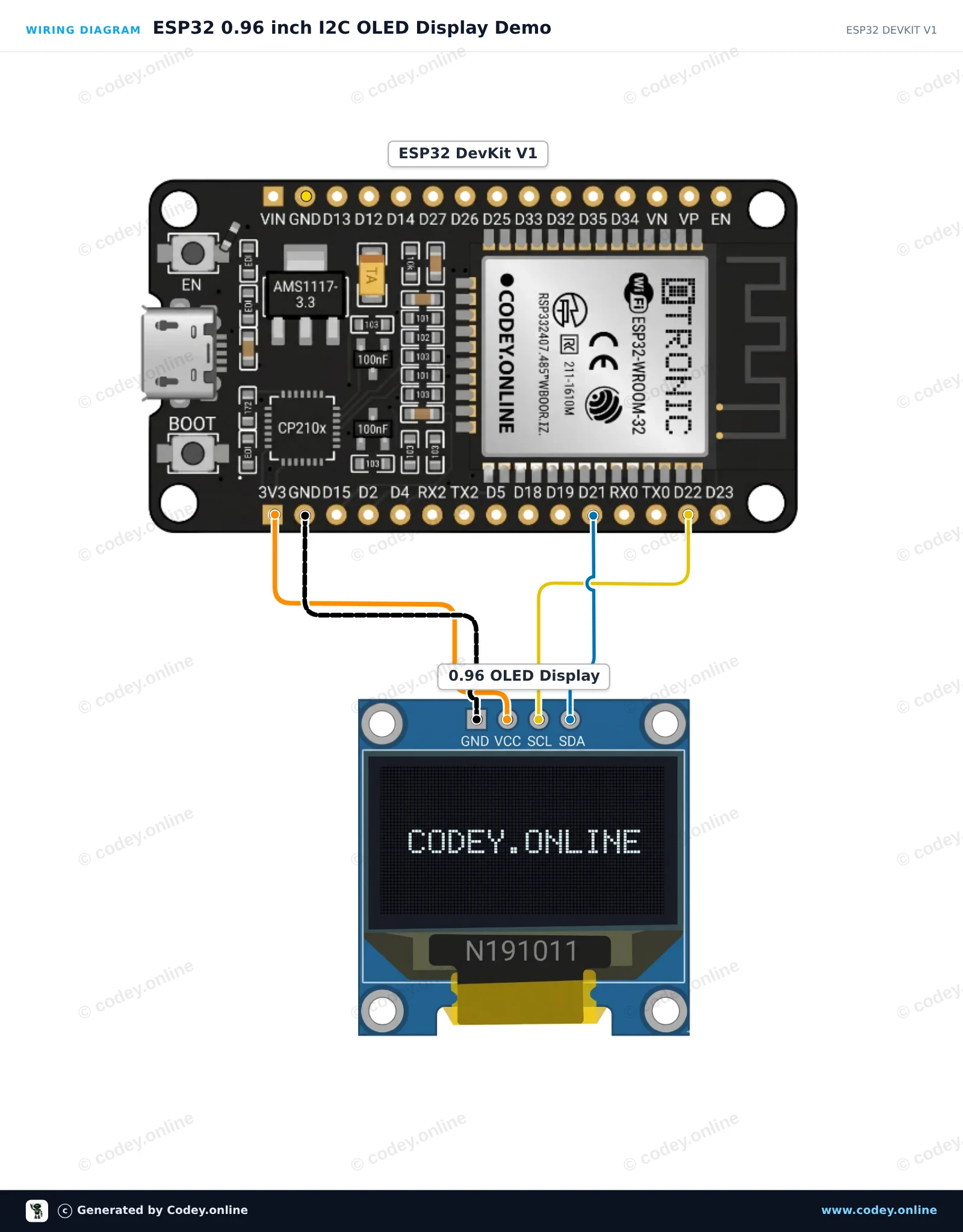
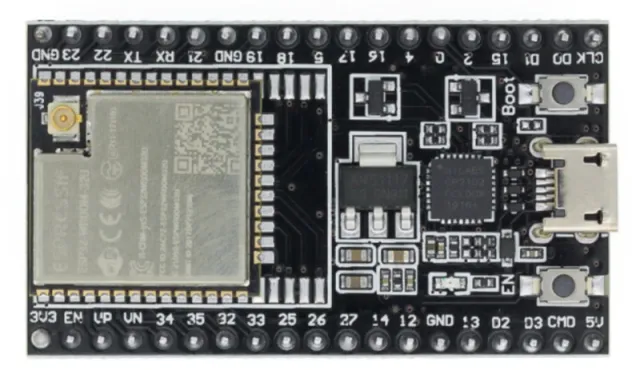
This project demonstrates how to connect a 0.96-inch I2C OLED display to an ESP32. The display initializes using default I2C pins (GPIO 21 for SDA, GPIO 22 for SCL) and shows a greeting text along with an updating live counter.

Wiring diagram: Mini OLED display white 1.3 inch 128x64 I2C on an ESP32 DevKit V1
Wiring diagram · Click to enlarge
Connection table: Mini OLED display white 1.3 inch 128x64 I2C on an ESP32 DevKit V1
Connection table · Click to enlarge
ESP32_0_96_inch_I2C_OLED_Display_Demo.ino · compiled and verified
/*
 * ==================================================================
 *  Generated by Codey.online  —  https://www.codey.online
 * ==================================================================
 *  Project   : ESP32 0.96 inch I2C OLED Display Demo
 *  Board     : ESP32 DEVKIT V1 (esp32:esp32:esp32doit-devkit-v1)
 *  Parts     : OLED Display 0.96 inch
 *  Libraries : Adafruit SSD1306 2.5.16, Adafruit GFX Library 1.12.6
 *
 *  Codey Online is an AI-powered browser IDE for Arduino and ESP32.
 *  Describe your project and Codey writes the code, draws the wiring
 *  diagram and uploads it to your board, straight from the browser.
 *  This code is free to use, modify and share, without warranty.
 * ==================================================================
 */

#include <Wire.h>
#include <Adafruit_GFX.h>
#include <Adafruit_SSD1306.h>

#define SCREEN_WIDTH 128
#define SCREEN_HEIGHT 64
#define OLED_RESET    -1
#define SCREEN_ADDRESS 0x3C

Adafruit_SSD1306 display(SCREEN_WIDTH, SCREEN_HEIGHT, &Wire, OLED_RESET);

int counter = 0;

void setup() {
  Serial.begin(115200);

  // Default ESP32 I2C pins: SDA = GPIO 21, SCL = GPIO 22
  Wire.begin(21, 22);

  if (!display.begin(SSD1306_SWITCHCAPVCC, SCREEN_ADDRESS)) {
    Serial.println(F("SSD1306 allocation failed"));
    while (true);
  }

  display.clearDisplay();
  display.setTextColor(SSD1306_WHITE);
  display.setTextSize(1);
  display.setCursor(0, 0);
  display.println(F("ESP32 OLED Demo"));
  display.display();
  delay(1500);
}

void loop() {
  display.clearDisplay();
  
  display.setTextSize(1);
  display.setCursor(0, 0);
  display.println(F("ESP32 + SSD1306"));
  
  display.drawLine(0, 12, display.width(), 12, SSD1306_WHITE);
  
  display.setCursor(0, 20);
  display.print(F("Counter: "));
  display.setTextSize(2);
  display.setCursor(0, 36);
  display.print(counter);
  
  display.display();
  
  counter++;
  delay(1000);
}

Required libraries: Adafruit SSD1306 2.5.16, Adafruit GFX Library 1.12.6

Wiring diagram and example code generated by Codey.online — https://www.codey.online

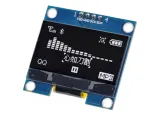
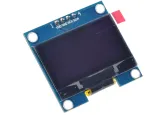
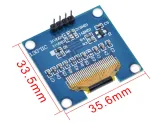
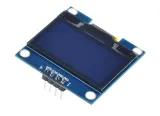
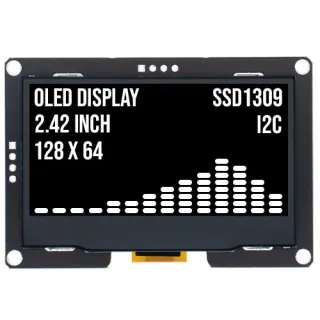
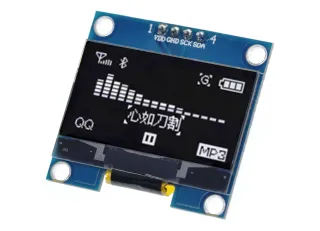
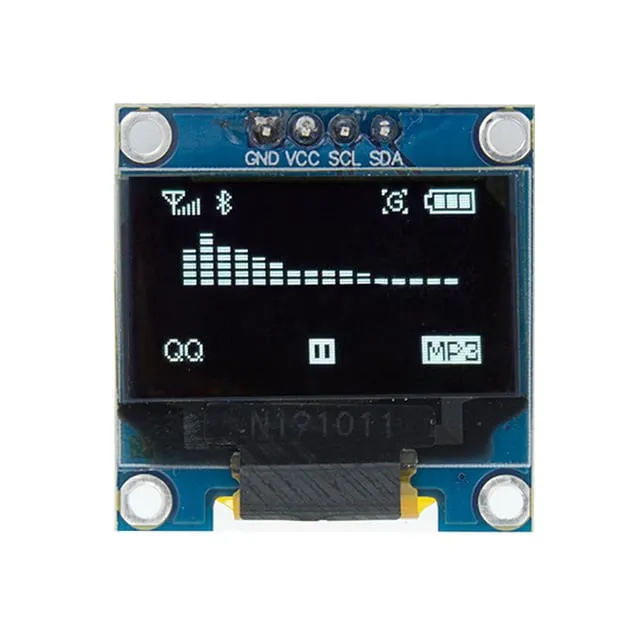
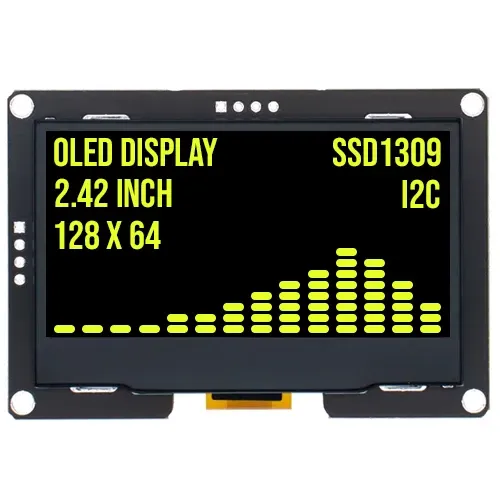
Mini OLED display with 1.3 inch 128x64 I2C

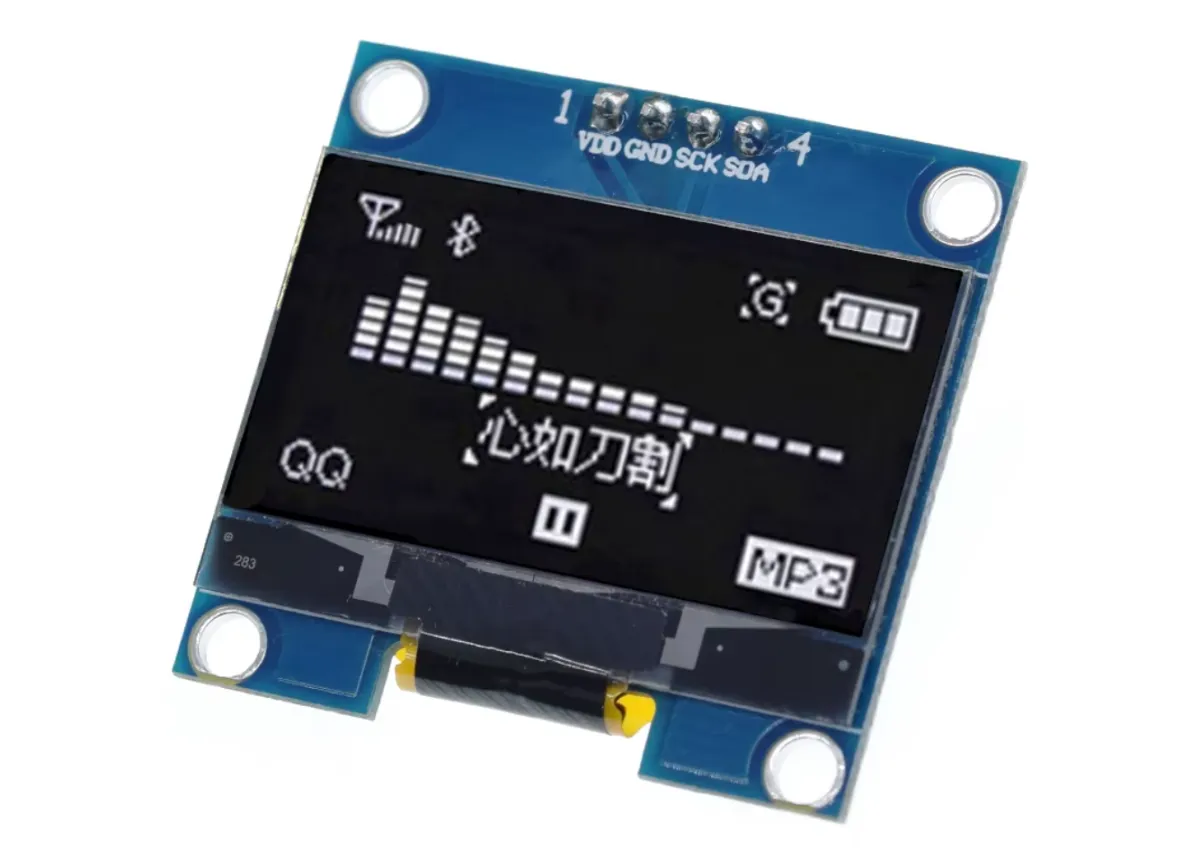
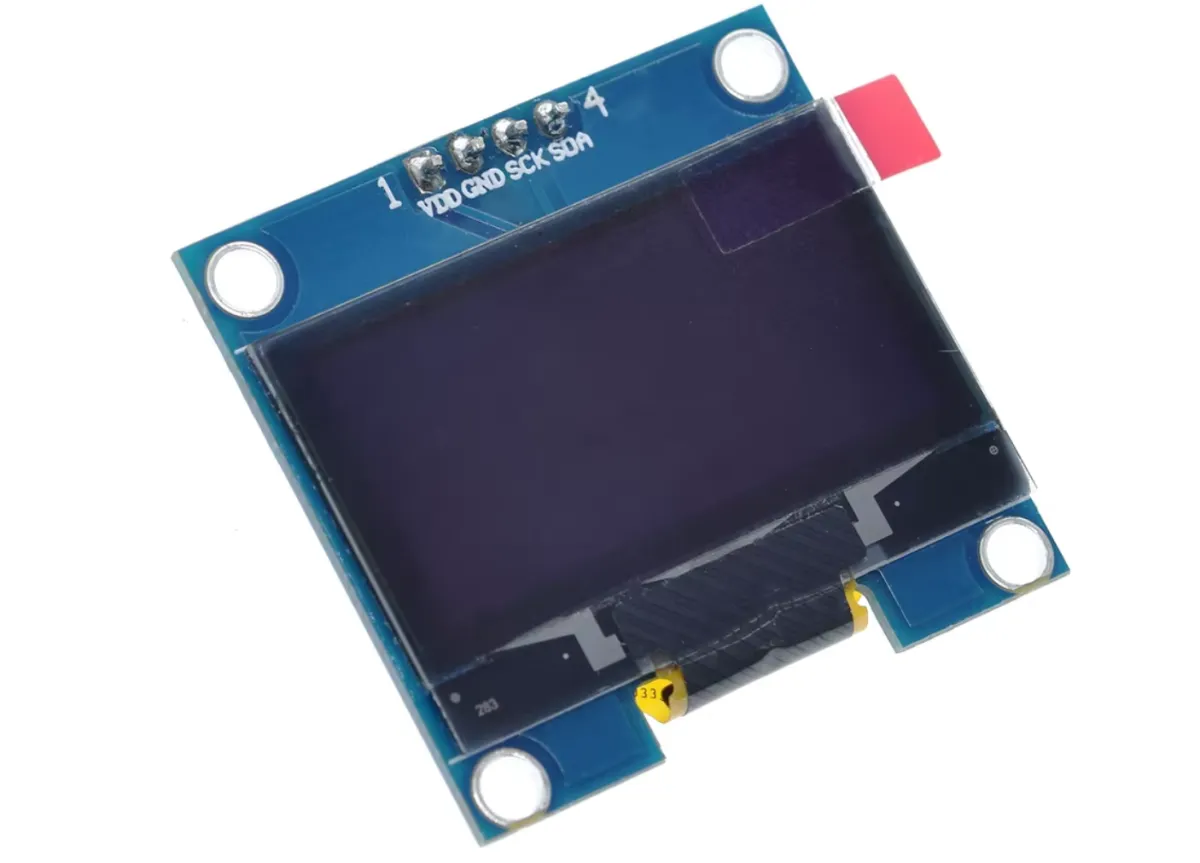
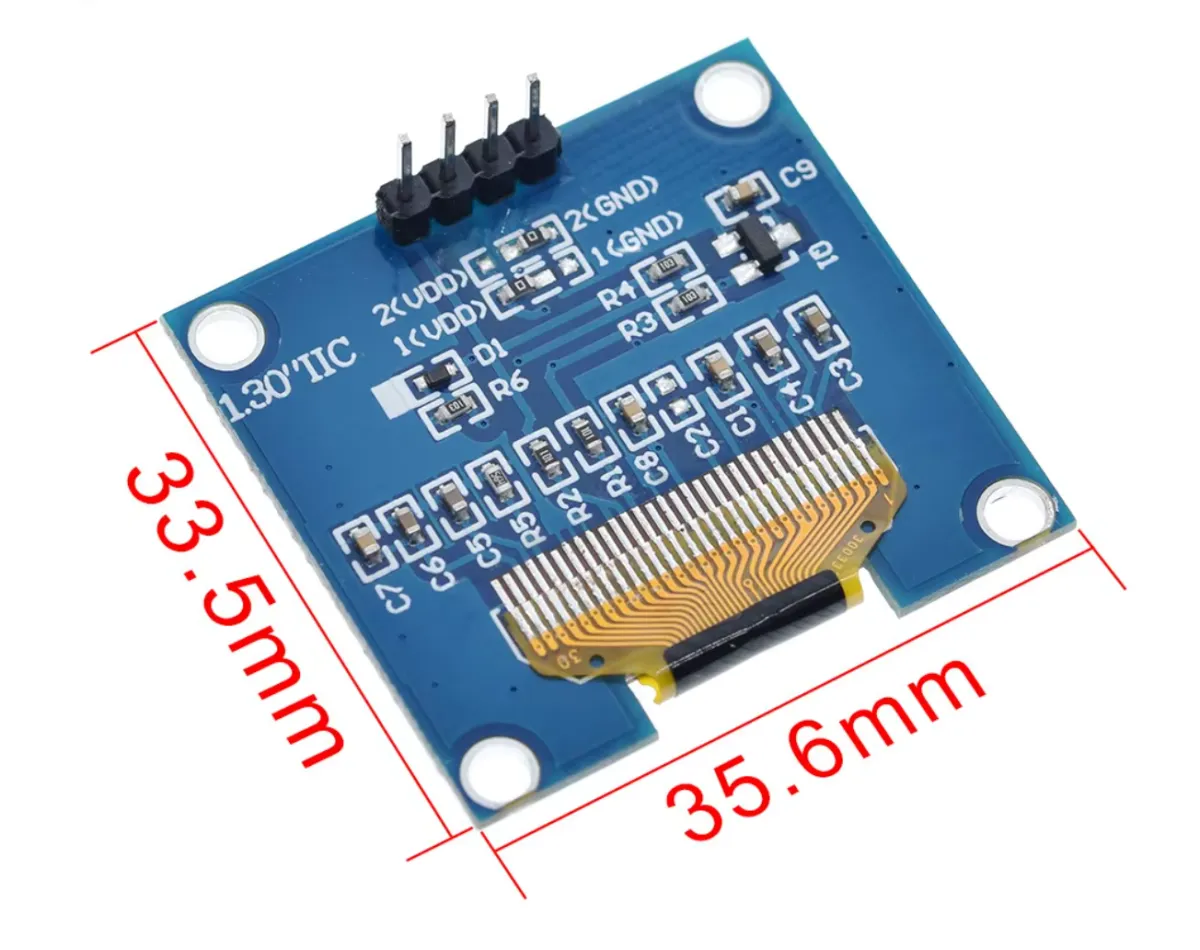
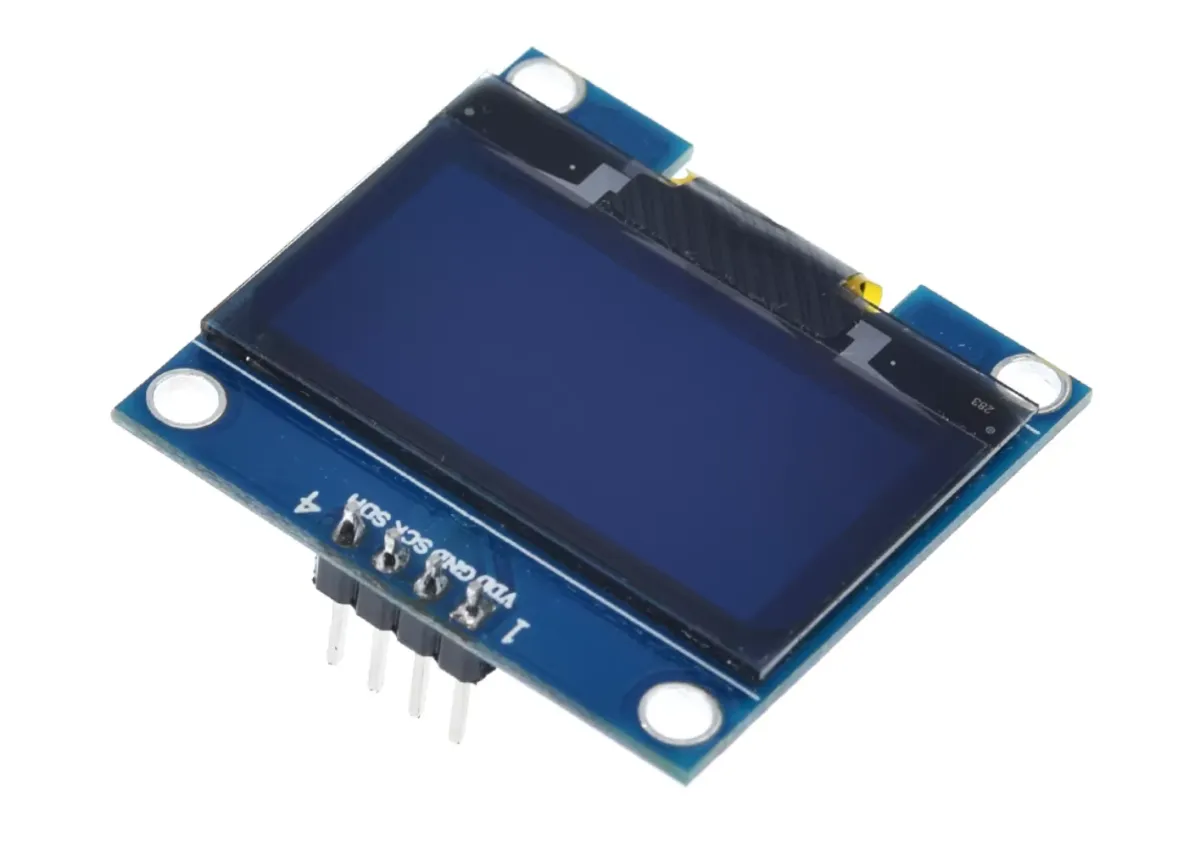
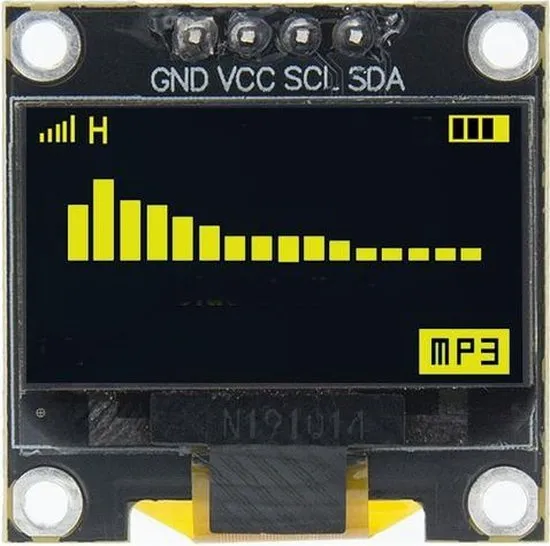
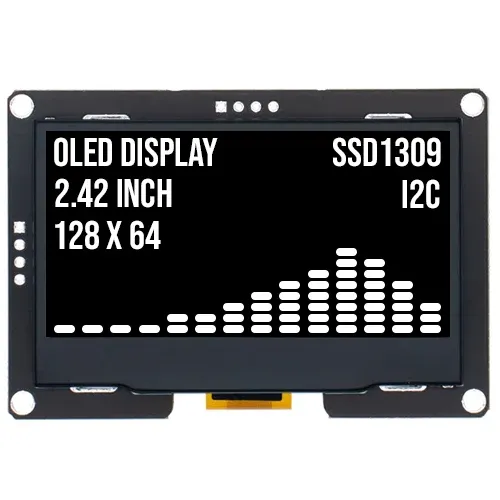
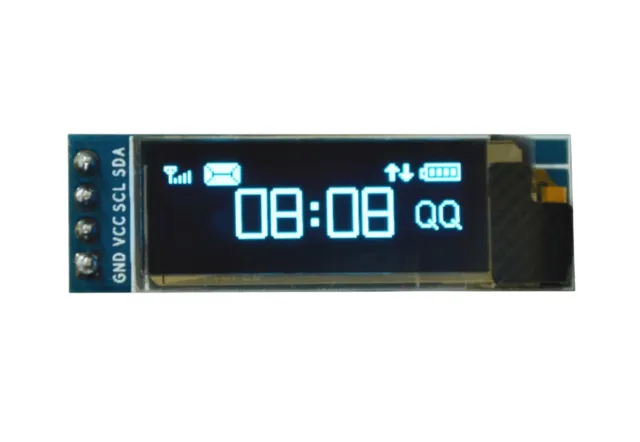
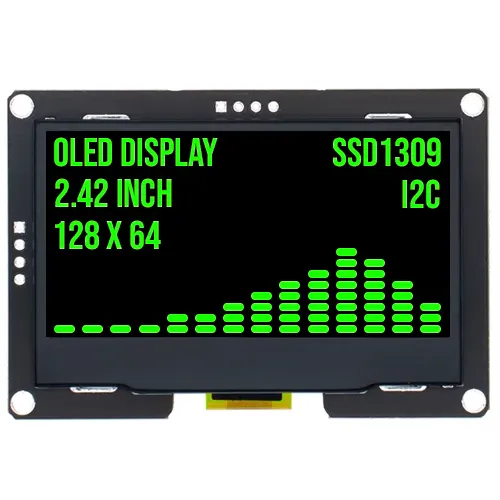
This compact OLED display has a diagonal of 1.3 inches and a resolution of 128x64 pixels. Thanks to the white display, the screen is easily readable under various lighting conditions.

Main features

  • Screen size: 1.3 inch
  • Resolution: 128 x 64 pixels
  • Color: white
  • Connection: I2C interface
  • Power supply voltage: DC 3V to 5V
  • Operating temperature: -30 to 70 °C
  • Driver chip: SH1106 (compatible with SSD1306)

The display is ideal for projects where a bright and sharp screen is needed with a simple I2C connection. The wide supply voltage and robust temperature operation make it suitable for various applications.

  • White display
  • 1.3 inch
  • 128 x 64
  • I2C interface

Why choose this product?

  • Easy to read – White display under various lighting conditions.
  • Clear image – Sharp display for clear project information.
  • Simple I2C connection – Connect via a simple I2C interface.
  • Wide voltage range – Works with DC 3V to 5V.
  • Suitable for projects – Ideal where a bright screen is needed.
Specifications
Colorwhite
ConnectionI2C interface
Resolution128 x 64 pixels
Driver chipSH1106 (compatible with SSD1306)
Screen size1.3 inch
Supply voltageDC 3V to 5V
Operating temperature-30 to 70 °C
Compatible withSSD1306

Frequently bought together

Total: € 19,38

Reviews

★★★★★ 5,0/5 1 review
  • ★★★★★Rob BoomVerified purchase

    ok...................

Write a review
Your rating

Shipping & returns

Shipping

  • Parcel with track & trace€ 7,70Within 24 hours
  • Pick up at PostNL location€ 7,40Within 24 hours
  • Letterbox parcel€ 3,70Within 2 business days
  • Letterbox parcel 24 hours€ 4,55Within 24 hours
  • Pick up in storeFree
All about shipping

Returns

Not satisfied? You have 30 days after delivery to return the product.

All about returns

Recently viewed