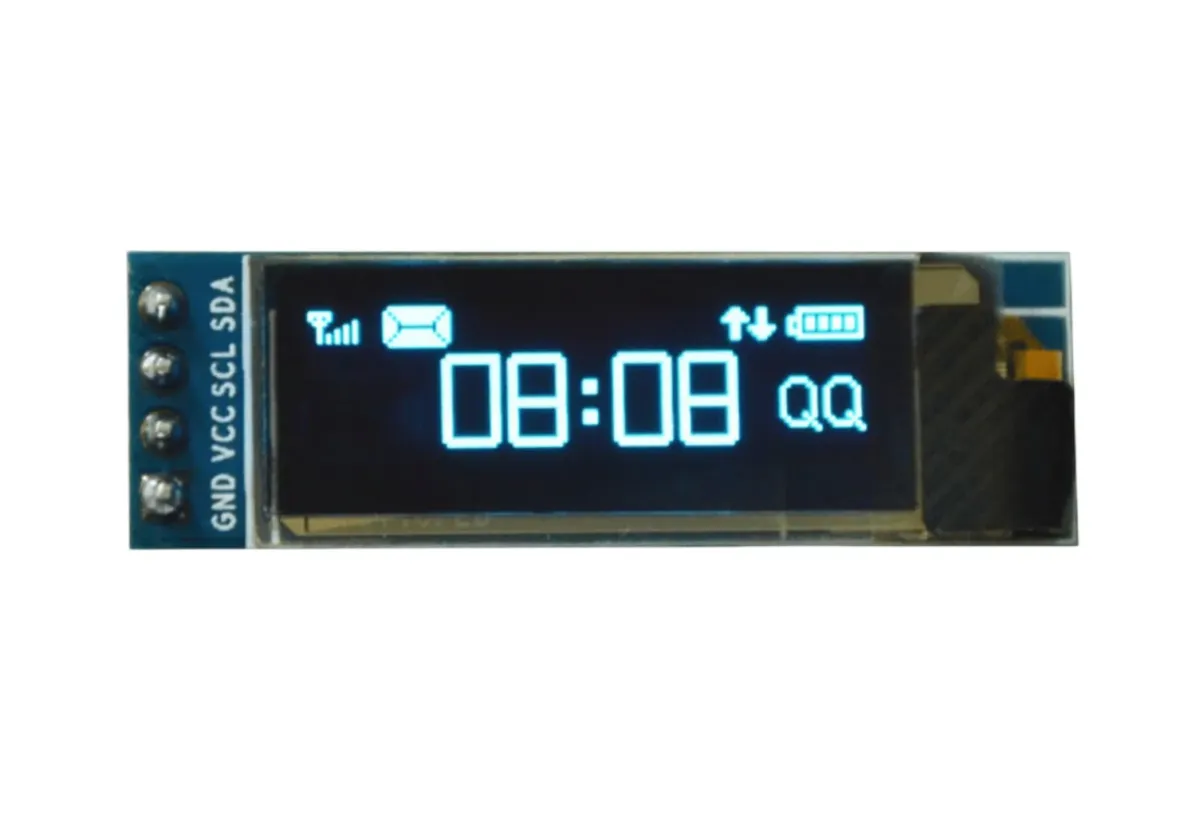
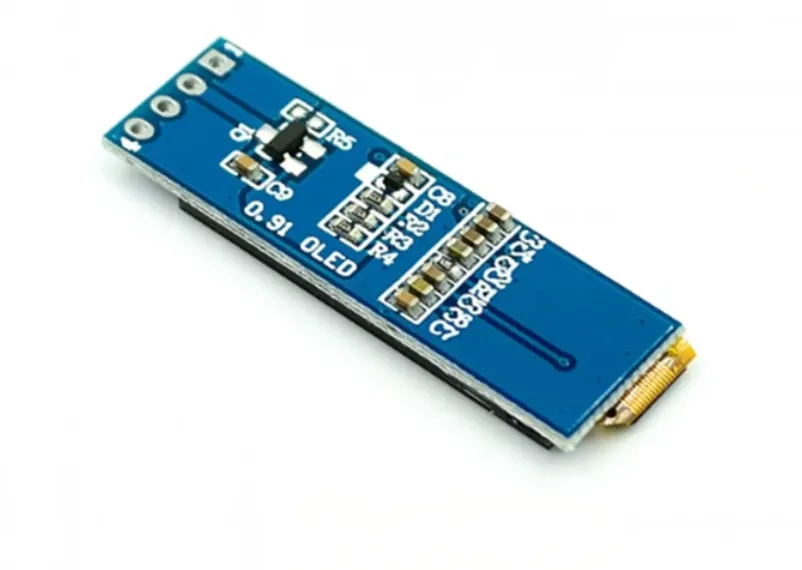
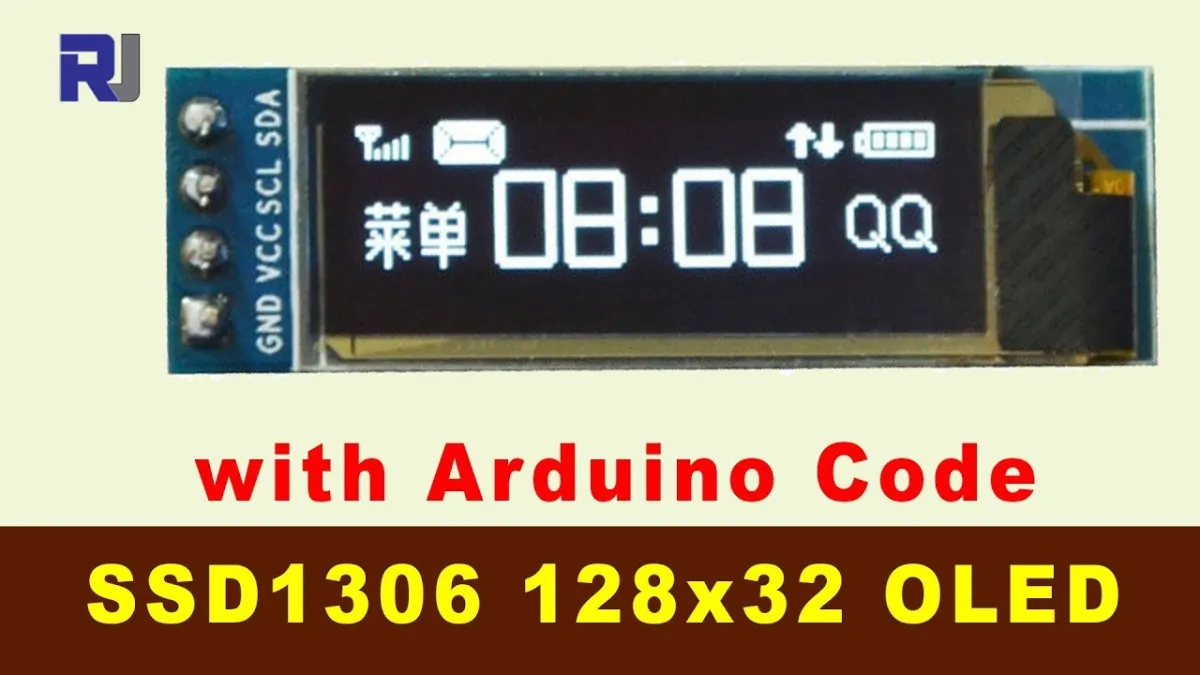
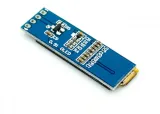
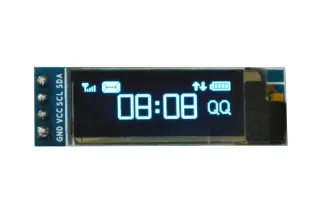
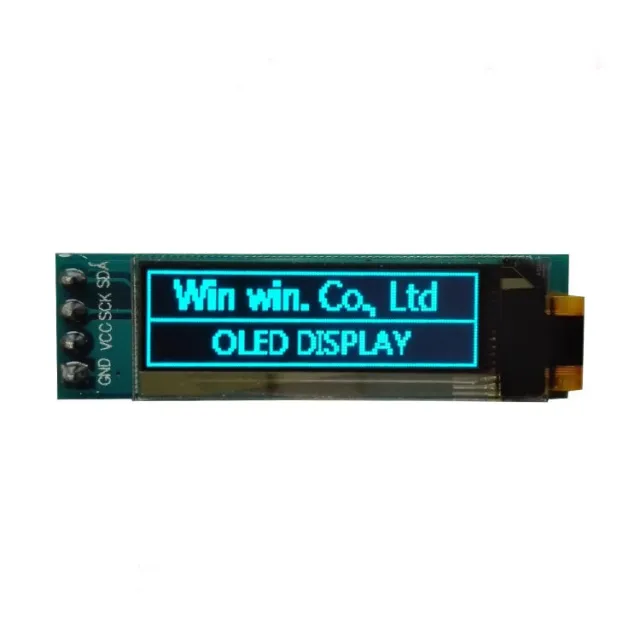
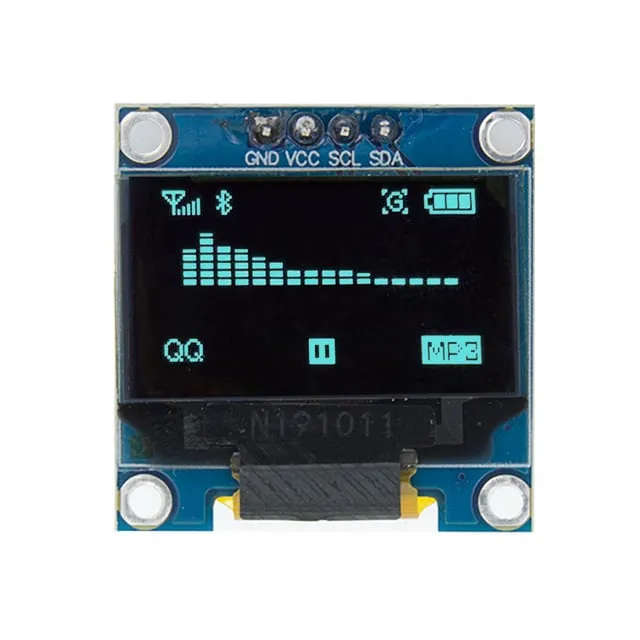
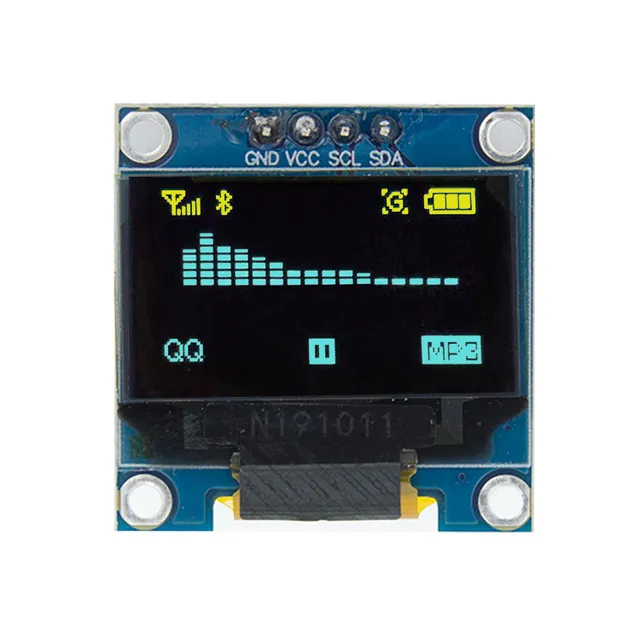
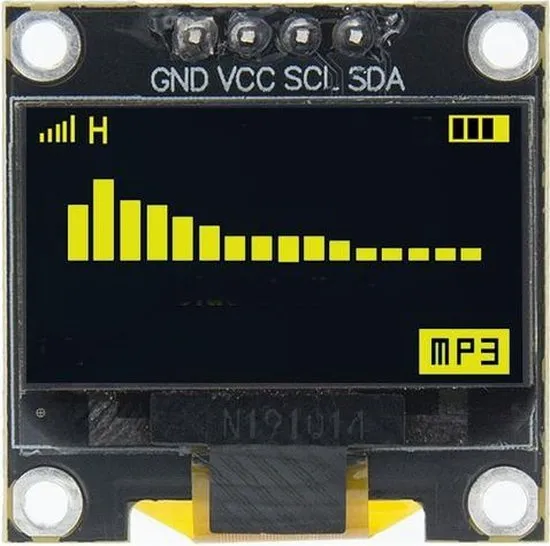
Mini OLED display for Arduino and ESP32/ESP8266 projects with crisp 128x32 display.
SKU: OT811-C61 Article number: AA408 EAN: 9475615381690 Location: C06.01
Alternative
Mini OLED display blue 0.96 inch 128x64 I2C
€ 5,99
View this alternative
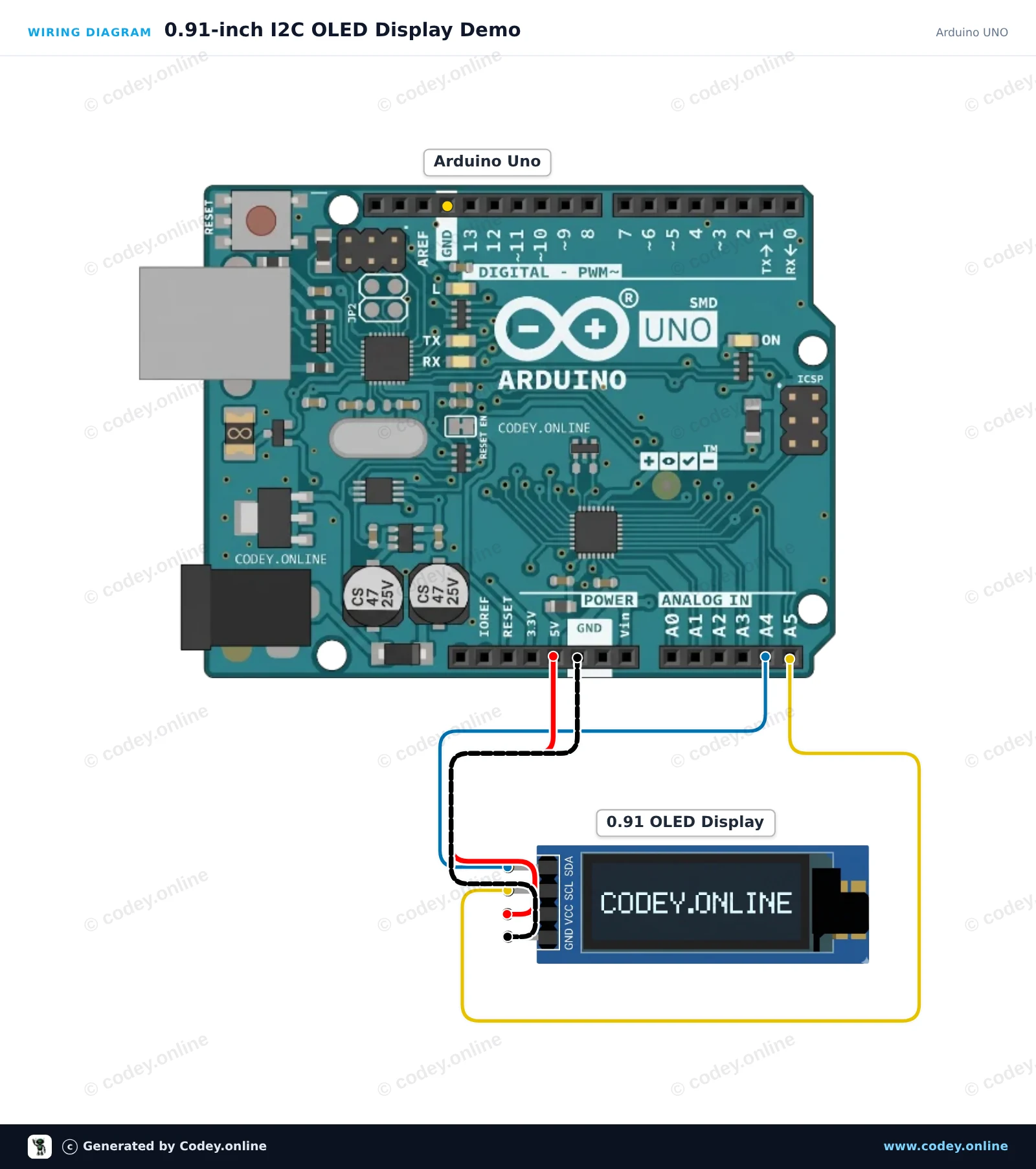
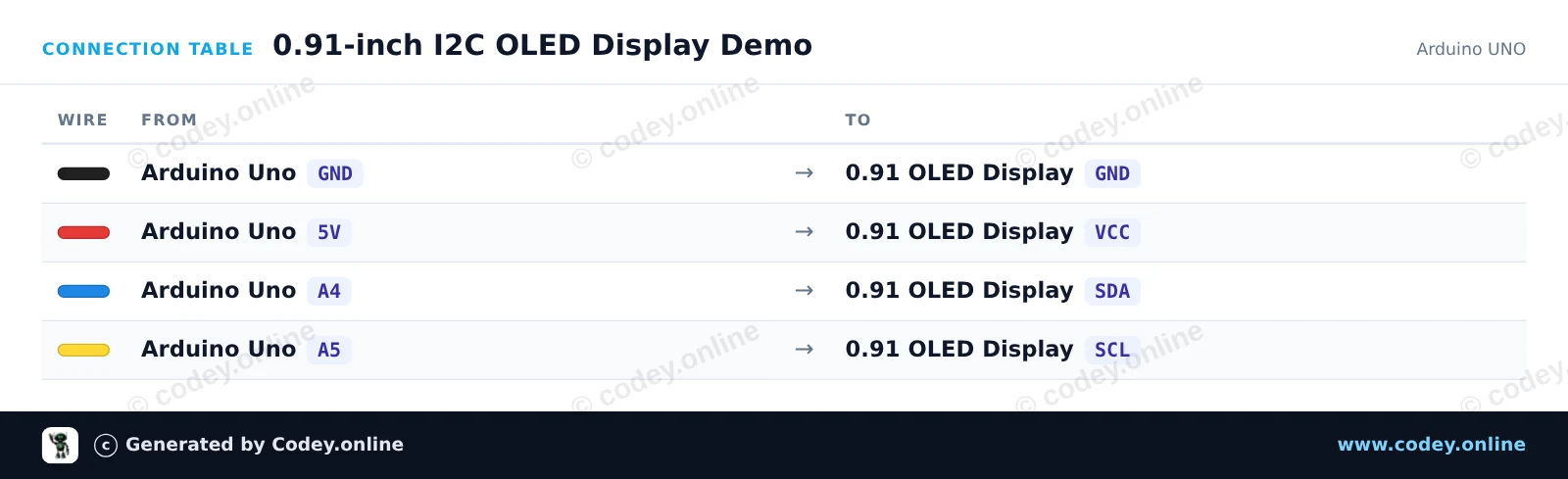
How to connect the Mini OLED display with 0.91 inch 128x32 I2C to an Arduino UNO or ESP32, with an example sketch you can upload straight away.
This project demonstrates how to initialize and display text and a live counter on a 0.91-inch 128x32 I2C OLED screen. The display connects directly to the Arduino Uno's I2C pins (A4 and A5) and updates continuously.
/*
* ==================================================================
* Generated by Codey.online — https://www.codey.online
* ==================================================================
* Project : 0.91-inch I2C OLED Display Demo
* Board : Arduino UNO (arduino:avr:uno)
* Parts : OLED Display 0.91 inch
* Libraries : U8g2 2.36.19
*
* Codey Online is an AI-powered browser IDE for Arduino and ESP32.
* Describe your project and Codey writes the code, draws the wiring
* diagram and uploads it to your board, straight from the browser.
* This code is free to use, modify and share, without warranty.
* ==================================================================
*/
#include <Wire.h>
#include <U8g2lib.h>
U8G2_SSD1306_128X32_UNIVISION_F_HW_I2C u8g2(U8G2_R0, U8X8_PIN_NONE);
unsigned long counter = 0;
void setup() {
u8g2.begin();
}
void loop() {
u8g2.clearBuffer();
u8g2.setFont(u8g2_font_6x10_tf);
u8g2.drawStr(0, 10, "0.91\" OLED Demo");
u8g2.setFont(u8g2_font_ncenB08_tr);
u8g2.setCursor(0, 26);
u8g2.print(F("Count: "));
u8g2.print(counter);
u8g2.sendBuffer();
counter++;
delay(500);
}
Required libraries: U8g2 2.36.19
Wiring diagram and example code generated by Codey.online — https://www.codey.online
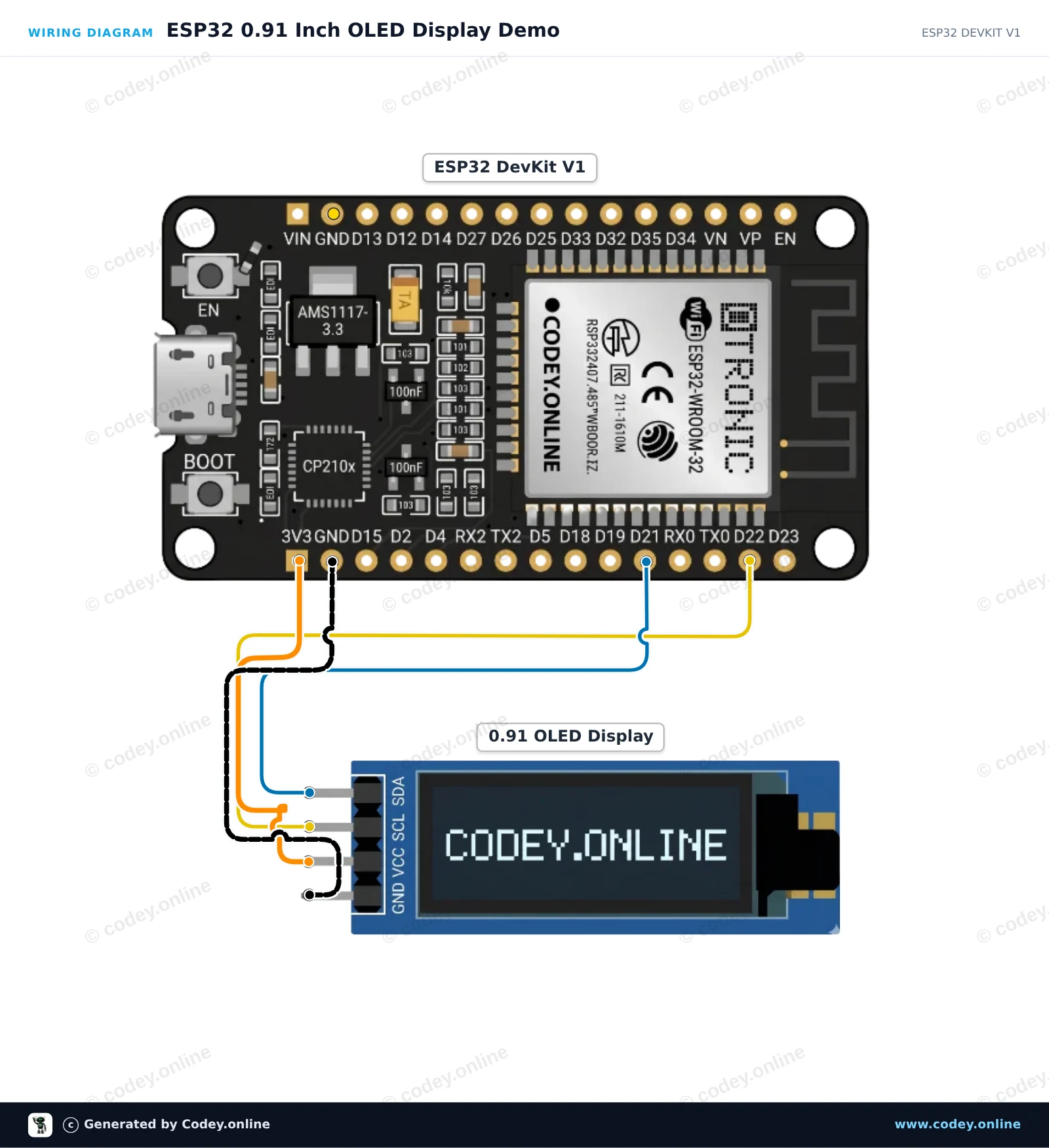
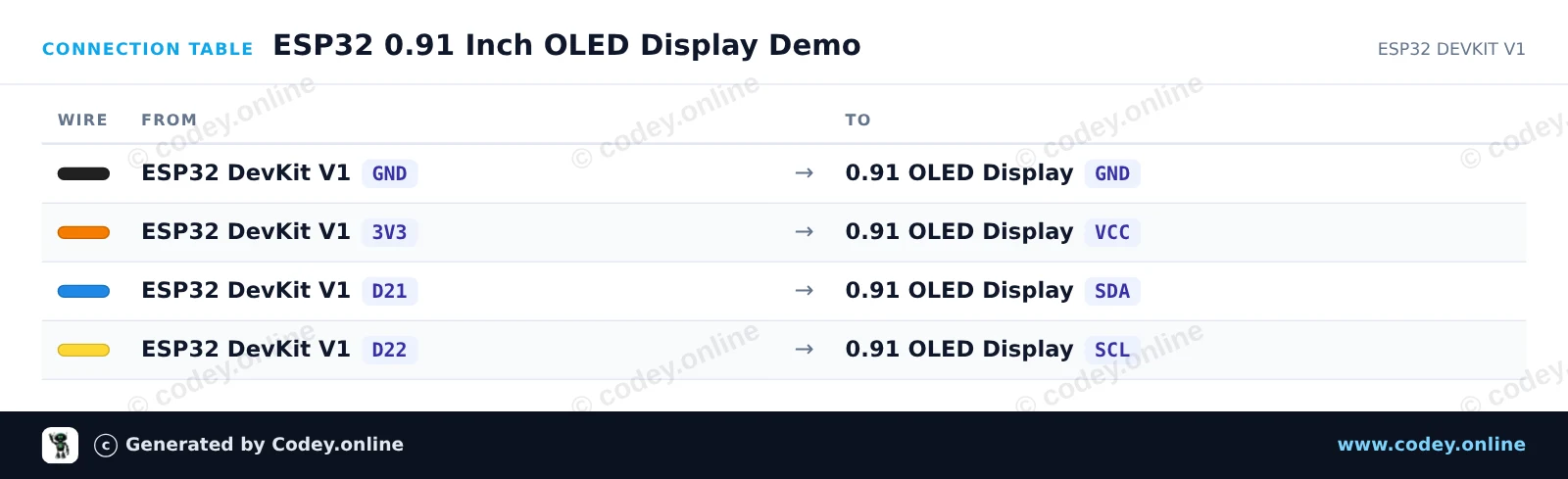
This project displays text and a running counter on a 0.91-inch 128x32 I2C OLED display using the ESP32. Connect the display directly to the default I2C pins (GPIO 21 and 22) and power it via 3.3V. Upload the sketch and watch the display refresh every second.
/*
* ==================================================================
* Generated by Codey.online — https://www.codey.online
* ==================================================================
* Project : ESP32 0.91 Inch OLED Display Demo
* Board : ESP32 DEVKIT V1 (esp32:esp32:esp32doit-devkit-v1)
* Parts : OLED Display 0.91 inch
* Libraries : Adafruit SSD1306 2.5.16, Adafruit GFX Library 1.12.6
*
* Codey Online is an AI-powered browser IDE for Arduino and ESP32.
* Describe your project and Codey writes the code, draws the wiring
* diagram and uploads it to your board, straight from the browser.
* This code is free to use, modify and share, without warranty.
* ==================================================================
*/
#include <Wire.h>
#include <Adafruit_GFX.h>
#include <Adafruit_SSD1306.h>
#define SCREEN_WIDTH 128
#define SCREEN_HEIGHT 32
#define OLED_RESET -1
#define SCREEN_ADDRESS 0x3C
Adafruit_SSD1306 display(SCREEN_WIDTH, SCREEN_HEIGHT, &Wire, OLED_RESET);
int counter = 0;
void setup() {
Serial.begin(115200);
// Initialize I2C on ESP32 default pins: SDA (GPIO 21), SCL (GPIO 22)
Wire.begin(21, 22);
if (!display.begin(SSD1306_SWITCHCAPVCC, SCREEN_ADDRESS)) {
Serial.println(F("SSD1306 allocation failed"));
while (true);
}
display.clearDisplay();
display.setTextSize(1);
display.setTextColor(SSD1306_WHITE);
display.setCursor(0, 0);
display.println(F("ESP32 OLED Demo"));
display.display();
delay(2000);
}
void loop() {
display.clearDisplay();
display.setTextSize(1);
display.setTextColor(SSD1306_WHITE);
display.setCursor(0, 0);
display.println(F("Hello from ESP32!"));
display.setTextSize(2);
display.setCursor(0, 14);
display.print(F("Count: "));
display.print(counter);
display.display();
counter++;
delay(1000);
}
Required libraries: Adafruit SSD1306 2.5.16, Adafruit GFX Library 1.12.6
Wiring diagram and example code generated by Codey.online — https://www.codey.online
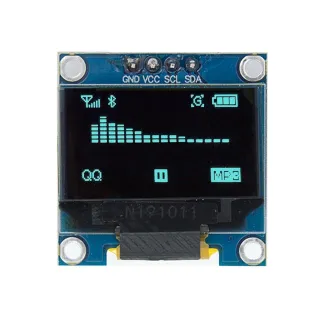
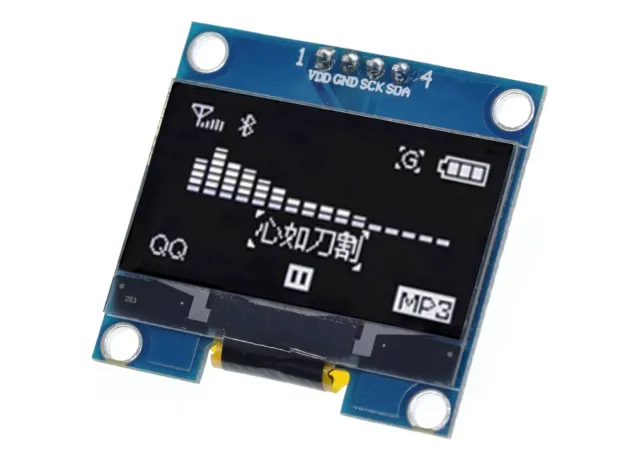
0.91 inch mini OLED display. Razor-sharp image with a resolution of 128x32 pixels.
Works on a power supply of 3v-5v. Ideal for Arduino or ESP32 / ESP8266 projects.
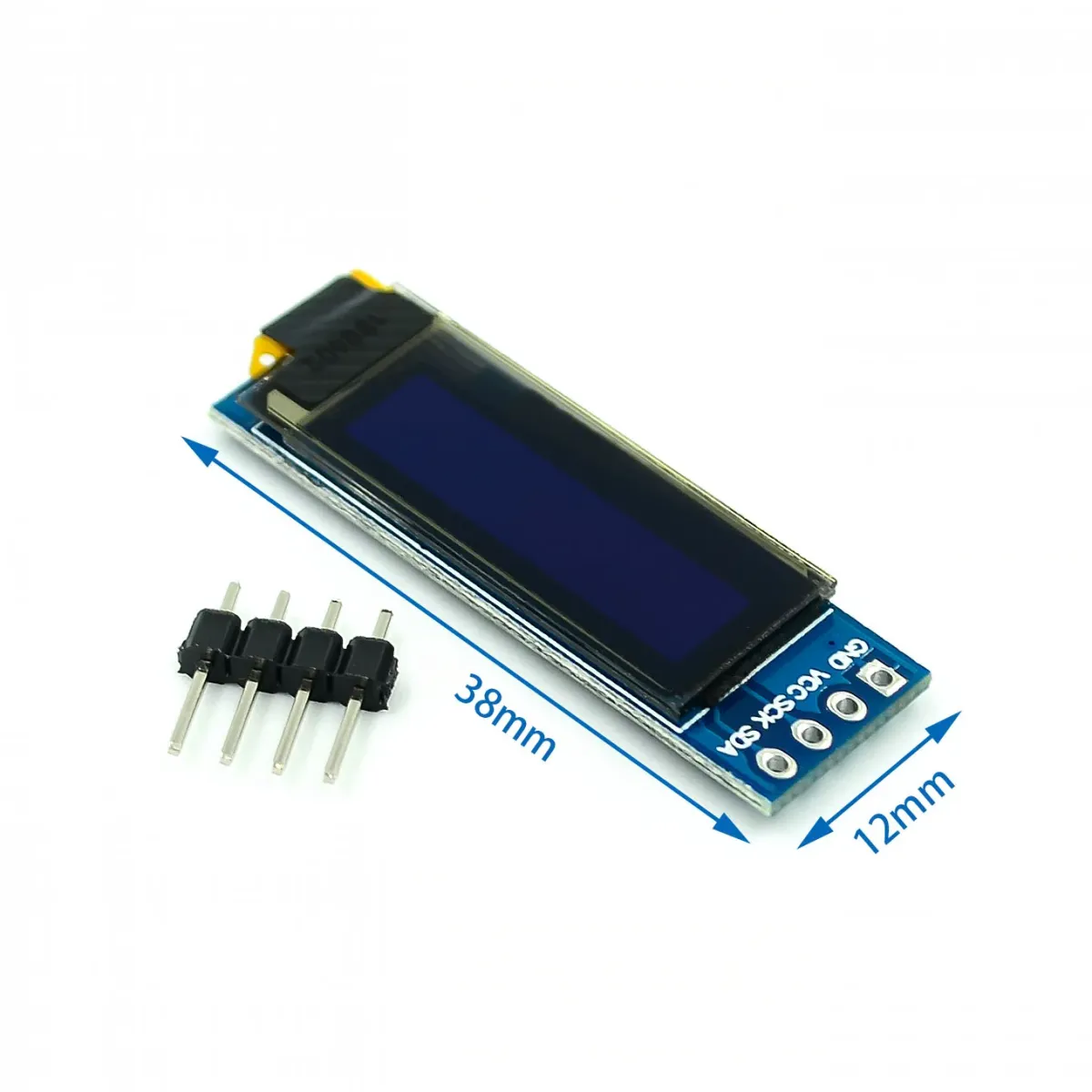
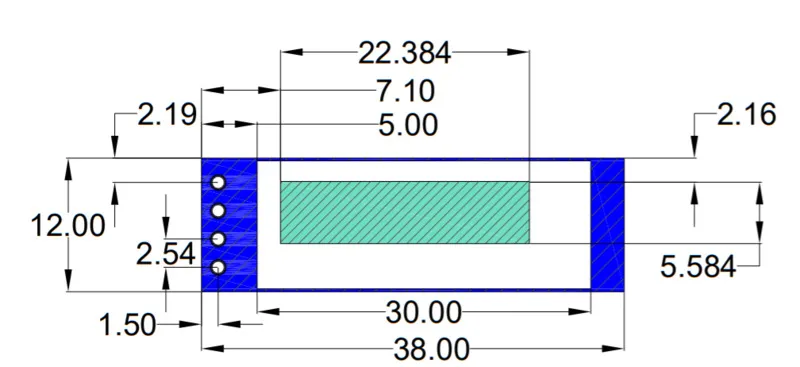
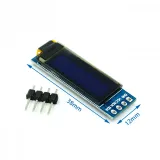
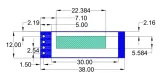
The dimensions of this board are only 38 x 12 x 3.3mm.
view the Wiring diagram and example code >>> here
Dimensions
Length: 3.8cm
Width: 1.2cm
Height: 0.33cm
| Dimensions | 38 x 12 x 3.3 mm |
|---|---|
| Width | 1,2 cm |
| Resolution | 128x32 pixels |
| Interface | I2C |
| Suitable for | Arduino / ESP32 / ESP8266 |
| Length | 3.8 cm |
| Supply voltage | 3v-5v |
| Height | 0.33 cm |
| Size | 0.91 inch |
| Driver IC | SSD1306 |
Works excellently
Does what it’s supposed to do
Mini OLED display with 0.91 inch 128x32 I2C