Ordered on weekdays before 14:00 = shipped the same day and delivered the next day in 98% of cases. Free returns 30-day reflection period 1-year warranty

Wiring diagram and code example

How to connect the Mini OLED display blue 0.96 inch 128x64 I2C to an Arduino UNO or ESP32, with an example sketch you can upload straight away.

0.96" I2C OLED Display Demo

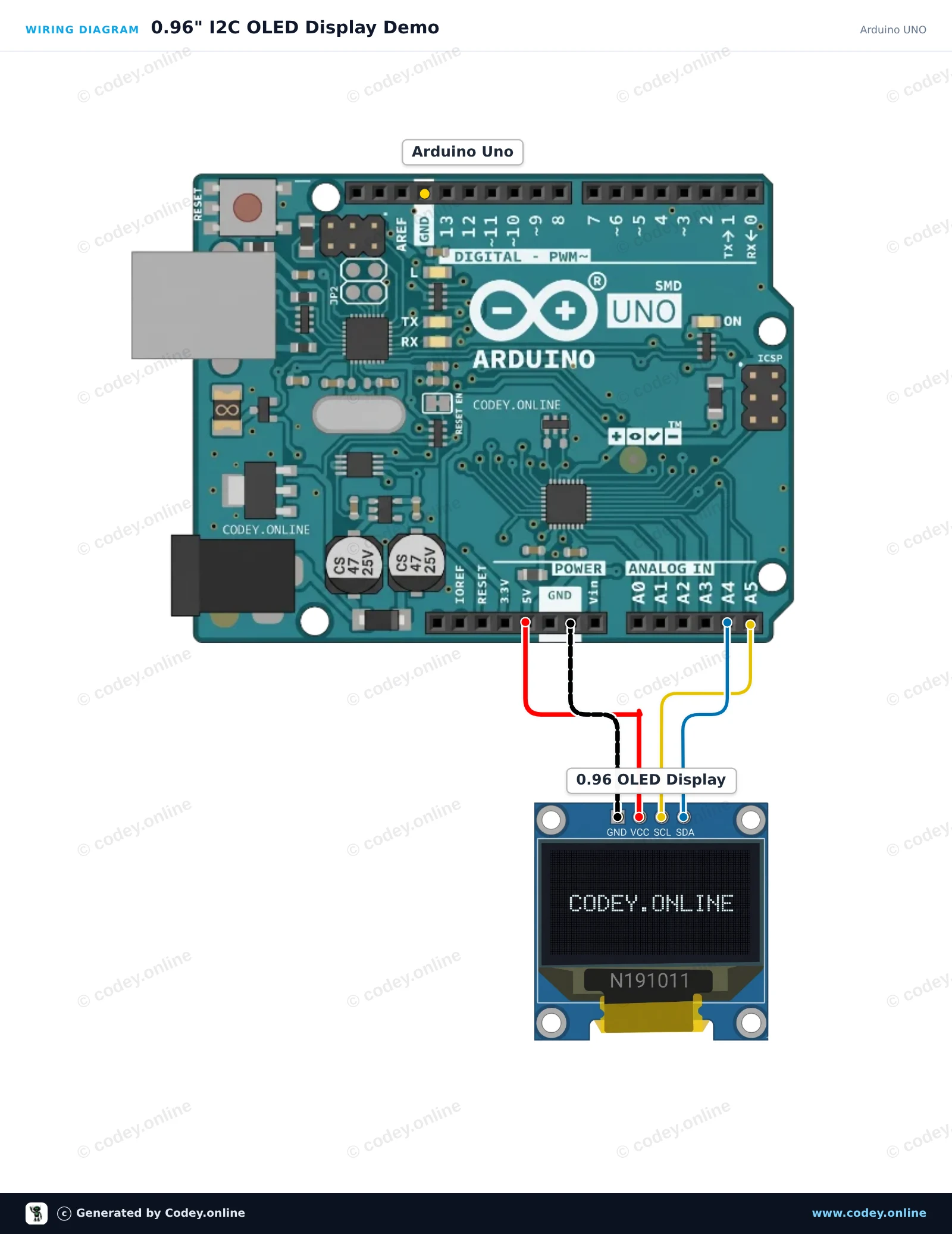
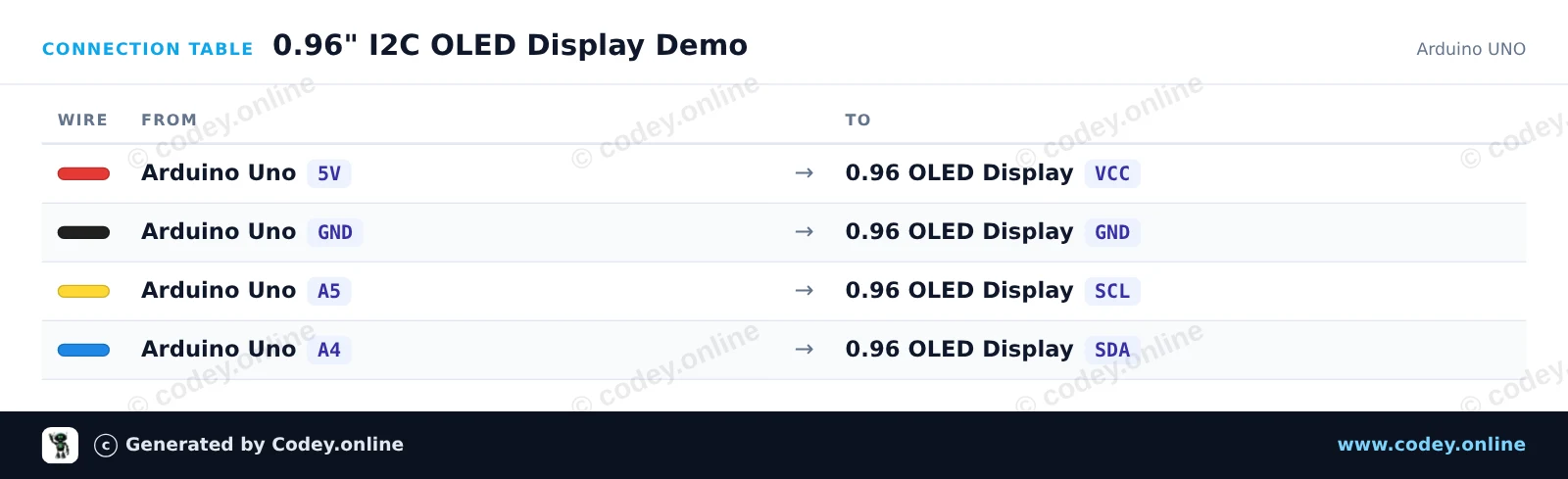
Connect the 0.96-inch I2C OLED display directly to the Arduino Uno's I2C pins (A4 for SDA, A5 for SCL). The sketch initializes the display using the U8g2 library and updates an on-screen counter every second.

Wiring diagram: Mini OLED display blue 0.96 inch 128x64 I2C on an Arduino UNO
Wiring diagram · Click to enlarge
Connection table: Mini OLED display blue 0.96 inch 128x64 I2C on an Arduino UNO
Connection table · Click to enlarge
0_96_I2C_OLED_Display_Demo.ino · compiled and verified
/*
 * ==================================================================
 *  Generated by Codey.online  —  https://www.codey.online
 * ==================================================================
 *  Project   : 0.96" I2C OLED Display Demo
 *  Board     : Arduino UNO (arduino:avr:uno)
 *  Parts     : OLED Display 0.96 inch
 *  Libraries : U8g2 2.36.19
 *
 *  Codey Online is an AI-powered browser IDE for Arduino and ESP32.
 *  Describe your project and Codey writes the code, draws the wiring
 *  diagram and uploads it to your board, straight from the browser.
 *  This code is free to use, modify and share, without warranty.
 * ==================================================================
 */

#include <Wire.h>
#include <U8g2lib.h>

// Initialize 128x64 SSD1306 I2C display in page-buffer mode (low RAM usage)
U8G2_SSD1306_128X64_NONAME_1_HW_I2C u8g2(U8G2_R0, /* reset=*/ U8X8_PIN_NONE);

unsigned int counter = 0;

void setup() {
  Serial.begin(115200);
  u8g2.begin();
  Serial.println(F("OLED display initialized."));
}

void loop() {
  u8g2.firstPage();
  do {
    // Header
    u8g2.setFont(u8g2_font_ncenB08_tr);
    u8g2.drawStr(0, 12, "0.96\" OLED Demo");
    u8g2.drawHLine(0, 16, 128);

    // Content
    u8g2.setFont(u8g2_font_6x10_tf);
    u8g2.drawStr(0, 32, "Arduino UNO + I2C");

    u8g2.drawStr(0, 48, "Count: ");
    u8g2.setCursor(45, 48);
    u8g2.print(counter);

    u8g2.drawStr(0, 62, "Status: Running");
  } while (u8g2.nextPage());

  Serial.print(F("Counter: "));
  Serial.println(counter);

  counter++;
  delay(1000);
}

Required libraries: U8g2 2.36.19

Wiring diagram and example code generated by Codey.online — https://www.codey.online

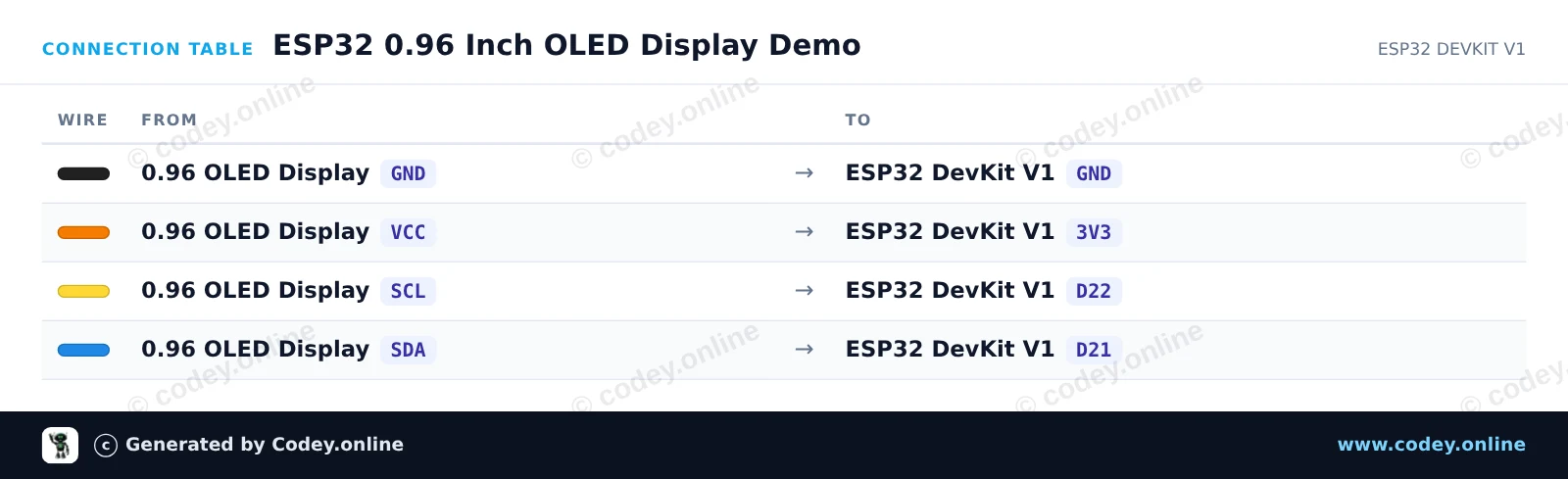
ESP32 0.96 Inch OLED Display Demo

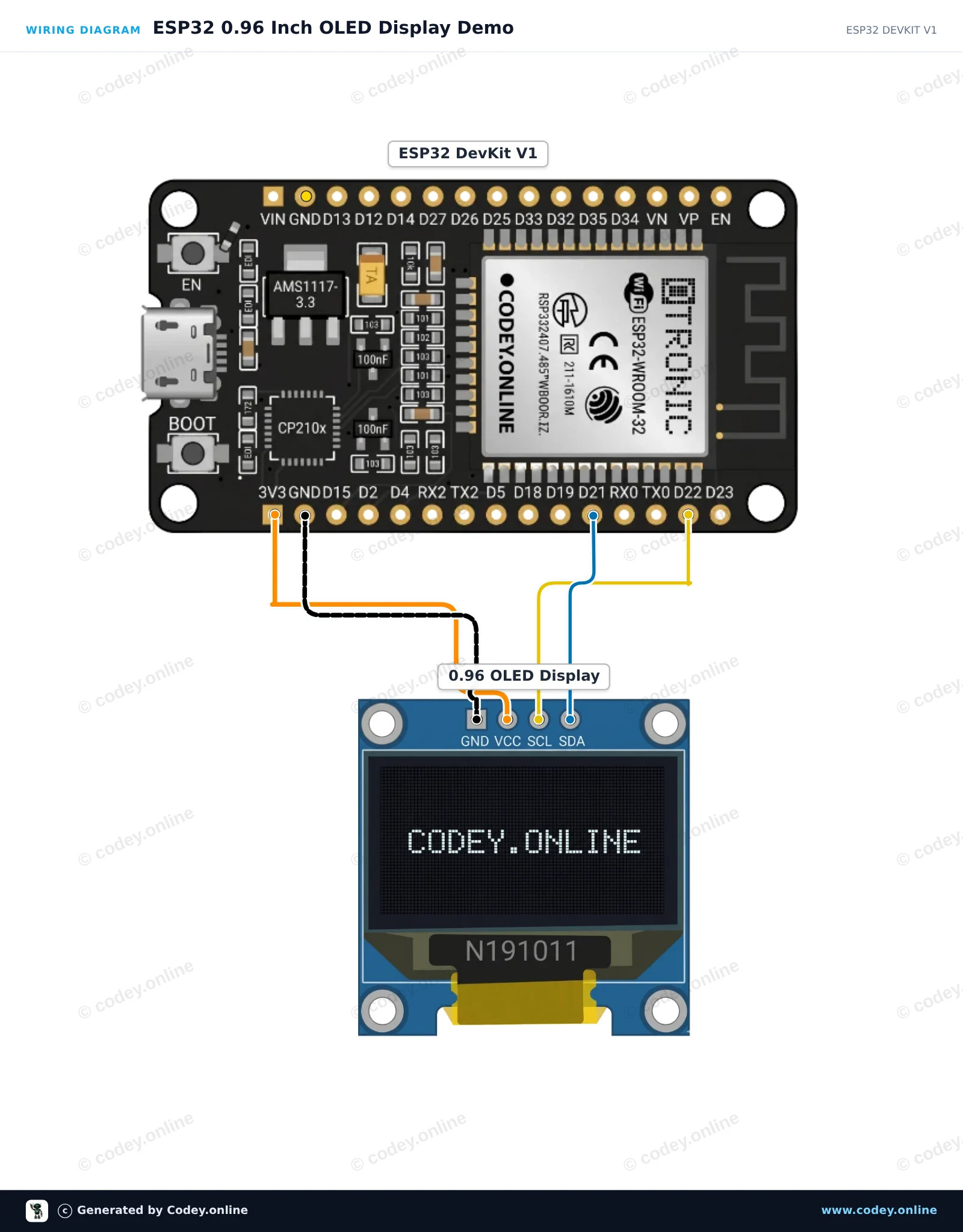
This project connects an I2C 0.96-inch SSD1306 OLED display to the ESP32. It initializes the display and continuously updates an on-screen uptime counter and visual progress bar. Connect the display directly to the ESP32 using 3.3V power and the default I2C pins.

Wiring diagram: Mini OLED display blue 0.96 inch 128x64 I2C on an ESP32 DevKit V1
Wiring diagram · Click to enlarge
Connection table: Mini OLED display blue 0.96 inch 128x64 I2C on an ESP32 DevKit V1
Connection table · Click to enlarge
ESP32_0_96_Inch_OLED_Display_Demo.ino · compiled and verified
/*
 * ==================================================================
 *  Generated by Codey.online  —  https://www.codey.online
 * ==================================================================
 *  Project   : ESP32 0.96 Inch OLED Display Demo
 *  Board     : ESP32 DEVKIT V1 (esp32:esp32:esp32doit-devkit-v1)
 *  Parts     : OLED Display 0.96 inch
 *  Libraries : Adafruit SSD1306 2.5.16, Adafruit GFX Library 1.12.6
 *
 *  Codey Online is an AI-powered browser IDE for Arduino and ESP32.
 *  Describe your project and Codey writes the code, draws the wiring
 *  diagram and uploads it to your board, straight from the browser.
 *  This code is free to use, modify and share, without warranty.
 * ==================================================================
 */

#include <Wire.h>
#include <Adafruit_GFX.h>
#include <Adafruit_SSD1306.h>

#define SCREEN_WIDTH 128
#define SCREEN_HEIGHT 64
#define OLED_RESET    -1
#define SCREEN_ADDRESS 0x3C

Adafruit_SSD1306 display(SCREEN_WIDTH, SCREEN_HEIGHT, &Wire, OLED_RESET);

int counter = 0;

void setup() {
  Serial.begin(115200);
  
  // Initialize I2C on ESP32 default pins: SDA=21, SCL=22
  Wire.begin(21, 22);
  
  if (!display.begin(SSD1306_SWITCHCAPVCC, SCREEN_ADDRESS)) {
    Serial.println(F("SSD1306 allocation failed"));
    while (true); // Halt
  }

  display.clearDisplay();
  display.setTextColor(SSD1306_WHITE);
  display.setTextSize(1);
  display.setCursor(10, 20);
  display.println(F("ESP32 OLED Demo"));
  display.display();
  delay(2000);
}

void loop() {
  display.clearDisplay();
  
  // Header
  display.setTextSize(1);
  display.setCursor(0, 0);
  display.println(F("ESP32 Status:"));
  display.drawLine(0, 10, 128, 10, SSD1306_WHITE);
  
  // Counter display
  display.setCursor(0, 20);
  display.print(F("Uptime (s): "));
  display.setTextSize(2);
  display.setCursor(0, 32);
  display.print(counter);
  
  // Progress bar outline and fill
  int barWidth = (counter % 60) * 128 / 60;
  display.drawRect(0, 54, 128, 8, SSD1306_WHITE);
  display.fillRect(0, 54, barWidth, 8, SSD1306_WHITE);
  
  display.display();
  
  Serial.print(F("Counter: "));
  Serial.println(counter);
  
  counter++;
  delay(1000);
}

Required libraries: Adafruit SSD1306 2.5.16, Adafruit GFX Library 1.12.6

Wiring diagram and example code generated by Codey.online — https://www.codey.online

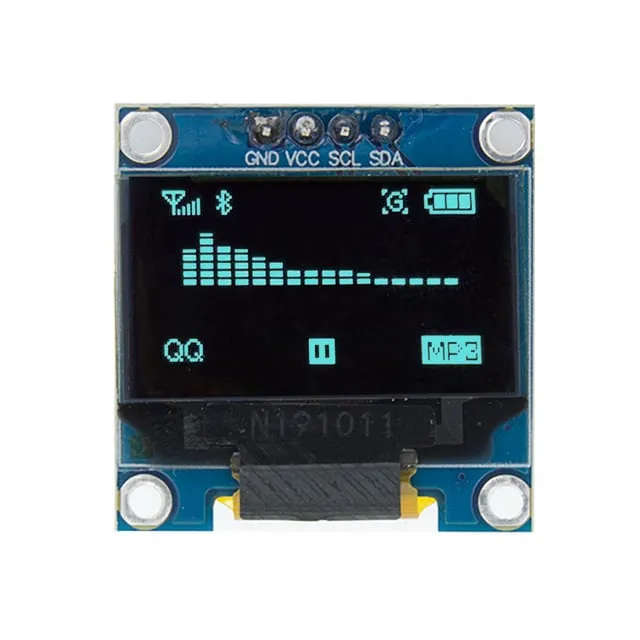
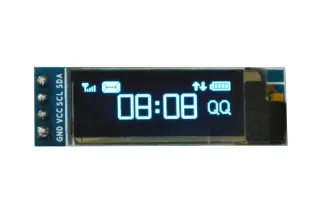
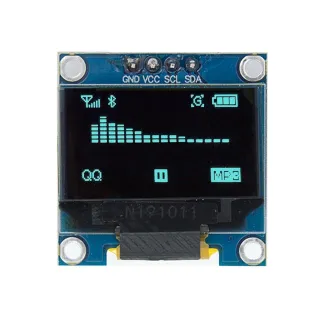
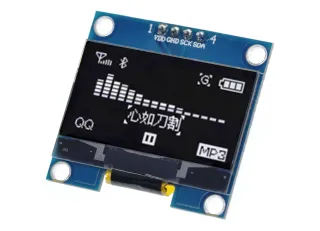
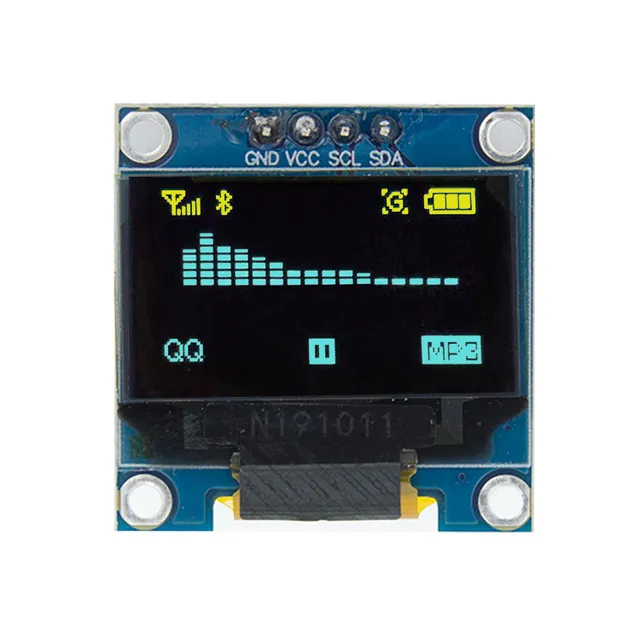
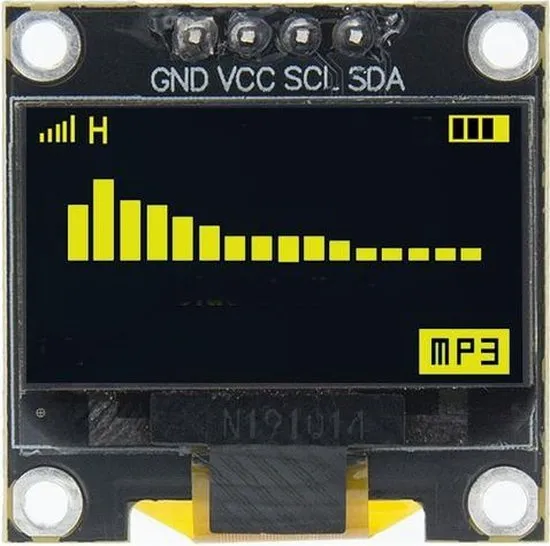
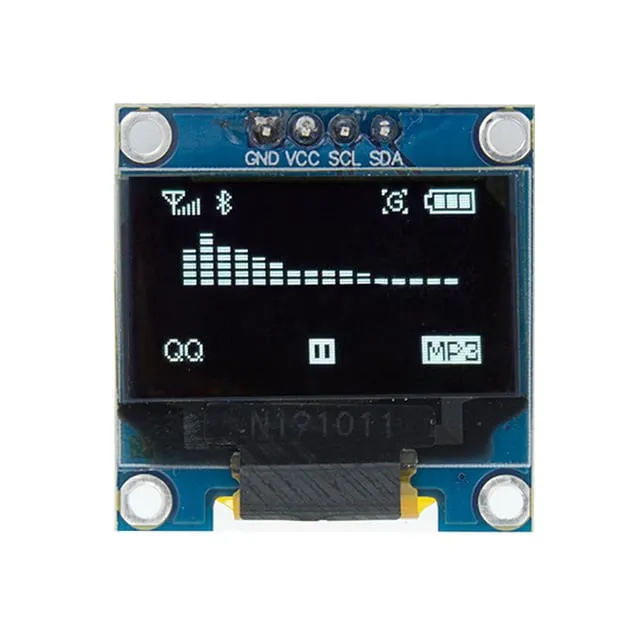
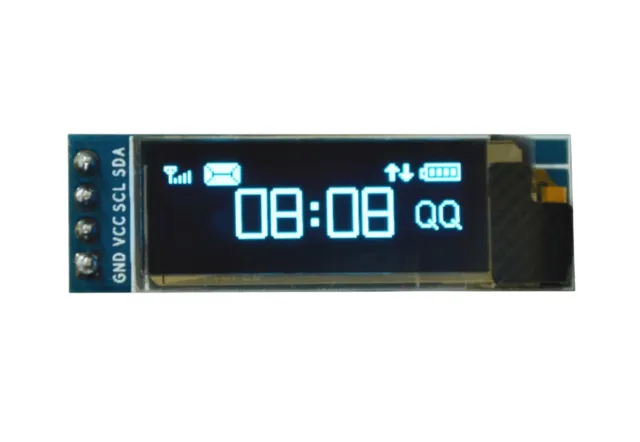
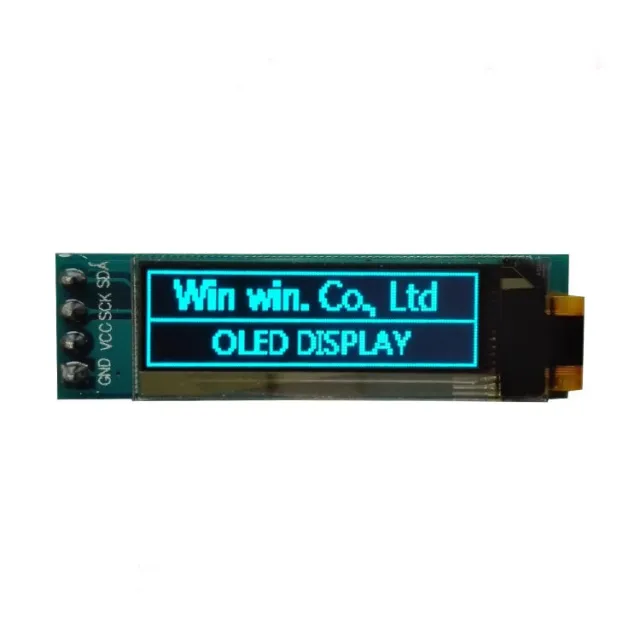
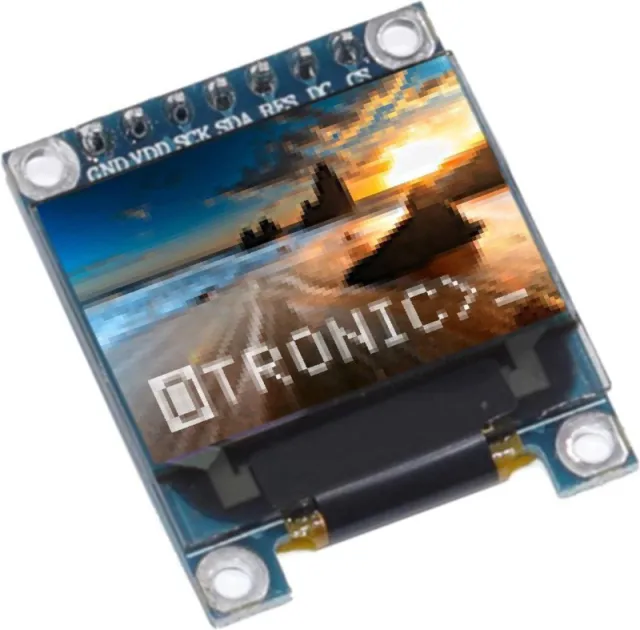
Mini OLED display blue 0.96 inch 128x64 I2C

0.96 inch mini OLED display. Razor-sharp image with a resolution of 128x64 pixels.

Operates on a power supply of 3v-5v. Ideal for Arduino or ESP32 / ESP8266 projects.

The dimensions of this board are only 26.1 x 26.1 x 3.2mm.

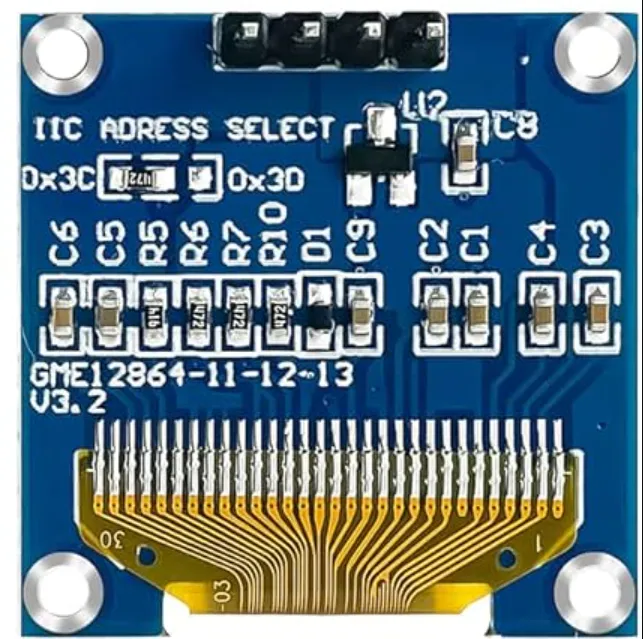
There are 2 i2c addresses selectable by changing the resistor on the back.
Available addresses are: 0x3C (default) and x3D

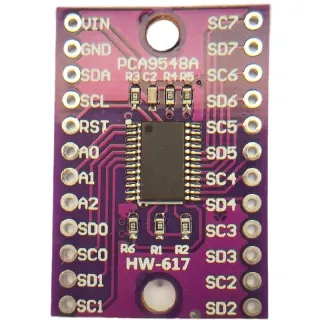
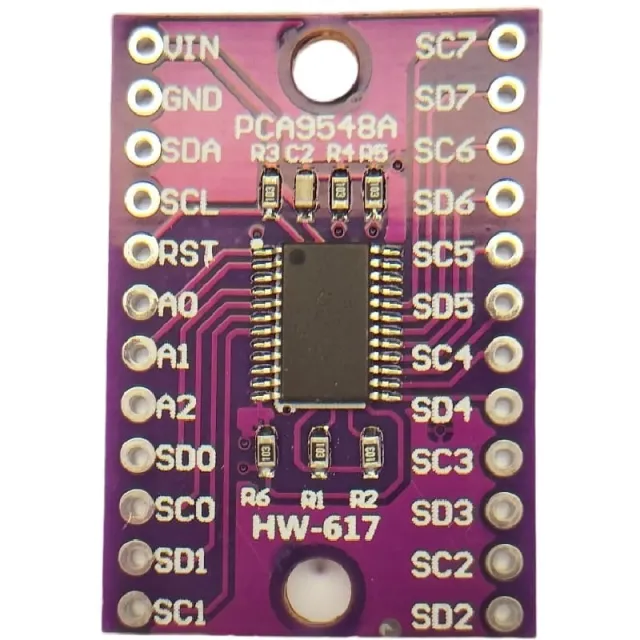
If you want to control multiple OLED displays or do not want to solder the SMD, you can also control up to 8x i2C displays with the same address using an i2c mutliplexer. 


Dimensions
Length: 2.61cm
Width: 2.61cm
Height: 0.32cm

  • OLED display
  • 0.96 inch
  • 128 x 64
  • I2C

Why choose this product?

  • Sharp image – 128x64 pixels for clear display.
  • Compact size – Fits in small projects.
  • I2C connection – Easy to connect via I2C.
  • Dual address – Choose between 0x3C and 0x3D.
  • Suitable for Arduino – Ideal for Arduino, ESP32 and ESP8266.
Specifications
Dimensions26.1 x 26.1 x 3.2 mm
Width2.61 cm
Colorblue
Resolution128 x 64 pixels
InterfaceI2C
Suitable forArduino
Length2.61 cm
Supply voltage3v-5v
Height0.32 cm

Frequently bought together

Total: € 16,18

Reviews

★★★★★ 4,0/5 1 review
  • ★★★★★MeeuwesVerified purchase

    Not used yet

Write a review
Your rating

Shipping & returns

Shipping

  • Parcel with track & trace€ 7,70Within 24 hours
  • Pick up at PostNL location€ 7,40Within 24 hours
  • Letterbox parcel€ 3,70Within 2 business days
  • Letterbox parcel 24 hours€ 4,55Within 24 hours
  • Pick up in storeFree
All about shipping

Returns

Not satisfied? You have 30 days after delivery to return the product.

All about returns

Recently viewed