Ordered on weekdays before 14:00 = shipped the same day and delivered the next day in 98% of cases. Free returns 30-day reflection period 1-year warranty

Wiring diagram and code example

How to connect the Passive buzzer module for Arduino to an Arduino UNO or ESP32, with an example sketch you can upload straight away.

Passive Buzzer Melody Player

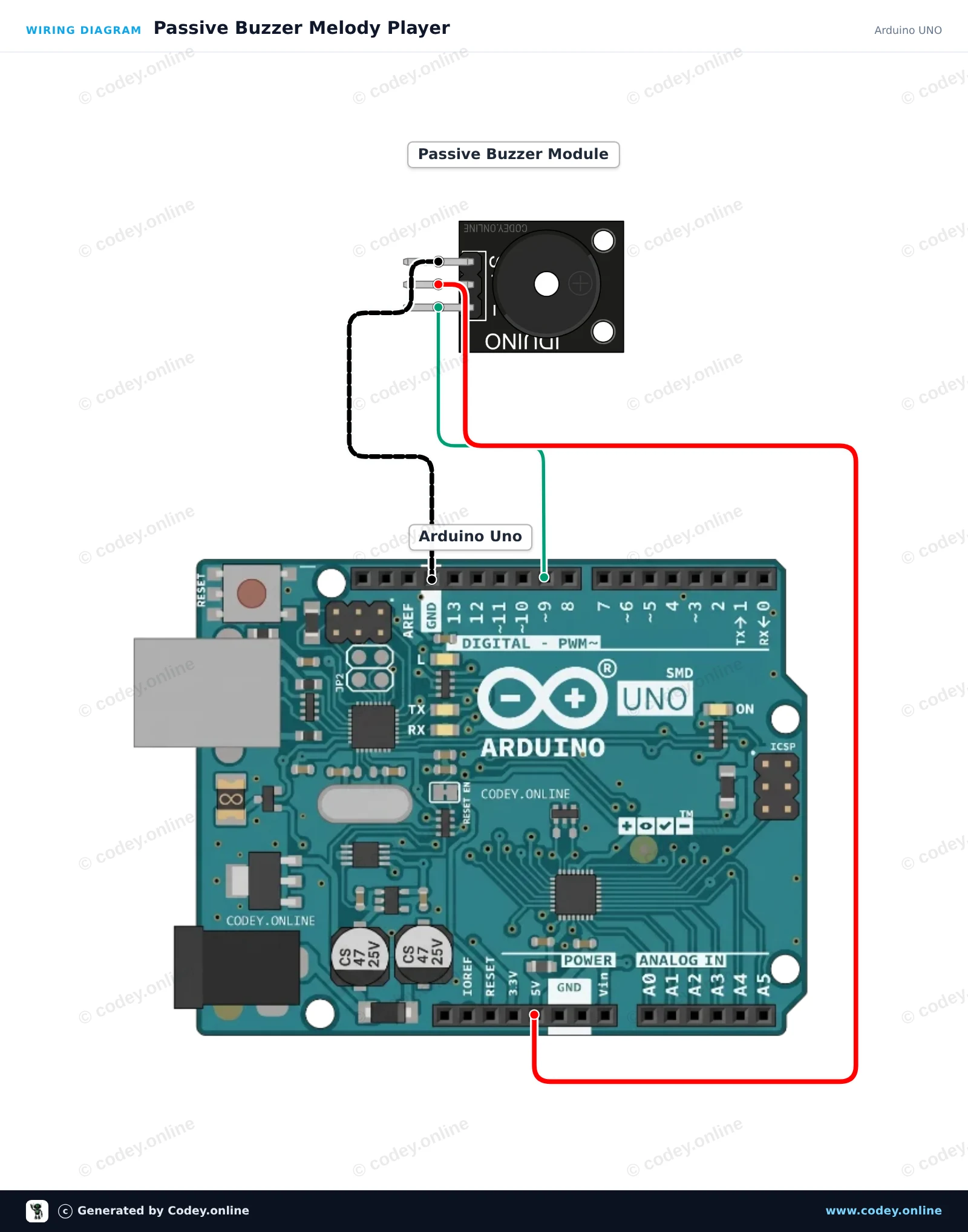
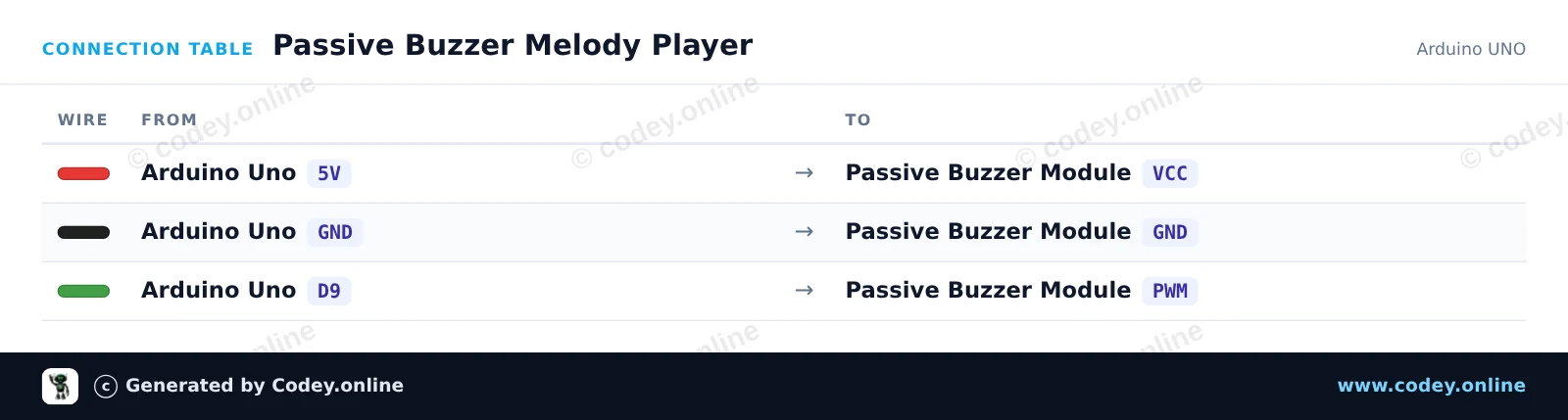
This project demonstrates how to generate musical tones with a passive buzzer module using an Arduino Uno. The Arduino outputs variable frequency signals via the tone() function to play a musical scale. Open the Serial Monitor at 115200 baud to see the currently playing frequencies.

Wiring diagram: Passive buzzer module for Arduino on an Arduino UNO
Wiring diagram · Click to enlarge
Connection table: Passive buzzer module for Arduino on an Arduino UNO
Connection table · Click to enlarge
Passive_Buzzer_Melody_Player.ino · compiled and verified
/*
 * ==================================================================
 *  Generated by Codey.online  —  https://www.codey.online
 * ==================================================================
 *  Project   : Passive Buzzer Melody Player
 *  Board     : Arduino UNO (arduino:avr:uno)
 *  Parts     : Buzzer module passief Arduino
 *  Libraries : none (built-in)
 *
 *  Codey Online is an AI-powered browser IDE for Arduino and ESP32.
 *  Describe your project and Codey writes the code, draws the wiring
 *  diagram and uploads it to your board, straight from the browser.
 *  This code is free to use, modify and share, without warranty.
 * ==================================================================
 */

// Passive Buzzer Module Demo on Arduino Uno
const int BUZZER_PIN = 9;

// Musical notes in Hertz (C major scale: C4 to C5)
const int notes[] = {262, 294, 330, 349, 392, 440, 494, 523};
const int noteCount = sizeof(notes) / sizeof(notes[0]);

void setup() {
  Serial.begin(115200);
  Serial.println(F("Passive Buzzer Demo Starting..."));
}

void loop() {
  Serial.println(F("Playing scale ascending..."));
  for (int i = 0; i < noteCount; i++) {
    Serial.print(F("Tone: "));
    Serial.print(notes[i]);
    Serial.println(F(" Hz"));
    tone(BUZZER_PIN, notes[i], 150);
    delay(200);
  }

  delay(300);

  Serial.println(F("Playing scale descending..."));
  for (int i = noteCount - 1; i >= 0; i--) {
    tone(BUZZER_PIN, notes[i], 150);
    delay(200);
  }

  noTone(BUZZER_PIN);
  delay(1500);
}

Wiring diagram and example code generated by Codey.online — https://www.codey.online

ESP32 Passive Buzzer Melody Player

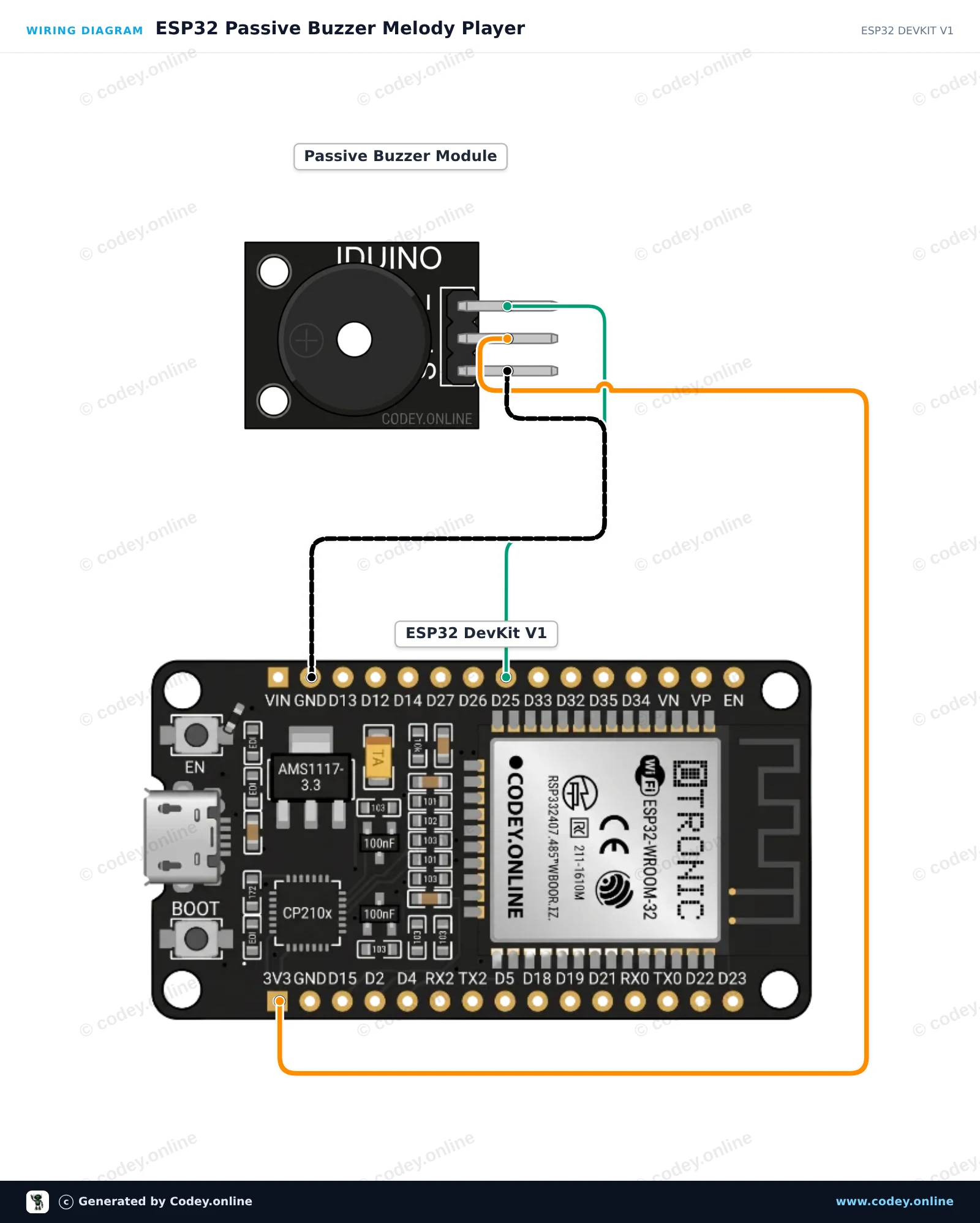
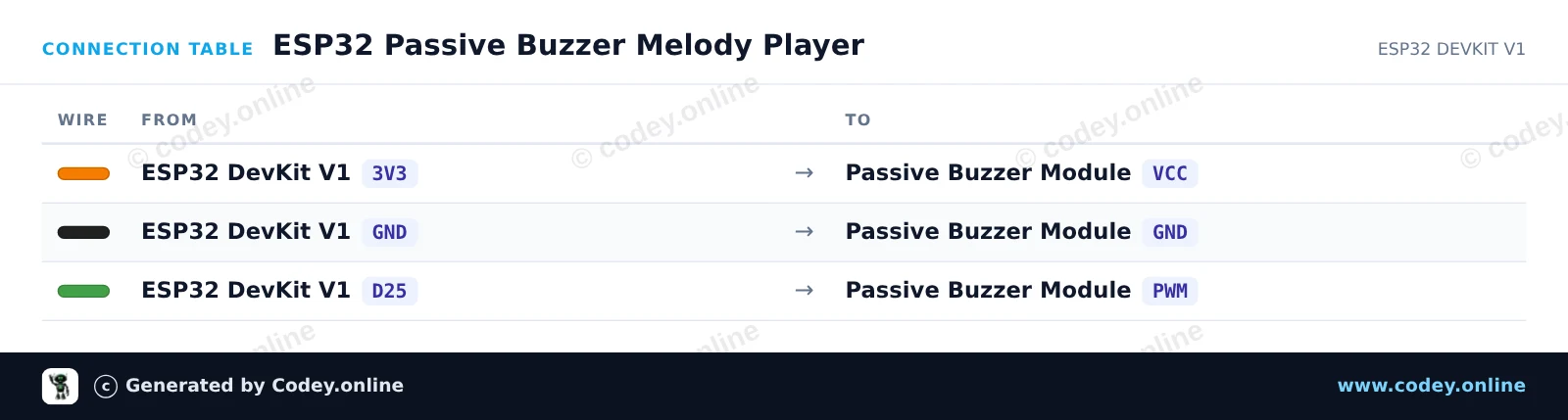
This example demonstrates how to generate musical tones with a passive buzzer module using an ESP32. The microcontroller uses PWM tone generation to play a sequence of musical notes repeatedly. Connect the buzzer module directly to power, ground, and a GPIO pin to hear the melody.

Wiring diagram: Passive buzzer module for Arduino on an ESP32 DevKit V1
Wiring diagram · Click to enlarge
Connection table: Passive buzzer module for Arduino on an ESP32 DevKit V1
Connection table · Click to enlarge
ESP32_Passive_Buzzer_Melody_Player.ino · compiled and verified
/*
 * ==================================================================
 *  Generated by Codey.online  —  https://www.codey.online
 * ==================================================================
 *  Project   : ESP32 Passive Buzzer Melody Player
 *  Board     : ESP32 DEVKIT V1 (esp32:esp32:esp32doit-devkit-v1)
 *  Parts     : Buzzer module passief Arduino
 *  Libraries : none (built-in)
 *
 *  Codey Online is an AI-powered browser IDE for Arduino and ESP32.
 *  Describe your project and Codey writes the code, draws the wiring
 *  diagram and uploads it to your board, straight from the browser.
 *  This code is free to use, modify and share, without warranty.
 * ==================================================================
 */

// Pin connected to the passive buzzer's PWM input
const int BUZZER_PIN = 25;

// Frequencies in Hz for a simple arpeggio
const int melody[] = {262, 330, 392, 523};
const int noteDurations[] = {250, 250, 250, 400};

void setup() {
  Serial.begin(115200);
  pinMode(BUZZER_PIN, OUTPUT);
  Serial.println("ESP32 Passive Buzzer Demo Started!");
}

void loop() {
  Serial.println("Playing melody...");
  
  for (int i = 0; i < 4; i++) {
    tone(BUZZER_PIN, melody[i], noteDurations[i]);
    delay(noteDurations[i] * 1.30); // Pause between notes
    noTone(BUZZER_PIN);
  }
  
  delay(2000); // Wait 2 seconds before playing again
}

Wiring diagram and example code generated by Codey.online — https://www.codey.online

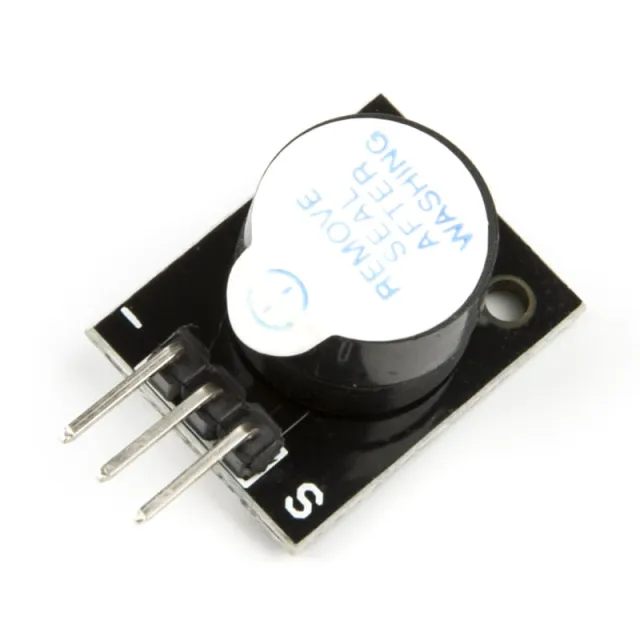
Passive buzzer module for Arduino

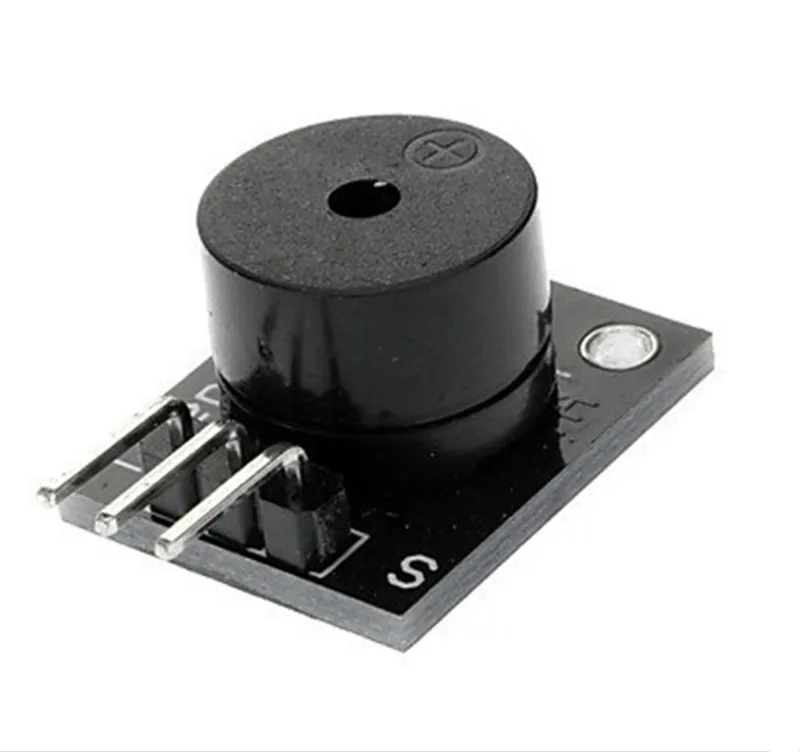
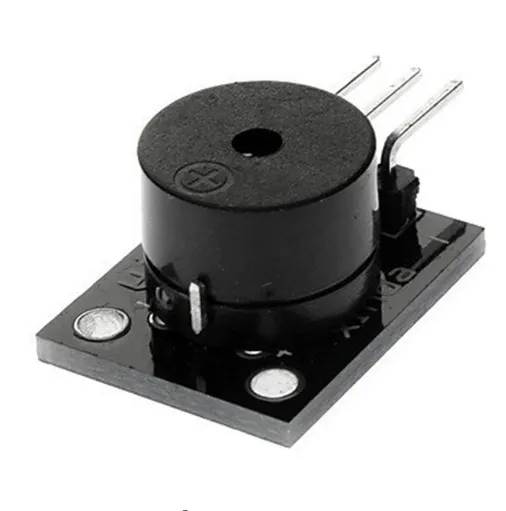
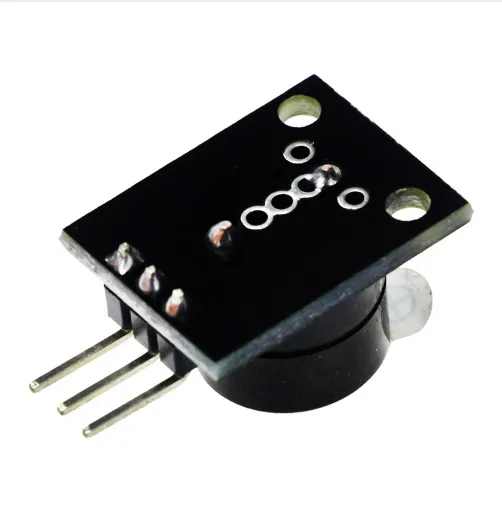
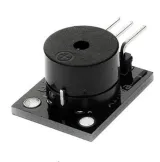
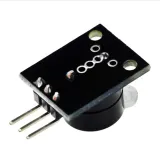
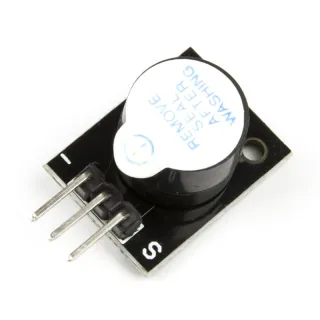
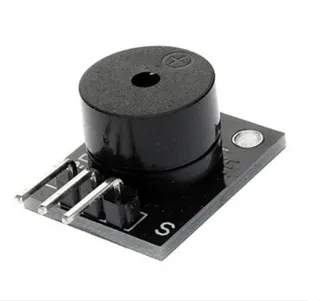
This passive buzzer emits a tone of approximately 85dB when connected to a voltage between 4V and 8V. This passive buzzer requires a microcontroller to produce sound using a PWM signal. The buzzer consumes about 30mA.

Voltage: 5V

Suitable for, among others, Arduino

Dimensions
Length: 2.5cm
Width: 1.5cm
Height: 1.1cm

  • Passive buzzer
  • Microcontroller required
  • 85 dB tone
  • 2.5 x 1.5 x 1.1 cm

Why choose this product?

  • Sound with PWM – Produces sound via a PWM signal.
  • Suitable for Arduino – Usable with Arduino projects.
  • Wide voltage range – Works between 4V and 8V.
  • Low current draw – Consumes about 30mA.
Specifications
Width1.5 cm
Suitable forArduino
Length2.5cm
Power consumptionapprox. 30mA
Height1,1 cm

Frequently bought together

Total: € 6,15

Reviews

No reviews yet.

Write a review
Your rating

Shipping & returns

Shipping

  • Parcel with track & trace€ 7,70Within 24 hours
  • Pick up at PostNL location€ 7,40Within 24 hours
  • Letterbox parcel€ 3,70Within 2 business days
  • Letterbox parcel 24 hours€ 4,55Within 24 hours
  • Pick up in storeFree
All about shipping

Returns

Not satisfied? You have 30 days after delivery to return the product.

All about returns

Recently viewed

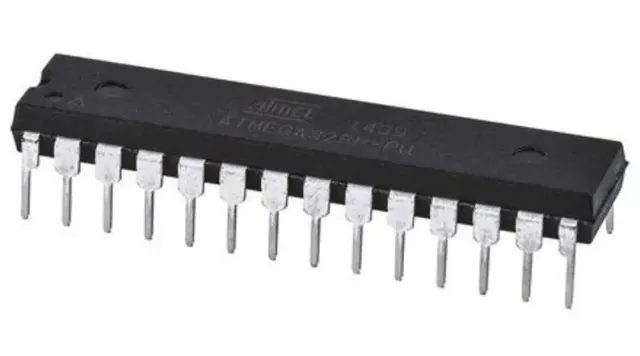
Microcontroller ATMEGA328P-PU

Microcontroller ATMEGA328P-PU

€ 10,85