Ordered on weekdays before 14:00 = shipped the same day and delivered the next day in 98% of cases. Free returns 30-day reflection period 1-year warranty

Wiring diagram and code example

How to connect the DS18B20 waterproof probe temperature sensor, 1m cable to an Arduino UNO or ESP32, with an example sketch you can upload straight away.

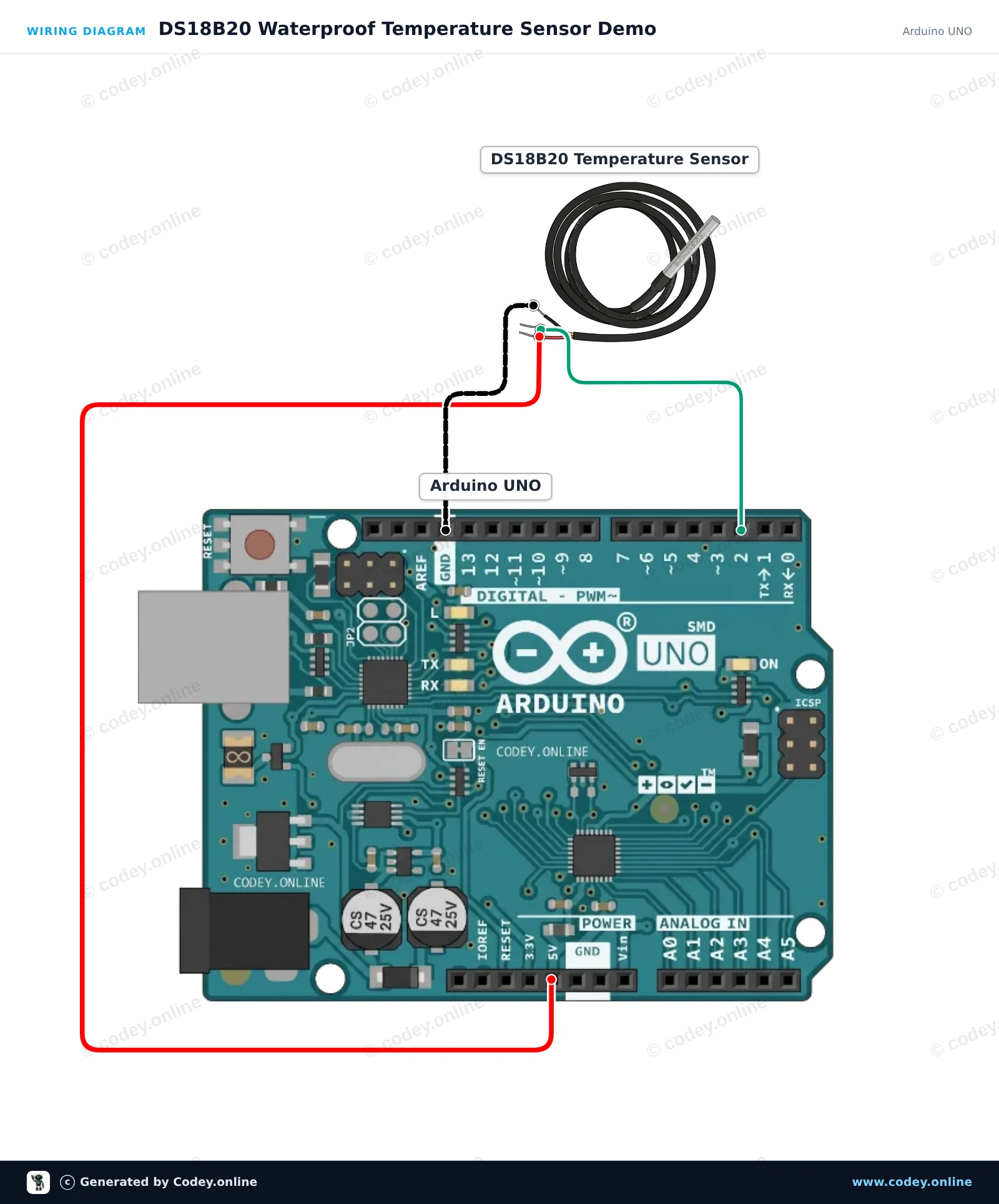
DS18B20 Waterproof Temperature Sensor Demo

This project reads temperature data from the waterproof DS18B20 probe and prints the values in Celsius to the Serial Monitor every second. Connect the sensor directly to the Arduino Uno and open the Serial Monitor at 115200 baud to view real-time temperature measurements.

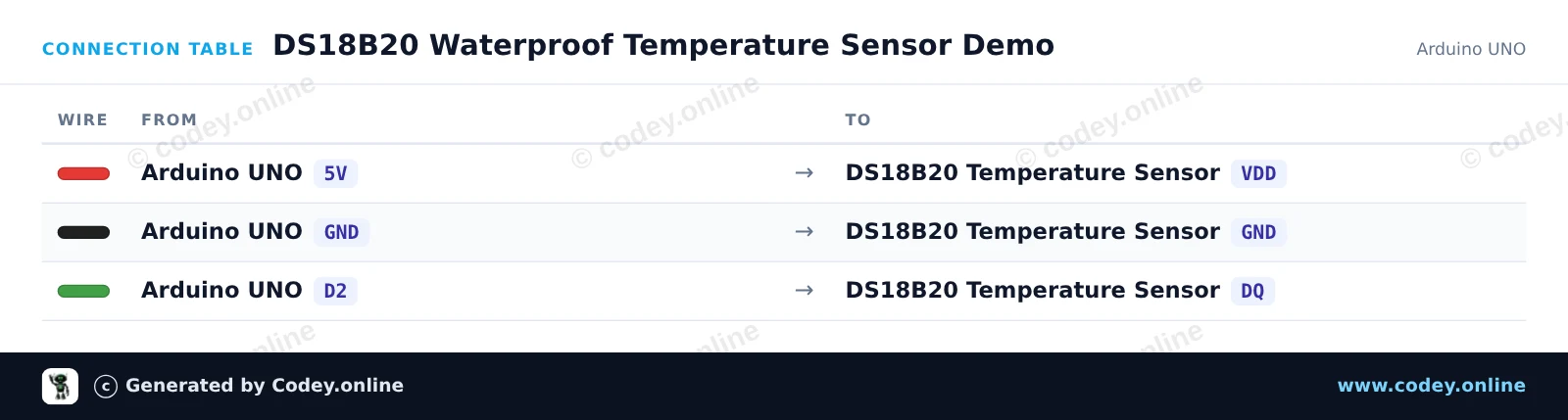
Wiring diagram: DS18B20 waterproof probe temperature sensor, 1m cable on an Arduino UNO
Wiring diagram · Click to enlarge
Connection table: DS18B20 waterproof probe temperature sensor, 1m cable on an Arduino UNO
Connection table · Click to enlarge
DS18B20_Waterproof_Temperature_Sensor_De.ino · compiled and verified
/*
 * ==================================================================
 *  Generated by Codey.online  —  https://www.codey.online
 * ==================================================================
 *  Project   : DS18B20 Waterproof Temperature Sensor Demo
 *  Board     : Arduino UNO (arduino:avr:uno)
 *  Parts     : DS18B20 waterdichte probe temperatuursensor 1 m cable
 *  Libraries : OneWire 2.3.8, DallasTemperature 4.0.6
 *
 *  Codey Online is an AI-powered browser IDE for Arduino and ESP32.
 *  Describe your project and Codey writes the code, draws the wiring
 *  diagram and uploads it to your board, straight from the browser.
 *  This code is free to use, modify and share, without warranty.
 * ==================================================================
 */

#include <OneWire.h>
#include <DallasTemperature.h>

const int ONE_WIRE_BUS = 2;

OneWire oneWire(ONE_WIRE_BUS);
DallasTemperature sensors(&oneWire);

void setup() {
  Serial.begin(115200);
  sensors.begin();
  Serial.println(F("DS18B20 Temperature Sensor Initialized"));
}

void loop() {
  sensors.requestTemperatures();
  float tempC = sensors.getTempCByIndex(0);

  if (tempC == DEVICE_DISCONNECTED_C) {
    Serial.println(F("Error: Could not read temperature data"));
  } else {
    Serial.print(F("Temperature: "));
    Serial.print(tempC);
    Serial.println(F(" °C"));
  }

  delay(1000);
}

Required libraries: OneWire 2.3.8, DallasTemperature 4.0.6

Wiring diagram and example code generated by Codey.online — https://www.codey.online

ESP32 DS18B20 Waterproof Temperature Sensor

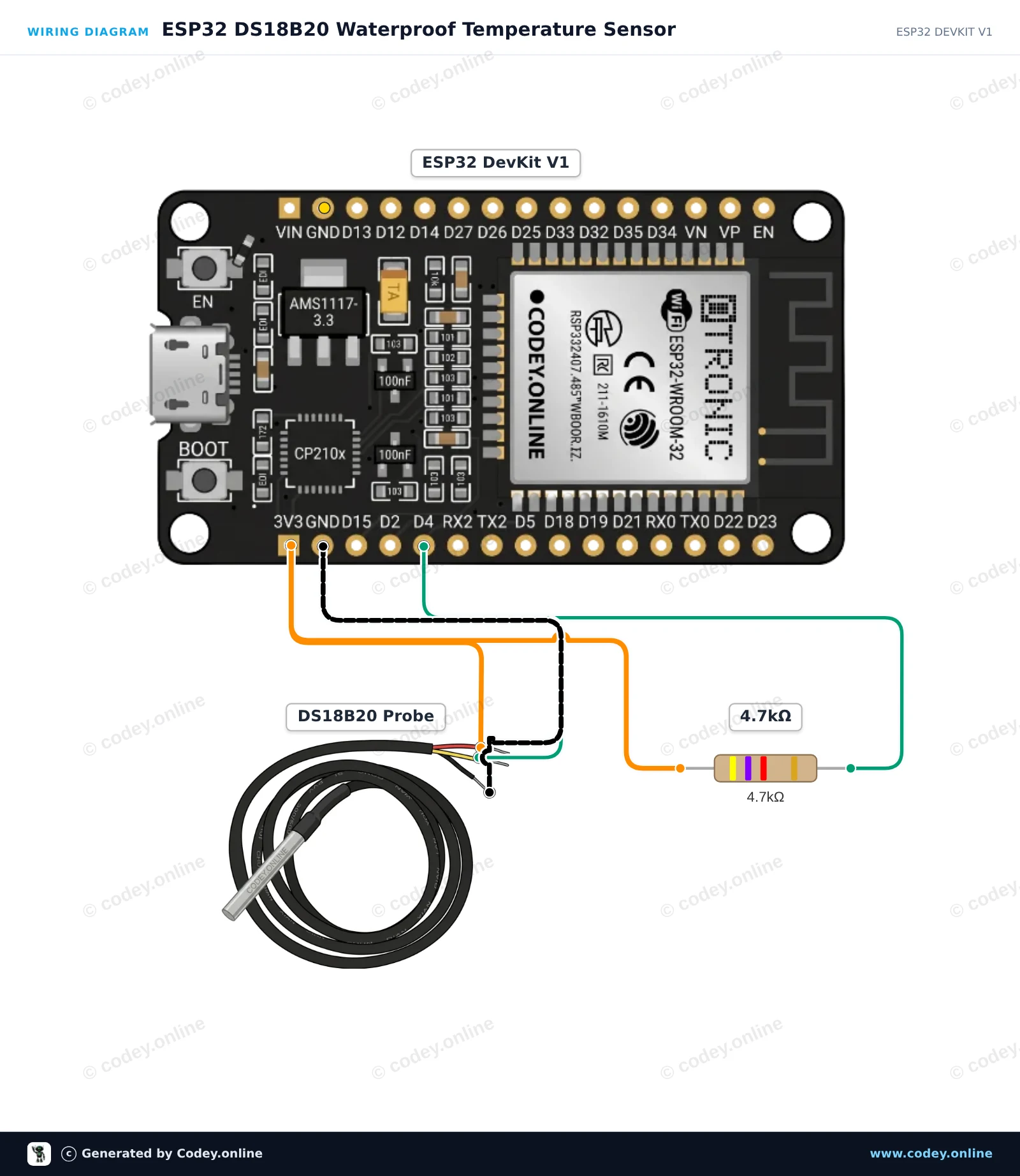
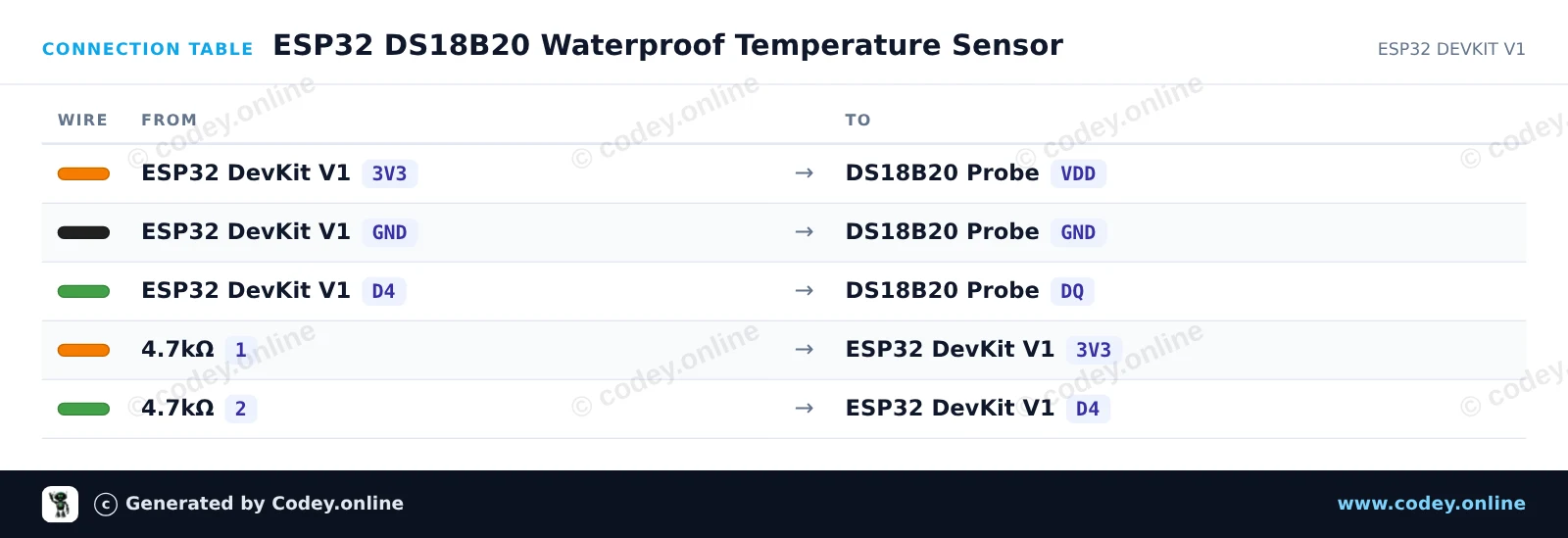
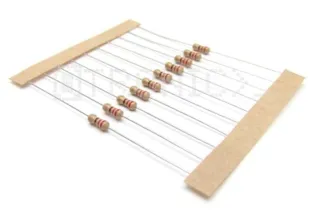
This project reads temperature data from a waterproof DS18B20 probe and prints the readings in Celsius and Fahrenheit to the Serial Monitor. A 4.7kΩ pull-up resistor is placed between the 3.3V power line and the 1-Wire data line for reliable communication. Open the Serial Monitor at 115200 baud to observe the live temperature measurements.

Wiring diagram: DS18B20 waterproof probe temperature sensor, 1m cable on an ESP32 DevKit V1
Wiring diagram · Click to enlarge
Connection table: DS18B20 waterproof probe temperature sensor, 1m cable on an ESP32 DevKit V1
Connection table · Click to enlarge
ESP32_DS18B20_Waterproof_Temperature_Sen.ino · compiled and verified
/*
 * ==================================================================
 *  Generated by Codey.online  —  https://www.codey.online
 * ==================================================================
 *  Project   : ESP32 DS18B20 Waterproof Temperature Sensor
 *  Board     : ESP32 DEVKIT V1 (esp32:esp32:esp32doit-devkit-v1)
 *  Parts     : DS18B20 waterdichte probe temperatuursensor 1 m cable
 *  Libraries : OneWire 2.3.8, DallasTemperature 4.0.6
 *
 *  Codey Online is an AI-powered browser IDE for Arduino and ESP32.
 *  Describe your project and Codey writes the code, draws the wiring
 *  diagram and uploads it to your board, straight from the browser.
 *  This code is free to use, modify and share, without warranty.
 * ==================================================================
 */

#include <OneWire.h>
#include <DallasTemperature.h>

const int ONE_WIRE_BUS = 4;

OneWire oneWire(ONE_WIRE_BUS);
DallasTemperature sensors(&oneWire);

void setup() {
  Serial.begin(115200);
  sensors.begin();
  Serial.println("DS18B20 Temperature Sensor Demo");
}

void loop() {
  sensors.requestTemperatures();
  float tempC = sensors.getTempCByIndex(0);

  if (tempC == DEVICE_DISCONNECTED_C) {
    Serial.println("Error: Could not read temperature data");
  } else {
    float tempF = sensors.getTempFByIndex(0);
    Serial.print("Temperature: ");
    Serial.print(tempC);
    Serial.print(" °C | ");
    Serial.print(tempF);
    Serial.println(" °F");
  }

  delay(1000);
}

Required libraries: OneWire 2.3.8, DallasTemperature 4.0.6

Wiring diagram and example code generated by Codey.online — https://www.codey.online

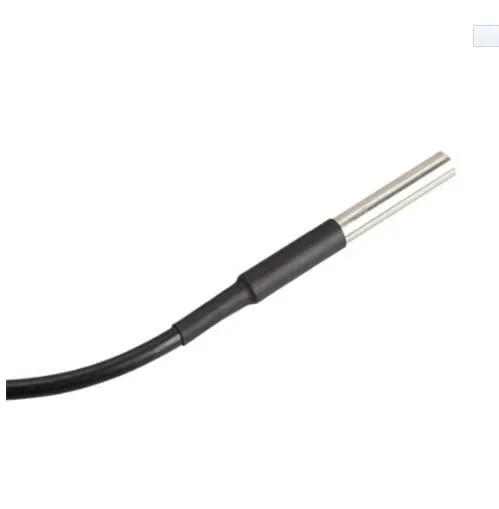
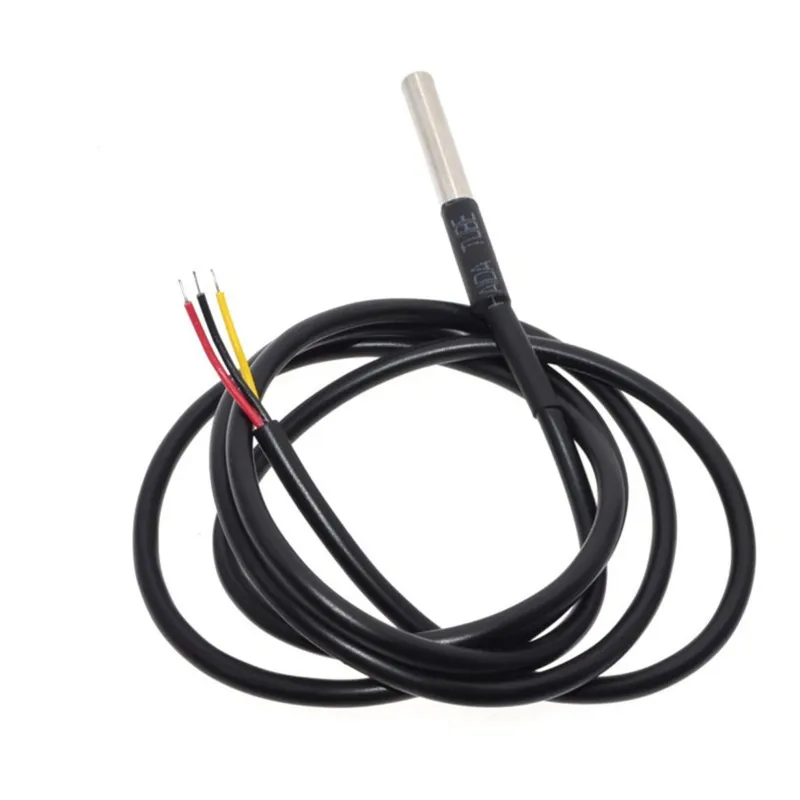
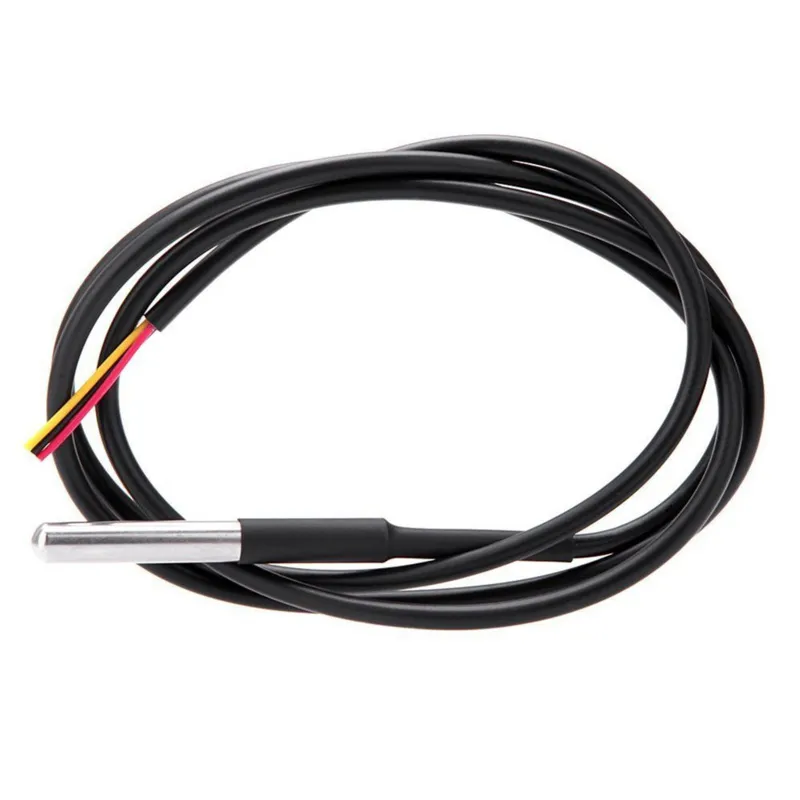
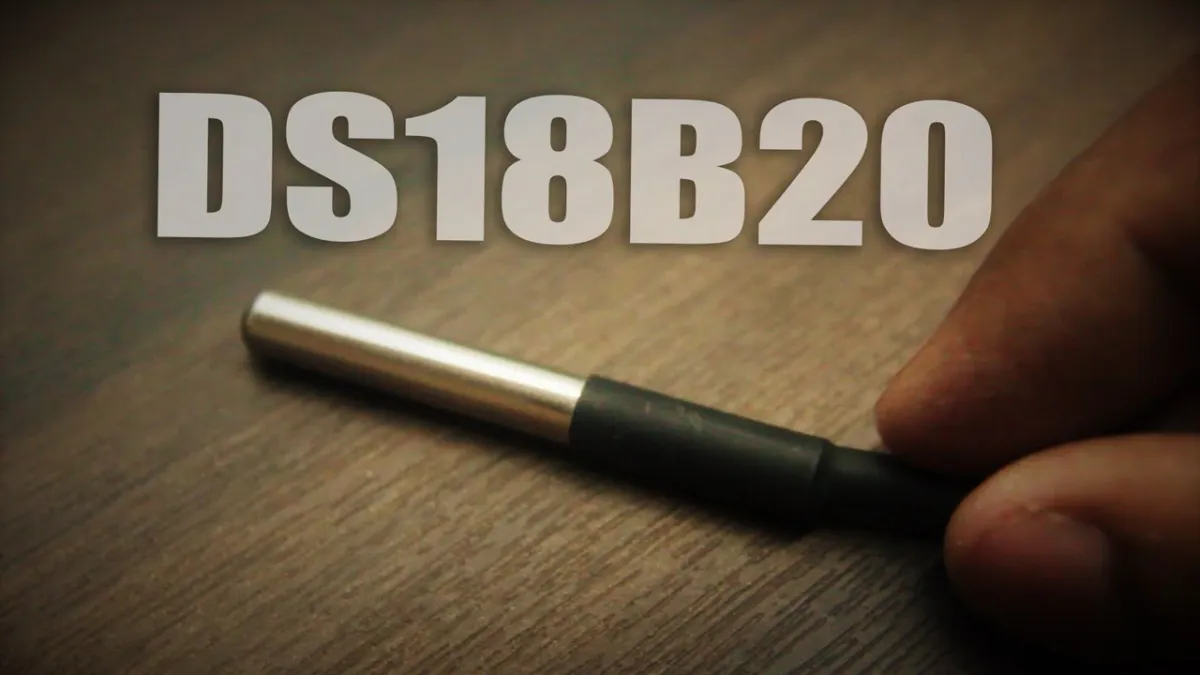
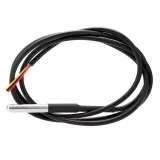
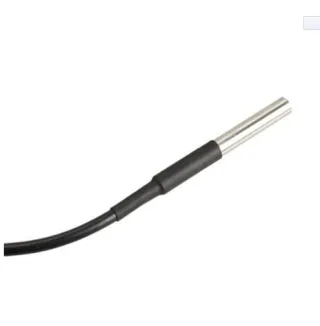
DS18B20 waterproof probe temperature sensor, 1m cable

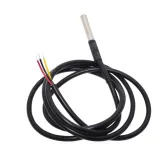
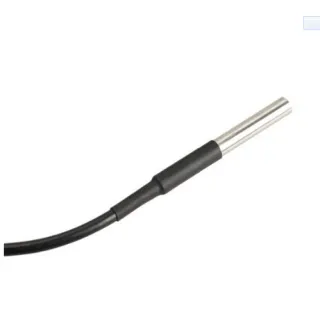
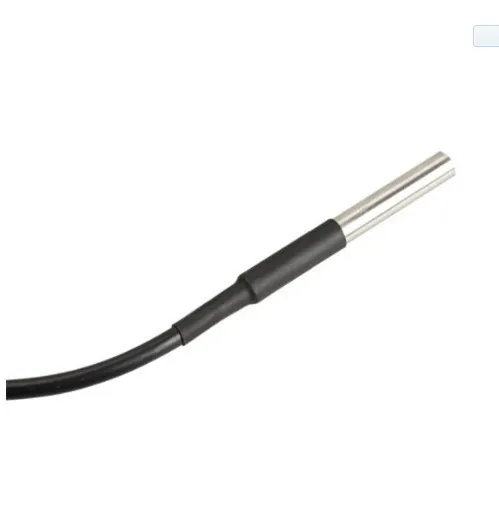
Waterproof DS18B20 temperature sensor with a total length of 1 meter.

The diameter of the sensor is 6mm and has a length of 50mm.

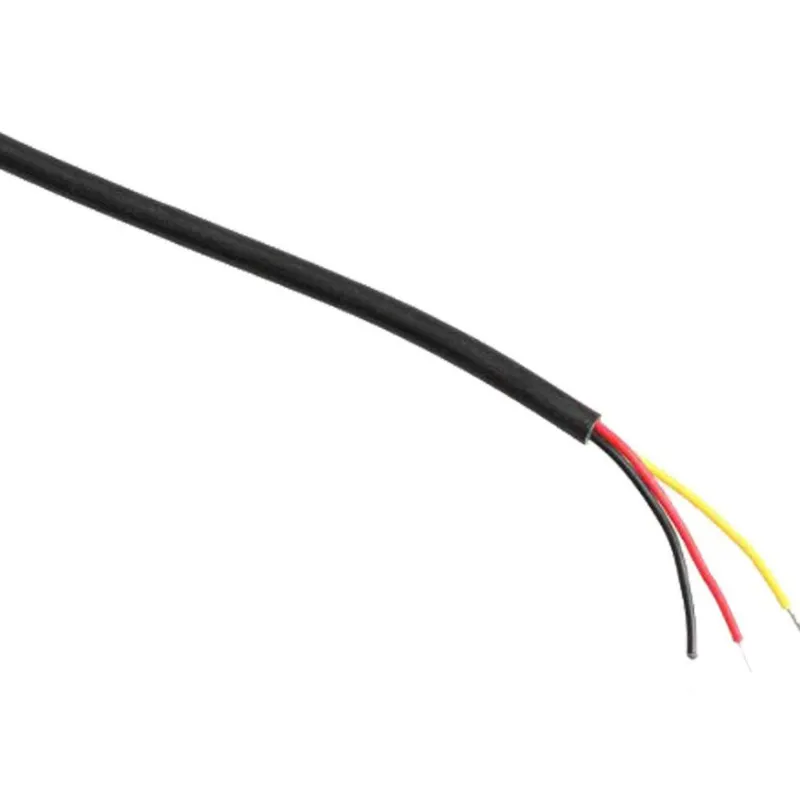
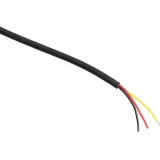
The wire thickness is 4mm and contains 3 small wires of 1.1mm with the colors red, none and black.

Voltage: 3V to 5.5V

Dimensions
Length: 100cm
Width: 0.04cm
Height: 0.04cm

  • Waterproof
  • 6 mm diameter
  • 50 mm long
  • 1 meter cable
Playing loads the video from YouTube.

Why choose this product?

  • Waterproof design – Suitable for use in water.
  • Up to 1 meter – Total length of 1 meter.
  • Compact sensor – Sensor has a 6 mm diameter.
  • Wide voltage range – Works from 3V to 5.5V.
  • Three wires – Contains three small wires.
Specifications
Width0,04 cm
Colorred, no and black
Wire diameter4 mm
Length100 cm
Diameter6 mm
Height0,04 cm

Frequently bought together

Total: € 22,85

Reviews

★★★★★ 5,0/5 4 reviews
  • ★★★★★Hennie ten Hoopen

    Looks robust. Haven't used it yet; I'm still working on an application.

  • ★★★★★Leon ScheepersVerified purchase

    Good temperature display

  • ★★★★★Patrick Veluwenkamp

    Nice and simple product. Does what it needs to do.

Write a review
Your rating

Shipping & returns

Shipping

  • Parcel with track & trace€ 7,70Within 24 hours
  • Pick up at PostNL location€ 7,40Within 24 hours
  • Letterbox parcel€ 3,70Within 2 business days
  • Letterbox parcel 24 hours€ 4,55Within 24 hours
  • Pick up in storeFree
All about shipping

Returns

Not satisfied? You have 30 days after delivery to return the product.

All about returns

Recently viewed