Ordered on weekdays before 14:00 = shipped the same day and delivered the next day in 98% of cases. Free returns 30-day reflection period 1-year warranty

Wiring diagram and code example

How to connect the Weight sensor up to 50KG to an Arduino UNO or ESP32, with an example sketch you can upload straight away.

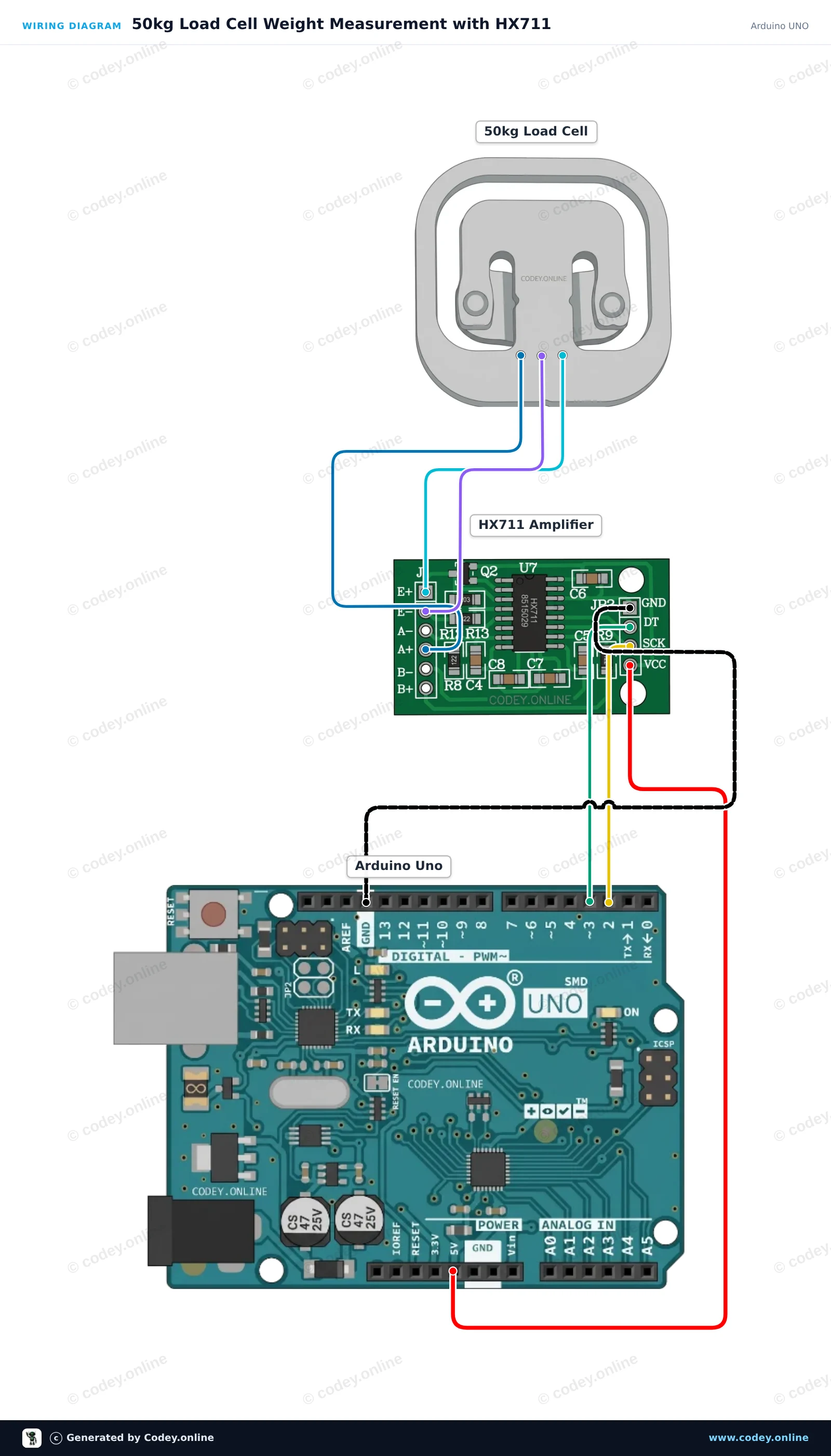
50kg Load Cell Weight Measurement with HX711

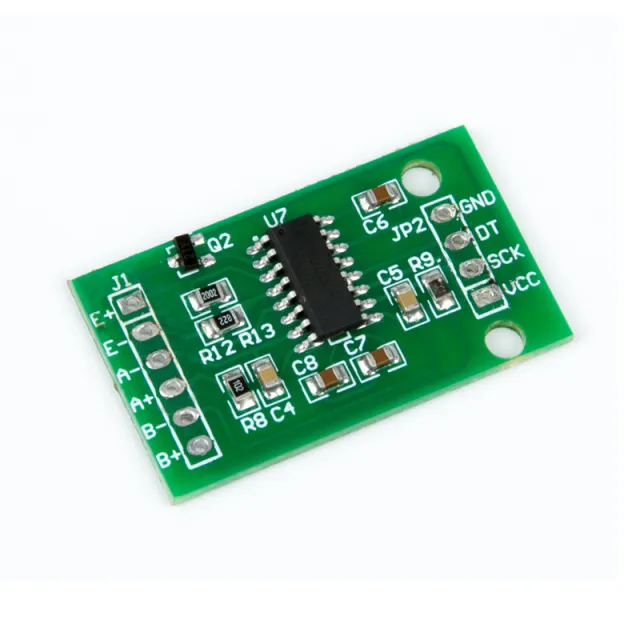
This project measures weight using a 50kg load cell connected to an Arduino Uno via an HX711 amplifier module. The sketch tares the scale at startup and repeatedly outputs the measured weight to the Serial Monitor. You can calibrate the reading by adjusting the calibration factor with a known weight.

Wiring diagram: Weight sensor up to 50KG on an Arduino UNO
Wiring diagram · Click to enlarge
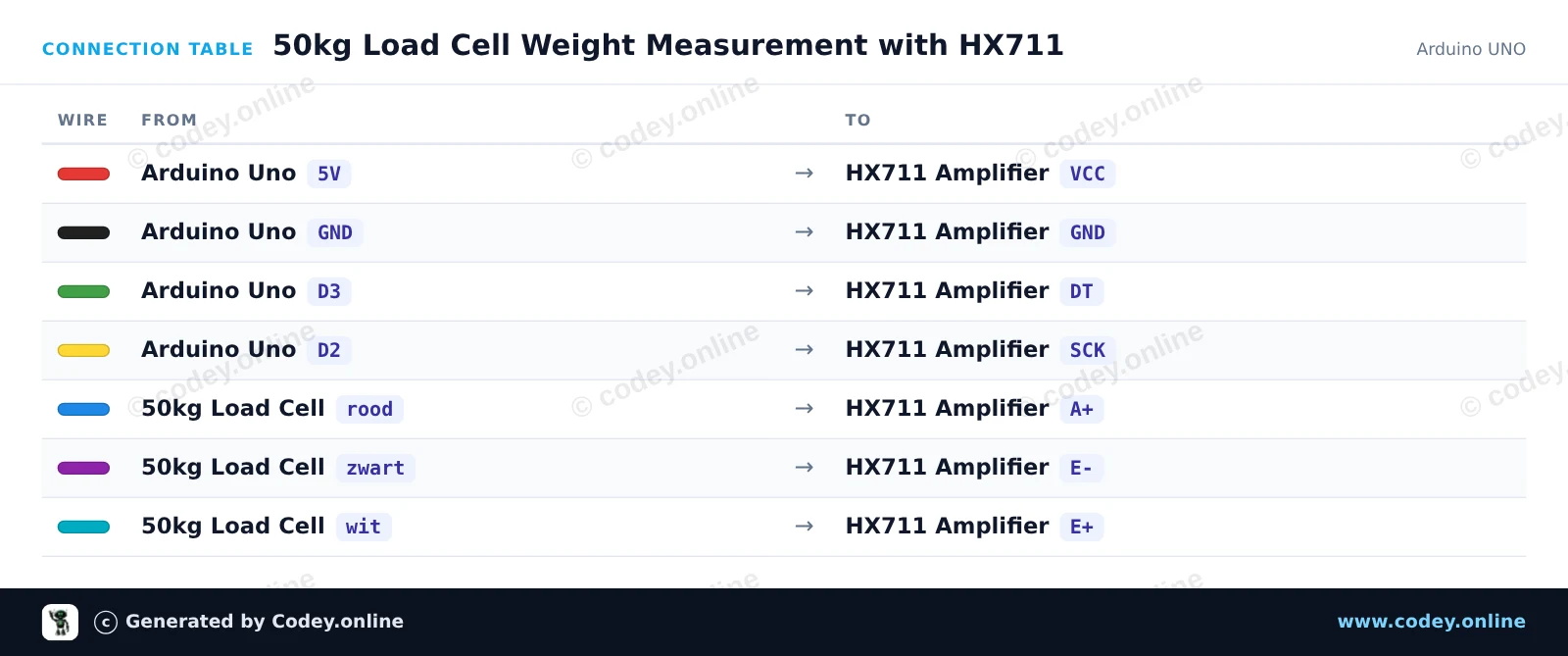
Connection table: Weight sensor up to 50KG on an Arduino UNO
Connection table · Click to enlarge
50kg_Load_Cell_Weight_Measurement_with_H.ino · compiled and verified
/*
 * ==================================================================
 *  Generated by Codey.online  —  https://www.codey.online
 * ==================================================================
 *  Project   : 50kg Load Cell Weight Measurement with HX711
 *  Board     : Arduino UNO (arduino:avr:uno)
 *  Parts     : 50kg Load Cell Weight Sensor
 *  Libraries : HX711 Arduino Library 0.7.5
 *
 *  Codey Online is an AI-powered browser IDE for Arduino and ESP32.
 *  Describe your project and Codey writes the code, draws the wiring
 *  diagram and uploads it to your board, straight from the browser.
 *  This code is free to use, modify and share, without warranty.
 * ==================================================================
 */

#include "HX711.h"

const int LOADCELL_DOUT_PIN = 3;
const int LOADCELL_SCK_PIN = 2;

HX711 scale;

// Adjust this calibration factor after testing with a known reference weight
float calibration_factor = -7050.0;

void setup() {
  Serial.begin(115200);
  while (!Serial) {
    ; // Wait for serial port to connect
  }

  Serial.println(F("--- HX711 Load Cell Scale ---"));
  Serial.println(F("Initializing scale, do not place weight on the sensor..."));

  scale.begin(LOADCELL_DOUT_PIN, LOADCELL_SCK_PIN);
  scale.set_scale(calibration_factor);
  scale.tare(); // Reset the scale to 0

  Serial.println(F("Tare complete. Ready for measurements."));
}

void loop() {
  if (scale.is_ready()) {
    float weight = scale.get_units(5);
    Serial.print(F("Weight: "));
    Serial.print(weight, 2);
    Serial.println(F(" units"));
  } else {
    Serial.println(F("HX711 not ready."));
  }

  delay(500);
}

Required libraries: HX711 Arduino Library 0.7.5

Wiring diagram and example code generated by Codey.online — https://www.codey.online

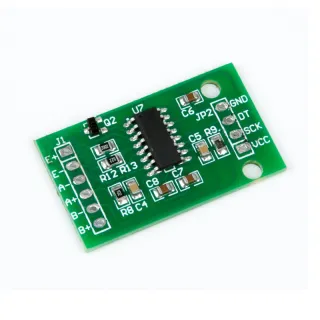
50kg Load Cell with HX711 Amplifier

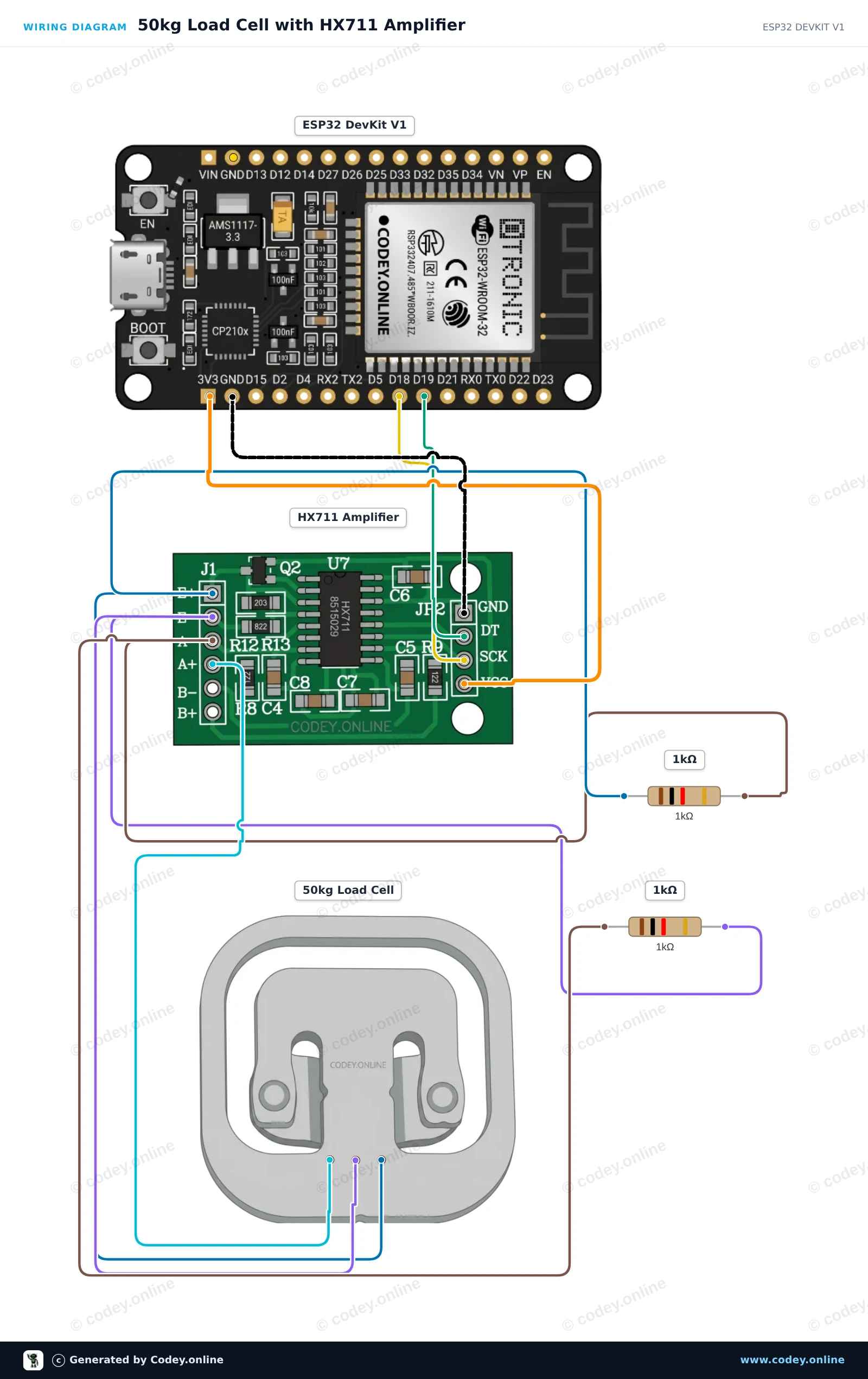
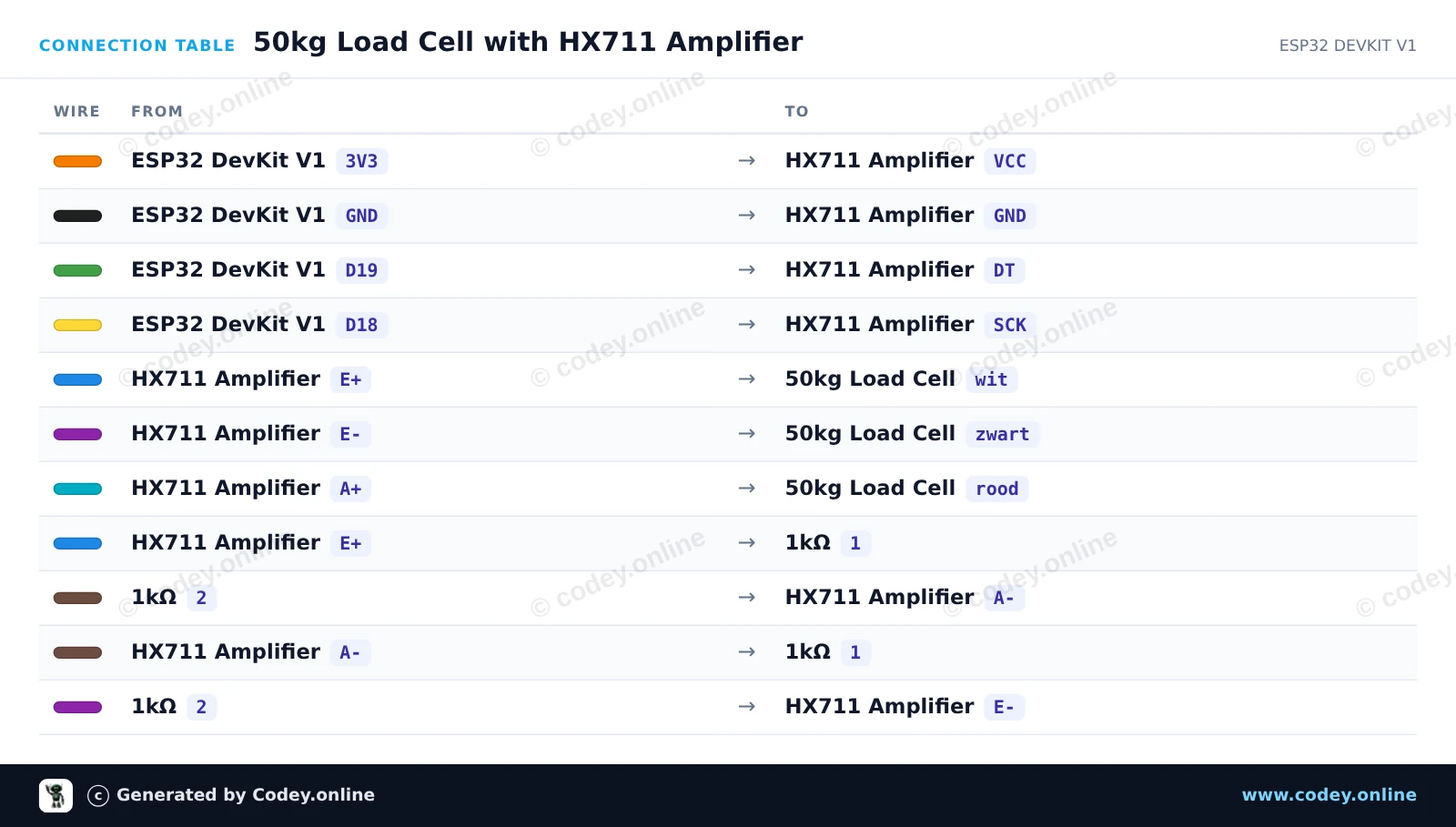
This project reads weight values from a single 50kg half-bridge load cell using an HX711 amplifier and two 1kΩ resistors to complete the Wheatstone bridge. Connect the circuit, upload the sketch, and open the Serial Monitor at 115200 baud to view real-time weight sensor readings.

Wiring diagram: Weight sensor up to 50KG on an ESP32 DevKit V1
Wiring diagram · Click to enlarge
Connection table: Weight sensor up to 50KG on an ESP32 DevKit V1
Connection table · Click to enlarge
50kg_Load_Cell_with_HX711_Amplifier.ino · compiled and verified
/*
 * ==================================================================
 *  Generated by Codey.online  —  https://www.codey.online
 * ==================================================================
 *  Project   : 50kg Load Cell with HX711 Amplifier
 *  Board     : ESP32 DEVKIT V1 (esp32:esp32:esp32doit-devkit-v1)
 *  Parts     : 50kg Load Cell Weight Sensor
 *  Libraries : HX711 Arduino Library 0.7.5
 *
 *  Codey Online is an AI-powered browser IDE for Arduino and ESP32.
 *  Describe your project and Codey writes the code, draws the wiring
 *  diagram and uploads it to your board, straight from the browser.
 *  This code is free to use, modify and share, without warranty.
 * ==================================================================
 */

#include "HX711.h"

// Pin definitions for HX711
const int DOUT_PIN = 19;
const int SCK_PIN = 18;

HX711 scale;

void setup() {
  Serial.begin(115200);
  Serial.println("50kg Load Cell Demo");

  scale.begin(DOUT_PIN, SCK_PIN);

  Serial.println("Taring scale... Please keep sensor unloaded.");
  delay(1000);
  scale.tare();
  Serial.println("Tare complete. Ready for readings!");
}

void loop() {
  if (scale.is_ready()) {
    long rawValue = scale.get_value(5);
    Serial.print("Raw Load Cell Value: ");
    Serial.println(rawValue);
  } else {
    Serial.println("HX711 not found or not ready.");
  }
  
  delay(500);
}

Required libraries: HX711 Arduino Library 0.7.5

Wiring diagram and example code generated by Codey.online — https://www.codey.online

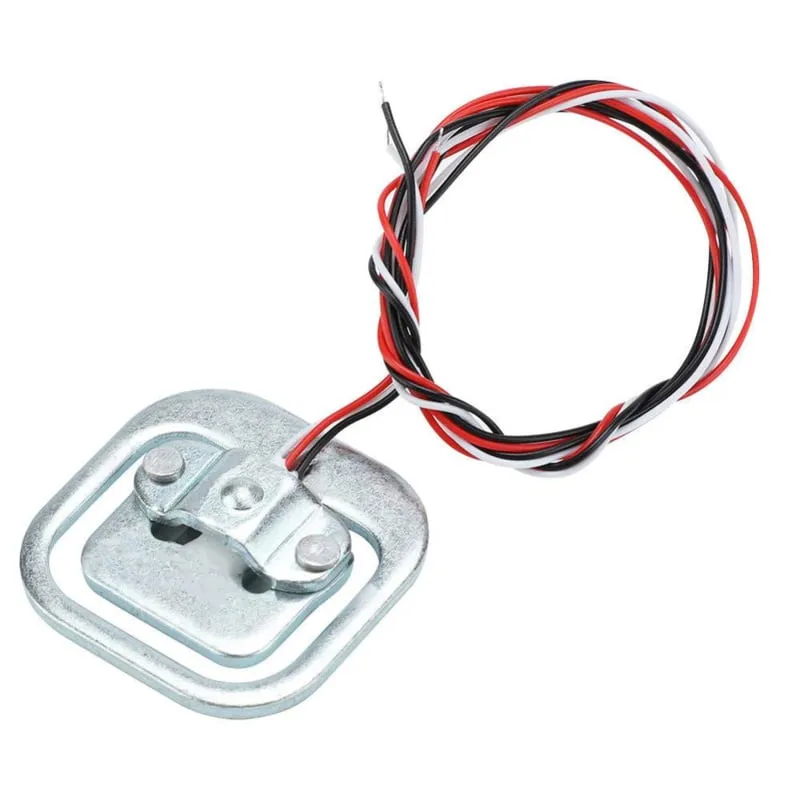
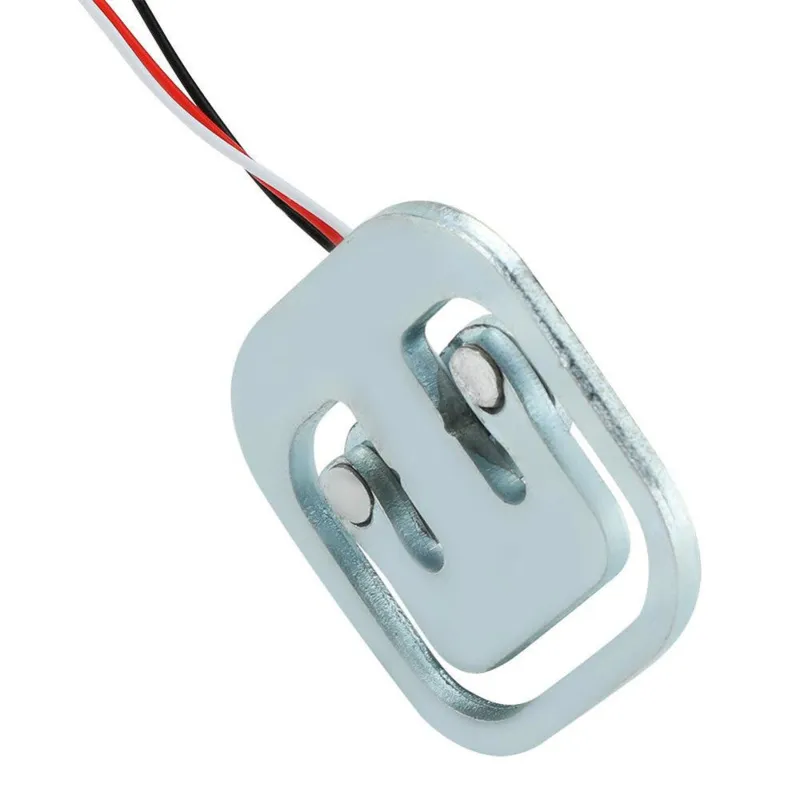
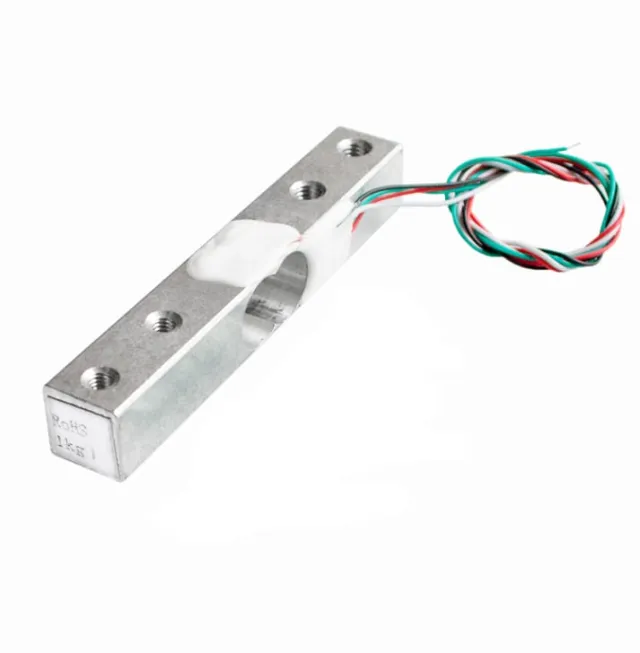
Weight sensor up to 50KG

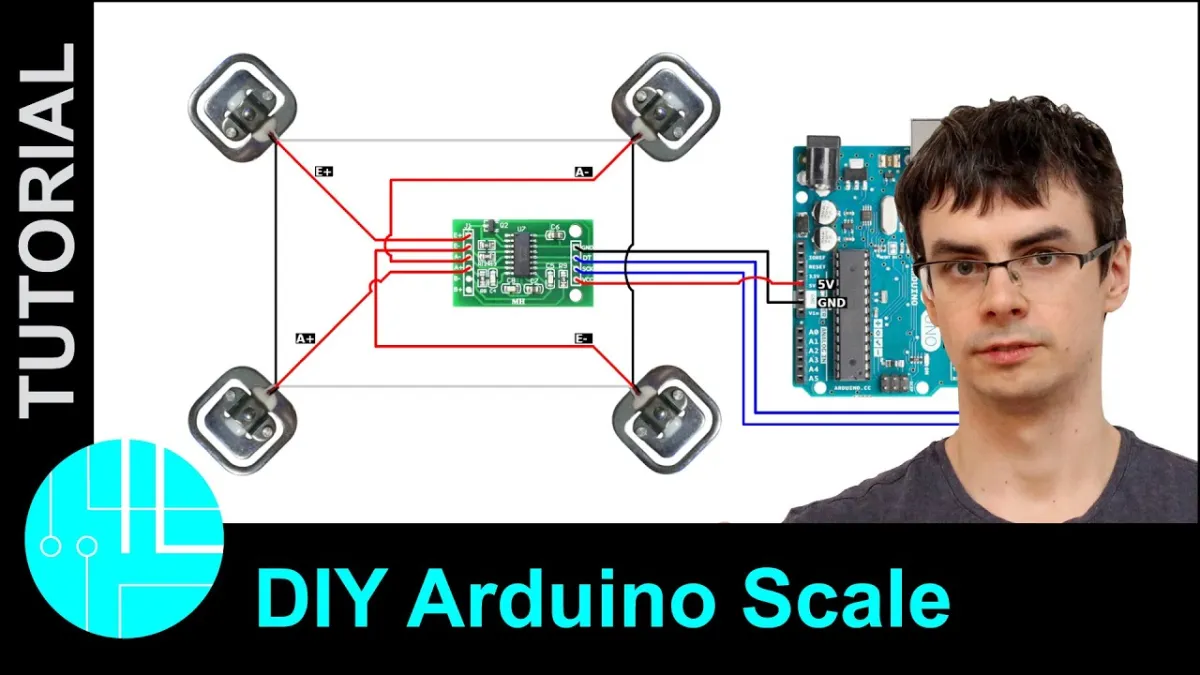
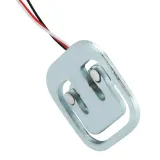
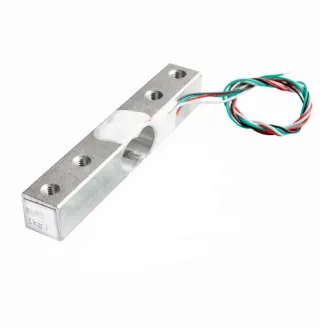
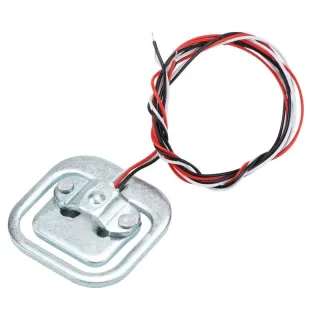
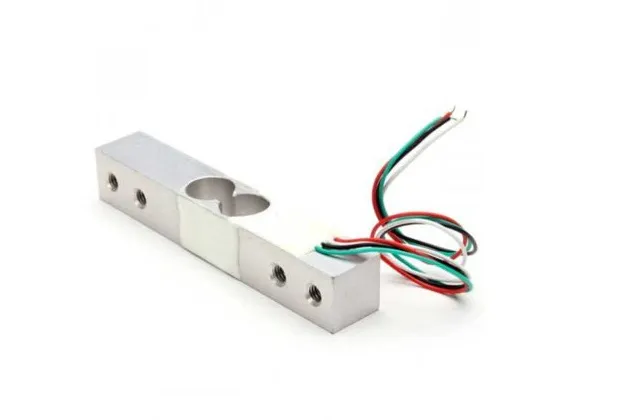
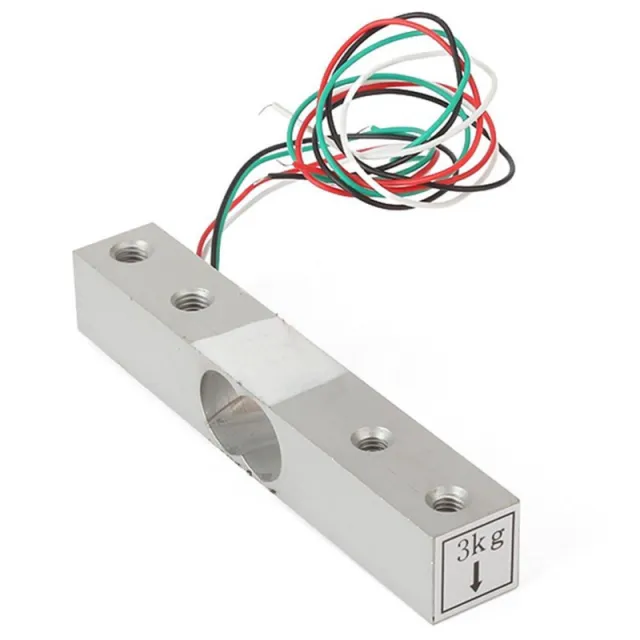
This load cell or weight sensor can handle a weight of up to 50KG. If you want to measure a larger weight, it is possible to combine the sensors. For example, by using 4 load cells of 50KG, the maximum weight becomes 200KG.

Material: Aluminum

Capacity: 50KG

To be used with Arduino, ESP32 or ESP8266 in combination with the HX711 Load Cell Amplifier.

Dimensions
Length: 3.88cm
Width: 3.88cm
Height: 1.21cm

  • Weight sensor
  • Up to 50 kg
  • 3.88 cm
  • Aluminum
Playing loads the video from YouTube.

Why choose this product?

  • Up to 50 kg – Measures weights up to 50KG.
  • Combineable range – Can be combined for a higher maximum weight.
  • Aluminum material – Made of aluminum.
  • Suitable for Arduino – Usable with Arduino, ESP32 or ESP8266.
Specifications
Width3,88 cm
Suitable forArduino / ESP32 / ESP8266
Materialaluminum
Length3,88 cm
Compatible withHX711 Load Cell Amplifier
Height1,21 cm
Capacity50KG

Frequently bought together

Total: € 6,93

Reviews

No reviews yet.

Write a review
Your rating

Shipping & returns

Shipping

  • Parcel with track & trace€ 7,70Within 24 hours
  • Pick up at PostNL location€ 7,40Within 24 hours
  • Letterbox parcel€ 3,70Within 2 business days
  • Letterbox parcel 24 hours€ 4,55Within 24 hours
  • Pick up in storeFree
All about shipping

Returns

Not satisfied? You have 30 days after delivery to return the product.

All about returns

Recently viewed