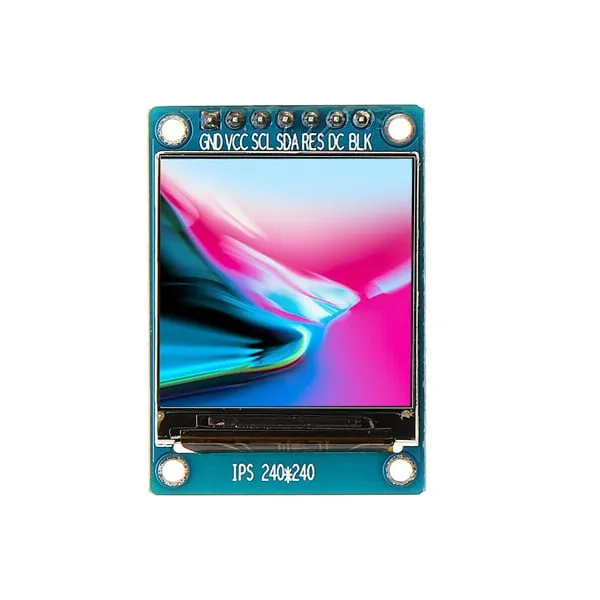
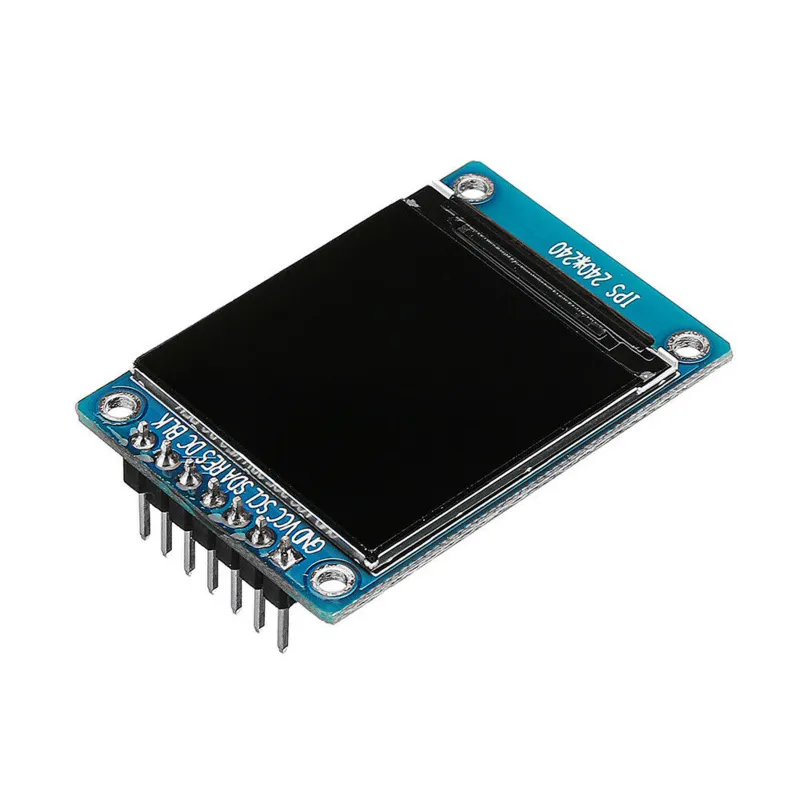
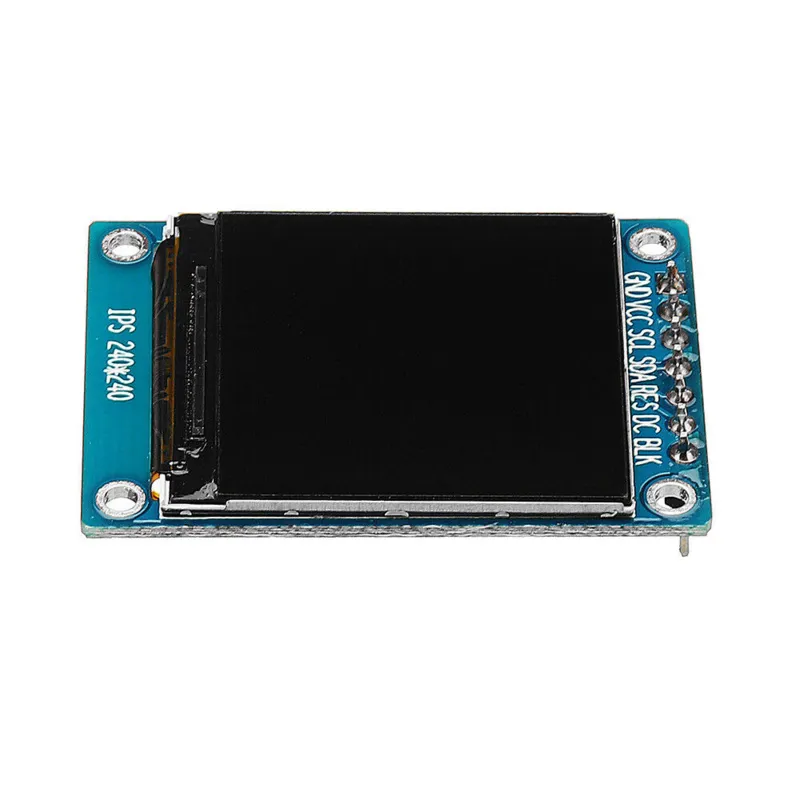
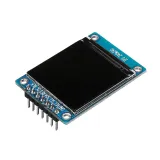
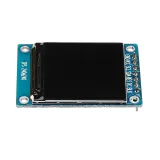
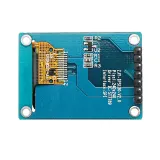
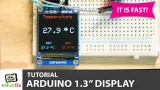
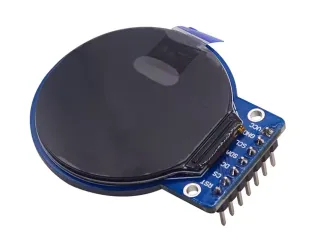
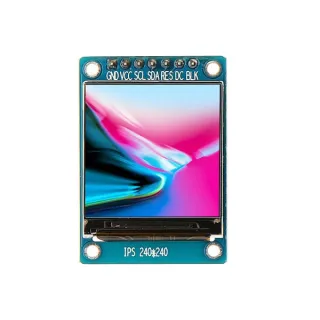
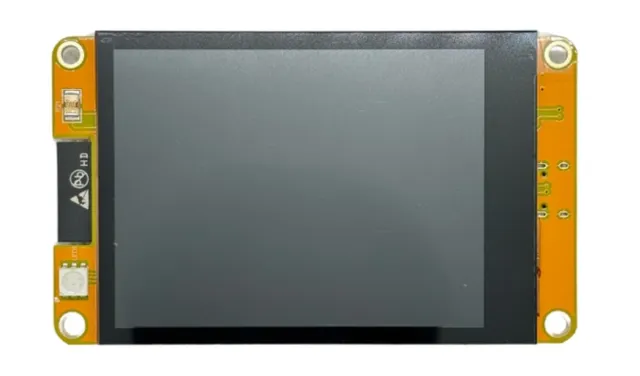
Klein 1,3 inch IPS TFT-display voor projecten met microcontrollers of microcomputers.
SKU: OT3499 Artikelnummer: AA431 EAN: 8720618489661 Locatie: H04.06
Alternatief
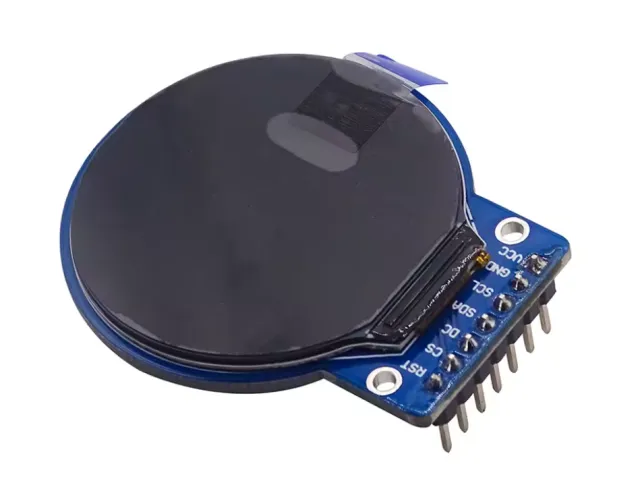
1,28″ rond TFT LCD 240×240 (GC9A01, SPI) voor Arduino
€ 8,99
Bekijk dit alternatief
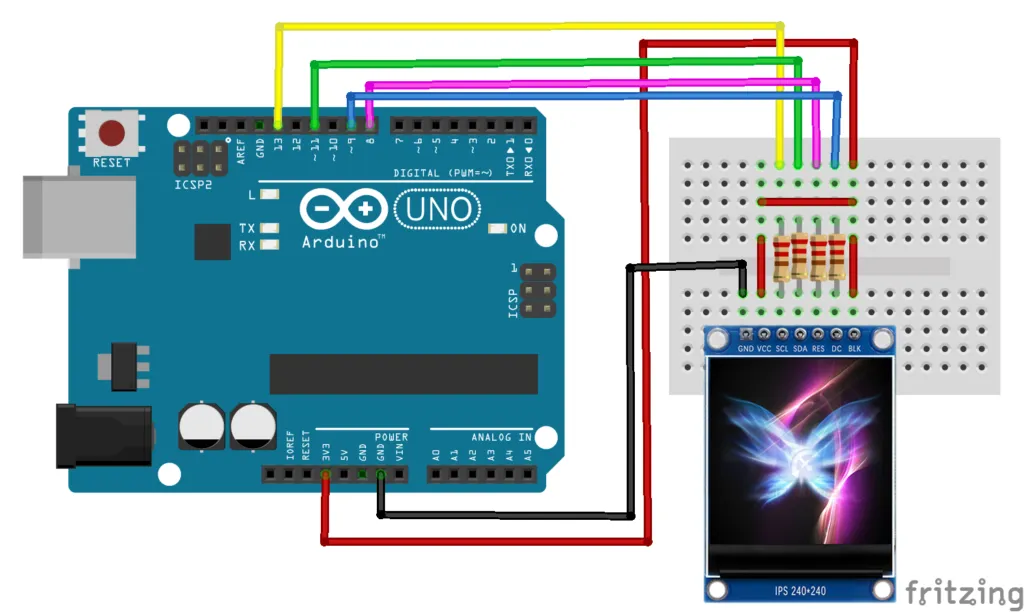
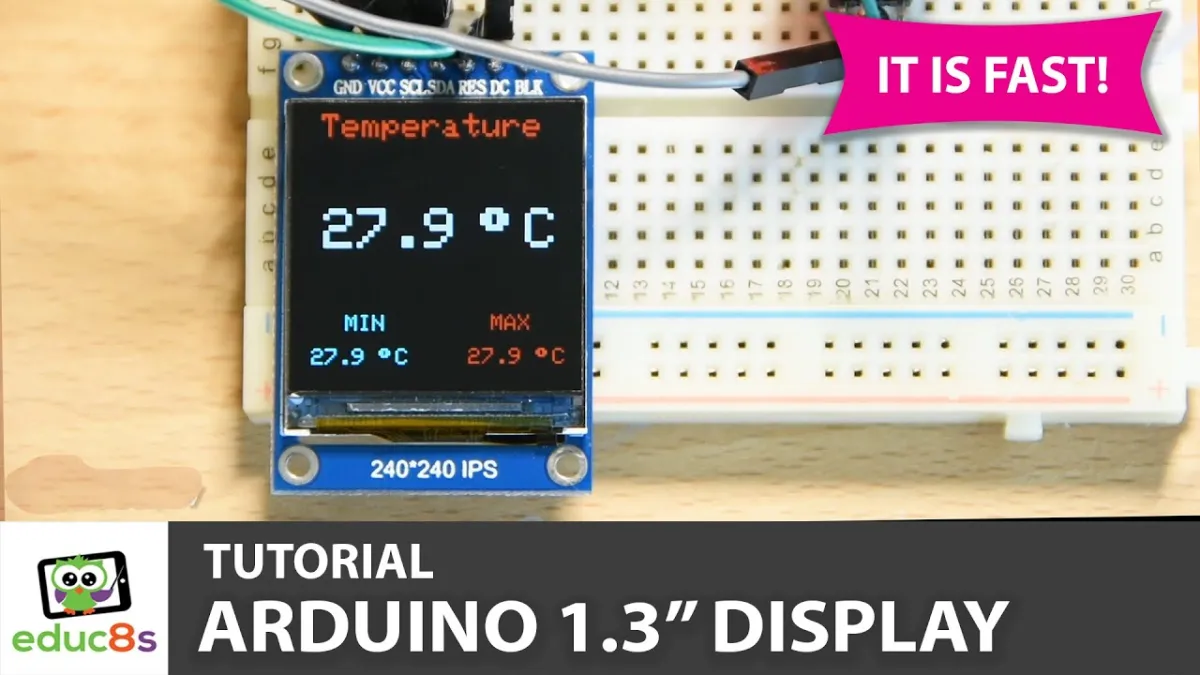
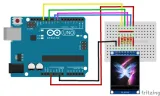
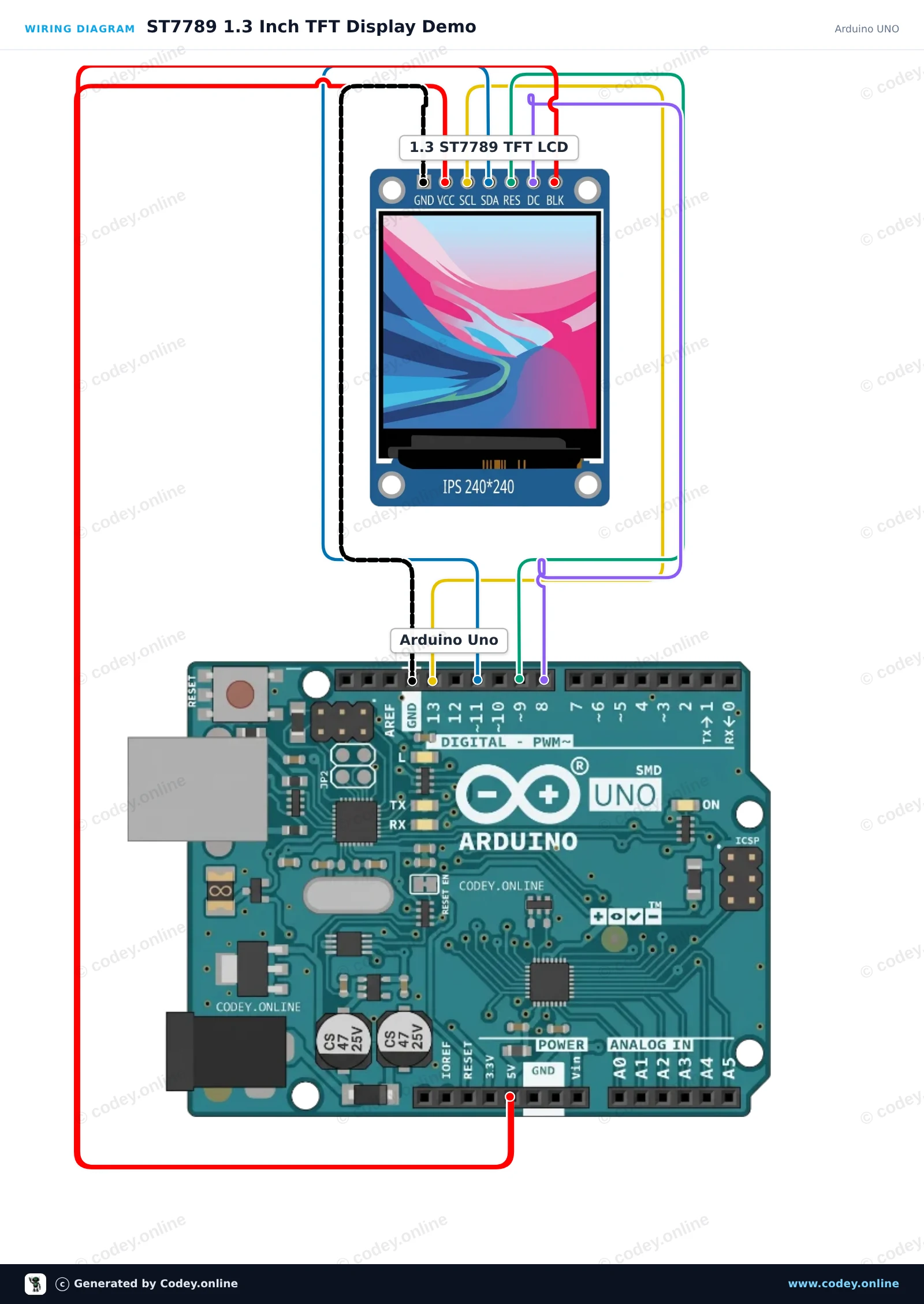
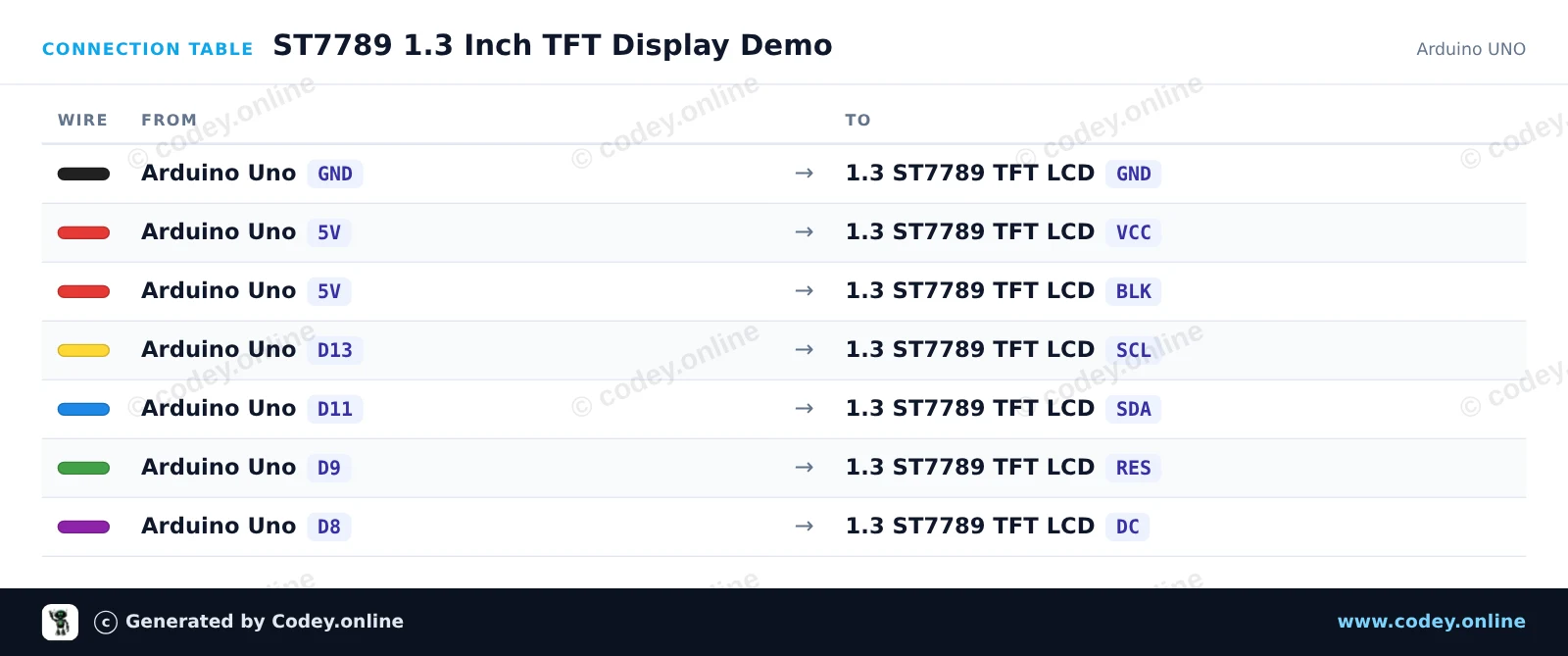
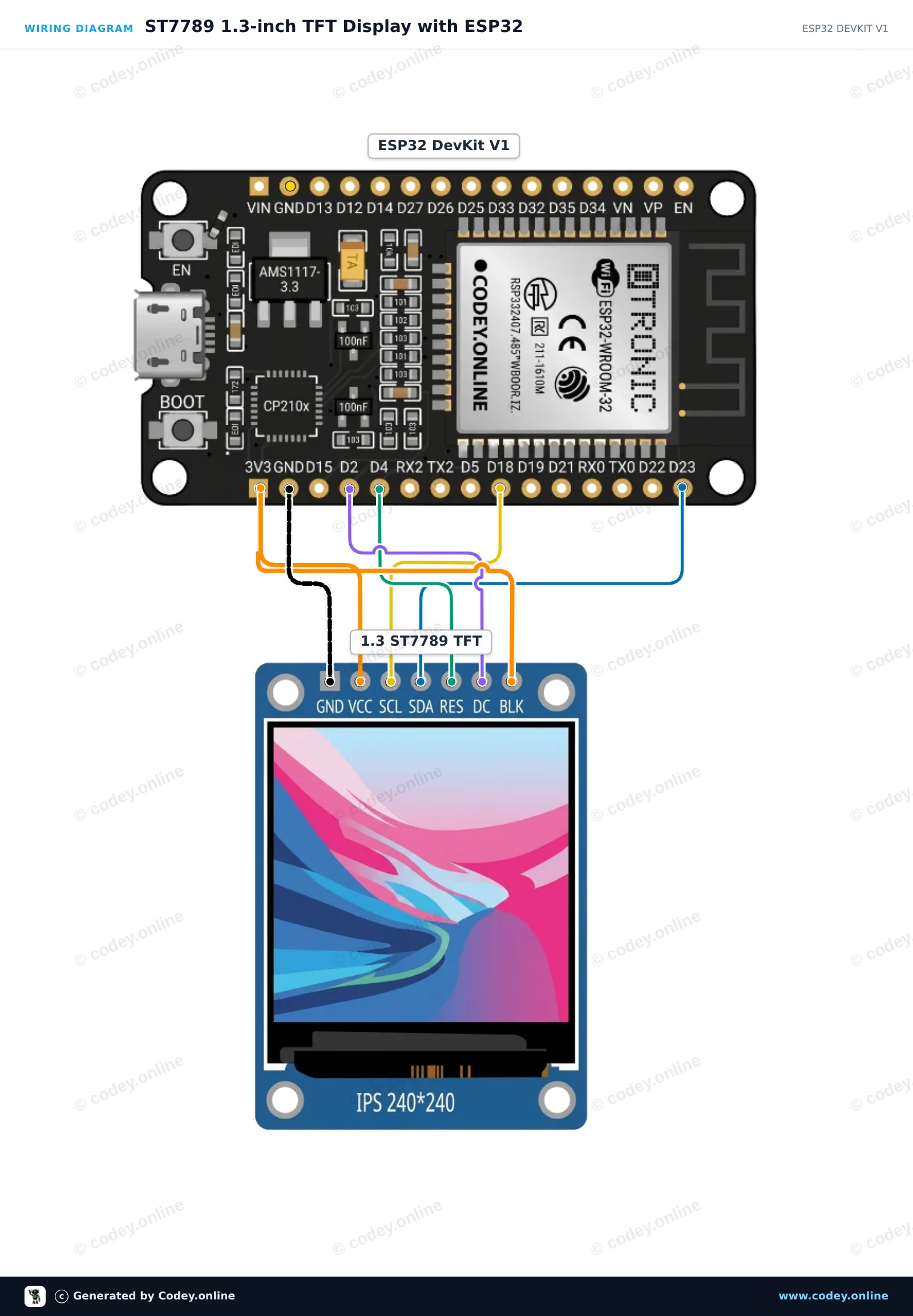
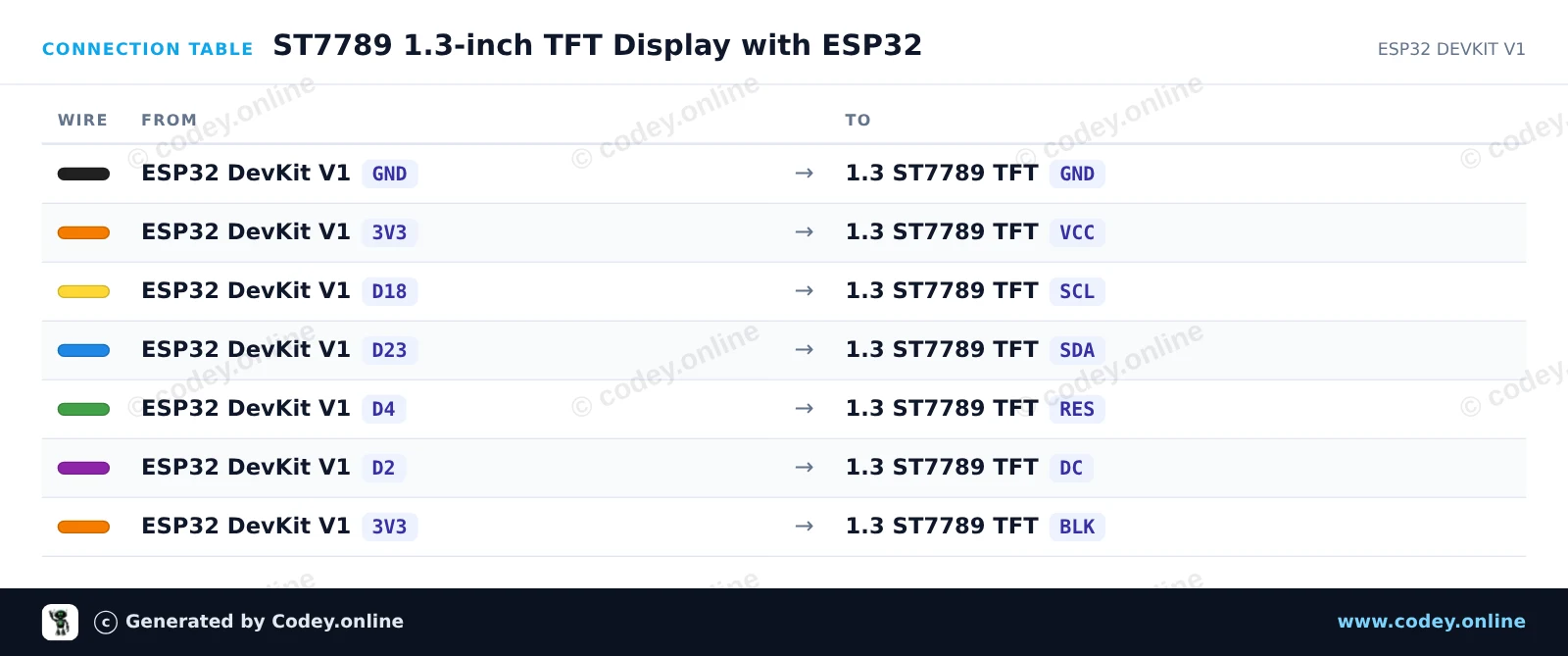
Zo sluit je de 1.3inch SPI TFT LCD Display RGB (ST7789, 3.3V) aan op een Arduino UNO of ESP32, met een voorbeeldsketch die je direct kunt uploaden.
Dit project initialiseert een 1.3-inch 240x240 ST7789 SPI TFT display met een Arduino Uno. De sketch tekent begroetingstekst, vormen en kleurrijke graphics om de mogelijkheden van het display te demonstreren. Sluit het display rechtstreeks aan op de Arduino SPI-pinnen zoals getoond.
/*
* ==================================================================
* Generated by Codey.online — https://www.codey.online
* ==================================================================
* Project : ST7789 1.3 Inch TFT Display Demo
* Board : Arduino UNO (arduino:avr:uno)
* Parts : LCD Display TFT 1.3inch ST7789
* Libraries : Adafruit ST7735 and ST7789 Library 1.11.0
*
* Codey Online is an AI-powered browser IDE for Arduino and ESP32.
* Describe your project and Codey writes the code, draws the wiring
* diagram and uploads it to your board, straight from the browser.
* This code is free to use, modify and share, without warranty.
* ==================================================================
*/
#include <Adafruit_ST7789.h>
#include <SPI.h>
#define TFT_CS -1
#define TFT_DC 8
#define TFT_RST 9
Adafruit_ST7789 tft = Adafruit_ST7789(TFT_CS, TFT_DC, TFT_RST);
void setup() {
Serial.begin(115200);
Serial.println(F("ST7789 TFT Display Demo"));
// Initialize 240x240 pixel ST7789 display
tft.init(240, 240);
tft.setRotation(0);
tft.fillScreen(ST77XX_BLACK);
// Draw greeting text
tft.setTextWrap(false);
tft.setTextSize(2);
tft.setTextColor(ST77XX_WHITE);
tft.setCursor(20, 20);
tft.println(F("Hello!"));
tft.setTextColor(ST77XX_CYAN);
tft.setCursor(20, 50);
tft.println(F("ST7789 1.3 TFT"));
// Draw sample graphics
tft.drawRect(10, 85, 220, 130, ST77XX_YELLOW);
tft.fillCircle(60, 145, 25, ST77XX_RED);
tft.fillTriangle(120, 185, 160, 115, 200, 185, ST77XX_GREEN);
Serial.println(F("Display ready."));
}
void loop() {
// Static demo
}
Benodigde bibliotheken: Adafruit ST7735 and ST7789 Library 1.11.0
Wiring diagram and example code generated by Codey.online — https://www.codey.online
Dit project initialiseert een 1.3-inch 240x240 SPI TFT-display met behulp van de ST7789-driver. Het tekent vormen, toont tekst en werkt elke seconde een live teller op het scherm bij.
/*
* ==================================================================
* Generated by Codey.online — https://www.codey.online
* ==================================================================
* Project : ST7789 1.3-inch TFT Display with ESP32
* Board : ESP32 DEVKIT V1 (esp32:esp32:esp32doit-devkit-v1)
* Parts : LCD Display TFT 1.3inch ST7789
* Libraries : Adafruit GFX Library 1.12.6, Adafruit ST7735 and ST7789 Library 1.11.0
*
* Codey Online is an AI-powered browser IDE for Arduino and ESP32.
* Describe your project and Codey writes the code, draws the wiring
* diagram and uploads it to your board, straight from the browser.
* This code is free to use, modify and share, without warranty.
* ==================================================================
*/
#include <Adafruit_GFX.h>
#include <Adafruit_ST7789.h>
#include <SPI.h>
#define TFT_DC 2
#define TFT_RST 4
#define TFT_CS -1
Adafruit_ST7789 tft = Adafruit_ST7789(TFT_CS, TFT_DC, TFT_RST);
int counter = 0;
void setup() {
Serial.begin(115200);
// Initialize 240x240 ST7789 display
tft.init(240, 240);
tft.setRotation(2);
tft.fillScreen(ST77XX_BLACK);
// Draw frame and header
tft.drawRect(10, 10, 220, 220, ST77XX_BLUE);
tft.setTextColor(ST77XX_WHITE);
tft.setTextSize(2);
tft.setCursor(35, 30);
tft.println("ESP32 ST7789");
tft.fillCircle(120, 160, 35, ST77XX_RED);
}
void loop() {
// Update counter area
tft.fillRect(40, 80, 160, 30, ST77XX_BLACK);
tft.setTextColor(ST77XX_GREEN);
tft.setTextSize(2);
tft.setCursor(45, 85);
tft.printf("Count: %d", counter++);
delay(1000);
}
Benodigde bibliotheken: Adafruit GFX Library 1.12.6, Adafruit ST7735 and ST7789 Library 1.11.0
Wiring diagram and example code generated by Codey.online — https://www.codey.online
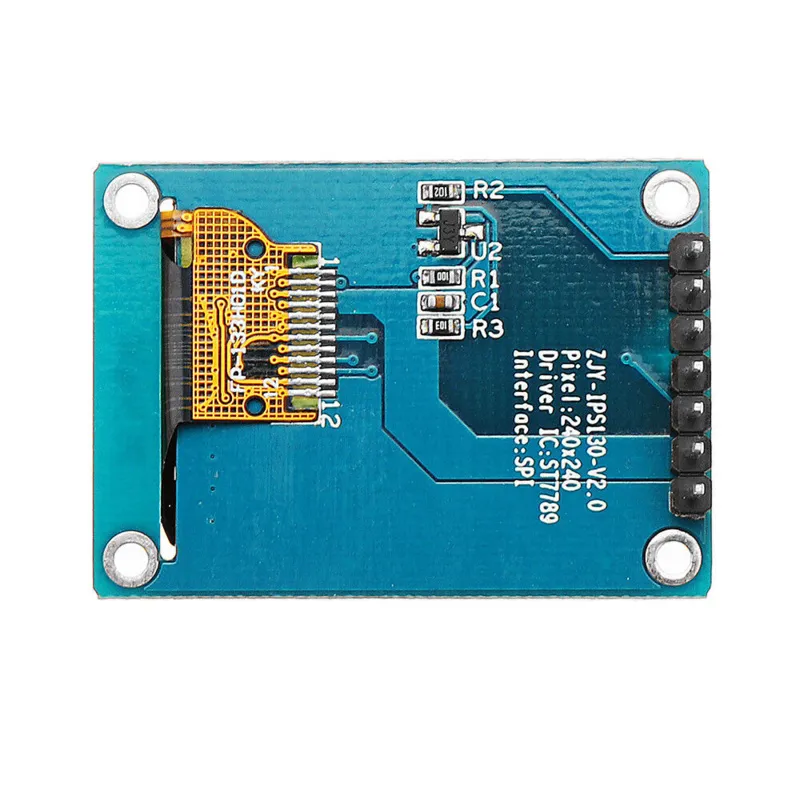
Een klein scherm met 1.3" diagonaal. Met de hoge pixeldichtheid van 260 ppi is dit een fantastisch 240x240 pixel display met afleesbaarheid uit alle hoeken.
Displays van dit kaliber worden ook gebruikt voor smartwatches en kleine elektronische apparaten.
Heeft ST7789 display driver die werkt met alle microcontrollers en microcomputers.
Dit is de beste manier om een klein, kleurrijk en erg helder scherm aan een willekeurig project toe te voegen. Het maakt gebruik van 4-draads SPI om te communiceren.
Met zijn eigen pixel-addressable frame buffer kan het zelfs voor hele kleine microcontrollers gebruikt worden met weinig geheugen of beschikbare pins.
Het scherm heeft 240x240 16-bit full color pixels en is IPS, dus de kleur ziet er super uit tot 80 graden van elke as in elke richting. De TFT driver (ST7789) lijkt erg op de populaire ST7735 en wordt goed ondersteund door meerdere Arduino libraries.
Adafruit bijvoorbeeld heeft een volledige open source grafische bibliotheek geschreven die pixels, lijnen, rechthoeken, cirkels, tekst en bitmaps kan tekenen in combinatie met de Adafruit GFX Library. (zie deze pagina om aan de slag te gaan) Daarnaast is er ook nog voorbeeld code. Deze code is geschreven voor Arduino maar kan gemakkelijk aangepast worden aan je favoriete microcontroller.
| Kleur | 16-bit full color |
|---|---|
| Resolutie | 240 x 240 |
| Interface | 4-draads SPI |
| Formaat | 1,3 inch |
| Driver IC | ST7789 |
Zeer moeilijk te programmeren. Nog niet aan de praat gekregen.
Niet tevreden? Je hebt 30 dagen bedenktijd na ontvangst om het product terug te sturen.
Alles over retourneren
1.3inch SPI TFT LCD Display RGB (ST7789, 3.3V)