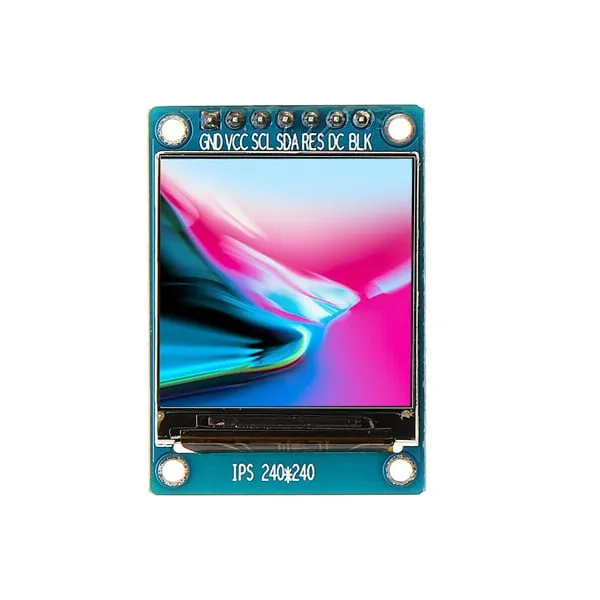
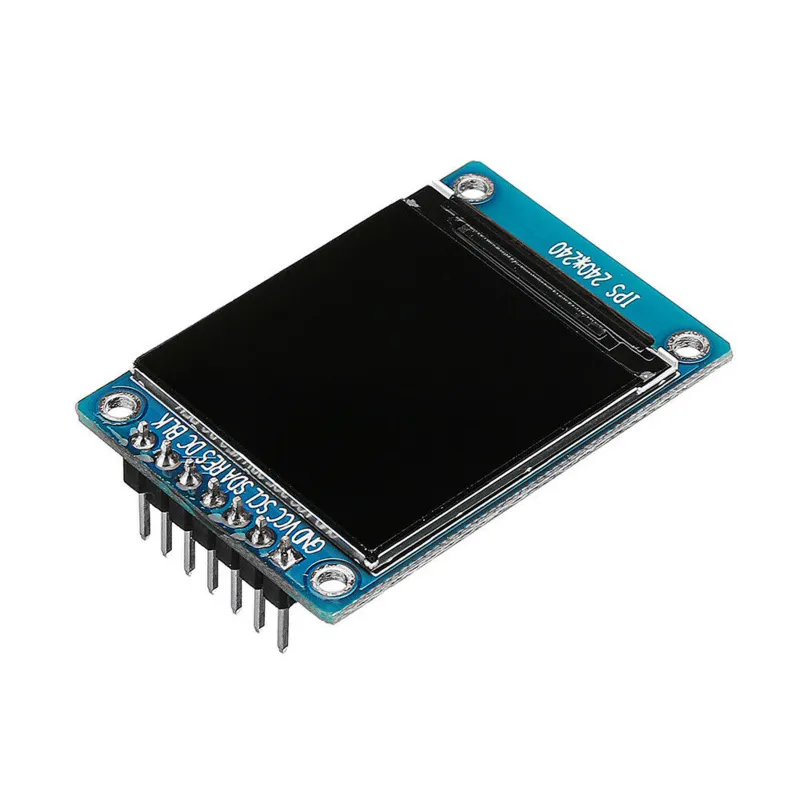
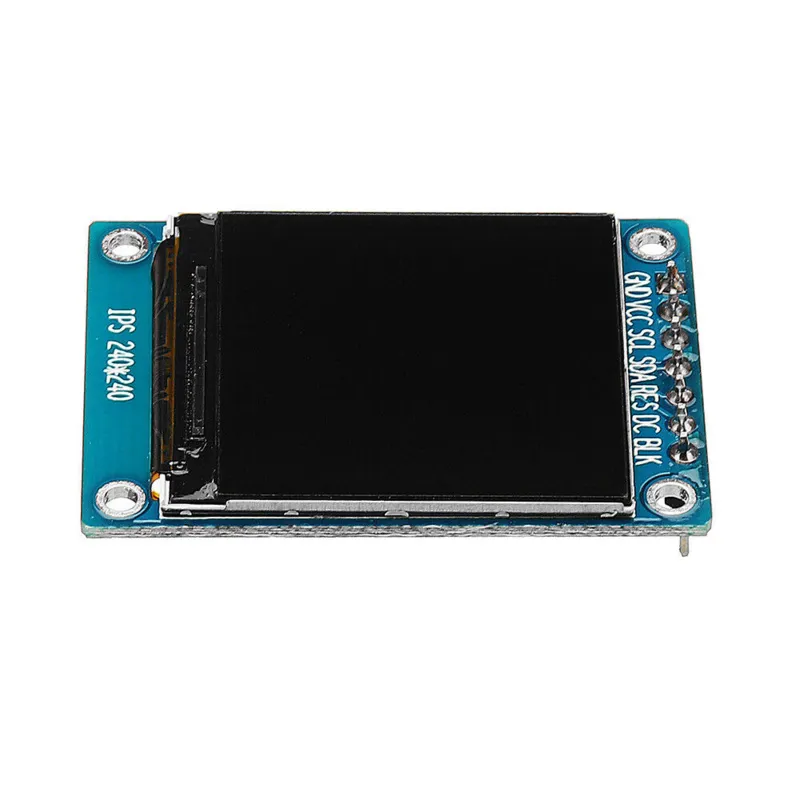
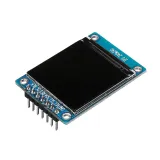
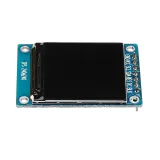
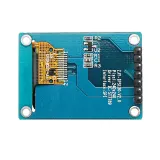
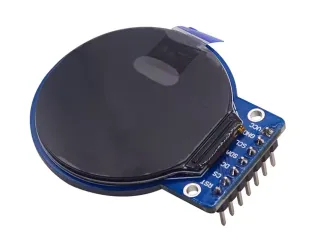
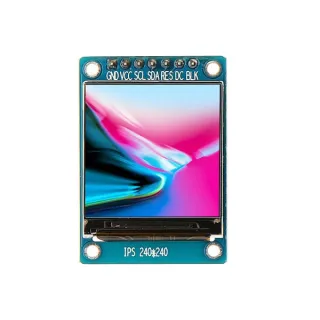
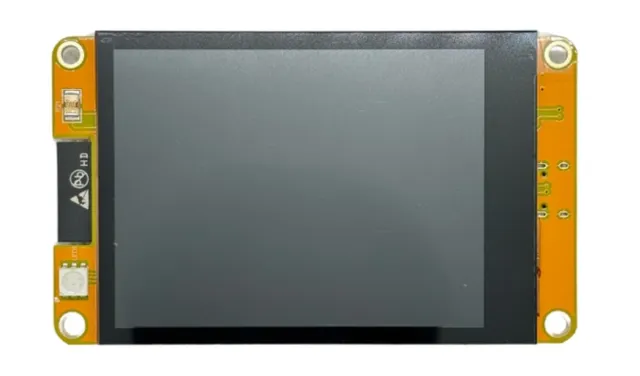
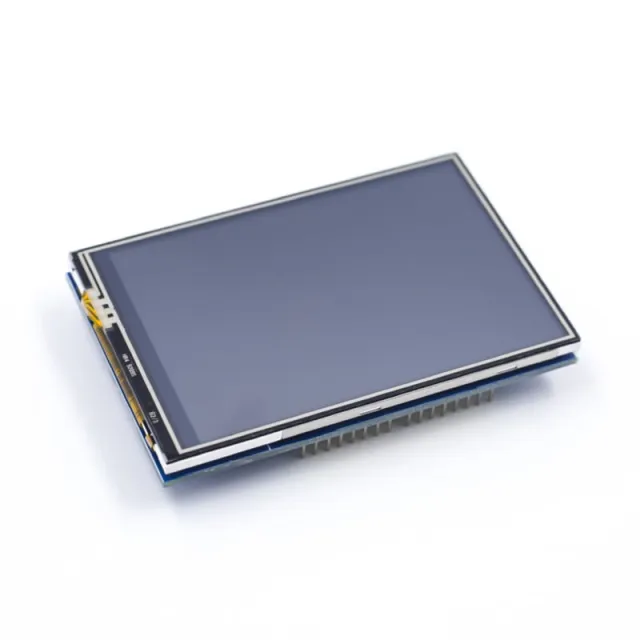
Small 1.3-inch IPS TFT display for projects with microcontrollers or microcomputers.
SKU: OT3499 Article number: AA431 EAN: 8720618489661 Location: H04.06
Alternative
1.28″ round TFT LCD 240×240 (GC9A01, SPI) for Arduino
€ 8,99
View this alternative
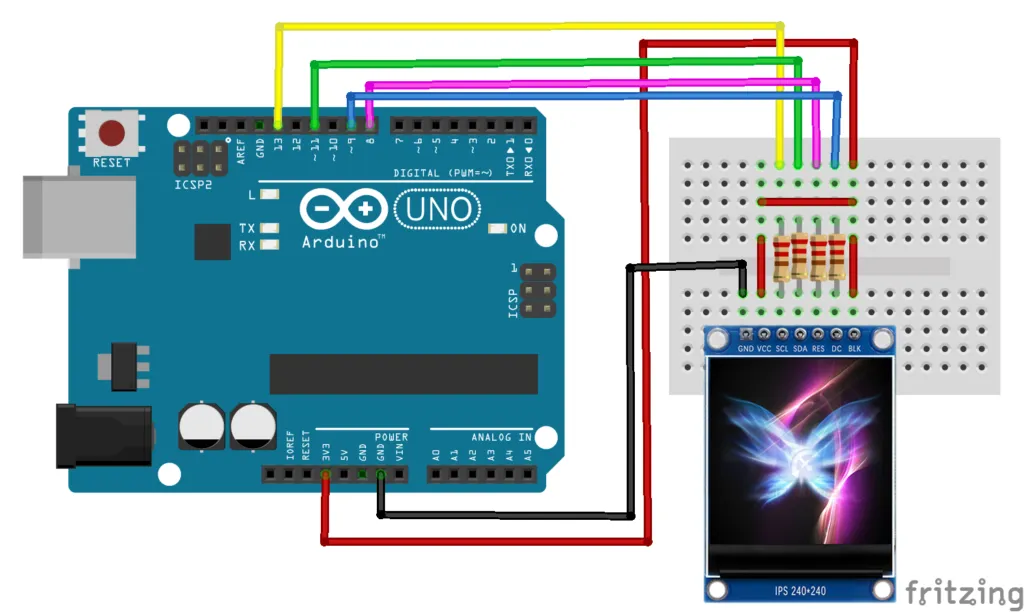
How to connect the 1.3-inch SPI TFT LCD Display RGB (ST7789, 3.3V) to an Arduino UNO or ESP32, with an example sketch you can upload straight away.
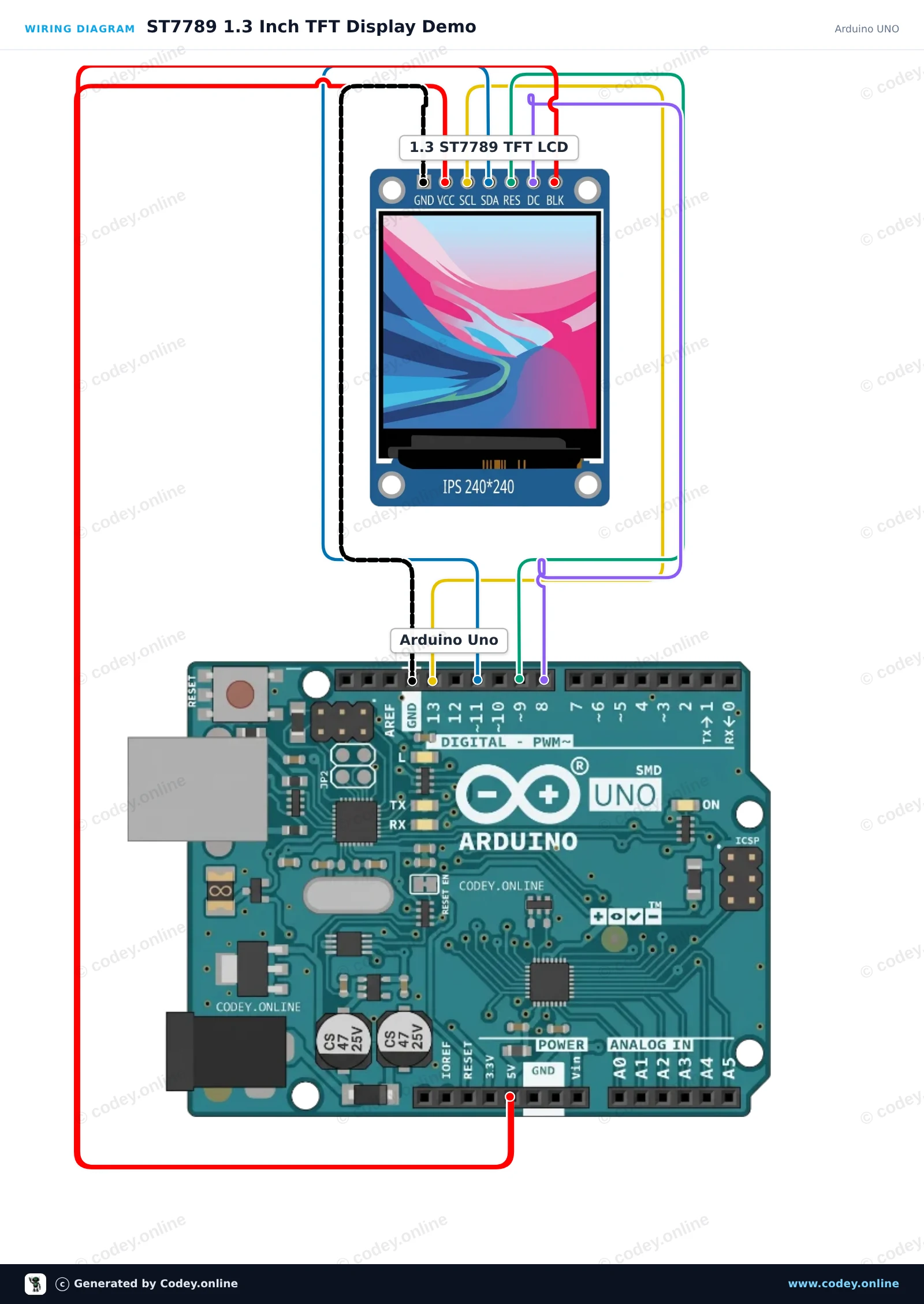
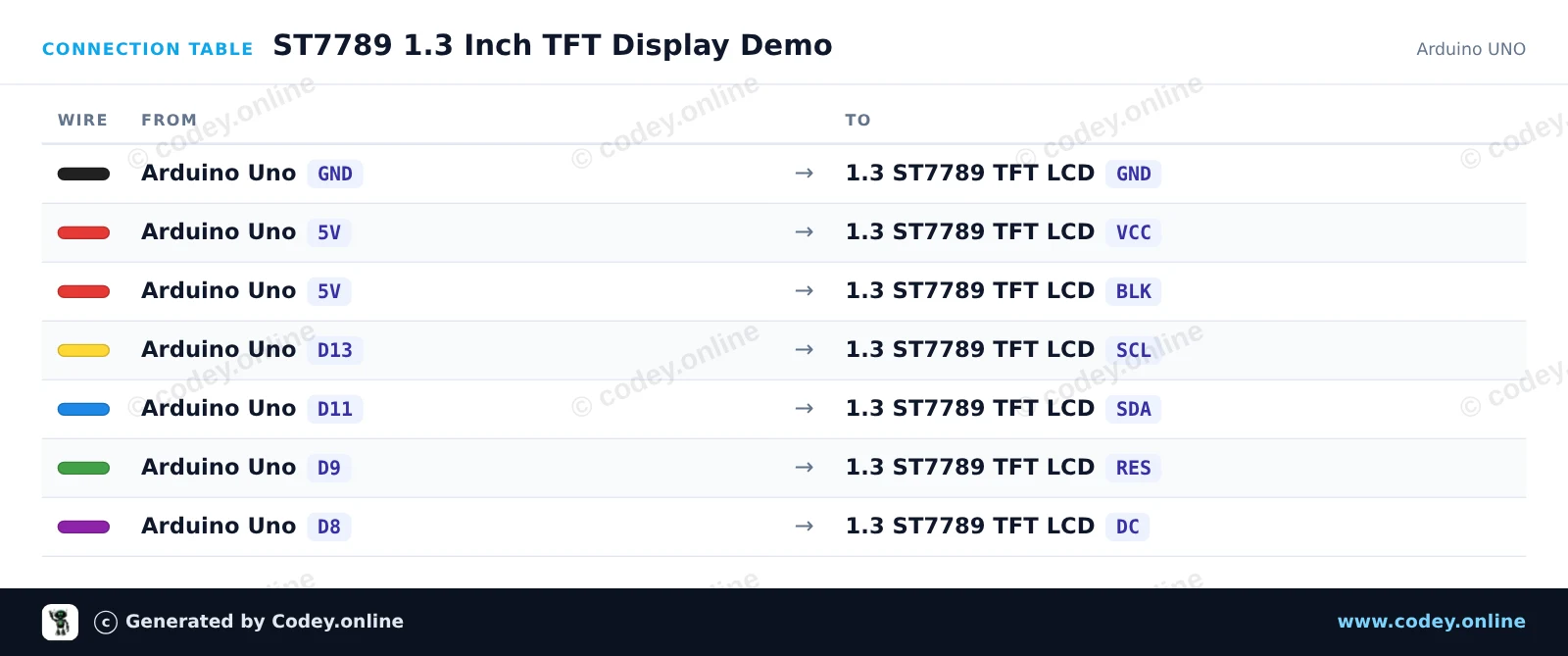
This project initializes a 1.3-inch 240x240 ST7789 SPI TFT display with an Arduino Uno. The sketch draws greeting text, shapes, and colorful graphics to demonstrate display capabilities. Connect the display directly to the Arduino SPI pins as shown.
/*
* ==================================================================
* Generated by Codey.online — https://www.codey.online
* ==================================================================
* Project : ST7789 1.3 Inch TFT Display Demo
* Board : Arduino UNO (arduino:avr:uno)
* Parts : LCD Display TFT 1.3inch ST7789
* Libraries : Adafruit ST7735 and ST7789 Library 1.11.0
*
* Codey Online is an AI-powered browser IDE for Arduino and ESP32.
* Describe your project and Codey writes the code, draws the wiring
* diagram and uploads it to your board, straight from the browser.
* This code is free to use, modify and share, without warranty.
* ==================================================================
*/
#include <Adafruit_ST7789.h>
#include <SPI.h>
#define TFT_CS -1
#define TFT_DC 8
#define TFT_RST 9
Adafruit_ST7789 tft = Adafruit_ST7789(TFT_CS, TFT_DC, TFT_RST);
void setup() {
Serial.begin(115200);
Serial.println(F("ST7789 TFT Display Demo"));
// Initialize 240x240 pixel ST7789 display
tft.init(240, 240);
tft.setRotation(0);
tft.fillScreen(ST77XX_BLACK);
// Draw greeting text
tft.setTextWrap(false);
tft.setTextSize(2);
tft.setTextColor(ST77XX_WHITE);
tft.setCursor(20, 20);
tft.println(F("Hello!"));
tft.setTextColor(ST77XX_CYAN);
tft.setCursor(20, 50);
tft.println(F("ST7789 1.3 TFT"));
// Draw sample graphics
tft.drawRect(10, 85, 220, 130, ST77XX_YELLOW);
tft.fillCircle(60, 145, 25, ST77XX_RED);
tft.fillTriangle(120, 185, 160, 115, 200, 185, ST77XX_GREEN);
Serial.println(F("Display ready."));
}
void loop() {
// Static demo
}
Required libraries: Adafruit ST7735 and ST7789 Library 1.11.0
Wiring diagram and example code generated by Codey.online — https://www.codey.online
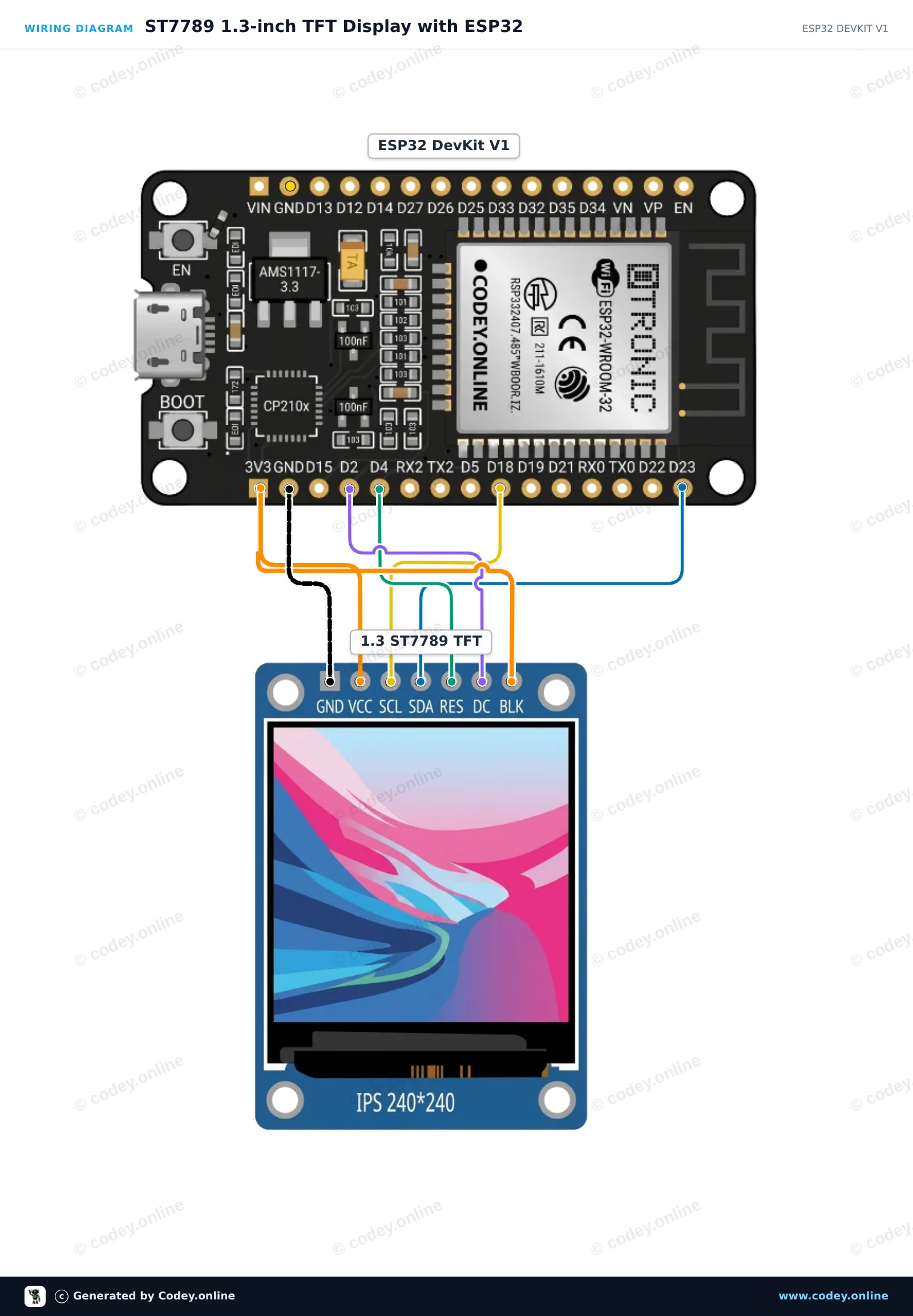
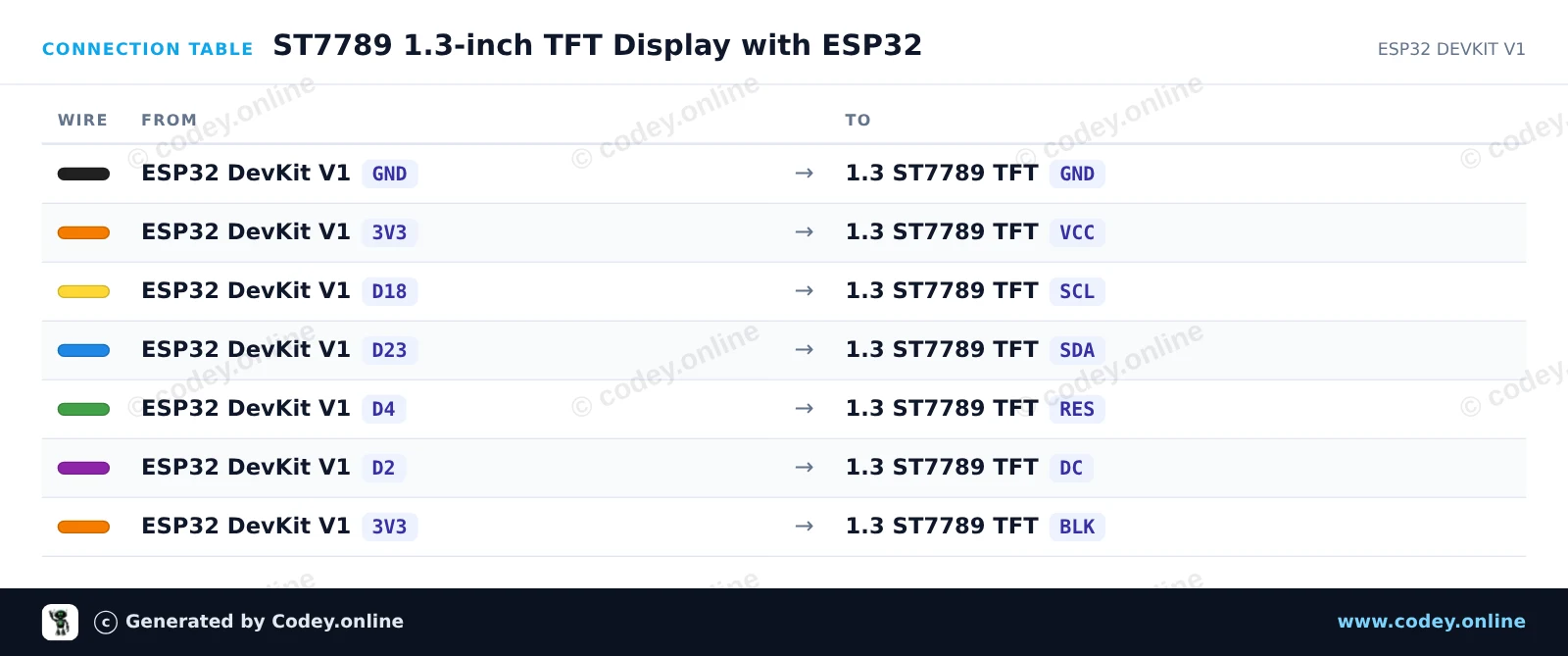
This project initializes a 1.3-inch 240x240 SPI TFT display using the ST7789 driver. It draws shapes, displays text, and updates a live counter on screen every second.
/*
* ==================================================================
* Generated by Codey.online — https://www.codey.online
* ==================================================================
* Project : ST7789 1.3-inch TFT Display with ESP32
* Board : ESP32 DEVKIT V1 (esp32:esp32:esp32doit-devkit-v1)
* Parts : LCD Display TFT 1.3inch ST7789
* Libraries : Adafruit GFX Library 1.12.6, Adafruit ST7735 and ST7789 Library 1.11.0
*
* Codey Online is an AI-powered browser IDE for Arduino and ESP32.
* Describe your project and Codey writes the code, draws the wiring
* diagram and uploads it to your board, straight from the browser.
* This code is free to use, modify and share, without warranty.
* ==================================================================
*/
#include <Adafruit_GFX.h>
#include <Adafruit_ST7789.h>
#include <SPI.h>
#define TFT_DC 2
#define TFT_RST 4
#define TFT_CS -1
Adafruit_ST7789 tft = Adafruit_ST7789(TFT_CS, TFT_DC, TFT_RST);
int counter = 0;
void setup() {
Serial.begin(115200);
// Initialize 240x240 ST7789 display
tft.init(240, 240);
tft.setRotation(2);
tft.fillScreen(ST77XX_BLACK);
// Draw frame and header
tft.drawRect(10, 10, 220, 220, ST77XX_BLUE);
tft.setTextColor(ST77XX_WHITE);
tft.setTextSize(2);
tft.setCursor(35, 30);
tft.println("ESP32 ST7789");
tft.fillCircle(120, 160, 35, ST77XX_RED);
}
void loop() {
// Update counter area
tft.fillRect(40, 80, 160, 30, ST77XX_BLACK);
tft.setTextColor(ST77XX_GREEN);
tft.setTextSize(2);
tft.setCursor(45, 85);
tft.printf("Count: %d", counter++);
delay(1000);
}
Required libraries: Adafruit GFX Library 1.12.6, Adafruit ST7735 and ST7789 Library 1.11.0
Wiring diagram and example code generated by Codey.online — https://www.codey.online
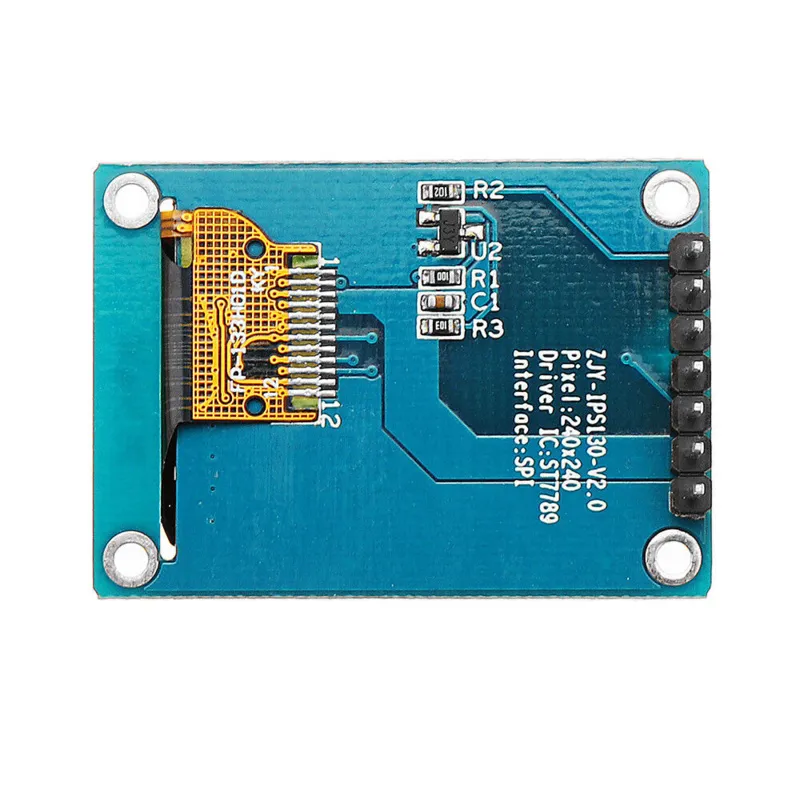
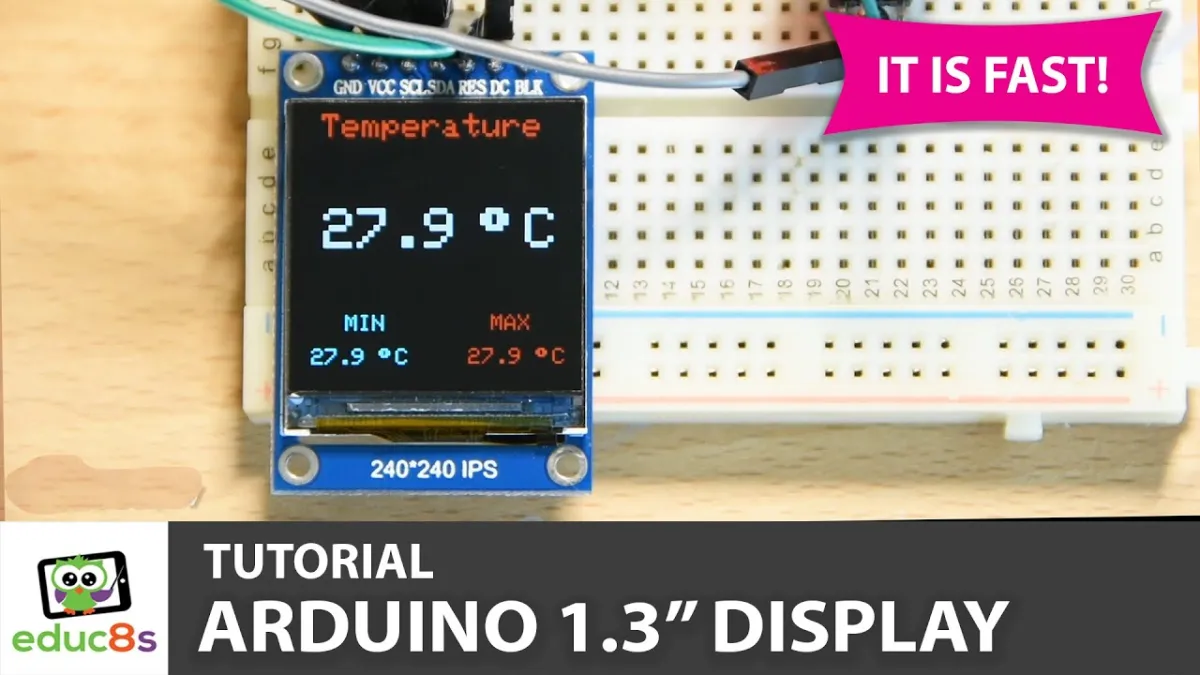
A small screen with a 1.3" diagonal. With the high pixel density of 260 ppi, this is a fantastic 240x240 pixel display with readability from all angles.
Displays of this caliber are also used for smartwatches and small electronic devices.
Has an ST7789 display driver that works with all microcontrollers and microcomputers.
This is the best way to add a small, colorful, and very bright screen to any project. It uses 4-wire SPI to communicate.
With its own pixel-addressable frame buffer, it can even be used with very small microcontrollers with little memory or available pins.
The screen has 240x240 16-bit full color pixels and is IPS, so the color looks great up to 80 degrees from any axis in any direction. The TFT driver (ST7789) is very similar to the popular ST7735 and is well supported by multiple Arduino libraries.
Adafruit, for example, has written a complete open source graphics library that can draw pixels, lines, rectangles, circles, text and bitmaps in combination with the Adafruit GFX Library. (see this page to get started) In addition, there is also example code. This code is written for Arduino but can easily be adapted to your favorite microcontroller.
| Color | 16-bit full color |
|---|---|
| Resolution | 240 x 240 |
| Interface | 4-wire SPI |
| Size | 1.3 inch |
| Driver IC | ST7789 |
Very difficult to program. Haven't managed to get it working yet.
1.3-inch SPI TFT LCD Display RGB (ST7789, 3.3V)