Ordered on weekdays before 14:00 = shipped the same day and delivered the next day in 98% of cases. Free returns 30-day reflection period 1-year warranty

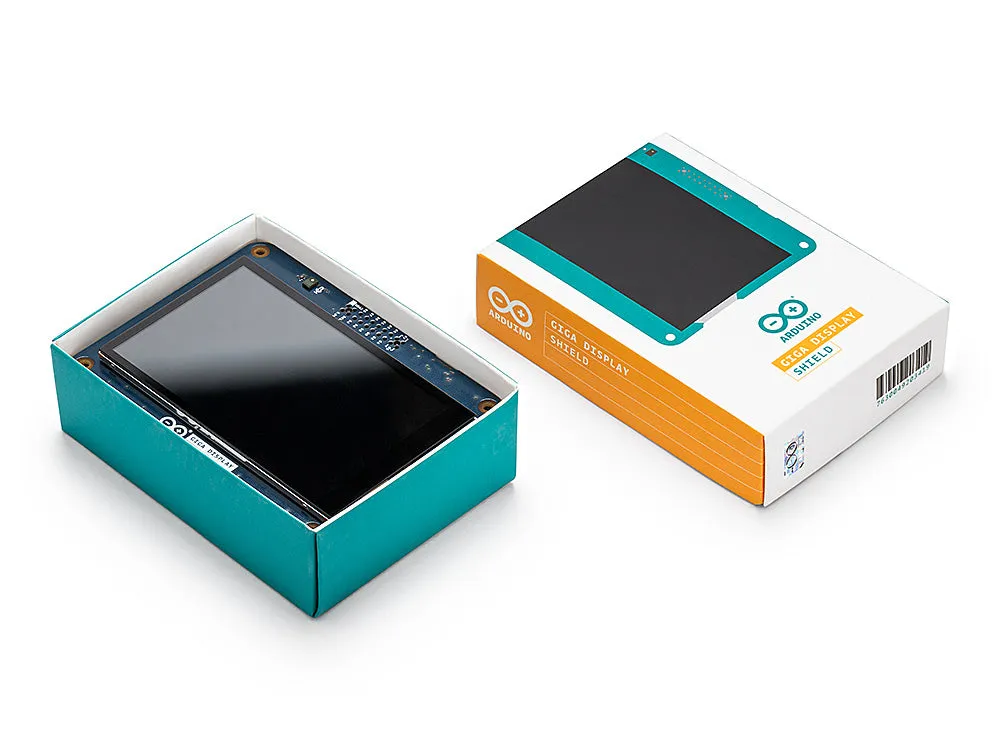
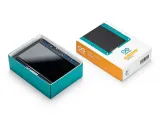
Arduino® GIGA Display Shield

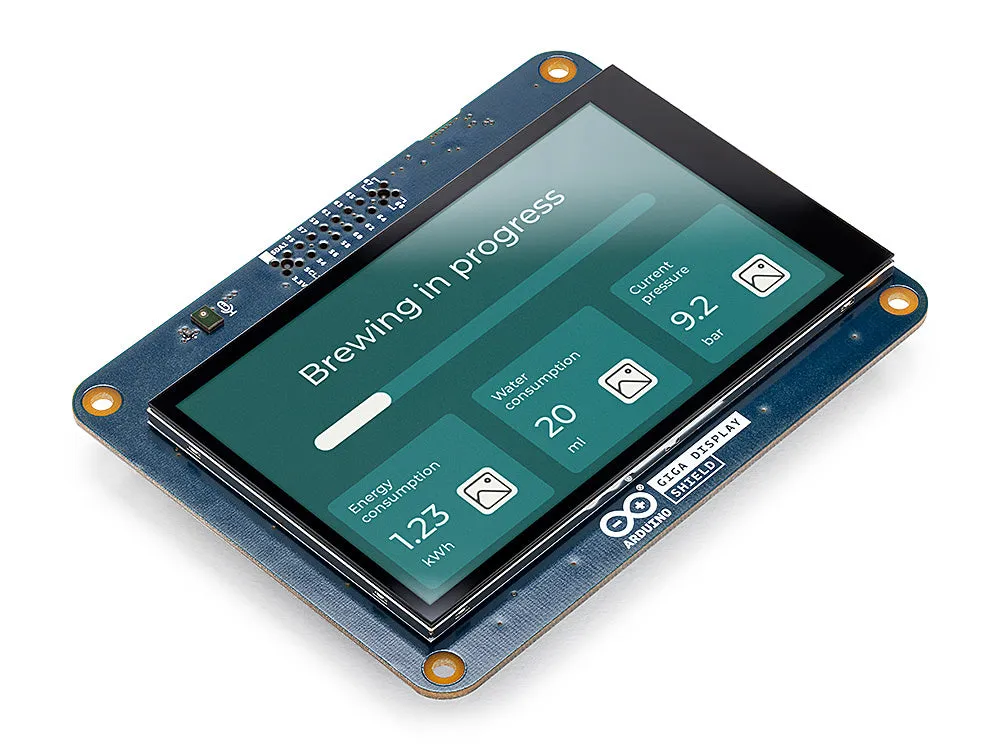
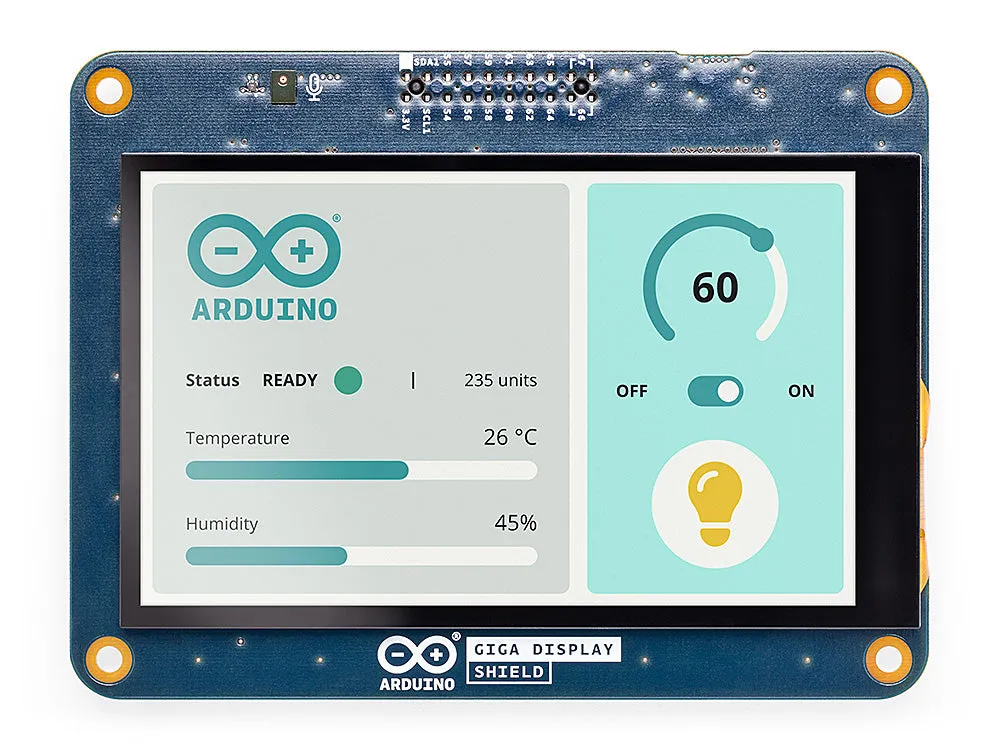
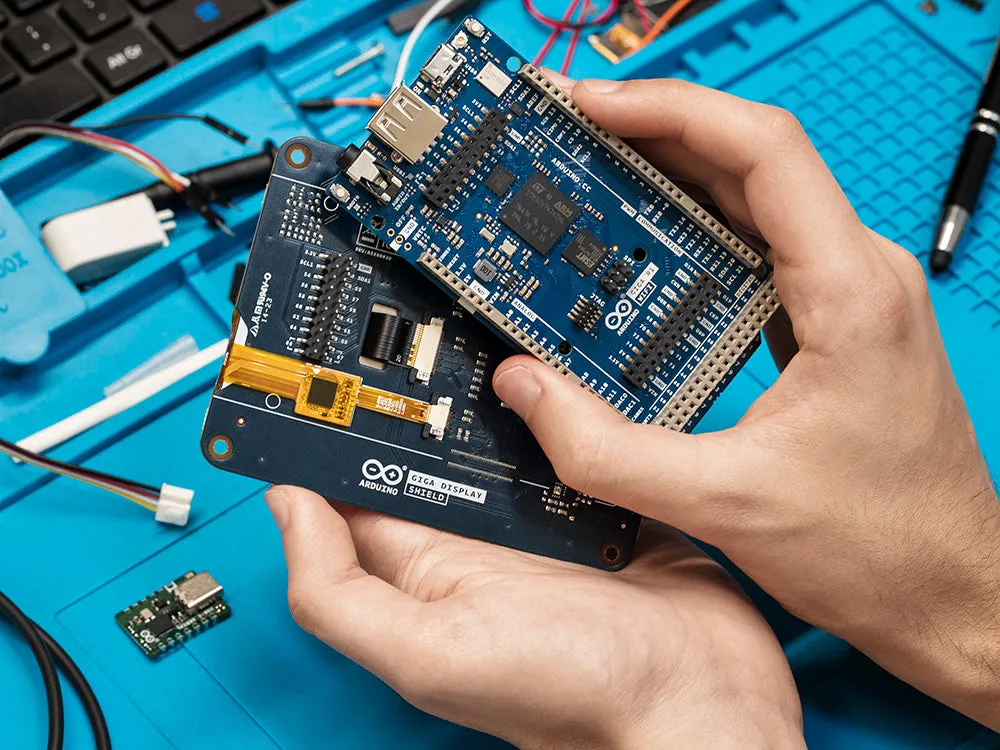
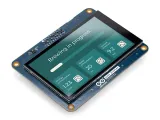
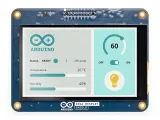
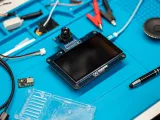
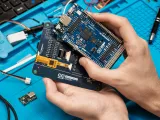
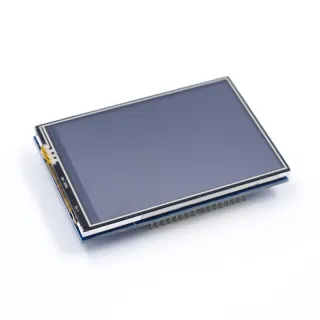
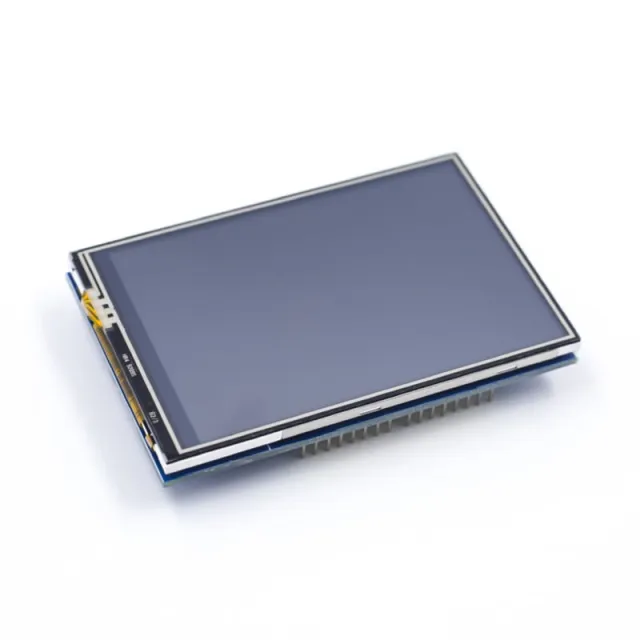
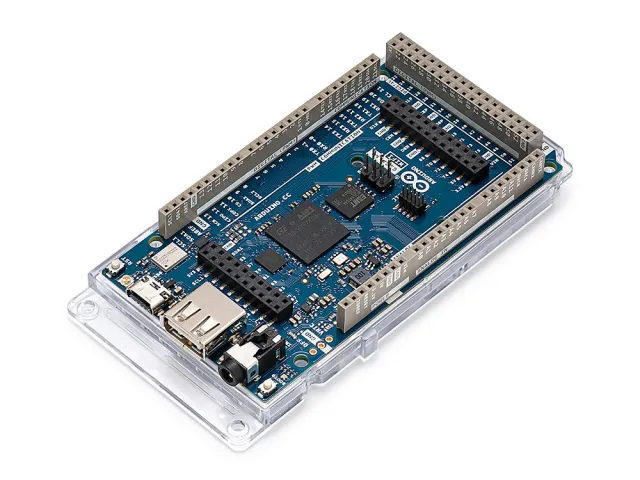
Meet the GIGA Display Shield: a touchscreen solution specially designed to effortlessly integrate graphical interfaces into your projects. Thanks to the new pin header connector, centrally placed on the GIGA R1 WiFi, this shield offers seamless integration and enhanced functionality.

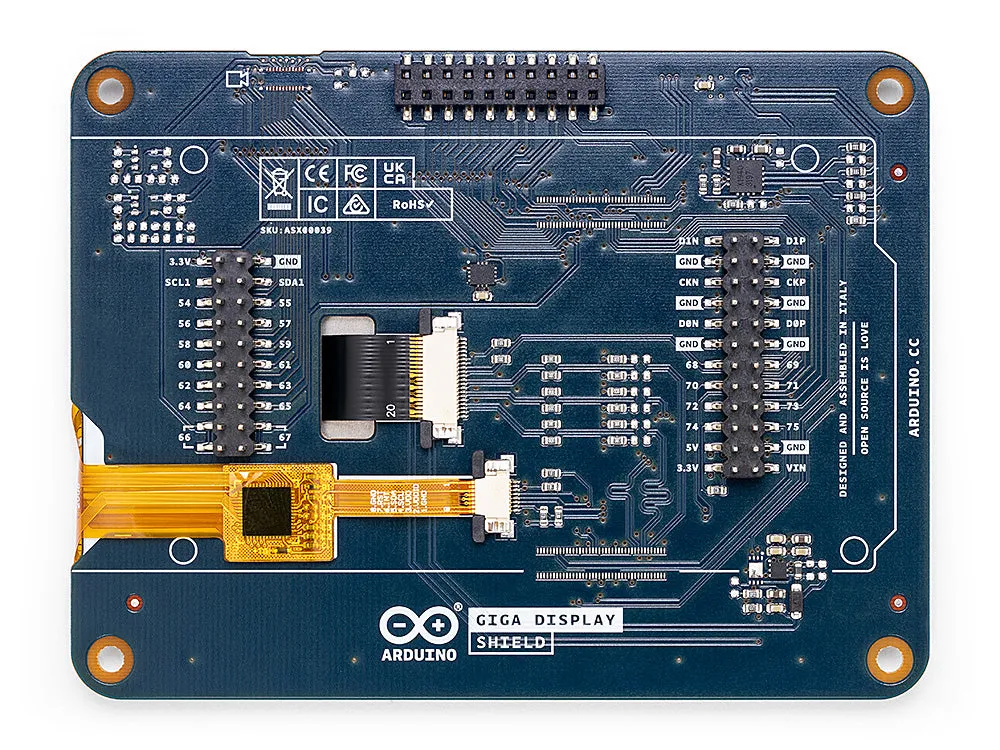
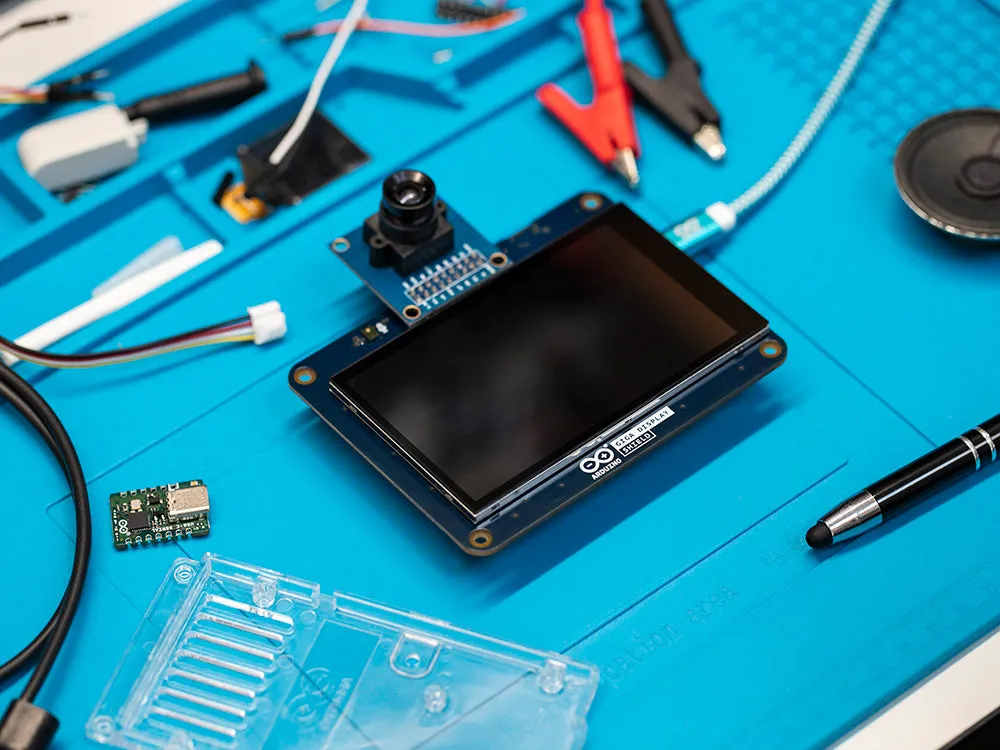
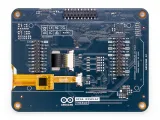
The GIGA Display Shield allows you to benefit from various features, including a digital microphone, a 6-axis IMU and an Arducam connection. These added capabilities let you make optimal use of the remaining 54 available pins, which is exceptionally useful for creating handheld devices or dashboards to manage your project.

Experience the convenience of building intuitive interfaces with the user-friendly setup and extensive capabilities of the GIGA Display Shield. Improve the functionality and user experience of your project with this advanced solution.

Technical specifications:

  • Board name: Arduino® GIGA Display Shield
  • SKU: ASX00039
  • Connectors:
    • Camera: SOCKET 2ROW 20POS VERTICAL PASS THROUGH (compatible with Arducam)
  • Display:
    • Video codec: F32Q-1A7H1-11020
    • Touchscreen: F32Q-1A7H1-11008
    • Type: KD040WVFID026-01-C025A
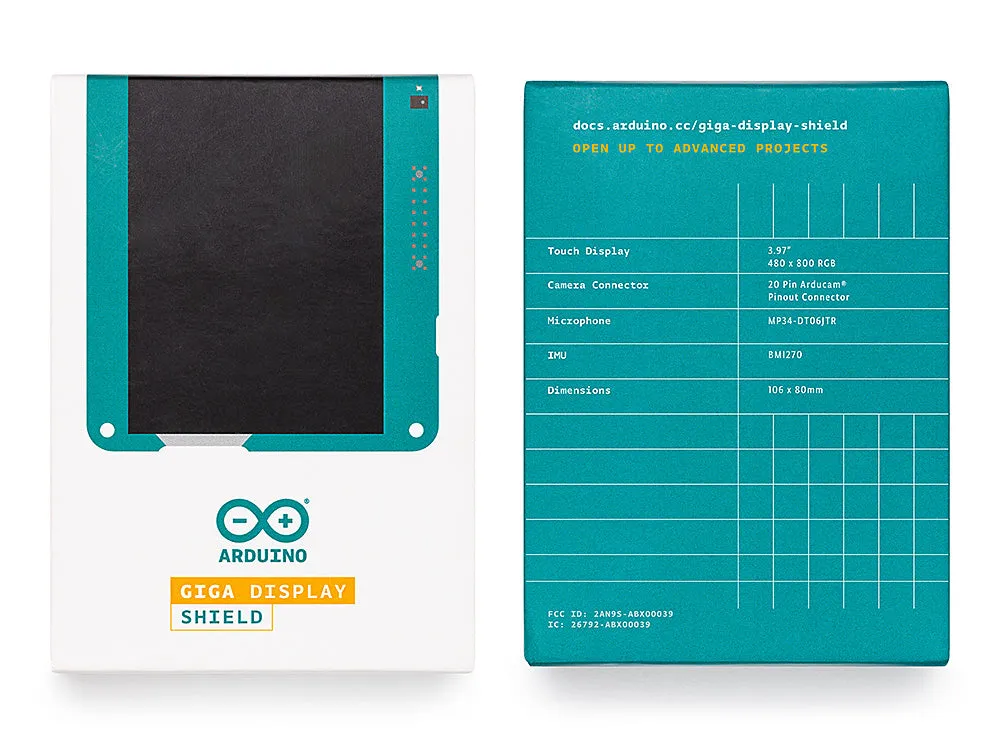
    • Size: 3,97 inch
    • Resolution: 480x800 RGB
    • Colors: 16,7 million
    • Touch mode: Five-point touch and gestures
  • Interface: I2C
  • Sensors:
    • IMU: BMI270
  • Microphone: MP34DT06JTR

Frequently Asked Questions

Does the display support multitouch? Yes, the display supports up to five simultaneous touches.

How do I connect the GIGA Display Shield to the GIGA R1 WiFi? The GIGA Display Shield connects via the middle headers (J5 and J6) on the GIGA R1 WiFi. Attach the shield from the bottom, so the top of the GIGA R1 WiFi remains free for additional shields.

Do I retain access to all pins when the display is connected? Yes, even with the display connected you retain access to all 54 pins on the top of the board.

Is an external power supply required for the shield? No, the GIGA Display Shield does not require an external power supply; it is powered directly through the connection.

Which cameras are compatible with the shield? The GIGA Display Shield is fully compatible with 20-pin DVP cameras from Arducam, such as the OV7675. For more information, visit the Arducam catalog of compatible cameras.

In which direction is the camera connector oriented? The pinout of the camera connector is configured so that compatible Arducam models point in the same direction as the screen, which corresponds to selfie mode for a seamless and user-friendly experience.

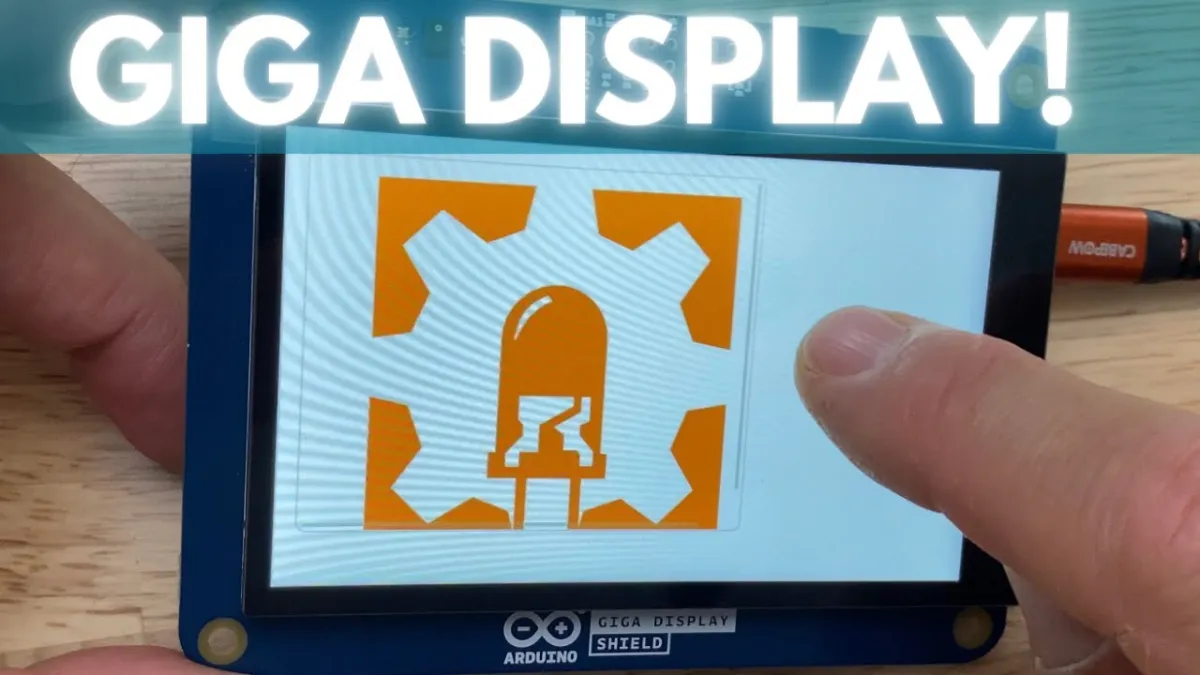
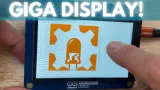
  • Touchscreen
  • 6-axis IMU
  • Arducam connector
  • 54 pins free
Playing loads the video from YouTube.

Why choose this product?

  • Seamless integration – Connects centrally to the GIGA R1 WiFi.
  • More features – Includes microphone, IMU and Arducam connector.
  • More pins free – Keeps the remaining 54 pins available.
  • Handheld and dashboards – Handy for handheld devices or dashboards.
  • User-friendly setup – Makes it easier to build intuitive interfaces.
Specifications
Color16.7 million
Resolution480x800 RGB
InterfaceI2C
Number of IO pins54
TypeKD040WVFID026-01-C025A
DisplayVideo codec: F32Q-1A7H1-11020
SensorsIMU: BMI270
ConnectorCamera: SOCKET 2ROW 20POS VERTICAL PASS THROUGH (compatible with Arducam)
Board nameArduino® GIGA Display Shield
SKUASX00039
TouchscreenF32Q-1A7H1-11008
Size3.97 inch
Touch modeFive-point touch and gestures
MicrophoneMP34DT06JTR

Reviews

No reviews yet.

Write a review
Your rating

Shipping & returns

Shipping

  • Parcel with track & trace€ 7,70Within 24 hours
  • Pick up at PostNL location€ 7,40Within 24 hours
  • Letterbox parcel€ 3,70Within 2 business days
  • Letterbox parcel 24 hours€ 4,55Within 24 hours
  • Pick up in storeFree
All about shipping

Returns

Not satisfied? You have 30 days after delivery to return the product.

All about returns

Recently viewed