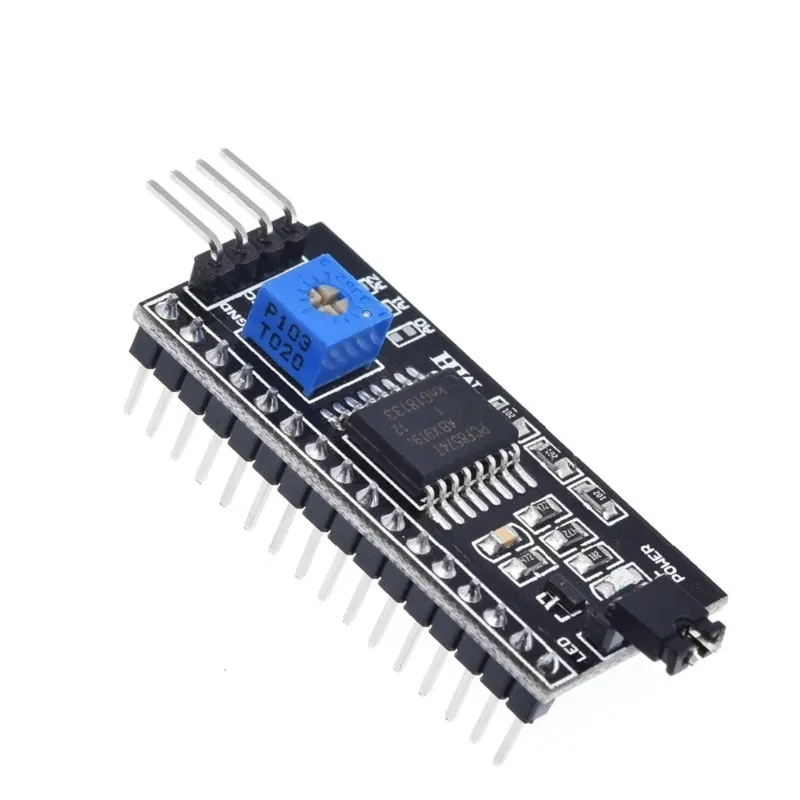
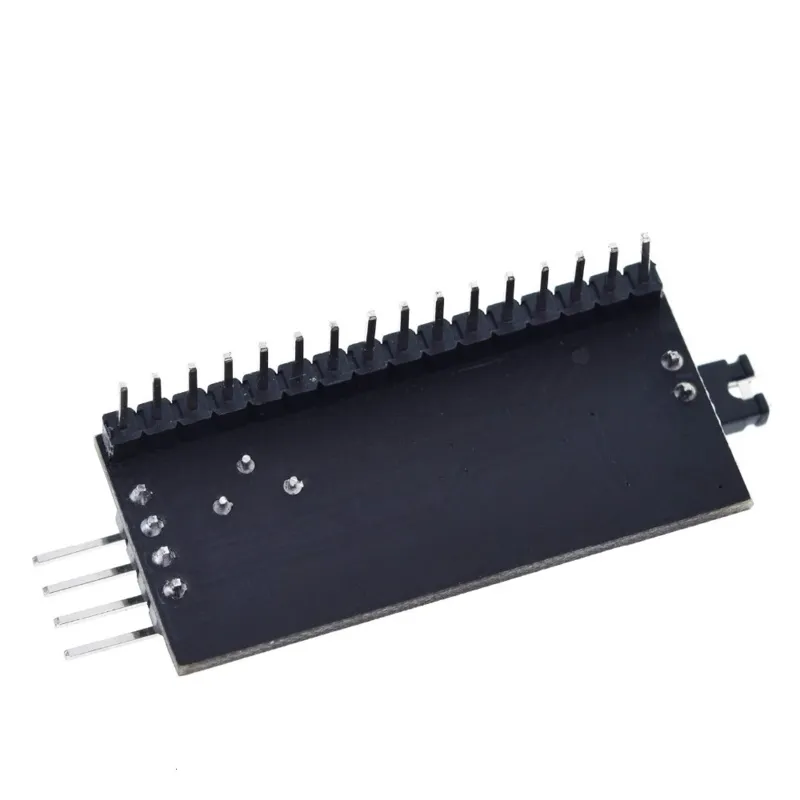
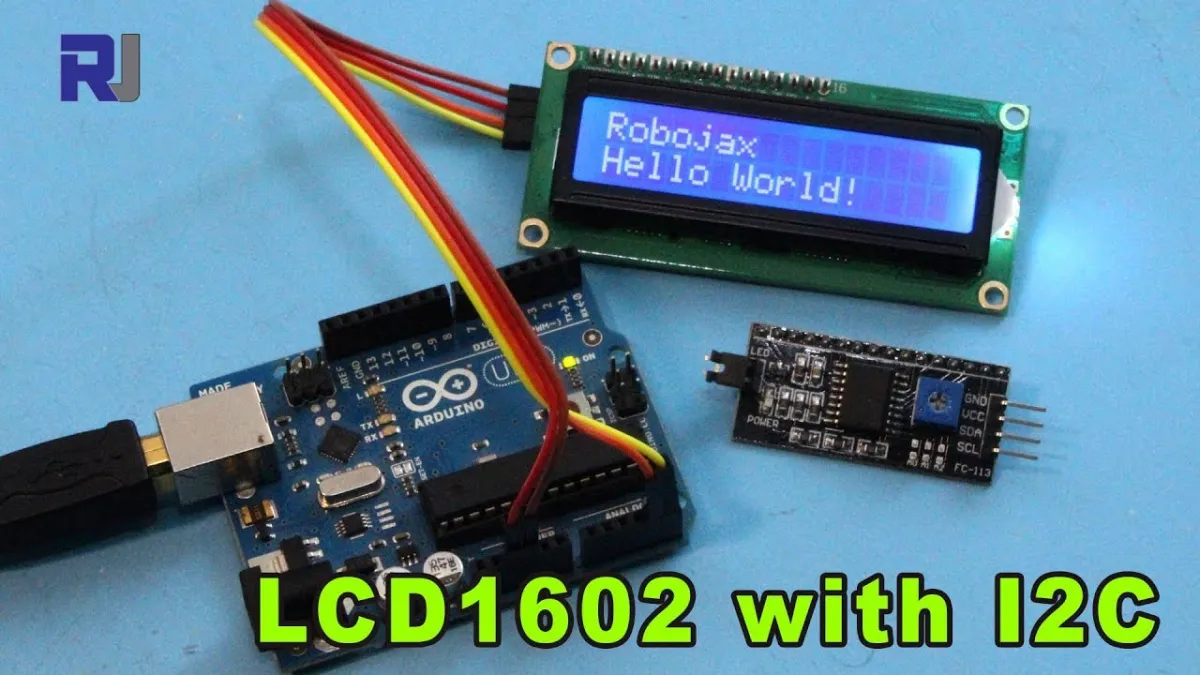
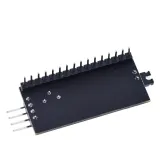
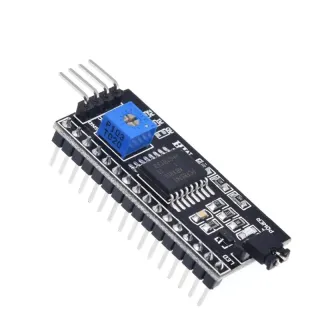
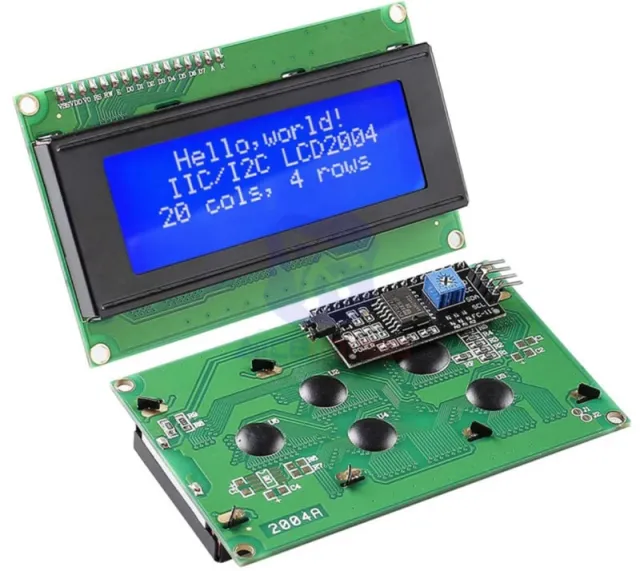
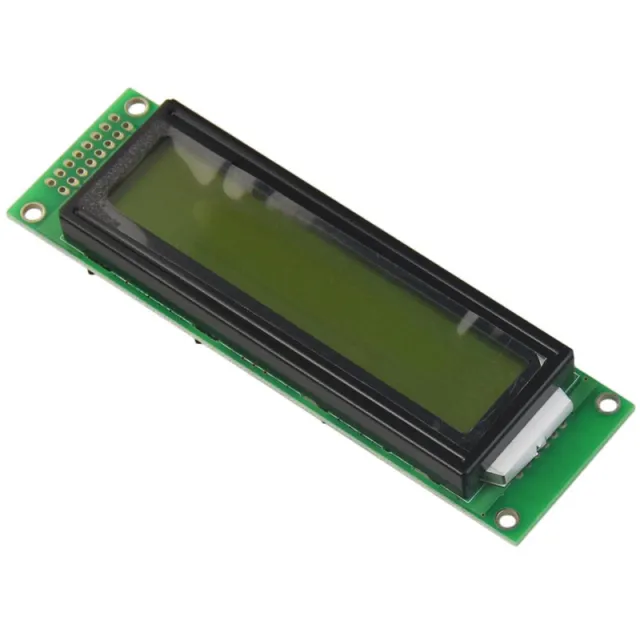
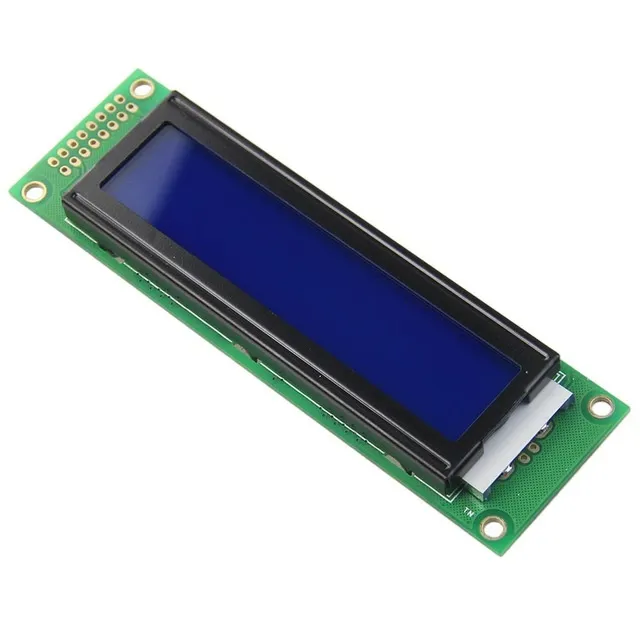
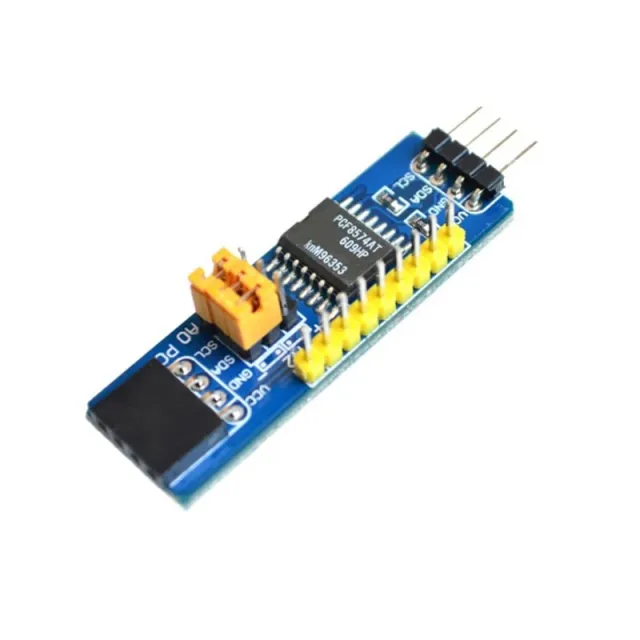
I2C adapter for 1602 or 2004 LCD displays, for those who want to control it with 2 data wires.
SKU: OT2021-D48 Article number: AA134 EAN: 4897916523855 Location: D04.08
Alternative
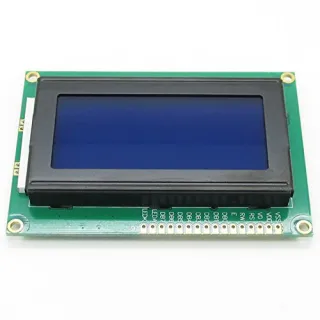
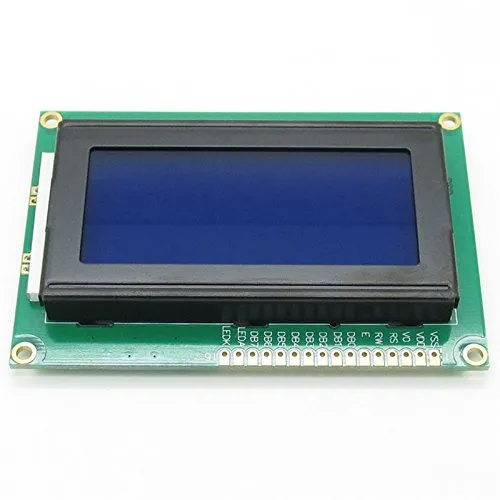
LCD 1604 display blue backlight 16x4 characters
€ 7,30
View this alternative
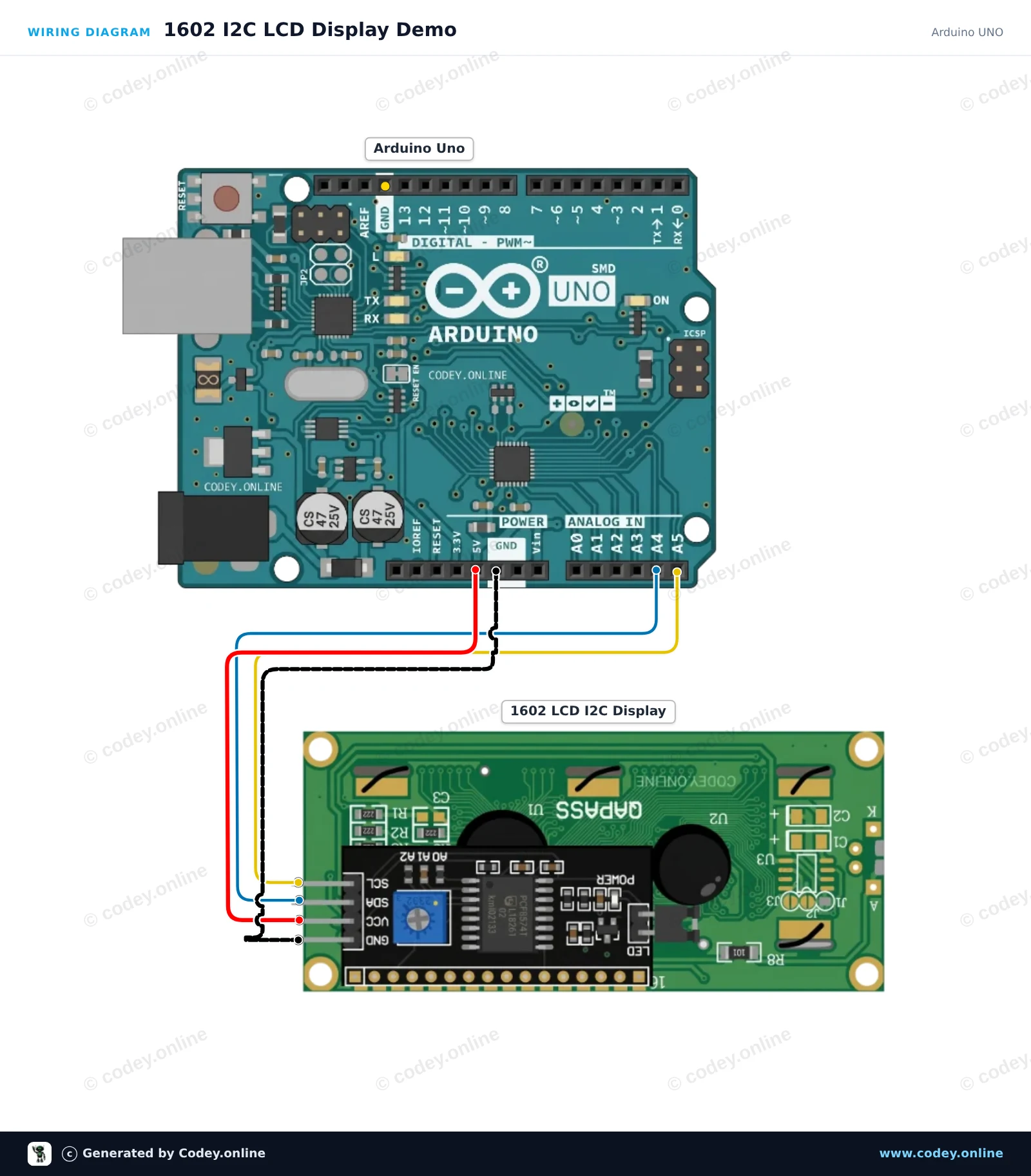
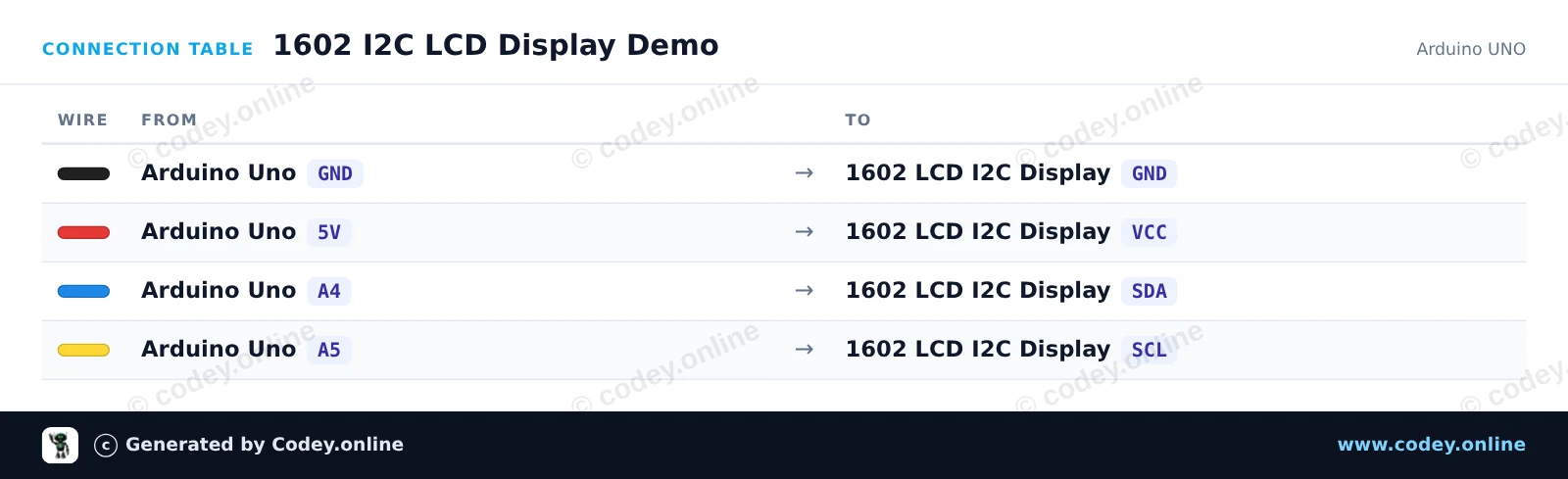
How to connect the LCD 1602/2004 I2C adapter to an Arduino UNO or ESP32, with an example sketch you can upload straight away.
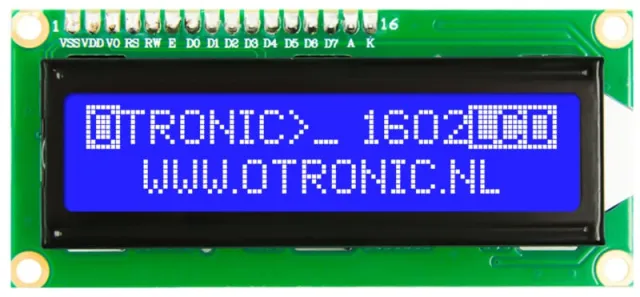
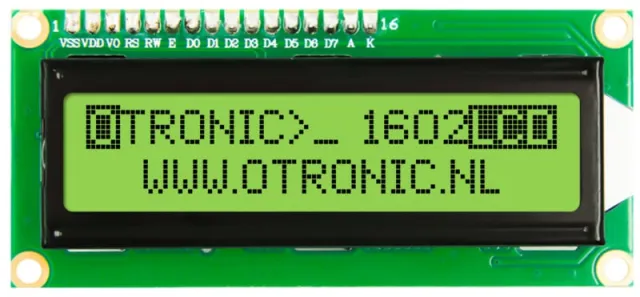
This project shows how to connect and display text on a 1602 LCD module with an I2C backpack. It initializes the display, turns on the backlight, and prints a greeting along with a live uptime counter. Adjust the potentiometer on the back of the module if the text contrast is too high or low.
/*
* ==================================================================
* Generated by Codey.online — https://www.codey.online
* ==================================================================
* Project : 1602 I2C LCD Display Demo
* Board : Arduino UNO (arduino:avr:uno)
* Parts : 1602 LCD I2C DISPLAY
* Libraries : LiquidCrystal I2C 1.1.2
*
* Codey Online is an AI-powered browser IDE for Arduino and ESP32.
* Describe your project and Codey writes the code, draws the wiring
* diagram and uploads it to your board, straight from the browser.
* This code is free to use, modify and share, without warranty.
* ==================================================================
*/
#include <Wire.h>
#include <LiquidCrystal_I2C.h>
// Most 1602 I2C modules use address 0x27 or 0x3F
LiquidCrystal_I2C lcd(0x27, 16, 2);
void setup() {
Serial.begin(115200);
lcd.init();
lcd.backlight();
lcd.setCursor(0, 0);
lcd.print("Hello, Arduino!");
lcd.setCursor(0, 1);
lcd.print("Uptime: 0s");
Serial.println(F("1602 LCD display initialized."));
}
void loop() {
static unsigned long seconds = 0;
delay(1000);
seconds++;
lcd.setCursor(8, 1);
lcd.print(seconds);
lcd.print("s ");
Serial.print(F("Uptime (s): "));
Serial.println(seconds);
}
Required libraries: LiquidCrystal I2C 1.1.2
Wiring diagram and example code generated by Codey.online — https://www.codey.online
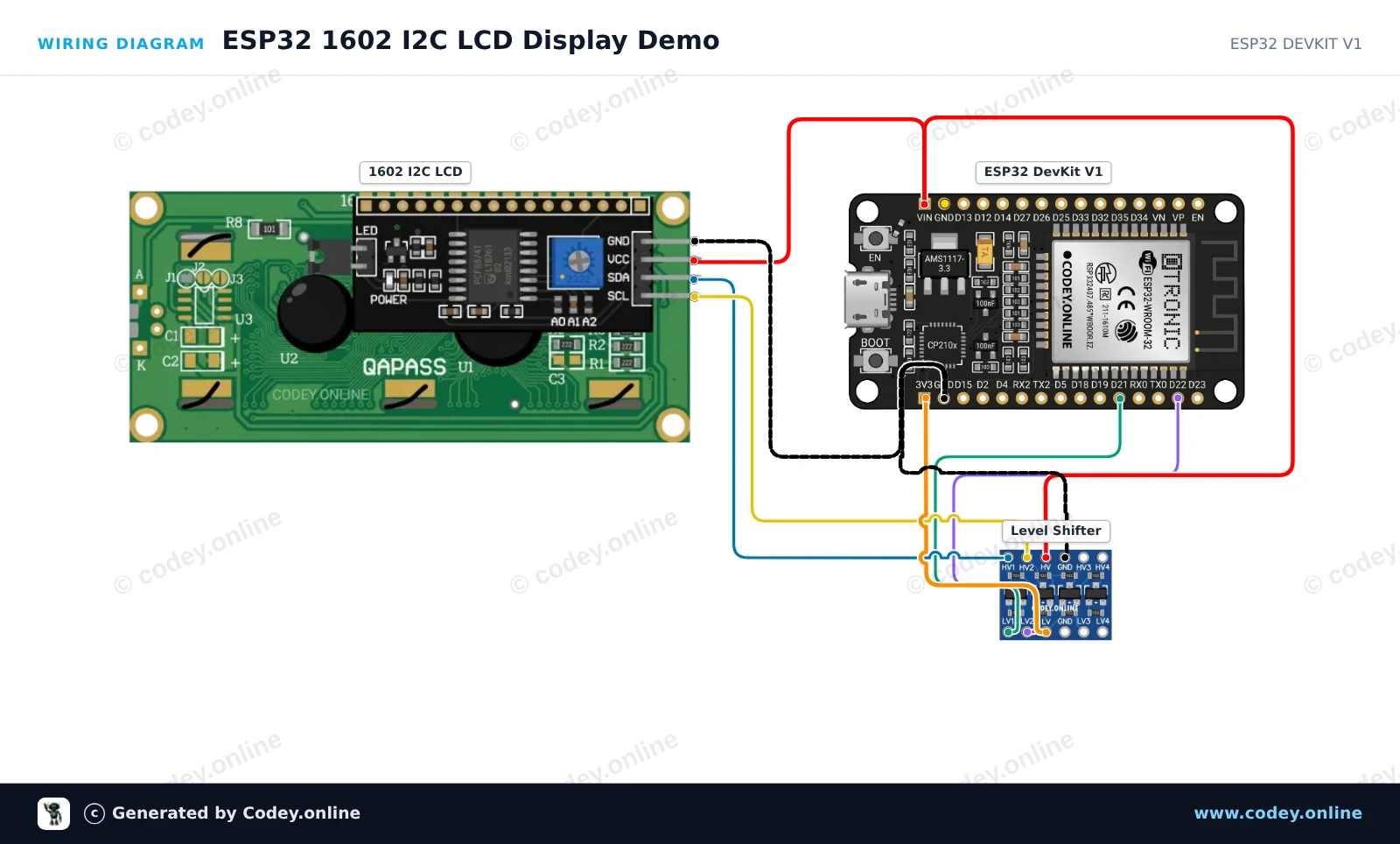
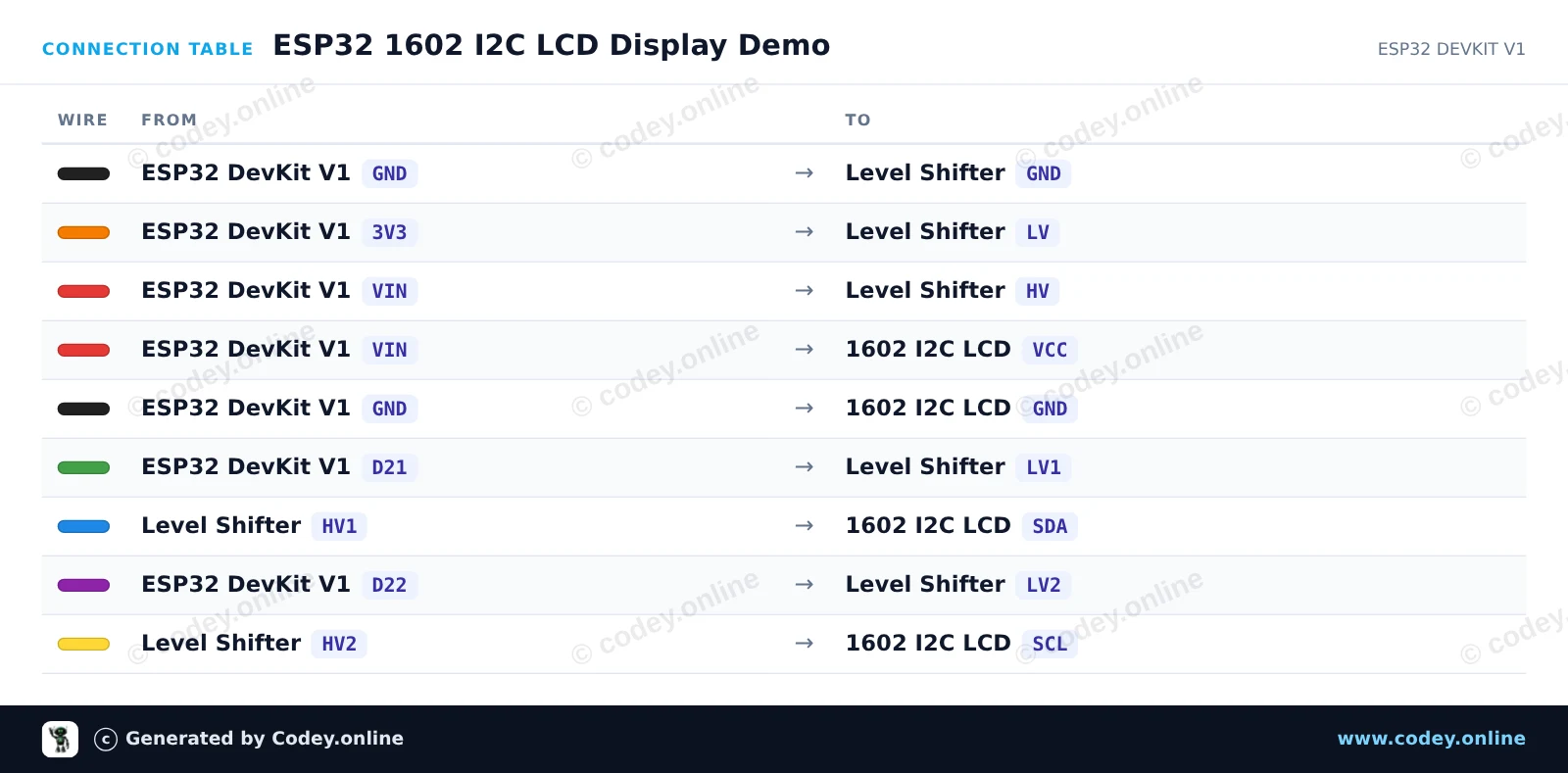
This project displays a welcome message and an uptime counter on a 1602 I2C character LCD. A 4-channel bidirectional logic level shifter is used to safely bridge the 3.3V I2C signals of the ESP32 to the 5V logic required by the LCD backpack. Once powered, the LCD will initialize and update the running seconds every second.
/*
* ==================================================================
* Generated by Codey.online — https://www.codey.online
* ==================================================================
* Project : ESP32 1602 I2C LCD Display Demo
* Board : ESP32 DEVKIT V1 (esp32:esp32:esp32doit-devkit-v1)
* Parts : 1602 LCD I2C DISPLAY
* Libraries : LiquidCrystal I2C 1.1.2
*
* Codey Online is an AI-powered browser IDE for Arduino and ESP32.
* Describe your project and Codey writes the code, draws the wiring
* diagram and uploads it to your board, straight from the browser.
* This code is free to use, modify and share, without warranty.
* ==================================================================
*/
#include <Wire.h>
#include <LiquidCrystal_I2C.h>
// Set the LCD address (commonly 0x27 or 0x3F) for a 16 chars and 2 line display
LiquidCrystal_I2C lcd(0x27, 16, 2);
void setup() {
Serial.begin(115200);
// Initialize I2C communication (SDA = GPIO 21, SCL = GPIO 22)
Wire.begin(21, 22);
// Initialize the LCD
lcd.init();
lcd.backlight();
// Print greeting
lcd.setCursor(0, 0);
lcd.print("ESP32 LCD Demo");
lcd.setCursor(0, 1);
lcd.print("Uptime: 0s");
Serial.println("1602 LCD Initialized!");
}
void loop() {
// Update uptime counter every second
static unsigned long lastUpdate = 0;
if (millis() - lastUpdate >= 1000) {
lastUpdate = millis();
unsigned long seconds = millis() / 1000;
lcd.setCursor(8, 1);
lcd.print(seconds);
lcd.print("s ");
Serial.print("Uptime: ");
Serial.print(seconds);
Serial.println(" s");
}
}
Required libraries: LiquidCrystal I2C 1.1.2
Wiring diagram and example code generated by Codey.online — https://www.codey.online
With this module you can add an I2C / IIC communication interface to your 1602 or 2004 LCD display, requiring only 2 data wires to control your LCD display.
• Supply voltage: 2,5 - 6 V
• supports the I2C protocol
• Setting the device address (A0 / A1 / A2)
• Backlight on/off
• Contrast adjustment possible
• Dimensions (LxWxH): 41,5 x 19 x 15,3 mm
Dimensions
Length: 4,55cm
Width: 1,9cm
Height: 1,5cm
| Dimensions | 41,5 x 19 x 15,3 mm |
|---|---|
| Width | 1,9 cm |
| Length | 4.55 cm |
| Supply voltage | 2,5 - 6 V |
| Height | 1.5 cm |
Better than 16 cables
Works as expected!
LCD 1602/2004 I2C adapter