Ordered on weekdays before 14:00 = shipped the same day and delivered the next day in 98% of cases. Free returns 30-day reflection period 1-year warranty

Wiring diagram and code example

How to connect the LED Matrix Module MAX7219 Green to an Arduino UNO or ESP32, with an example sketch you can upload straight away.

MAX7219 8x8 LED Matrix Display Demo

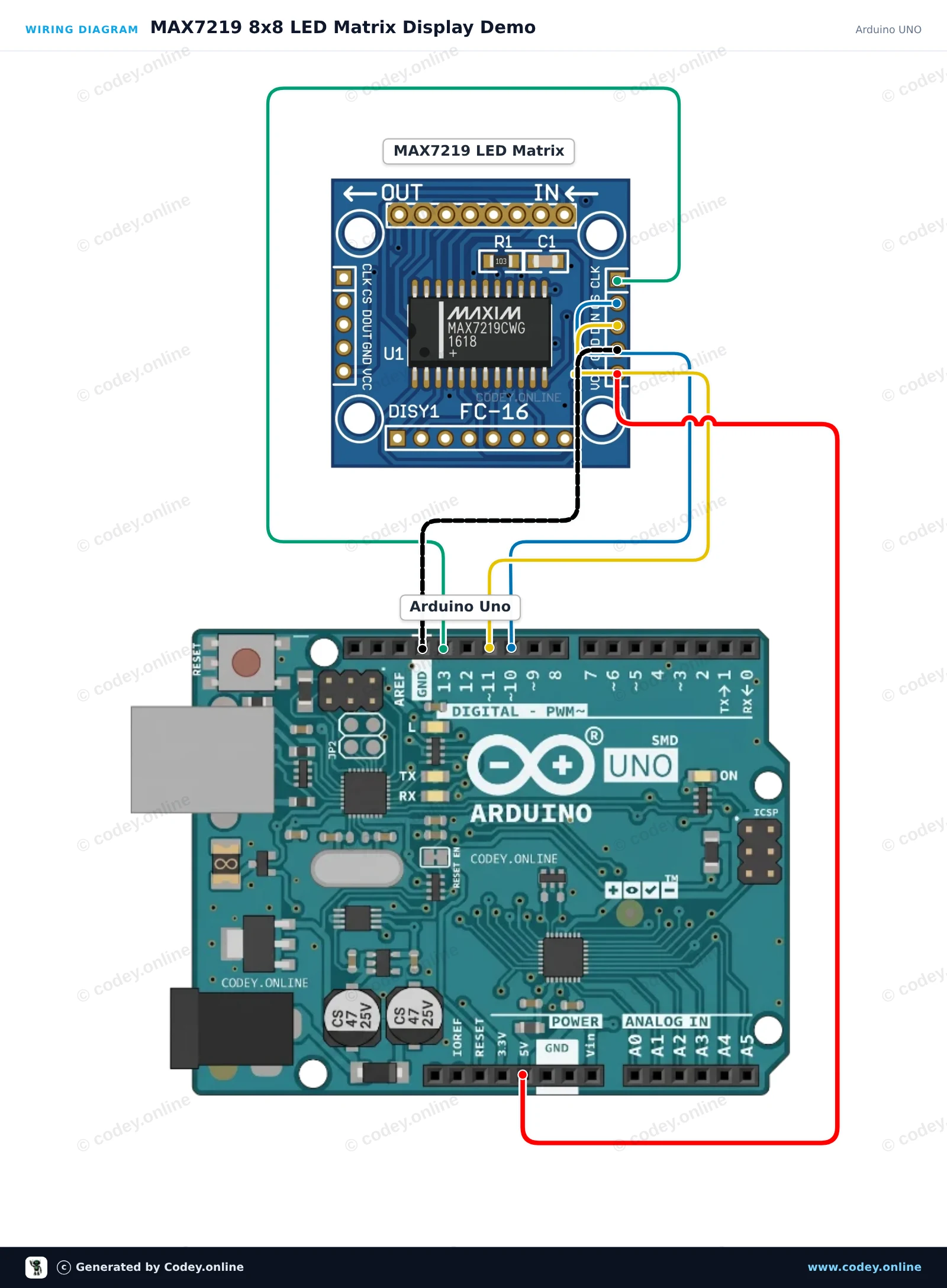
This project demonstrates how to control an 8x8 MAX7219 LED matrix with an Arduino Uno. The sketch initializes the display and cycles through displaying a heart, a smiley face, and an expanding square animation.

Wiring diagram: LED Matrix Module MAX7219 Green on an Arduino UNO
Wiring diagram · Click to enlarge
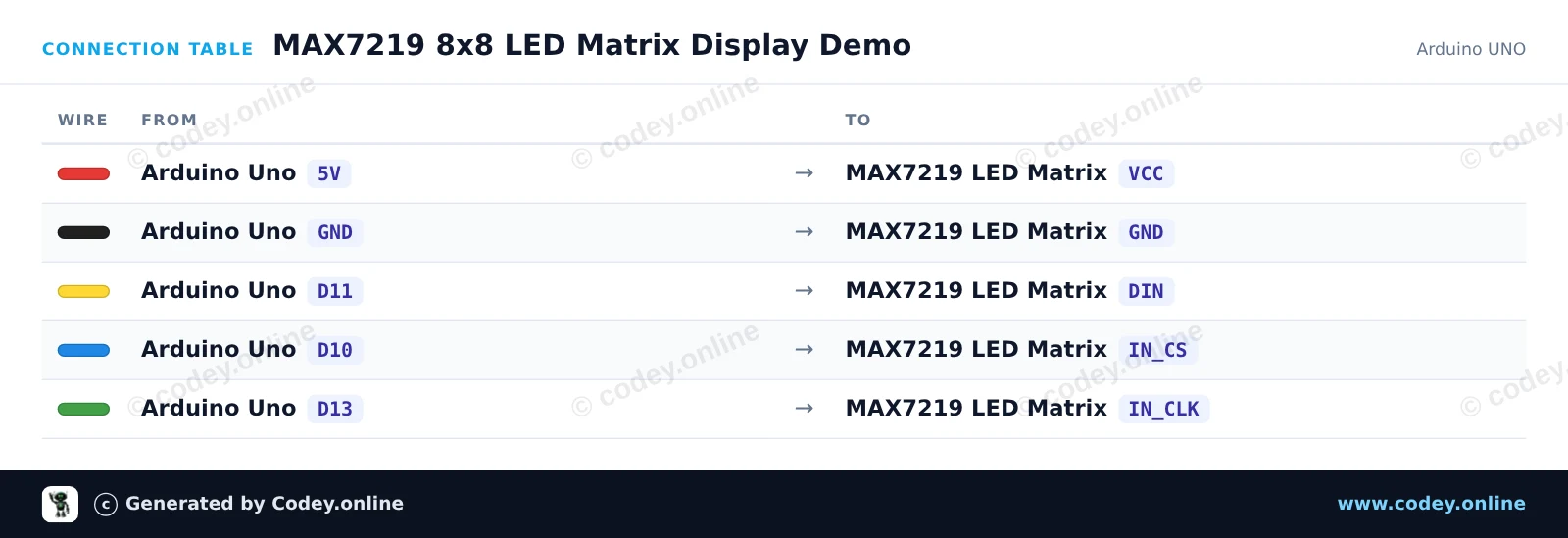
Connection table: LED Matrix Module MAX7219 Green on an Arduino UNO
Connection table · Click to enlarge
MAX7219_8x8_LED_Matrix_Display_Demo.ino · compiled and verified
/*
 * ==================================================================
 *  Generated by Codey.online  —  https://www.codey.online
 * ==================================================================
 *  Project   : MAX7219 8x8 LED Matrix Display Demo
 *  Board     : Arduino UNO (arduino:avr:uno)
 *  Parts     : LED Matrix Module MAX7219
 *  Libraries : LedControl 1.0.6
 *
 *  Codey Online is an AI-powered browser IDE for Arduino and ESP32.
 *  Describe your project and Codey writes the code, draws the wiring
 *  diagram and uploads it to your board, straight from the browser.
 *  This code is free to use, modify and share, without warranty.
 * ==================================================================
 */

#include <LedControl.h>

const int DIN_PIN = 11;
const int CS_PIN  = 10;
const int CLK_PIN = 13;

LedControl lc = LedControl(DIN_PIN, CLK_PIN, CS_PIN, 1);

const byte HEART[8] = {
  B00000000,
  B01100110,
  B11111111,
  B11111111,
  B11111111,
  B01111110,
  B00111100,
  B00011000
};

const byte SMILE[8] = {
  B00111100,
  B01000010,
  B10100101,
  B10000001,
  B10100101,
  B10011001,
  B01000010,
  B00111100
};

void displayPattern(const byte pattern[8]) {
  for (int row = 0; row < 8; row++) {
    lc.setRow(0, row, pattern[row]);
  }
}

void setup() {
  Serial.begin(115200);
  Serial.println(F("MAX7219 LED Matrix Demo"));

  lc.shutdown(0, false);  // Wake up display
  lc.setIntensity(0, 8);   // Set brightness (0-15)
  lc.clearDisplay(0);
}

void loop() {
  // Show Heart
  displayPattern(HEART);
  delay(1500);

  // Show Smile
  displayPattern(SMILE);
  delay(1500);

  // Dot scan animation
  lc.clearDisplay(0);
  for (int row = 0; row < 8; row++) {
    for (int col = 0; col < 8; col++) {
      lc.setLed(0, row, col, true);
      delay(20);
    }
  }
  delay(500);
  lc.clearDisplay(0);
  delay(300);
}

Required libraries: LedControl 1.0.6

Wiring diagram and example code generated by Codey.online — https://www.codey.online

MAX7219 8x8 LED Matrix Demo

This project uses the ESP32's hardware SPI interface to control an 8x8 MAX7219 LED matrix without requiring external libraries. The sketch initializes the display and cycles between displaying a smiley face, a heart icon, and a row-scanning animation.

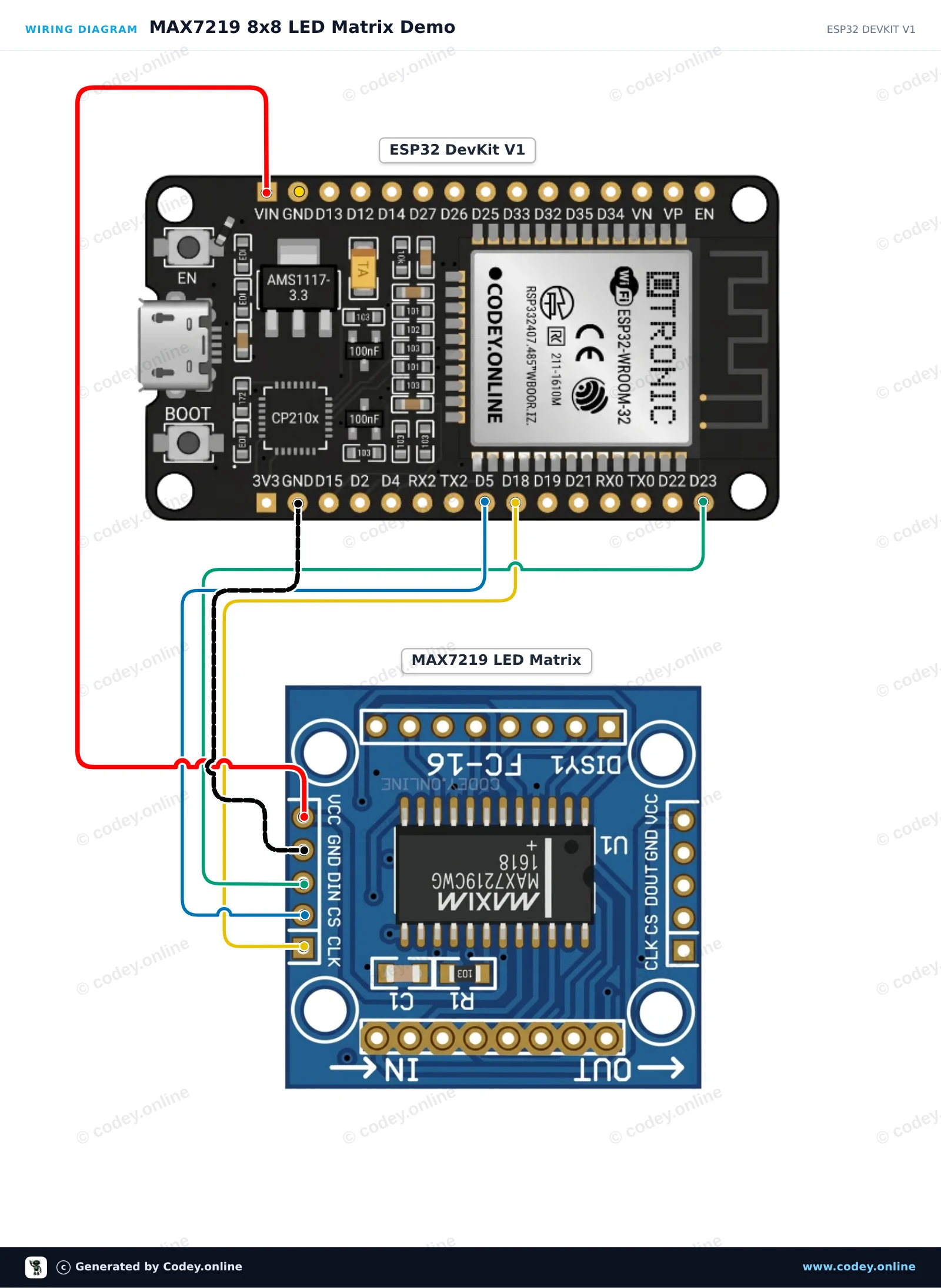
Wiring diagram: LED Matrix Module MAX7219 Green on an ESP32 DevKit V1
Wiring diagram · Click to enlarge
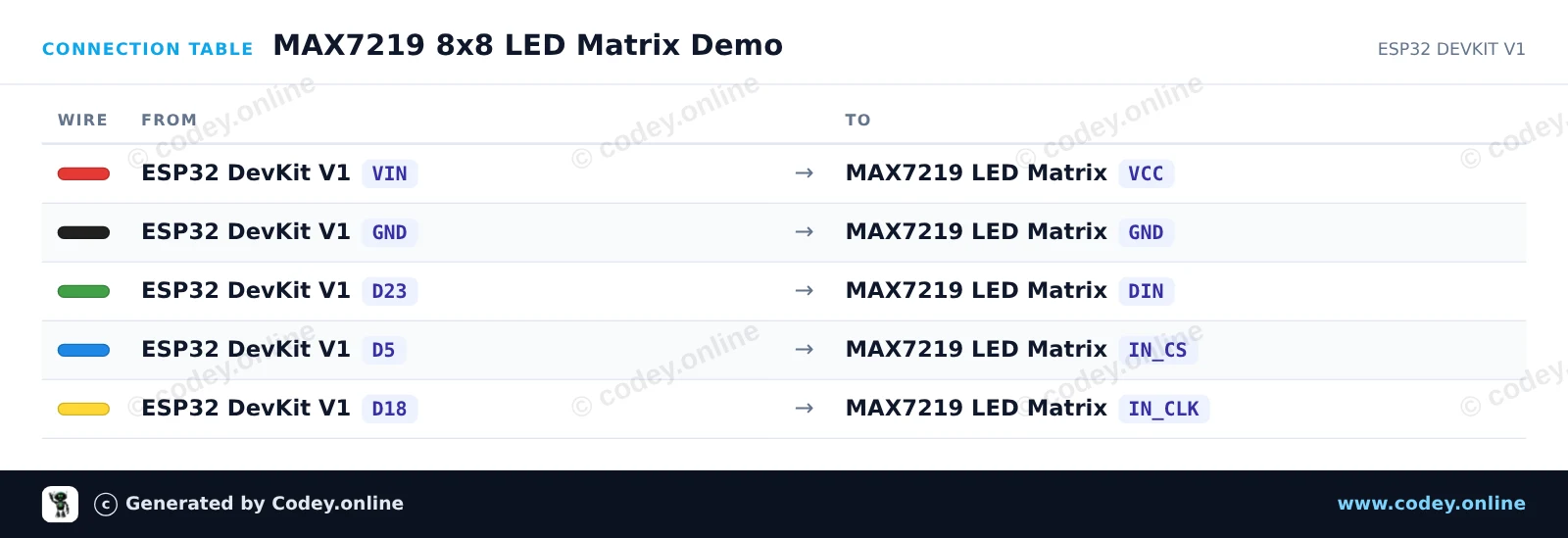
Connection table: LED Matrix Module MAX7219 Green on an ESP32 DevKit V1
Connection table · Click to enlarge
MAX7219_8x8_LED_Matrix_Demo.ino · compiled and verified
/*
 * ==================================================================
 *  Generated by Codey.online  —  https://www.codey.online
 * ==================================================================
 *  Project   : MAX7219 8x8 LED Matrix Demo
 *  Board     : ESP32 DEVKIT V1 (esp32:esp32:esp32doit-devkit-v1)
 *  Parts     : LED Matrix Module MAX7219
 *  Libraries : none (built-in)
 *
 *  Codey Online is an AI-powered browser IDE for Arduino and ESP32.
 *  Describe your project and Codey writes the code, draws the wiring
 *  diagram and uploads it to your board, straight from the browser.
 *  This code is free to use, modify and share, without warranty.
 * ==================================================================
 */

#include <SPI.h>

const int CS_PIN = 5;

// MAX7219 register addresses
const byte REG_NOOP   = 0x00;
const byte REG_DIGIT0 = 0x01;
const byte REG_DECODE = 0x09;
const byte REG_INTEN  = 0x0A;
const byte REG_SCAN   = 0x0B;
const byte REG_SHUT   = 0x0C;
const byte REG_TEST   = 0x0F;

// 8x8 Bitmaps
const byte SMILE[8] = {
  0b00111100,
  0b01000010,
  0b10100101,
  0b10000001,
  0b10100101,
  0b10011001,
  0b01000010,
  0b00111100
};

const byte HEART[8] = {
  0b00000000,
  0b01100110,
  0b11111111,
  0b11111111,
  0b11111111,
  0b01111110,
  0b00111100,
  0b00011000
};

void max7219Send(byte reg, byte data) {
  digitalWrite(CS_PIN, LOW);
  SPI.transfer(reg);
  SPI.transfer(data);
  digitalWrite(CS_PIN, HIGH);
}

void clearDisplay() {
  for (byte i = 1; i <= 8; i++) {
    max7219Send(i, 0x00);
  }
}

void displayBitmap(const byte bitmap[8]) {
  for (byte i = 0; i < 8; i++) {
    max7219Send(i + 1, bitmap[i]);
  }
}

void setup() {
  Serial.begin(115200);
  pinMode(CS_PIN, OUTPUT);
  digitalWrite(CS_PIN, HIGH);

  // Initialize hardware SPI (SCK=18, MISO=19, MOSI=23, SS=5)
  SPI.begin(18, 19, 23, CS_PIN);

  // Configure MAX7219 registers
  max7219Send(REG_TEST, 0x00);   // Normal operation (display test off)
  max7219Send(REG_SCAN, 0x07);   // Scan all 8 digits/rows
  max7219Send(REG_DECODE, 0x00); // Raw matrix mode (no BCD decoding)
  max7219Send(REG_INTEN, 0x04);  // Medium brightness (0x00 to 0x0F)
  max7219Send(REG_SHUT, 0x01);   // Normal operation (wake up)
  clearDisplay();

  Serial.println("MAX7219 LED Matrix ready!");
}

void loop() {
  // Show Smiley Face
  displayBitmap(SMILE);
  delay(2000);

  // Show Heart Icon
  displayBitmap(HEART);
  delay(2000);

  // Row scan animation
  clearDisplay();
  for (byte r = 1; r <= 8; r++) {
    max7219Send(r, 0xFF);
    delay(100);
    max7219Send(r, 0x00);
  }
}

Wiring diagram and example code generated by Codey.online — https://www.codey.online

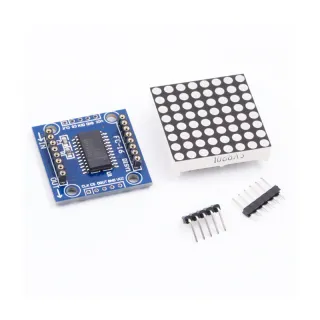
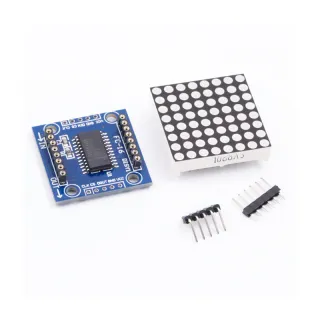
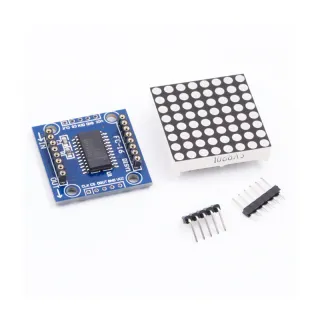
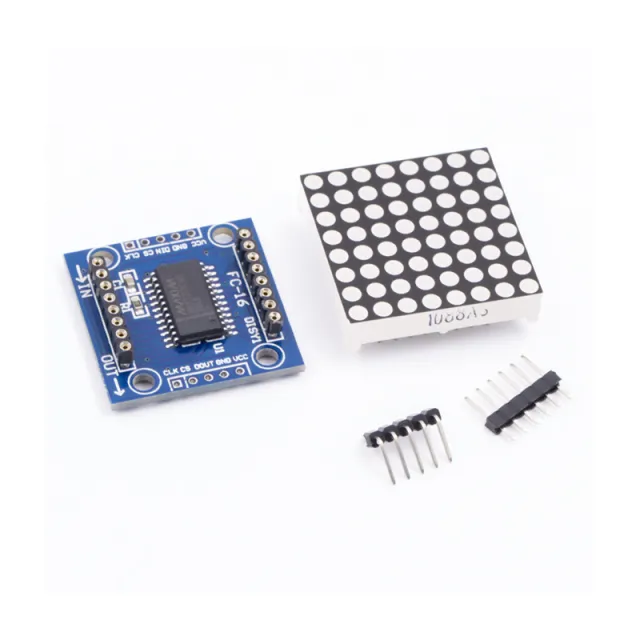
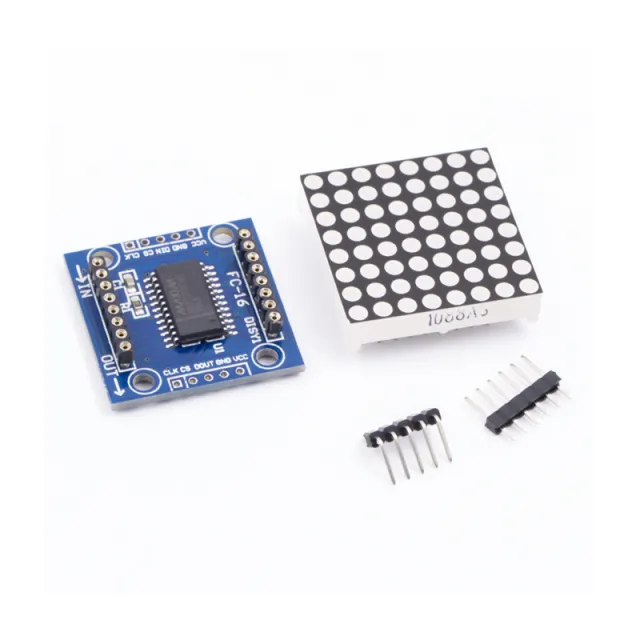
LED Matrix Module MAX7219 Green

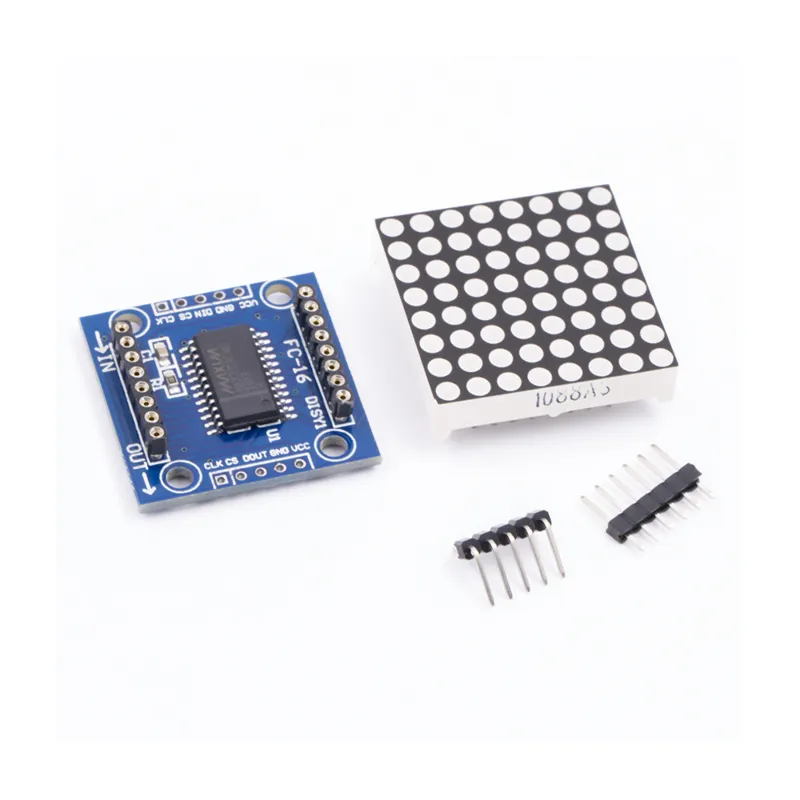
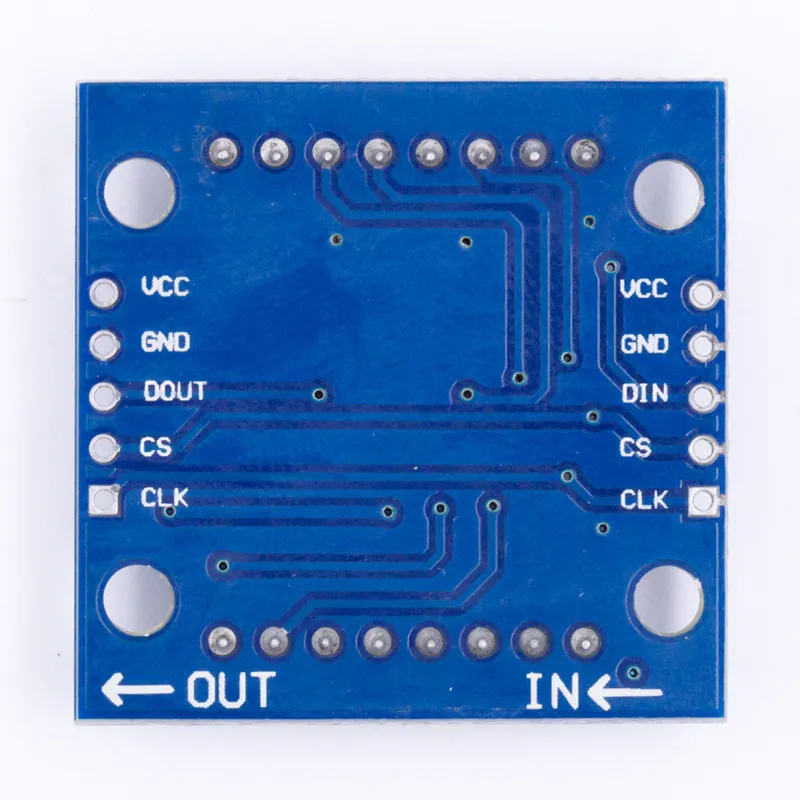
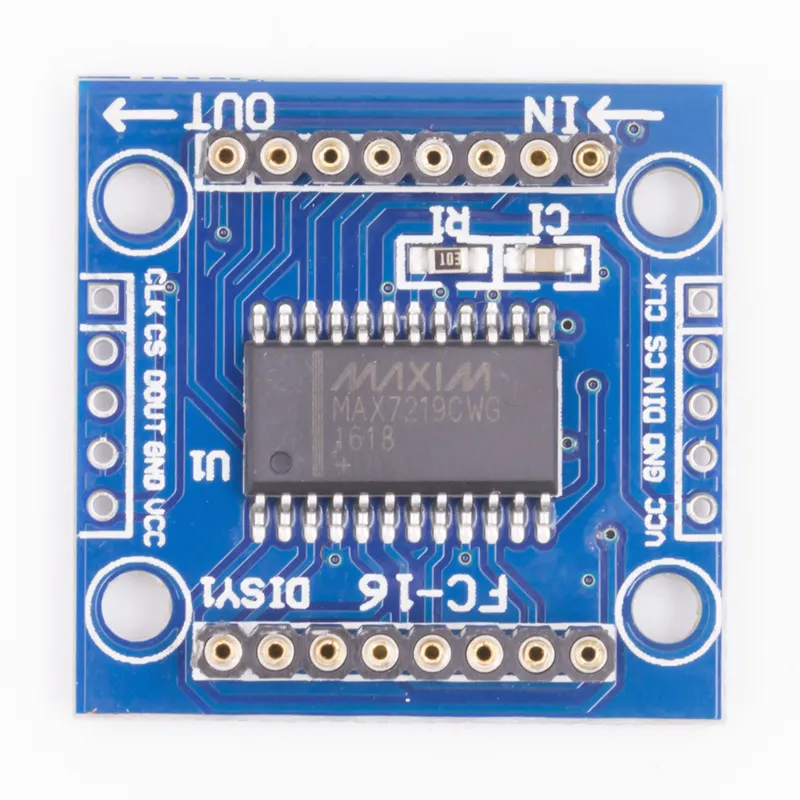
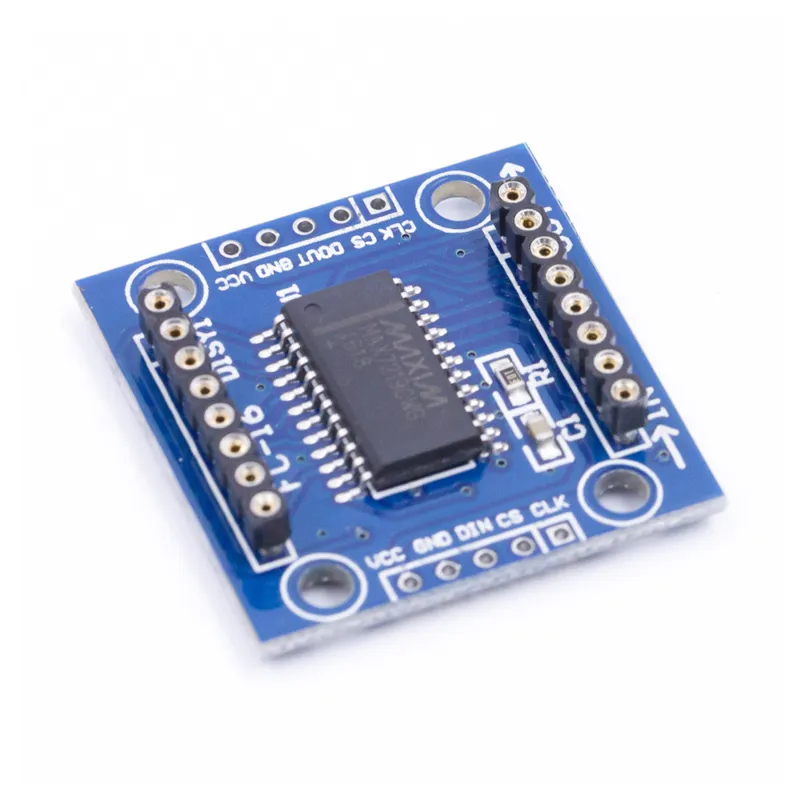
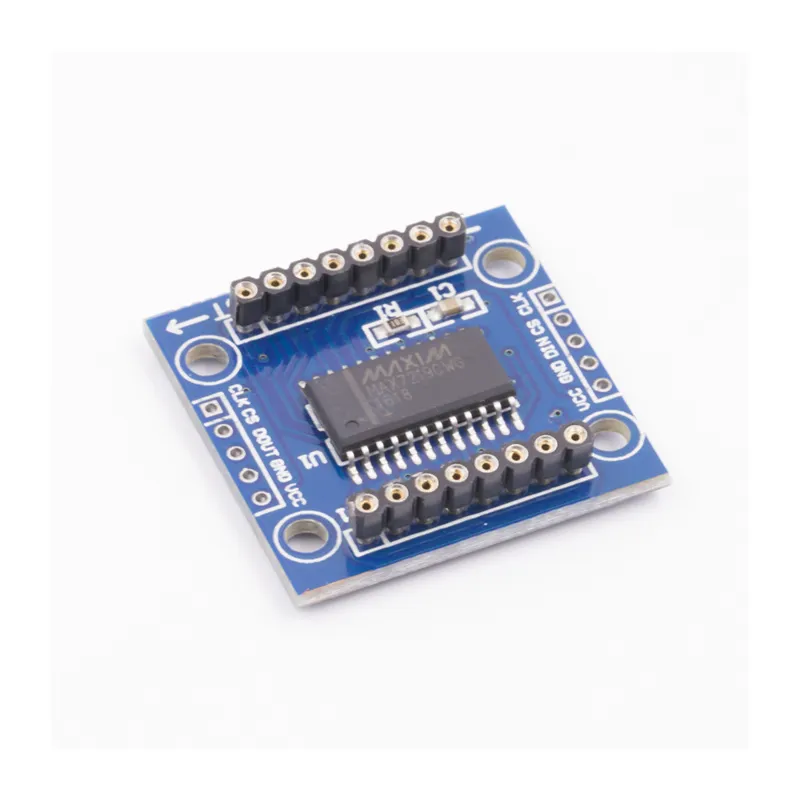
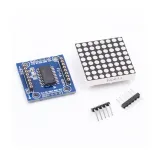
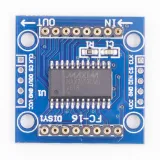
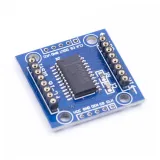
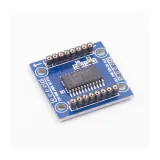
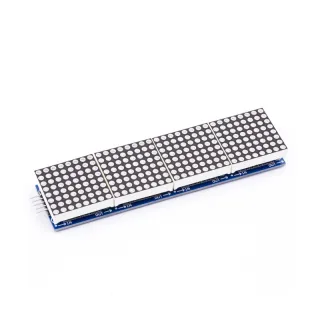
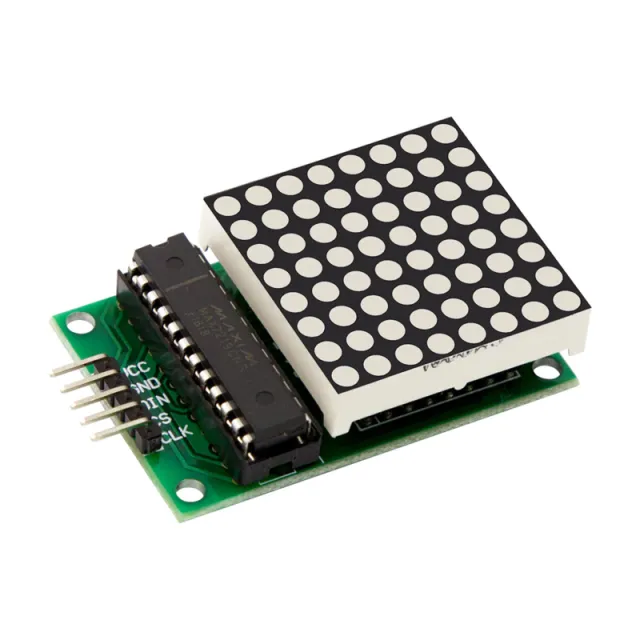
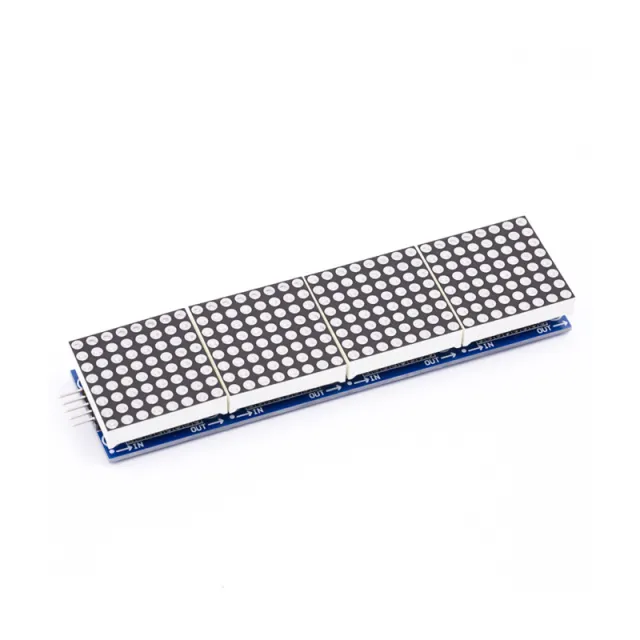
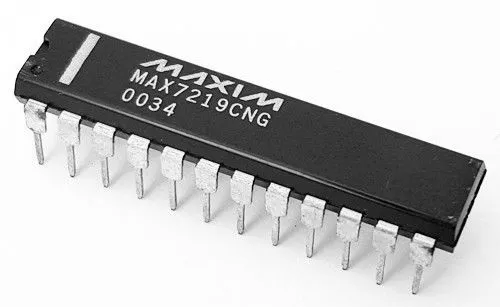
MAX7219 is an IC used for controlling LED panels with common cathode, 7-segment displays, and level indicators that communicate via the SPI interface. This board features an 8x8 dot matrix LED display. Multiple modules can be cascaded using header connections.

Specifications:

  • 8x8 common cathode display
  • Operating voltage: 5V
  • Operating current: 250mA (MAX)
  • Interface logic voltage: 5V
  • Interface type: SPI
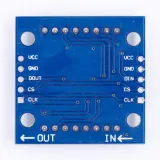
  • Connections: VCC, GND, DIN, CS, CLK
  • Compatibility: Compatible with Arduino UNO R3 / Arduino Mega2560.
  • Libraries for Arduino: Max72xxPanel and Adafruit_GFX
  • LED color: green
  • LED size: 5 mm
  • Number of cascadeable nodes: 32 (MAX)
  • Driver IC: MAX7219
  • Very suitable for Arduino DIY projects
  • Dimensions: 3.2 cm x 3.2 cm x 1.3 cm
  • 4x3 mm mounting holes
  • MAX7219 driver
  • SPI interface
  • Arduino compatible
  • 8x8 display

Why choose this product?

  • Suitable for Arduino – Compatible with UNO R3 and Mega2560.
  • Daisy-chainable design – Connect multiple modules via header connections.
  • SPI interface – Works via the SPI interface.
  • Supported libraries – Max72xxPanel and Adafruit_GFX are mentioned.
  • Green LEDs – Equipped with green LEDs.
Specifications
Dimensions3.2 cm x 3.2 cm x 1.3 cm
Operating voltage5V
Resolution8 x 8
CompatibilityCompatible with Arduino UNO R3 / Arduino Mega2560
Driver ICMAX7219
Interface logic voltage5V
Interface typeSPI
ConnectionsVCC, GND, DIN, CS, CLK
Arduino librariesMax72xxPanel and Adafruit_GFX
LED colorgreen
LED size5 mm
Number of cascadeable nodes32 (MAX)
Display typecommon cathode display
Mounting holes4 x 3 mm
Operating current250mA (MAX)

Frequently bought together

Total: € 14,95

Reviews

No reviews yet.

Write a review
Your rating

Shipping & returns

Shipping

  • Parcel with track & trace€ 7,70Within 24 hours
  • Pick up at PostNL location€ 7,40Within 24 hours
  • Letterbox parcel€ 3,70Within 2 business days
  • Letterbox parcel 24 hours€ 4,55Within 24 hours
  • Pick up in storeFree
All about shipping

Returns

Not satisfied? You have 30 days after delivery to return the product.

All about returns

Recently viewed

RGB Sensor Module TCS34725

RGB Sensor Module TCS34725

€ 5,05
TCRT5000 module optical sensor

TCRT5000 module optical sensor

€ 1,60
GUVA-S12SD UV Sensor Module

GUVA-S12SD UV Sensor Module

€ 4,25
Water turbidity sensor

Water turbidity sensor

€ 13,50
ESP-01 ESP8266 module

ESP-01 ESP8266 module

€ 3,75